You spent $3,000 furnishing your Airbnb but your listing photos look like they were taken on a Tuesday afternoon with a tired phone camera. The space is genuinely beautiful — the photos just don't show it. That gap between reality and what guests see in search results is exactly where airbnb listing photos ai tools can close the distance.
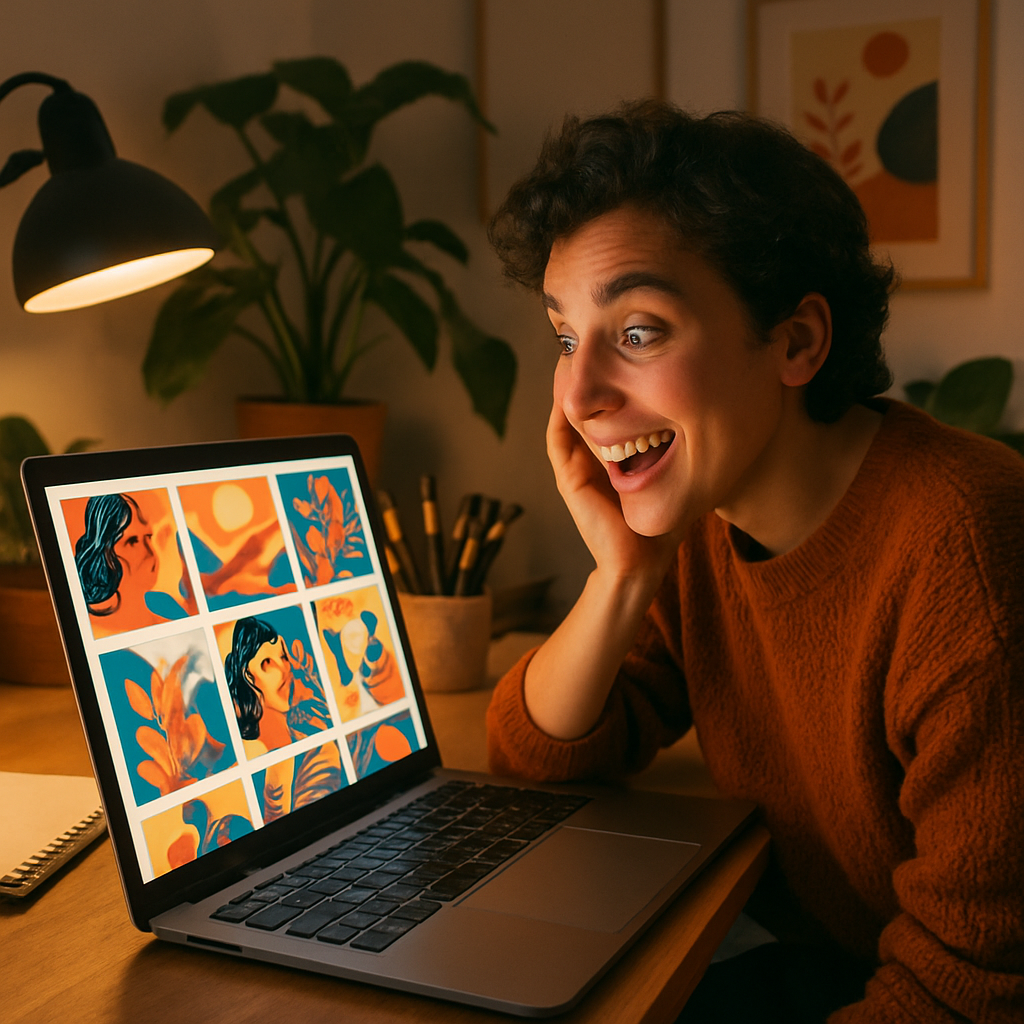
Quick answer: AI image generators let you create or enhance Airbnb listing visuals that look professionally staged and lit — in seconds, for a few cents per image. No subscription, no photographer scheduling, no waiting a week for edited shots.
Why Your Airbnb Photos Are Costing You Bookings
Poor listing photos are the single biggest reason guests scroll past an otherwise great property. Airbnb's search algorithm weights click-through rate heavily, and click-through rate is almost entirely driven by your cover photo. A dim, cluttered, or flat image signals "mediocre stay" before a guest reads a single word of your description.
Professional real estate photographers charge between $150 and $400 per shoot — and that's before you factor in rescheduling when the weather is wrong or your cleaner runs late. For a seasonal rental or a host managing one or two properties, that cost adds up fast across the year.
AI-generated visuals let you sidestep the scheduling, the cost, and the weather entirely.
What AI Can Actually Do for Listing Photos
AI image generation covers three practical use cases for Airbnb hosts: ideation, supplemental visuals, and virtual staging concepts.
- Ideation — Generate what your space could look like with a different furniture arrangement, lighting setup, or seasonal decor before you spend money making changes.
- Supplemental visuals — Create lifestyle-adjacent images (a coffee cup on a well-lit table, a sunset view from an idealized angle) that set mood without replacing your real property shots.
- Virtual staging concepts — Show an empty or sparsely furnished room as it would appear fully staged, so guests can picture themselves there.
None of these require you to own a camera or wait for a photographer. You describe the scene in plain English and receive a finished image in seconds.
How to Write Prompts That Produce Editorial-Quality Room Photos
The difference between a generic AI interior photo and a compelling listing image comes down to prompt specificity. Vague prompts produce vague results. The more detail you give — room type, lighting, style, time of day, mood — the closer your output lands to what you'd pay a photographer to capture.
Here's a prompt structure that works:
[Room type], [furniture style], [lighting condition], [time of day], [mood or atmosphere], interior photography, editorial quality, wide-angle lens
And here's a real, copy-able example:
Cozy master bedroom, Scandinavian minimalist furniture, warm golden hour light streaming through linen curtains, late afternoon, calm and inviting atmosphere, interior photography, editorial quality, wide-angle lens
Run three or four variations of that prompt — swap "golden hour" for "bright overcast morning light," or change "Scandinavian minimalist" to "mid-century modern" — and you'll have a set of polished visuals in under five minutes.
Try this prompt at ATXP Pics →
Comparing the Cost: AI vs. Traditional Photography vs. Subscription Tools
For hosts who generate fewer than 20 images a month, pay-per-image AI is almost always the most cost-effective option. Here's how the math breaks down:
| Option | Cost | Images | Cost per Image | |---|---|---|---| | Professional photographer | $150–$400/shoot | 20–40 edited | $5–$20 | | Midjourney Basic subscription | $10/month | ~150 | ~$0.07 | | ATXP Pics | Pay per image | As many as you need | A few cents | | Midjourney (5 images/month) | $10/month | 5 | $2.00 |
The subscription model punishes casual users. If you're refreshing your listing photos for a seasonal promotion or a single new property, you don't need 150 images a month — you need 8 great ones. No subscription means your balance never expires and you pay only for what you actually use.
A Simple Workflow for Enhancing Your Listing's Visual Appeal
You can go from blank page to a full set of AI-assisted listing visuals in about 30 minutes. Here's the workflow:
- Audit your current photos. Identify your weakest images — typically bathrooms, transitional spaces, or any room with poor natural light.
- Write one prompt per room. Use the structure above. Be specific about the style your property is already decorated in so the AI output matches your real aesthetic.
- Generate 3–5 variants per room. Pick the strongest one. Discard the rest — you're only paying cents per image, so iteration is cheap.
- Use AI images as supplemental or mood photos. Place them after your primary real photos. Many hosts add an AI-generated "neighborhood vibe" or "morning coffee on the balcony" image as a storytelling shot late in their photo stack.
- Update your cover photo last. Your cover is your highest-leverage asset. Swap it only when you have something demonstrably better.
For hosts who also sell branded merchandise or create print-on-demand items tied to their property, the same workflow applies — explore AI image generation for product visuals to extend your brand beyond the listing itself.
What to Avoid When Using AI for Airbnb Photos
The one firm rule: never use AI-generated images to misrepresent your actual property. Showing a sun-drenched ocean view when your rental faces a parking lot is a fast path to bad reviews, refund requests, and account suspension.
The smart use of AI is additive, not deceptive:
- Use AI visuals to show potential and atmosphere, not to replace accurate property photos
- Label AI-generated or virtually staged images if your platform requires it
- Keep your primary listing photos real — then let AI fill in the storytelling gaps
Used this way, AI-generated listing visuals are no different from the professional staging and post-processing that high-end real estate photographers have always used. You're just doing it faster and for a fraction of the cost.
Make Every Room Look Booked-Out Worthy
Your Airbnb property deserves photos that actually reflect the experience guests will have when they arrive. With AI, you can generate polished, editorial-quality room visuals for a few cents each — no subscription, no photographer schedule, no waiting.
Start with one room that's been holding your listing back, write a specific prompt, and generate five variants. You'll have a better photo in under three minutes.