You have a character fully formed in your mind — the look, the vibe, the style — but no way to put it on screen without a commission queue or a design degree. An AI anime portrait generator solves that in seconds. This guide walks you through how to write prompts that actually work, what style details to include, and how to get consistent, usable results without paying a monthly fee you'll forget to cancel.
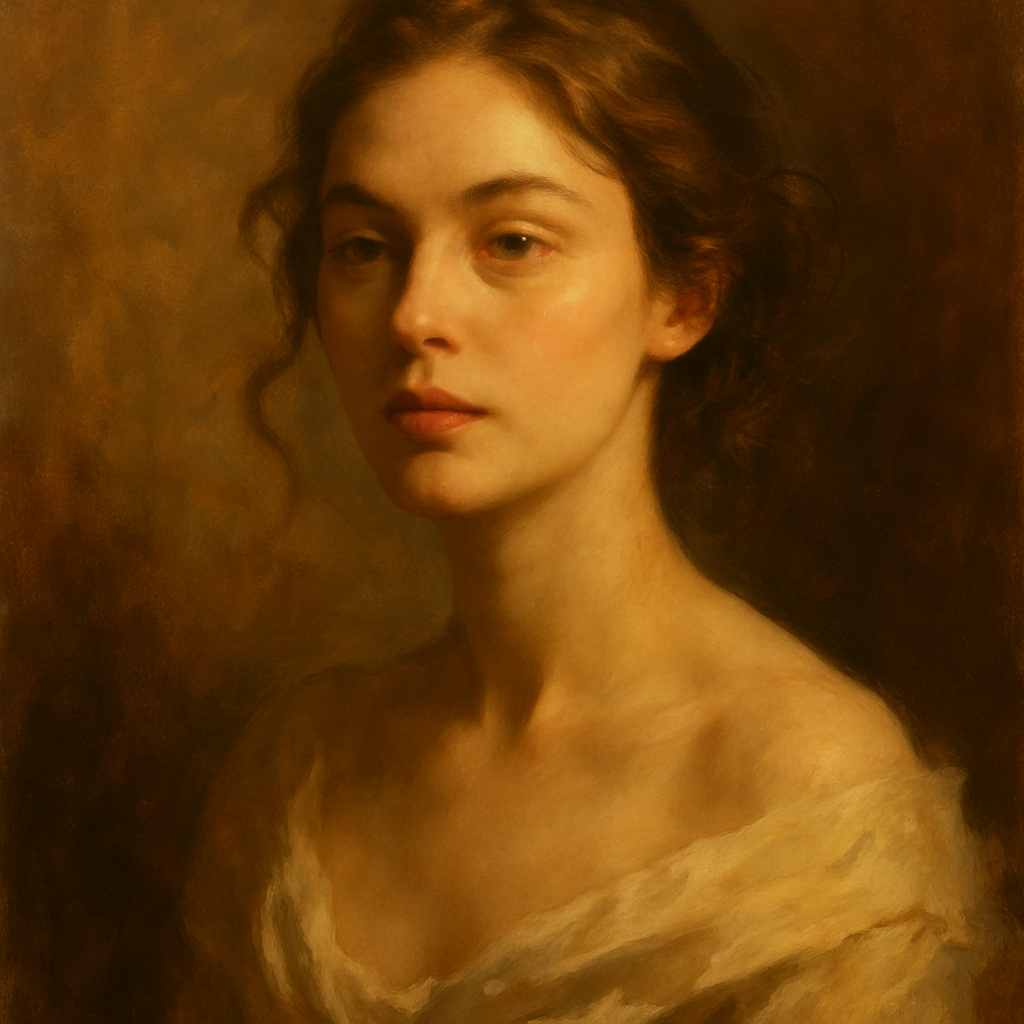
Quick answer: Type a detailed description of your character into an AI portrait generator — include hair, eyes, expression, outfit, and art style — and you'll have a finished anime portrait in under a minute. No subscription required on ATXP Pics, where you pay a few cents per image and your balance never expires.
What Makes a Good Anime Portrait Prompt
The single biggest factor in your output quality is how specifically you describe the character. Vague prompts like "anime girl with blue hair" produce generic results. Specific prompts that describe expression, lighting, clothing, and art sub-style produce portraits that actually match what's in your head.
Think of your prompt in four layers:
- Character identity — gender, apparent age, hair color and length, eye color
- Expression and mood — smiling, serious, melancholy, fierce, dreamy
- Visual style — shonen action style, soft shojo, cel-shaded, watercolor manga, dark fantasy anime
- Scene context — close-up portrait, outdoors in golden hour, dramatic rim lighting, plain background
You don't need all four every time, but using at least three layers reliably produces stronger results.
Step-by-Step: Generating Your First Anime Portrait
Follow these steps and you'll have a finished portrait in under two minutes.
Step 1 — Define the character before you type anything
Spend 30 seconds writing down the traits that matter most. Hair color, eye color, one defining expression, one clothing detail. Having this list ready prevents the blank-prompt problem.
Step 2 — Build your prompt in layers
Start with the most important visual detail, then add style, then mood, then context. Order matters — elements listed first tend to have more influence on the output.
Step 3 — Paste the prompt and generate
Go to ATXP Pics AI Portrait Generator →, type or paste your prompt, and generate. You'll have a result in seconds.
Step 4 — Iterate with one change at a time
If the first result isn't quite right, change one element — not five. Swap the lighting description, adjust the art style name, or add a clothing detail. Changing everything at once makes it hard to know what improved the result.
Step 5 — Save the prompt that worked
When you get a result you like, copy the exact prompt into a notes file. Reusing a working prompt — with small variations — is the fastest way to build a consistent character across multiple images.
Prompt Examples You Can Copy Right Now
These are real, usable prompts — paste them directly or modify to match your character.
Shojo protagonist: "Portrait of a teenage girl with long silver hair and violet eyes, soft expression, wearing a school uniform with a floral scarf, warm afternoon light, pastel shojo manga art style, close-up, white background"
Dark fantasy warrior: "Close-up portrait of a young man with short black hair and amber eyes, intense expression, scarred cheek, wearing dark armor with gold trim, dramatic side lighting, dark fantasy anime style, moody atmosphere"
Slice-of-life side character: "Portrait of a middle-aged man with messy brown hair and round glasses, warm smile, wearing a cozy knit sweater, soft indoor lighting, slice-of-life anime art style, slightly desaturated colors"
Each prompt follows the four-layer structure: identity, expression, style, context. Adjust any layer to fit your character.
Common Mistakes That Produce Weak Results
The most common mistake is using style words that are too broad. "Anime style" covers hundreds of distinct visual languages. Naming a specific sub-style — cel-shaded, watercolor manga, shonen action, dark fantasy — gives the generator a much sharper target.
Other mistakes worth avoiding:
- Conflicting style signals — asking for "realistic" and "anime" in the same prompt often produces a muddled result. Pick one direction.
- Skipping lighting — lighting is one of the fastest ways to change the mood of a portrait. "Soft diffused light" and "dramatic rim lighting" will produce completely different feels for the same character.
- Over-describing the background — for portraits, keep the background simple or plain. A busy background competes with the character's face.
- Changing everything between iterations — you lose track of what's working. One change per iteration.
What Anime Portrait Generation Costs
Paying a monthly subscription to make occasional anime portraits is one of the most expensive ways to use AI image tools. The math is straightforward:
| Platform | Monthly cost | Images/month | Cost per image | |---|---|---|---| | Midjourney Basic | $10/mo | 5 images | $2.00/image | | Midjourney Basic | $10/mo | 20 images | $0.50/image | | Midjourney Basic | $10/mo | 150 images | $0.07/image | | ATXP Pics | No subscription | Any amount | A few cents/image |
The Midjourney math only works in your favor if you're generating 100+ images every single month without fail. For most people — a character concept here, a profile picture there, a batch for a project — pay-per-image is significantly cheaper, and you're never charged for months you don't create anything.
Generate anime portraits without a subscription →
Style Reference: Anime Sub-Styles Worth Naming in Your Prompts
Different anime art traditions produce dramatically different portraits. Using the right style name in your prompt is one of the fastest ways to improve results.
| Style name | Visual characteristics | |---|---| | Shojo | Soft lines, large expressive eyes, pastel colors, romantic lighting | | Shonen | Bold linework, dynamic expressions, high contrast, energetic feel | | Cel-shaded | Flat color fills with hard shadows, classic TV anime look | | Dark fantasy anime | High contrast, muted palette, detailed textures, dramatic lighting | | Watercolor manga | Loose linework, soft washes of color, sketch-like quality | | Chibi | Exaggerated proportions, oversized head, simplified features, cute tone |
Add the style name from this table directly into your prompt for sharper, more consistent results.
Start With One Character
The fastest way to learn what works is to build one character across three or four iterations — not to try a different concept every time. Pick a character you actually care about, write a prompt using the four-layer structure above, generate, adjust one thing, and generate again. By the fourth iteration you'll have a clear sense of how prompt changes affect the output — and you'll have a portrait you actually want to use.