You need a profile picture that looks sharp on LinkedIn, fits the vibe on Discord, and still reads well as a tiny circle on Instagram. An AI avatar generator lets you create the right look for each platform in minutes, without booking a photographer or opening Photoshop. This guide walks through exactly how to do it.
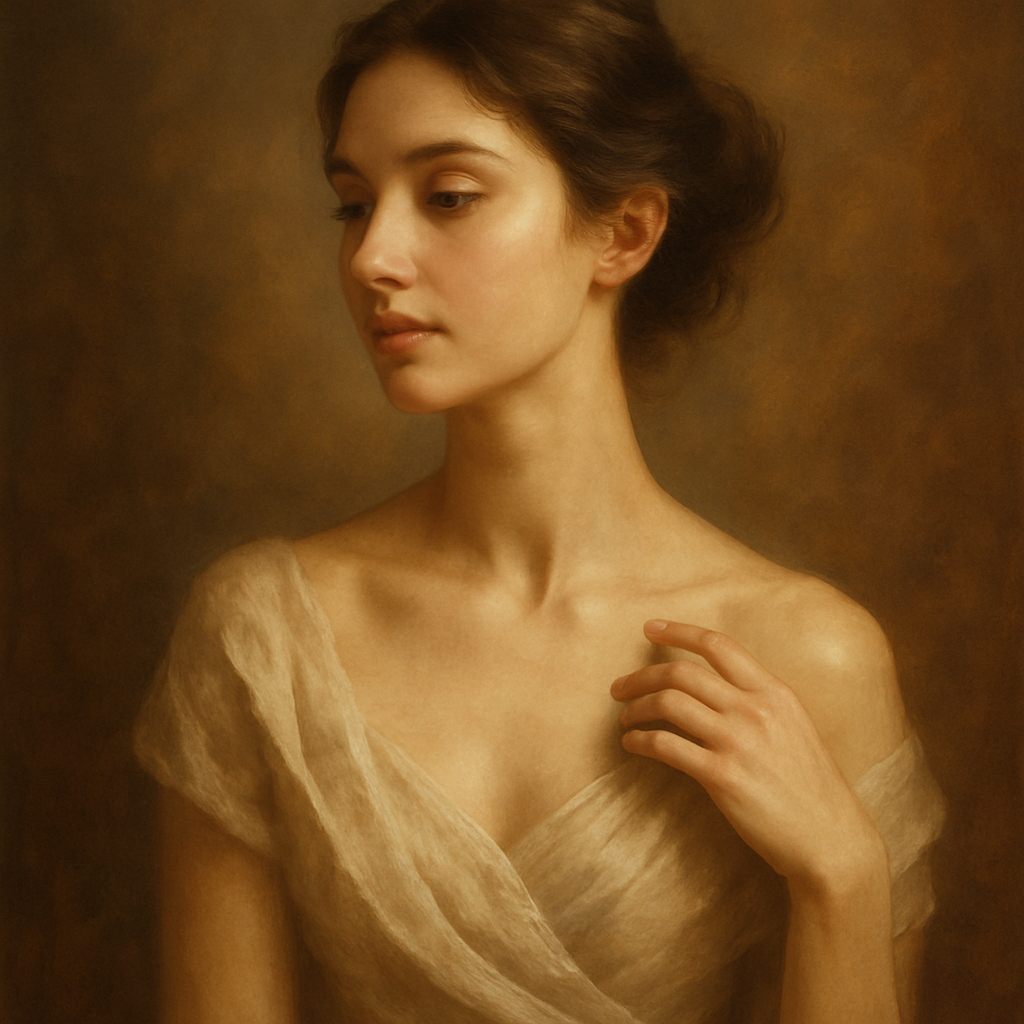
Quick answer: An AI avatar generator takes a plain-English description and produces a custom profile picture in seconds. Describe your features, the style you want, and the platform context — and you get a polished, ready-to-upload avatar. No subscription, no design skills, no equipment needed.
What Makes a Good AI Avatar Prompt
The quality of your avatar depends almost entirely on how clearly you describe it. Vague prompts produce generic results. Specific prompts produce images that look intentional and on-brand.
Every strong avatar prompt has three components:
- Subject description — hair color, skin tone, eye color, face shape, any defining features
- Style and mood — photorealistic, illustrated, anime, painterly, minimalist, bold
- Platform context — professional headshot, casual social profile, gaming avatar, branded icon
The more detail you layer in, the less you leave to chance.
What to include vs. what to skip
Include specifics that actually change the image: lighting direction, background color, clothing style, expression. Skip vague quality words like "amazing" or "high-quality" — they don't change anything. Focus on what you can see in the image.
Step-by-Step: Creating Your Avatar
Follow these five steps and you'll have a usable avatar inside ten minutes.
-
Choose your platform first. LinkedIn calls for something polished and neutral. Discord rewards personality and style. Instagram can go either way. Knowing the destination shapes every other decision.
-
Write your base prompt. Start with the subject and style. Don't try to write the perfect prompt on the first attempt — write something solid and refine it.
-
Generate and evaluate. Look at what comes back. Does the lighting work? Is the expression right? Is the background too busy or too plain?
-
Refine your prompt. Adjust the specific elements that missed. If the background is distracting, add "clean white background" or "solid dark background." If the expression reads flat, add "warm smile" or "confident expression."
-
Crop and export. Most platforms want a square image. Crop tightly around the face and shoulders, then export at the highest resolution available before uploading.
Platform-Specific Prompt Examples
Different platforms reward different styles — here are ready-to-copy prompts for the four most common use cases.
LinkedIn — Professional Headshot
Professional headshot portrait, 30s woman, warm brown skin, dark curly hair pulled back, wearing a navy blazer, soft natural lighting, neutral grey background, friendly confident expression, photorealistic
Discord — Stylized Gaming Avatar
Illustrated avatar, anime style, young man with silver hair and sharp blue eyes, wearing a dark hoodie, glowing city background at night, bold colors, high contrast, square crop
Instagram — Casual Personal Brand
Candid portrait, outdoor golden hour lighting, woman in her 20s with freckles and auburn hair, wearing a white linen top, soft bokeh background with greenery, relaxed natural smile, photorealistic
Branded Business Icon
Minimalist flat illustration avatar, male silhouette, short dark hair, simple geometric shapes, muted teal and cream color palette, circular crop-ready, clean white background
Common Mistakes to Avoid
Most failed avatar attempts trace back to one of four errors.
- Overloading the prompt. Stacking 20 descriptors often produces a muddled result. Lead with the 5–7 most important details and add more only if needed.
- Ignoring the background. The background is half the image. A busy or random background makes even a good portrait look amateur. Always specify it.
- Forgetting the crop. An avatar gets cropped to a circle or square by the platform. A portrait that looks great uncropped can lose the face entirely after cropping. Describe a tight framing: "close-up portrait, face and shoulders."
- Settling for the first result. One generation rarely nails everything. Run two or three variations with small prompt adjustments — you're paying cents per image, so iteration is cheap.
How the Costs Actually Work
Generating a handful of avatar options costs a few cents total — not $10/month.
Subscription tools charge the same amount whether you create one avatar or five hundred. If you need three or four profile pictures for different platforms, that's a small number of images across the year. Paying per image is almost always cheaper for that kind of occasional use.
| Scenario | Midjourney Basic ($10/mo) | ATXP Pics (pay-per-image) | |---|---|---| | 5 images/month | $2.00/image | ~$0.05–0.10/image | | 20 images/month | $0.50/image | ~$0.05–0.10/image | | 2 images total (one-time) | $10.00 minimum | ~$0.10–0.20 total |
No subscription. No monthly charge. Your balance never expires. If you generate avatars once every few months, you pay for what you use and nothing else.
Making Your Avatar Work Across Platforms
One image rarely works everywhere — but generating platform-specific versions takes minutes, not hours.
Start with a base prompt that captures your core look. Then create variations by swapping the style descriptor ("photorealistic" → "illustrated"), adjusting the background, or changing the expression. Keep the subject description identical across all versions so your avatars are recognizably consistent even when the style shifts.
A few quick variations to consider:
- Tight crop for platforms that display small circles (Twitter/X, WhatsApp)
- Slightly wider crop for platforms that show more of the image (LinkedIn banner, YouTube)
- Dark background version for platforms with dark UI (Discord, Twitch)
- Light background version for platforms with white or light UI (LinkedIn, email signatures)
A good avatar does real work — it signals professionalism, personality, or both, depending on the platform. With a specific prompt and a few iterations, an AI avatar generator gets you there faster and cheaper than any alternative.