You need a beautiful image for a baby shower invitation and you want it to feel personal — not like something pulled from a stock library everyone has already seen. This guide shows you exactly how to use an AI baby shower invitation image generator to create custom art that matches the theme, colors, and feeling of the celebration in just a few minutes.
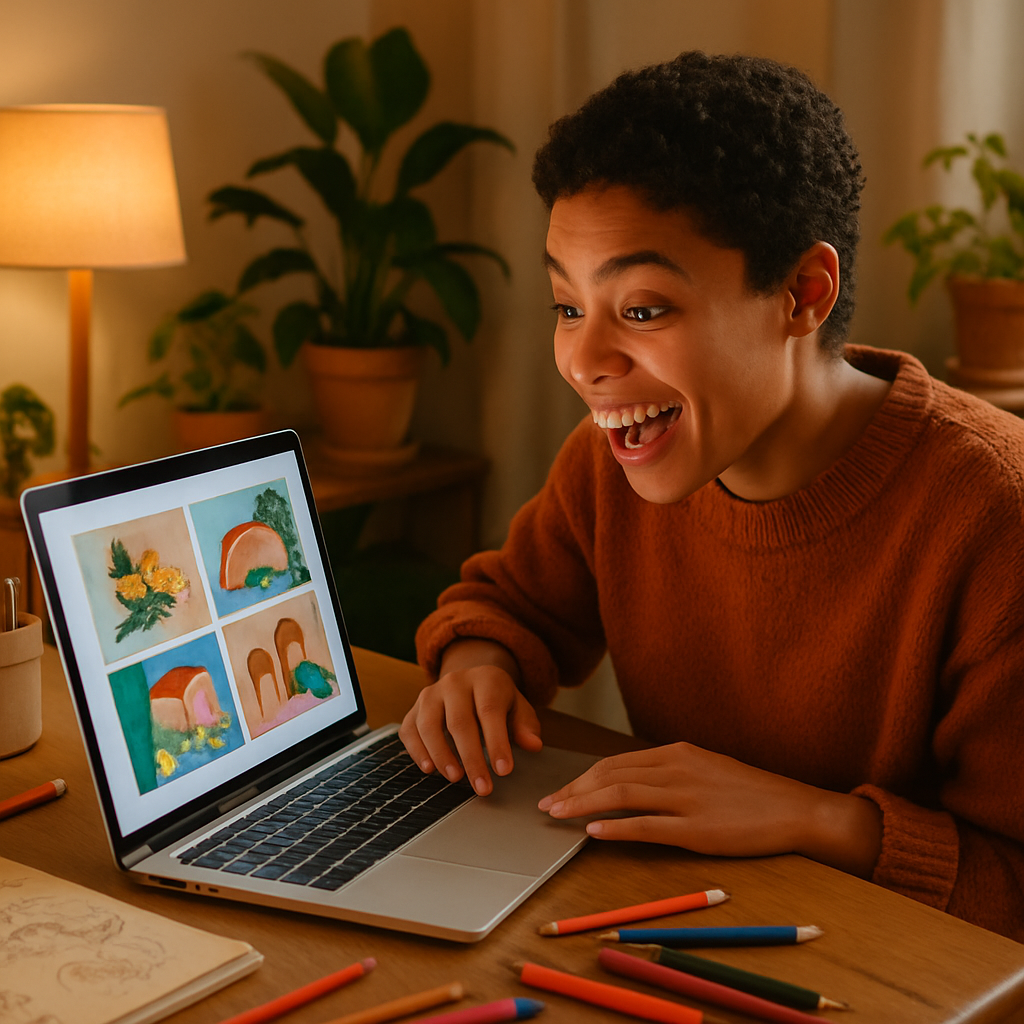
Quick answer: Type a detailed description of the style, color palette, and key visual elements you want — soft watercolor florals, a woodland nursery scene, a boho rainbow — and an AI image generator returns a custom illustration in seconds. You can then add text in Canva or any design tool and print or share digitally.
What Makes a Great Baby Shower Invitation Image
The best invitation images are specific, not generic. A vague prompt gets a vague result. Before you type anything, spend sixty seconds answering three questions:
- What's the theme? Woodland, garden party, boho, nautical, classic storybook, minimalist modern?
- What's the color palette? Sage green and cream? Dusty rose and gold? Pale blue and white?
- What's the mood? Soft and dreamy, cheerful and playful, elegant and timeless?
Once you have those three answers written down, you have everything you need to write a prompt that produces something genuinely lovely.
How to Write a Prompt for Baby Shower Invitation Art
Your prompt is just a sentence or two of visual description — like texting a talented illustrator exactly what you want. Here's the structure that works best:
- Art style first — watercolor illustration, flat vector art, digital painting, soft pastel sketch
- Main subject — what's in the image? Flowers, animals, a stork, baby items, abstract botanicals?
- Color palette — name specific colors, not just "pink"
- Mood or adjectives — whimsical, elegant, cozy, airy
- What to exclude — adding "no text, no words" keeps the image clean so you can add your own wording later
Here's a real example you can copy and adapt:
Watercolor illustration of a soft woodland scene with a sleeping fawn nestled in wildflowers, sage green and dusty rose color palette, delicate and whimsical, no text, invitation art style, white background
Run that prompt, look at what comes back, and then adjust one element at a time. If the colors are slightly off, say so. If you want more flowers and fewer animals, say that. Most people land on a final image within 3 to 5 generations.
Step-by-Step: From Prompt to Finished Invitation
Step 1: Generate your base image
Go to ATXP Pics AI Art Generator, type your prompt, and hit generate. You'll have an image in under 30 seconds.
Step 2: Refine with follow-up prompts
Look at the result and identify the one or two things you'd change. Adjust your prompt to be more specific about those elements. Common tweaks:
- "Make the colors softer and more muted"
- "Add more negative white space around the edges for text overlay"
- "Replace the rabbit with a small elephant"
- "Make it feel more elegant, less cartoonish"
Step 3: Download the image you love
Once you have a result that makes you smile, download it. ATXP Pics produces high-quality images — crisp enough for print.
Step 4: Add your text in a design tool
Drop the image into Canva, Adobe Express, or Google Slides and add the invitation details — name, date, time, location, RSVP info. Use a font that matches the mood of the image.
Step 5: Export and share
Save as a PDF for print or a high-resolution PNG for digital invitations. Send via email, text, or upload to a digital invitation platform.
Prompt Examples by Theme
Different themes call for different visual language. Here are four ready-to-use prompts:
Boho Rainbow: Flat illustration of a soft rainbow with hanging tassels, dried pampas grass, and small wildflowers in terracotta, rust, and cream tones, boho nursery style, white background, no text
Classic Floral: Watercolor bouquet of peonies and eucalyptus in blush pink and dusty green, loose and painterly style, soft ivory background, elegant baby shower invitation art, no text
Modern Minimalist: Simple line art illustration of a baby onesie surrounded by small botanical leaves, black and warm white, clean modern style, no text, lots of white space
Nautical: Watercolor illustration of a small sailboat on calm water with seagulls and gentle waves, navy blue and white color palette, soft and sweet, baby shower theme, no text
Common Mistakes to Avoid
Asking for text in the image almost always backfires. AI image generators don't reliably render readable words — letters come out garbled or misspelled. Always specify "no text" and add your wording in a design tool afterward.
A few other things to watch for:
- Too many elements in one prompt — if you ask for flowers, animals, a stork, baby shoes, and a crib all at once, the image gets cluttered. Pick two or three main elements.
- Vague color descriptions — "pretty colors" gives you whatever the AI decides. "Pale lavender, soft gold, and white" gives you what you actually want.
- Forgetting to specify the background — if you want a clean white background for easy text placement, say "white background" explicitly.
Generate your baby shower invitation image →
Why Pay-Per-Image Works for One-Time Projects
A baby shower happens once — you need a handful of great images, not a monthly design subscription. On Midjourney's basic plan, you're paying $10 every month regardless of whether you create anything. If you generate 5 images for this invitation, that works out to $2.00 per image.
With ATXP Pics, you pay a few cents per image, your balance never expires, and there's no charge for months you don't create anything. For a one-time project like a baby shower invitation, the math is straightforward.
| Tool | Monthly cost | Images for one project | Effective cost per image | |---|---|---|---| | Midjourney Basic | $10/mo | ~10 | $1.00+ | | ATXP Pics | No subscription | ~10 | A few cents each |
No subscription also means no account setup pressure. You can get started, generate a few test images, and only add funds when you find an approach you like.
Putting It All Together
A beautiful AI baby shower invitation image doesn't require a graphic designer, an expensive tool, or hours of effort. Write a prompt that's specific about style, subject, color, and mood. Specify no text. Refine over a few rounds. Drop the final image into Canva, add your details, and you're done — with something genuinely custom that reflects the personality of the celebration.