You spent Saturday perfecting your croissant recipe — the lamination is finally right, the butter is pooling just so — but your phone photos look flat and sad next to the bakeries dominating Instagram. Professional food photography for a small bakery can run $500 or more for a single session, which is hard to justify when margins are already tight.
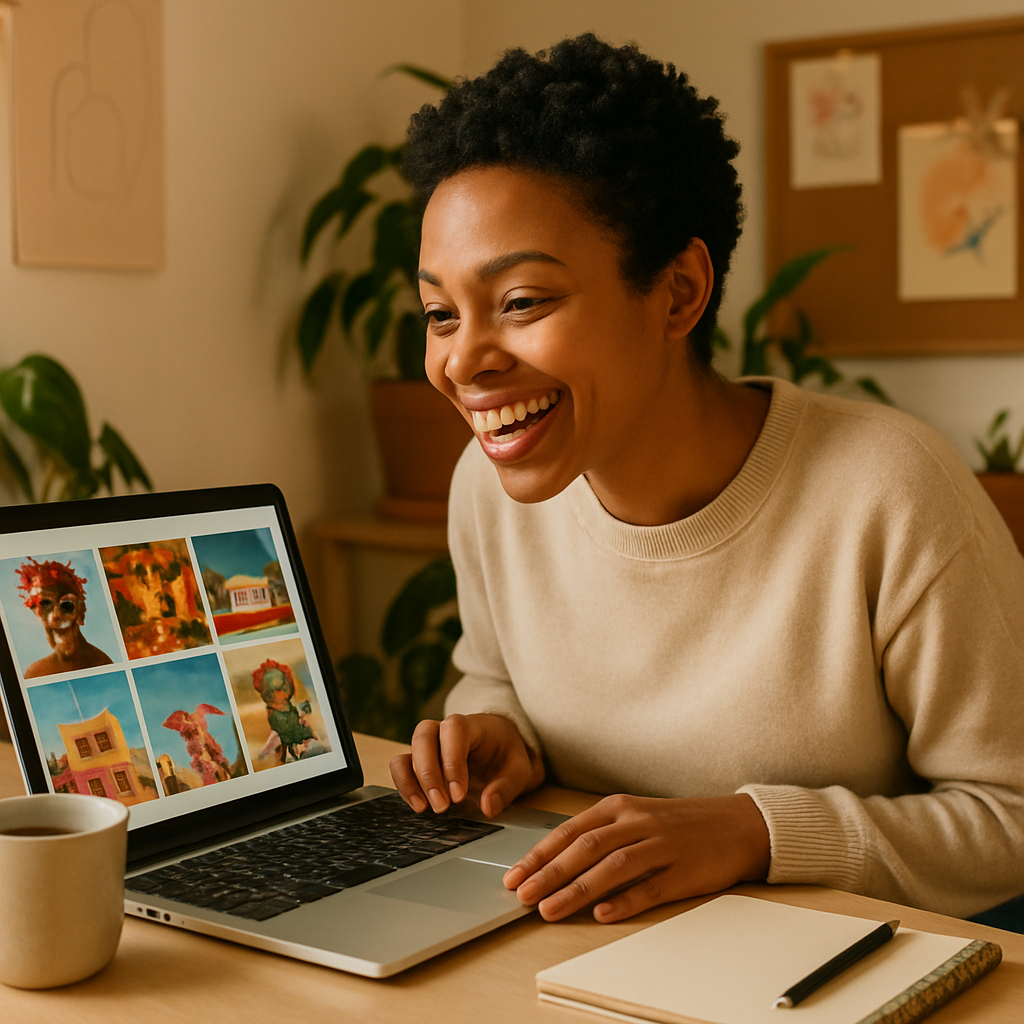
Quick answer: You can generate professional-quality bakery product images using AI for a few cents each, with no subscription and no studio. Describe your baked good, the lighting style, and the background in plain English, and you'll have a polished image in seconds — ready for your menu, website, or social feed.
What Bakery Images AI Can Actually Produce
AI-generated bakery photography is good enough for menus, websites, and social media right now. The output quality is realistic: you get proper catch-light on glazed surfaces, steam rising from fresh bread, powdered sugar texture on a madeleine. The gap between a well-prompted AI image and a mid-tier food photographer's work has essentially closed for most practical bakery uses.
Where it still falls short is hyper-specific product matching — if you need an exact replica of your grandmother's recipe plated exactly as you serve it, you'll need a real camera. But for hero images, seasonal promotions, menu placeholders, and social content? AI handles all of it.
How to Write a Prompt That Gets Appetizing Results
The single biggest factor in bakery image quality is prompt specificity — generic inputs produce generic outputs. Instead of typing "croissant," describe everything a food photographer would set up: the subject, the light, the surface, the mood.
Break your prompt into four parts:
- The product — what it is, how it looks, any unique details
- The setting — marble counter, rustic wood, white ceramic plate, parchment paper
- The lighting — soft morning light, warm window light, studio overhead
- The style — editorial food photography, overhead flat lay, 45-degree angle close-up
Here's a prompt you can copy and modify directly:
Freshly baked sourdough boule with a dark, crackled crust and open crumb, sitting on a floured linen cloth on a weathered oak table, warm natural side lighting from the left, steam rising gently, editorial food photography style, shallow depth of field
Run that on ATXP Pics' AI product mockup generator and you'll have a usable hero image in seconds.
The Real Cost of Bakery Photography (Old Way vs. AI)
Let's put actual numbers on this. A small bakery typically needs 10–20 product images to cover a basic menu and website.
| Approach | Cost for 15 Images | Time | Usage Rights | |---|---|---|---| | Professional food photographer | $400–$900 | 1–2 week turnaround | Limited (check contract) | | Stock photo site (licensed) | $30–$150/month subscription | Immediate | Licensed, not exclusive | | iPhone + editing | ~$0 but hours of work | 2–4 hours | Yours | | ATXP Pics (pay per image) | ~$0.30–$0.75 total | Under 5 minutes | Yours, commercial use |
No subscription means no monthly drain. Add $5 in credits, generate what you need, and your balance sits there until next season's menu update. You're not paying for a tool you use twice a month.
Best Use Cases for Bakery Images AI
Seasonal promotions are where AI bakery images shine brightest — you need something fast, on-brand, and specific to a short window. Think Valentine's Day heart-shaped shortbread, a pumpkin spice loaf for October, or a holiday cookie box for December. Booking a photographer for each of these makes no financial sense. Generating 3–5 options in under 10 minutes does.
Other high-value use cases:
- Menu redesigns — update item images when recipes change without reshooting
- Social media content — consistent aesthetic across Instagram and Facebook posts
- Google Business Profile — product images improve local search visibility
- Delivery platform listings — DoorDash and Uber Eats listings with images convert significantly better than those without
- New item testing — mockup an image before you even bake the product, to gauge customer interest
Getting Consistent Style Across Multiple Images
Consistency is what separates a professional-looking bakery brand from a patchwork of random shots. When you generate multiple images for the same shop, you want them to feel like they belong together — same general lighting direction, same surface textures, same color temperature.
The easiest way to do this is to build a base prompt that stays constant and swap only the product description. Keep your setting, lighting, and style language identical across every image you generate.
Base prompt template:
[PRODUCT DESCRIPTION], placed on a white marble surface with scattered flour, soft diffused morning light from the upper left, warm neutral tones, overhead shot, professional bakery food photography, high detail
Swap the bracketed section for each item — "golden butter croissant with visible lamination layers", "thick slice of banana bread with walnut pieces", "three macarons stacked, pastel pink and ivory" — and your whole menu will look like it was shot in the same studio on the same day.
Ready to build out your bakery's image library? Head to the AI product mockup generator and start with one image to see what your prompts produce before generating a full set.
What to Do With Your Images Once You Have Them
Download, save, and organize immediately — name files by product so you're not hunting through a folder of numbered images when your website designer asks for "the sourdough shot." Most bakery owners need the same 3–4 images repeatedly (hero image, menu thumbnail, social square, horizontal banner), so it's worth generating each product in multiple crops or compositions in one session.
For social media, aim for a consistent square crop with breathing room around the product. For menus and print, generate at the highest available resolution and avoid heavy text overlays directly on the image — overlay text in Canva or your design tool instead.
If you run a catering or wholesale side of your business, these images are exactly what goes into a PDF lookbook or pitch deck. A handful of strong product images generated for under $1 total is a better use of budget than anything else on that list.
Bakery photography doesn't have to mean a half-day studio booking and a two-week wait. Describe your product, set the scene, and generate — the whole process takes minutes, costs cents, and leaves you with images that are genuinely ready to use.
No subscription. No expiring credits. Just the images you need, when you need them.