You've found your dress, picked your venue, and now you want a portrait that captures the whole vision — but your photographer isn't available until the wedding day. That's exactly the gap a bridal portrait AI fills: describe your dream shot and get a stunning, shareable image in seconds.
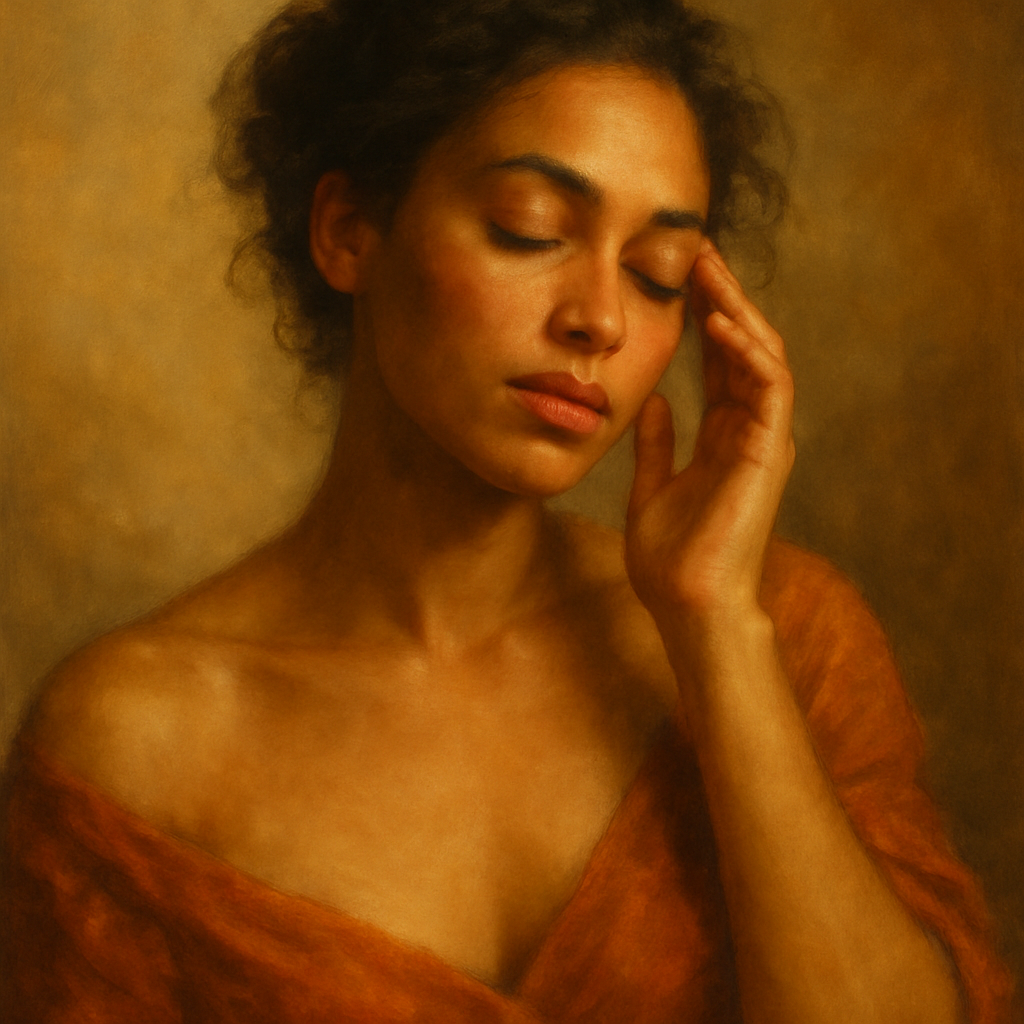
Quick answer: An AI bridal portrait generator lets you describe your dress, setting, hair, and lighting in plain English and produces a photorealistic portrait in under 30 seconds — no studio, no session fee, no subscription required.
What Is a Bridal Portrait AI Generator?
A bridal portrait AI generator is a tool that turns a written description into a polished, photorealistic wedding portrait. You type what you want — the style of dress, the backdrop, the mood — and receive a finished image almost instantly. There's no camera, no studio lighting to arrange, and no waiting weeks for edited files. It's the fastest way to see your wedding vision on screen before the big day.
This is especially useful during the planning phase. Couples use AI portraits for mood boards, save-the-dates, wedding website banners, and social media posts when they want high-quality visuals before the actual ceremony. Some use them to test out different aesthetic directions entirely — cathedral elegance versus outdoor garden romance — before committing to a venue or decor theme.
How to Write a Bridal Portrait Prompt That Actually Works
The secret to a great bridal portrait AI result is specificity — vague prompts produce generic images. Think of your description as a shot list you'd hand a photographer. Cover four areas: the dress, the setting, the lighting, and the mood.
Here's a prompt that hits all four:
Bridal portrait of a woman in a strapless ballgown with lace overlay and cathedral-length train, standing in a sunlit garden with blooming white roses, soft golden-hour backlighting, romantic and ethereal mood, film photography style
Notice what's included: the dress silhouette, fabric detail, train length, backdrop, plant species, lighting direction, emotional tone, and a visual style reference. That level of detail gives the generator enough to work with. If you want a specific hair color, skin tone, bouquet type, or veil style, add those too — every detail sharpens the result.
Try a few variations. Swap "garden" for "cathedral aisle" or "beach at sunset" and compare. At a few cents per image with no subscription at ATXP Pics, running five or six variations costs less than a cup of coffee.
The Best Settings and Styles for AI Bridal Portraits
Setting and lighting style have the biggest visual impact on a bridal portrait AI result. Here are the combinations that consistently produce stunning images:
| Setting | Lighting Style | Mood | |---|---|---| | Garden with roses | Golden hour backlight | Romantic, soft | | Cathedral interior | Dramatic side light | Timeless, editorial | | Beach at dusk | Warm ambient glow | Relaxed, bohemian | | Ballroom with chandelier | Rich overhead light | Glamorous, formal | | Wooded clearing | Dappled natural light | Whimsical, earthy |
Editorial-style prompts — think Vogue bridal spreads — tend to produce the crispest, most shareable images. Add phrases like "editorial fashion photography," "high-fashion portrait," or "magazine cover lighting" to shift the image from casual to polished.
For a moodier, more artistic result, try "moody film portrait, desaturated tones, slight grain" — it reads as intentional and cinematic rather than unfinished.
How AI Bridal Portraits Compare to Traditional Photo Sessions
A traditional bridal portrait session costs between $300 and $800 and requires booking weeks in advance — a bridal portrait AI delivers a result in seconds for a few cents. The tradeoff is personalization: a real photographer captures you, while an AI generates an idealized representation based on your description.
That said, AI bridal portraits serve a different purpose. They're not replacing your wedding photographer. They're filling the months between "yes" and the wedding day with visual content you can actually use — for planning, sharing, and dreaming.
| | AI Bridal Portrait | Traditional Session | |---|---|---| | Cost | A few cents per image | $300–$800+ | | Turnaround | Seconds | Days to weeks | | Requires scheduling | No | Yes | | Looks like you | Stylized | Yes | | Good for planning/sharing | Yes | Yes |
If you're comparing subscription-based AI tools, the math also favors pay-per-image for casual use. Midjourney's Basic plan runs $10/month for roughly 150 images — about $0.07 each if you use every single generation. But most people don't. At just 5 images a month, you're paying $2.00 per image. ATXP Pics charges a few cents per image with no subscription and your balance never expires, so you only pay for what you actually create.
Using Bridal Portrait AI for Wedding Planning
Beyond social media, AI bridal portraits are one of the most practical wedding planning tools available. Here are five specific ways couples are using them right now:
- Mood boards: Generate portraits in different styles to share with your florist, makeup artist, and photographer before any planning calls.
- Save-the-dates: A polished AI portrait makes a striking visual when you want something beautiful before real photos exist.
- Wedding website headers: Replace the default stock imagery with something that actually reflects your aesthetic.
- Dress comparison: Describe two different silhouettes and see how each reads on screen before committing.
- Venue visualization: Drop different backdrops into prompts to compare how your dress looks in each setting.
Each of these takes minutes, not appointments. And because you're paying per image, you can experiment freely without a monthly bill waiting at the end of the month.
Ready to Create Your Bridal Portrait?
Bridal portrait AI has moved well past novelty — it's a practical, affordable way to put your wedding vision on screen before the day arrives. A detailed prompt, the right setting, and good lighting direction are all it takes to get an image worth sharing.
Try it now: Start with a specific dress style, pick a setting from the table above, and add "golden hour lighting, romantic mood, editorial photography" to your prompt. You'll have something beautiful in under 30 seconds.
Generate your bridal portrait at ATXP Pics — pay per image, no subscription, balance never expires.