You found a venue, confirmed the guest list, and now you're staring at a blank design tool wondering why something that should take 20 minutes is eating your whole afternoon. Creating a bridal shower invitation with AI skips all of that — describe what you want, get a beautiful image in seconds, and move on to the parts of party planning that actually need your attention.
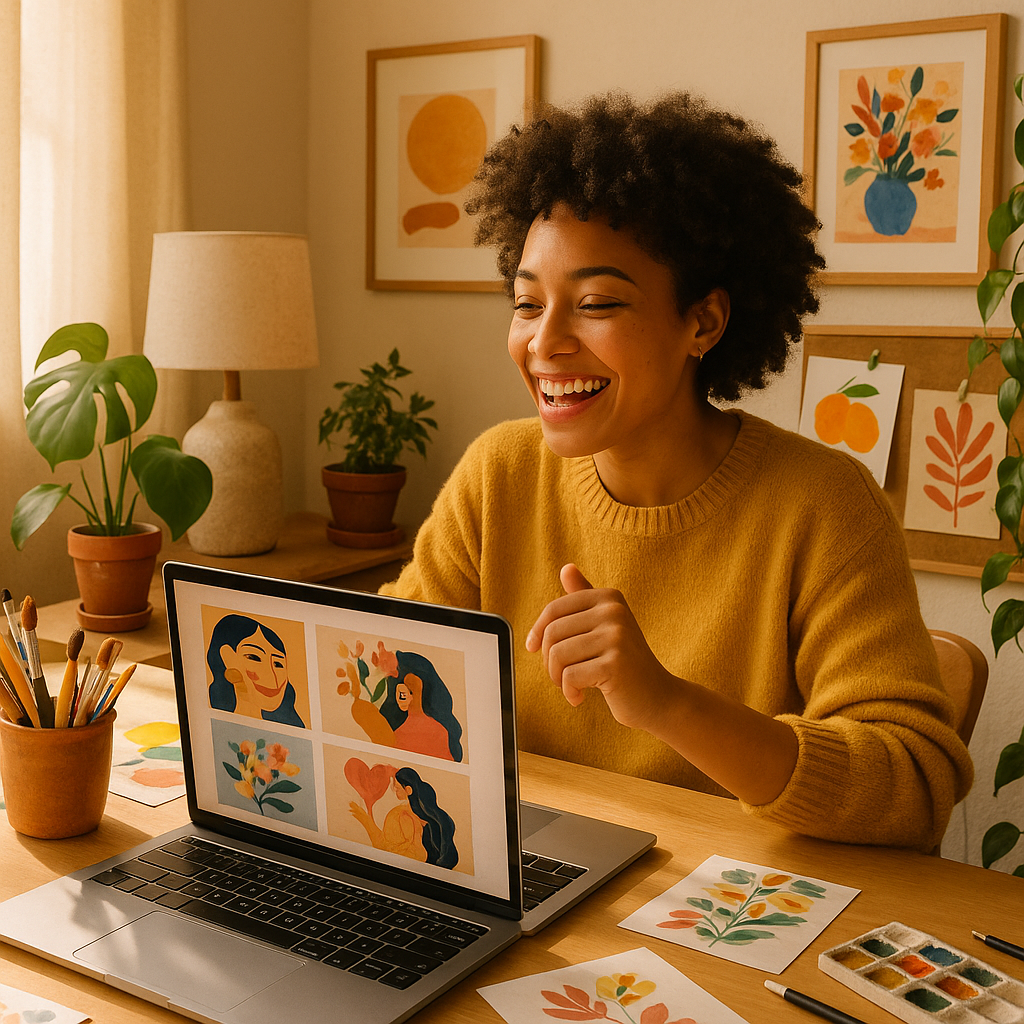
Quick answer: Type a description of your ideal invitation — style, colors, flowers, vibe — into an AI image generator like ATXP Pics, and you'll have a custom design ready to download in under a minute. No subscription, no design skills, a few cents per image.
What Makes AI Great for Bridal Shower Invitations
AI excels at bridal shower invitations because the aesthetic is highly visual and highly specific — and those are exactly the kinds of requests it handles best. Want dusty-rose watercolor peonies with a gold serif font area and soft linen texture in the background? That's one sentence. A human designer would charge $75–$200 for a custom illustration. A template site would give you something close but never quite right. AI gives you exactly that, rendered in seconds.
The other advantage: iteration costs almost nothing. Don't love the shade of blush? Change one word in your prompt and generate again. With pay-per-image pricing at ATXP Pics, each attempt costs a few cents — so spending $0.30 to land on the perfect design is genuinely painless.
How to Write a Prompt That Gets the Right Look
The first sentence of your prompt should name the format and style clearly, then layer in specifics. A vague prompt produces a generic result; a specific prompt produces something that feels custom-made.
Start with:
- What it is — "bridal shower invitation design"
- The visual style — watercolor, minimalist, boho, garden party, Art Deco
- The color palette — be specific ("sage green and ivory" beats "soft colors")
- Key motifs — florals, ribbons, eucalyptus, champagne glasses, butterflies
- Mood or era — romantic, modern, whimsical, vintage 1920s
Here's a prompt you can copy and adapt right now:
Bridal shower invitation design, soft watercolor style, dusty rose and ivory color palette, loose peony and eucalyptus wreath border, gold accent lines, elegant script font area at center, cream linen texture background, romantic and feminine mood
Run that on ATXP Pics and you'll have something a florist or stationery boutique would charge $150 to produce.
Styles That Work Especially Well With AI
Garden party and floral styles are where AI image generation genuinely shines. The soft, painterly quality of watercolor florals — peonies, ranunculus, sweet peas, trailing greenery — is something AI renders beautifully and consistently. But it handles other popular bridal shower aesthetics just as well:
- Boho / wildflower — dried pampas grass, terracotta tones, loose handwritten-style layouts
- Modern minimalist — clean white space, single botanical illustration, thin black lines
- Vintage glam — Art Deco geometry, champagne gold, geometric borders
- Garden tea party — pastel floral clusters, teacup motifs, soft sage and lavender
- Tropical / destination — hibiscus, palm leaves, bright coral and turquoise
Try a few variations in different styles for under $0.50 total. Seeing three or four side by side makes the final choice easy.
Bridal Shower Invitation AI vs. Other Options
The honest comparison: AI pays off fastest for people who know what they want but can't execute it visually. Here's how the options stack up:
| Option | Cost | Turnaround | Custom? | |---|---|---|---| | Freelance designer | $75–$200 | 3–7 days | Yes, fully | | Template site (Canva, Etsy) | $5–$15 | 30–60 min editing | Partially | | Print stationery shop | $3–$8/card + design fee | 1–2 weeks | Limited | | AI image generator (ATXP Pics) | A few cents/image | Seconds | Yes, fully |
The tradeoff with AI is that you handle the final text overlay — most people add wording in Canva (free) after downloading the image, which takes about five minutes. Everything else: design, illustration, color matching, motif placement — the AI handles completely.
Adding Text and Getting It Print-Ready
Once you have your AI image, adding the event details takes about five minutes in any free design tool. Download your image from ATXP Pics at full resolution, then open Canva, Google Slides, or even the Photos app. Drop in a text box and type the bride's name, date, time, location, and RSVP info.
A few tips for clean text placement:
- Use a font that matches the style — script fonts for romantic/floral, sans-serif for modern/minimalist
- Stick to 2 fonts maximum — one for the headline name, one for the details
- Check contrast — dark text on a light background area, or add a subtle white overlay if needed
- Export at 300 DPI for print, or standard resolution for digital sharing
For digital invitations, the finished file drops straight into a text message, email, or Paperless Post. For printed cards, upload to Minted, Zazzle, or your local print shop and order as many as you need.
How to Plan Variations for Different Guests and Uses
Generate a suite of matching designs — not just one invitation — so everything feels cohesive. A bridal shower often needs more than a single card: there's the main invitation, an envelope liner graphic, a save-the-date, and sometimes a party sign or favor tag. Because AI generates from prompts, recreating a consistent style is as simple as reusing 80% of your original prompt.
For a matching envelope liner:
Bridal shower envelope liner pattern, soft watercolor peonies and eucalyptus, dusty rose and ivory, repeat floral pattern, no text, horizontal rectangle format
For a welcome sign at the venue:
Bridal shower welcome sign, watercolor peony border, cream background, space for handwritten text at center, elegant and romantic
Each variation costs a few cents. A full coordinated suite — invitation, liner, welcome sign, favor tag — might run you $0.20 total. No subscription, and your balance never expires, so you can come back and generate the thank-you card artwork after the party.
Make Your Bridal Shower Invitation Today
A beautiful, custom bridal shower invitation doesn't require a designer, a template subscription, or three days of back-and-forth emails. Write one sentence describing what you want, generate it in seconds, add the text in Canva, and you're done — for a few cents.
Try ATXP Pics now → No subscription. Pay only for what you generate. Your balance never expires.
Looking for more event design ideas? See how AI handles custom event graphics and explore the full range of styles available on the platform.