Greeting card aisles are full of cards that almost fit the moment. An AI greeting card generator closes that gap — you describe the exact image you want, and you have a card front in seconds that no one else on the shelf is selling.
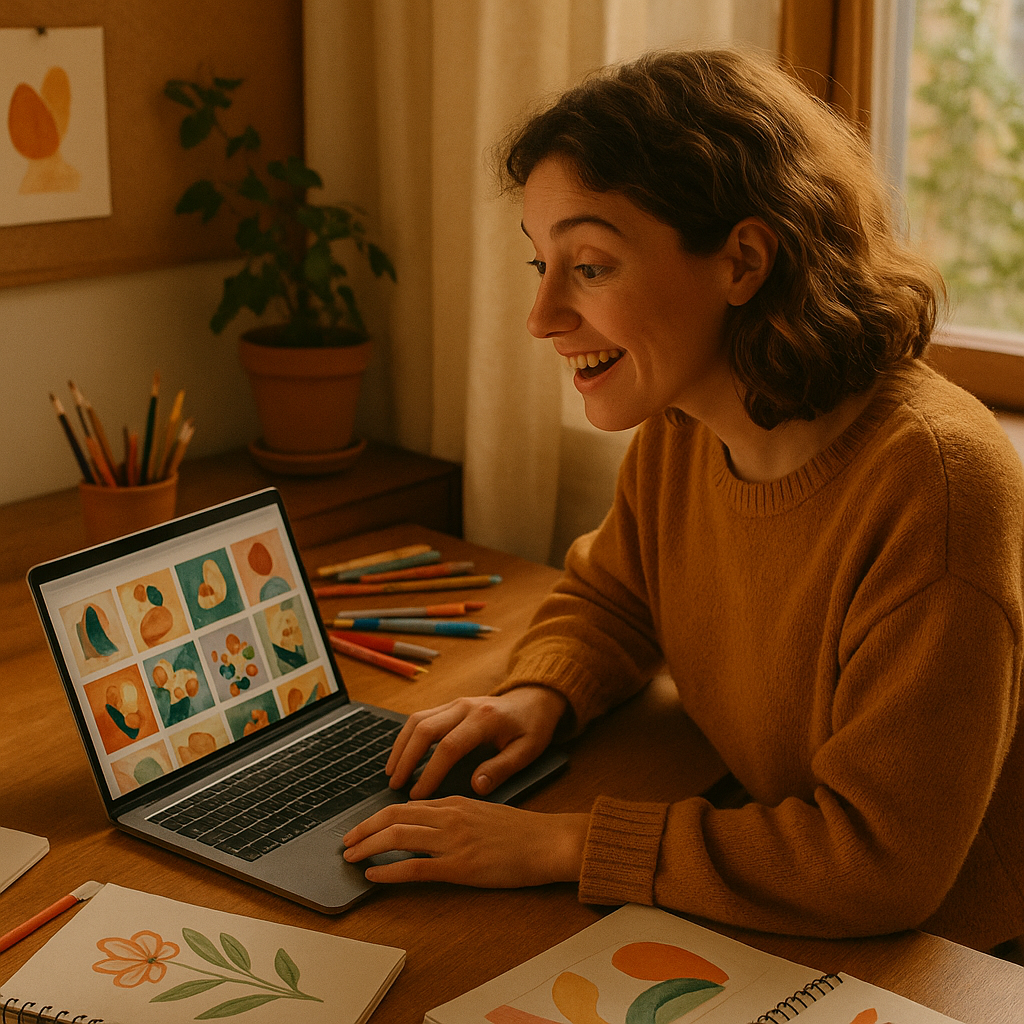
Quick answer: An AI image generator lets you type a plain-English description of your ideal card image — the occasion, the style, the specific detail that makes it personal — and receive a finished image in seconds. Print it at home, upload it to a print service, or send it digitally. No design skills required. No subscription needed with ATXP Pics.
What Makes an AI-Generated Card Feel Personal (Not Generic)
The difference between a card that lands and one that gets recycled is specificity. Mass-produced cards are designed to offend no one, which means they resonate with no one in particular. An AI-generated image works the opposite way — the more specific your description, the more the result reflects the actual person you're giving it to.
Think about what makes your recipient unique:
- Their favorite animal, hobby, or color palette
- A running joke or shared memory
- The exact tone you want — sentimental, funny, irreverent, elegant
That specificity is the prompt. The AI does the rest.
How to Write a Greeting Card Prompt That Works
A strong prompt has three parts: the subject, the style, and the mood. Follow this structure and your first-generation image will be close to what you envisioned — rather than requiring five rounds of guessing.
Part 1: The Subject
Name the central image concretely. Not "a dog" — "a scruffy terrier mix sitting next to a wrapped birthday gift." Not "flowers" — "a loose bouquet of wildflowers in a mason jar on a wooden table."
Part 2: The Style
Tell the AI how it should look. Common options that work well for cards:
- Watercolor illustration
- Flat vector art
- Vintage botanical print
- Soft pastel sketch
- Hand-lettered storybook style
- Photorealistic with shallow depth of field
Part 3: The Mood and Context
Add the occasion and the emotional register. "Warm and celebratory," "quiet and sincere," "playful and silly." You can even include "greeting card style" or "card illustration" directly in the prompt to signal the use case.
Copy-ready prompt example: "Watercolor illustration of a golden retriever wearing a tiny party hat, confetti falling, soft peach and cream background, warm and celebratory, birthday card style, no text"
Adding "no text" keeps the image clean so you can add your own message in a design tool or leave the inside blank for handwriting.
Step-by-Step: From Prompt to Printed Card
You can go from idea to printed card in under 30 minutes. Here's the full process.
- Write your prompt. Use the three-part structure above. Spend two minutes here — it's the highest-leverage step.
- Generate the image. Paste your prompt into ATXP Pics, hit generate, and review the result. If it's not quite right, adjust one element at a time (subject, style, or mood) and regenerate.
- Download the image. Save the high-resolution file to your device.
- Drop it into a layout tool. Canva, Google Slides, or Microsoft Word all work. Set your canvas to 5×7 inches (standard card size). Place the image on the front, add any text you want on the inside.
- Print or send. Print at home on cardstock, upload to a print service like Shutterfly or Moo, or export as a PDF to send digitally.
Total cost for the image: a few cents. Total time: under half an hour.
Prompt Examples for Common Occasions
Different occasions call for different visual registers. Here are four ready-to-use prompts you can copy and adjust.
Birthday (playful): "Flat vector illustration of a cartoon sloth hanging from balloons, holding a cupcake, bright colors, white background, birthday card style, no text"
Sympathy (sincere): "Soft watercolor painting of a single white candle surrounded by small wildflowers, muted tones, peaceful and quiet mood, no text"
Wedding (elegant): "Vintage botanical illustration of intertwined olive branches and white roses, cream background, fine-line detail, wedding card style, no text"
Thank you (warm): "Cozy illustration of a steaming mug of tea on a knitted blanket beside a small succulent, warm amber light, hand-drawn style, no text"
Swap in details that match your recipient — their favorite flower, their pet, a color they love — and the card becomes theirs.
What to Avoid: Common Mistakes That Make Cards Look Off
The most common mistake is an overcrowded prompt. When you describe too many competing elements, the image tries to include everything and ends up cluttered. One or two focal elements, a clear style, and a simple background almost always produce a cleaner result than a long list of specifics.
Three other things to watch:
- Skipping "no text" — AI-generated text in images is often garbled. Keep the image text-free and add your own words separately.
- Ignoring aspect ratio — Standard cards are portrait orientation (taller than wide). If your tool lets you set dimensions, choose 5:7 before generating.
- Using a style that doesn't match the occasion — A gritty photorealistic style works poorly for a child's birthday card. Match the visual register to the emotional one.
The Cost Argument for Pay-Per-Image
If you send cards a dozen times a year, a monthly subscription is the wrong tool. Midjourney's entry plan costs $10/month — whether you use it or not. At 12 cards a year (one per month), that's $120 annually and still $0.67 per image. Generate fewer cards in some months and the cost-per-image climbs further.
| Usage | Midjourney Basic ($10/mo) | ATXP Pics (pay-per-image) | |---|---|---| | 12 images/year | $120/year ($10/image) | ~$1–2/year | | 50 images/year | $120/year ($2.40/image) | ~$3–5/year | | 150 images/year | $120/year ($0.80/image) | ~$10–15/year |
With ATXP Pics, your balance never expires, so buying a small amount in January still works in December. No subscription charge between birthdays and holidays.
Generate your first card image →
What You Actually End Up With
A custom AI greeting card isn't a template with your name swapped in. It's an image that exists because you described something specific — a specific dog, a specific mood, a specific moment. The person who receives it can tell the difference, even if they can't name why.
The process takes minutes. The image costs cents. And the result is a card that actually fits the person you're giving it to — not just the occasion.