You want to give someone a birthday card that actually means something — not a rack card with a balloon clipart and a pun they've seen a hundred times. A custom AI image built around the person takes about five minutes and costs a few cents. Here's exactly how to do it.
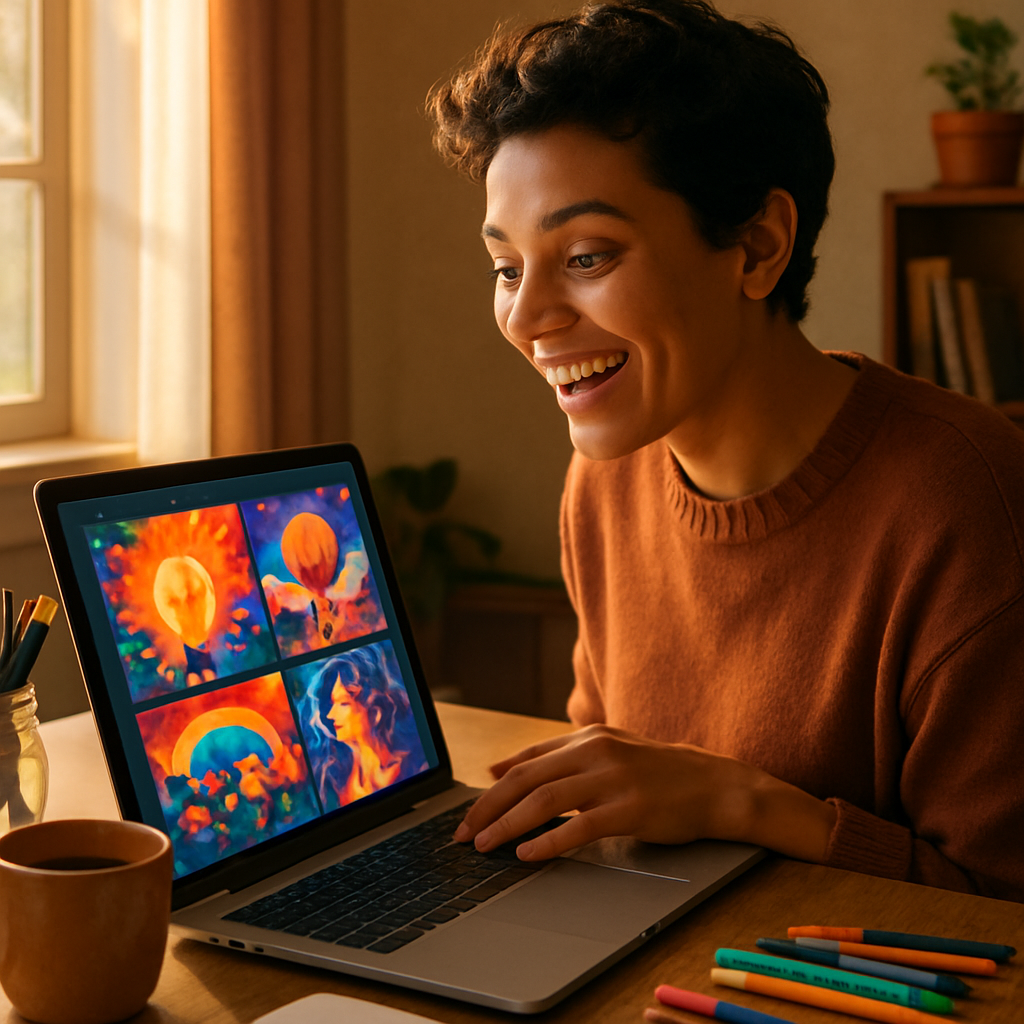
Quick answer: Describe the person, their interests, or a meaningful image in plain English, generate it with an AI image tool like ATXP Pics, download the file, and drop it into a card template or take it to a print shop. No design skills required. The whole process takes under ten minutes.
Why Generic Birthday Card Images Fall Flat
Stock birthday imagery — balloons, cakes, confetti — signals that you picked the first thing you saw. The card itself might be nice, but the image tells the recipient you didn't spend time on them specifically. A custom AI image flips that. When someone opens a card with a watercolor painting of their actual dog wearing a party hat, or a whimsical illustration of the inside joke you share, that lands differently.
The other problem with generic cards: everyone on the gift table brought one. A card with original art stands out before it's even opened.
What Makes a Good Birthday Card Prompt
The single most important factor is specificity — the more detail you give, the less the result looks like it came from a template.
Think about the person you're making the card for and answer these questions before you write a prompt:
- What do they love? (a pet, a sport, a hobby, a TV show, a place)
- What's the mood? (funny and chaotic, warm and sentimental, elegant and minimal)
- What art style fits the card? (watercolor, flat illustration, retro, painterly)
- Is there a color palette that feels right for them?
Once you have those answers, building a prompt is straightforward.
Prompt structure that works
[Subject] + [specific detail that makes it personal] + [setting or context] + [art style] + [mood or color direction]
Real prompt examples you can copy and adapt
"A calico cat wearing a tiny gold birthday crown, sitting next to a chocolate cake with lit candles, soft watercolor illustration, warm pastel tones, cozy and whimsical"
"A vintage motorcycle parked in front of a mountain sunset, 'Happy Birthday' banner hanging between two pine trees, retro travel poster style, rich warm colors"
"Two golden retrievers running on a beach with birthday balloons tied to their collars, loose painterly style, golden hour lighting, joyful and energetic"
Each of these prompts describes something specific to a real person — the cat lover, the motorcycle enthusiast, the dog parent. None of them could come from a stock photo library.
Step-by-Step: Creating an AI Birthday Card Image
Follow these steps and you'll have a print-ready image in under ten minutes.
- Write your prompt. Use the structure above. Start specific — you can always simplify, but starting vague gives you generic results.
- Go to ATXP Pics. No subscription required. Sign up, add a small balance (a few dollars covers dozens of images), and you're ready.
- Type your prompt into the chat interface. Describe what you want in plain English. No special syntax, no parameter codes.
- Review the result. If it's close but not quite right, adjust one element of your prompt — change the style, shift the color palette, or add a detail you forgot.
- Generate a few variations. Since you pay per image and each one costs cents, running three or four versions to find the best one is no problem financially.
- Download the image. You'll get a high-quality file ready for print or digital use.
- Drop it into your card. Use Canva, Google Slides, Microsoft Word, or any template tool. Set the image as the card front, add your text, and print or send digitally.
What size and format to use
For a standard 5×7 printed card, you want an image that's at least 1500×2100 pixels at 300 DPI. When you prompt, you can note "high resolution, portrait orientation" to guide the output. Most AI image generators produce files large enough for print by default.
Common mistakes to avoid
- Prompting too vaguely. "A birthday scene" gives you balloons and cake. Add the person's specific details.
- Ignoring art style. Photo-realistic images can feel cold on a card. Watercolor, illustrated, or painterly styles often feel more personal and print more warmly.
- Skipping variations. The first result is rarely the best one. Generate two or three and compare before committing.
- Cropping issues. If you're printing a folded card, remember the front panel is only half the page. Test your layout before sending to print.
Styles That Work Best for Birthday Cards
Watercolor is the most forgiving style for print and consistently reads as handcrafted and personal. But the right style depends on the person and the tone.
| Style | Best for | Prompt phrase to use | |---|---|---| | Soft watercolor | Sentimental, warm cards | "soft watercolor illustration, pastel tones" | | Flat design illustration | Modern, clean, playful | "flat design illustration, bold outlines" | | Retro/vintage poster | Adventurous, nostalgic | "vintage travel poster style, muted retro palette" | | Loose painterly | Artistic, expressive | "loose oil painting style, expressive brushwork" | | Whimsical cartoon | Funny, kids' birthdays | "whimsical cartoon illustration, bright colors" |
Match the style to the person's taste, not yours. Someone who decorates with clean modern design will appreciate a flat illustration more than a loose painterly style.
The Cost Compared to What You'd Spend Otherwise
A decent birthday card at a retail store costs $5–$8 and looks like everyone else's card. Generating a custom AI image costs a few cents per image. Even if you run five variations to find the right one, you've spent under a dollar on the image itself — then add whatever it costs to print at home or at a print shop (typically $1–$3 for a single card).
Total cost for a fully custom, one-of-a-kind card: under $5. And it took you ten minutes instead of twenty spent staring at a card rack.
There's no subscription to worry about at ATXP Pics — you pay for exactly what you create, your balance never expires, and you can come back for the next birthday without any recurring charge waiting for you.
Putting It Together
A custom AI image for a birthday card isn't a project — it's a ten-minute task that produces something genuinely personal. The key is writing a prompt that describes the actual person: their pet, their hobby, their sense of humor, their favorite place. That specificity is what makes the difference between a card that gets kept and one that gets recycled.
Start with one of the prompt examples above, swap in details that are true to the person you're celebrating, and generate a few variations until one feels right. The result is a card front that couldn't have come from anyone else.