Nonprofit marketing teams are expected to produce eye-catching visuals for every campaign, social post, and fundraising email — usually with a budget that makes stock photo sites feel like a luxury. AI image generation closes that gap fast, letting you create exactly the image you need in seconds without a designer, a license fee, or a monthly subscription.
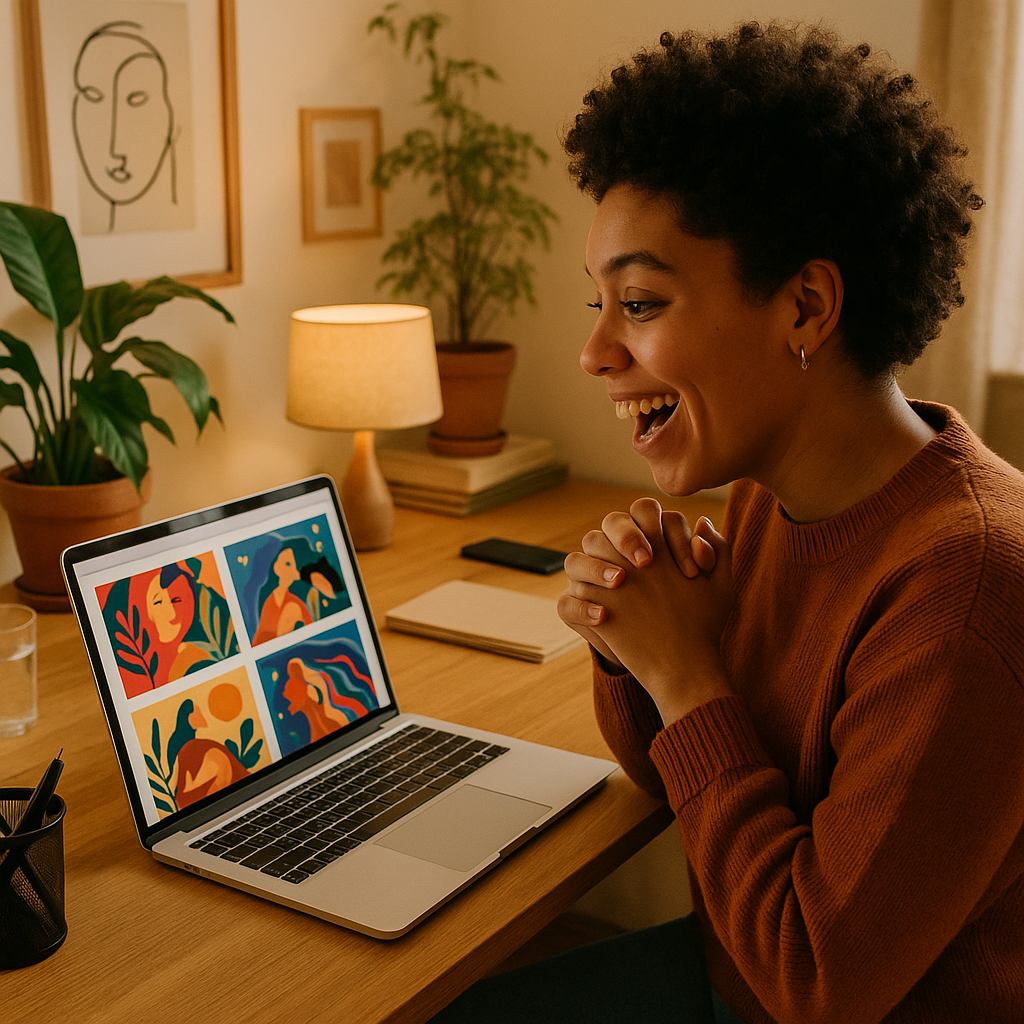
Quick answer: A pay-per-image AI generator lets nonprofits create professional marketing visuals for a few cents each, with no subscription and no design skills required. Describe what you need in plain English — a donation appeal image, an event graphic, a social media header — and get a polished result instantly.
Why AI Image Generation Makes Sense for Nonprofits
The core problem for most nonprofit marketing teams is the gap between visual needs and visual resources. You need consistent, on-brand imagery across Instagram, email campaigns, event flyers, and donation pages. Hiring a designer for every asset isn't feasible. Stock photo subscriptions run $20–$50/month for images that never quite match your specific cause or community.
AI image generation solves this directly:
- No subscription — pay only when you create
- No design software or skills needed
- Images tailored to your exact campaign, not pulled from a generic library
- Results in seconds, not days
The pay-per-image model is especially well-suited to nonprofits. Most organizations don't need images every single day. With a tool like ATXP Pics, you spend a few cents when you have a campaign, and nothing when you don't. Your balance never expires.
Step 1: Define What the Image Needs to Communicate
Before you type a single word, get clear on the job the image has to do. Every effective prompt starts with a purpose.
Ask yourself:
- What is this image for? (social post, email header, donation page, event flyer)
- Who is the audience? (donors, volunteers, beneficiaries, general public)
- What emotion should it trigger? (urgency, warmth, hope, community)
- Are there brand elements to include? (colors, settings, types of people)
A donation appeal image and a volunteer recruitment graphic need completely different visuals. Knowing the purpose first means your prompt produces something usable on the first or second try.
Step 2: Write a Specific, Descriptive Prompt
The quality of your image depends directly on the specificity of your description. Vague prompts produce generic results. Specific prompts produce images you can actually use.
What to include in your prompt
- Subject — who or what is in the image
- Setting — where it's happening
- Mood or tone — the feeling you want to convey
- Style — photorealistic, illustrated, watercolor, warm tones, etc.
- Framing — wide shot, close-up, overhead
Prompt examples for common nonprofit use cases
Donation appeal: "A warm, photorealistic close-up of a child's hands holding a small seedling in rich soil, soft natural lighting, hopeful and grounded mood, shallow depth of field"
Volunteer recruitment: "A diverse group of smiling adults in casual clothes working together outdoors at a community garden, bright daylight, candid and energetic feel, wide shot"
Event promotional graphic: "A vibrant illustrated banner image showing silhouettes of people gathered at an outdoor fundraising gala at sunset, warm orange and gold tones, festive and community-focused"
Each of these took under 30 seconds to write and produces an image that would cost $5–$15 to license from a stock site — and still wouldn't be tailored to your cause.
Step 3: Iterate Quickly and Build a Visual Library
The best nonprofit teams treat AI image generation as a rapid iteration tool, not a one-shot process. Generate three to five variations of an image, pick the strongest one, and refine from there.
A practical workflow:
- Generate an initial image from your prompt
- Note what's working and what isn't
- Adjust one or two elements in your description (lighting, composition, mood)
- Generate two more variations
- Save the winning images in a shared folder organized by campaign
Because you're paying per image — not per month — generating five variations to find the right one costs roughly the same as a cup of coffee. Over time, you build a visual library that reflects your organization's specific work, not someone else's stock photo catalog.
Create your first nonprofit marketing image →
Step 4: Match Image Style to Campaign Type
Different campaigns call for different visual approaches, and AI makes it easy to switch between them.
| Campaign type | Recommended style | Prompt cue to add | |---|---|---| | Emergency fundraising appeal | High-contrast, photorealistic | "urgent, cinematic lighting, close-up" | | Annual gala or event | Elegant, illustrated | "watercolor illustration, warm gold tones" | | Volunteer recruitment | Candid, community-focused | "candid photo style, diverse group, outdoors" | | Year-end donor thank you | Warm, personal | "soft focus, golden hour light, intimate" | | Social media awareness post | Bold, graphic | "flat design, vibrant color, minimal background" |
Switching styles is as simple as changing a few words in your description. No new software, no new subscription, no briefing a designer.
What to Avoid: Common Mistakes That Waste Prompts
- Being too vague — "a photo of people helping" gives you something forgettable. Specify who, where, doing what, in what light.
- Overloading the prompt — Ten competing ideas produce a confused image. Pick one clear scene.
- Ignoring mood — Adding a single emotional cue ("warm and hopeful" or "urgent and direct") dramatically improves relevance.
- Skipping iteration — The first result is rarely the final one. Budget for three to five attempts per image.
The Budget Math: Why Pay-Per-Image Works for Nonprofits
A Midjourney Basic subscription costs $10/month. If your nonprofit generates 10 images in a busy campaign month and zero images the next, you've still paid $20 for those 10 images — $2 each, before accounting for the learning curve.
With ATXP Pics, you pay a few cents per image. Generate 10 images during a fundraising push, pay for those 10, and pay nothing again until you need more. No subscription means your marketing budget goes to images, not to idle seat fees.
There's also no payment required to sign up, and your balance never expires — so you can load a small amount, use it across a campaign, and come back months later without losing what's left.
Nonprofit marketing doesn't require a design team or a stock photo budget. It requires clear communication about what your work does and why it matters — and now, AI image generation means the visuals can match that clarity without draining the budget.