Running a spa or salon means your visuals need to do real work — calming nervous first-time clients, selling the atmosphere before anyone walks through the door. A professional photo shoot costs hundreds to thousands of dollars and gives you one batch of images that grows stale within months. This guide shows you exactly how to generate AI images for your spa or salon on demand, for a few cents each, with no subscription and no camera required.
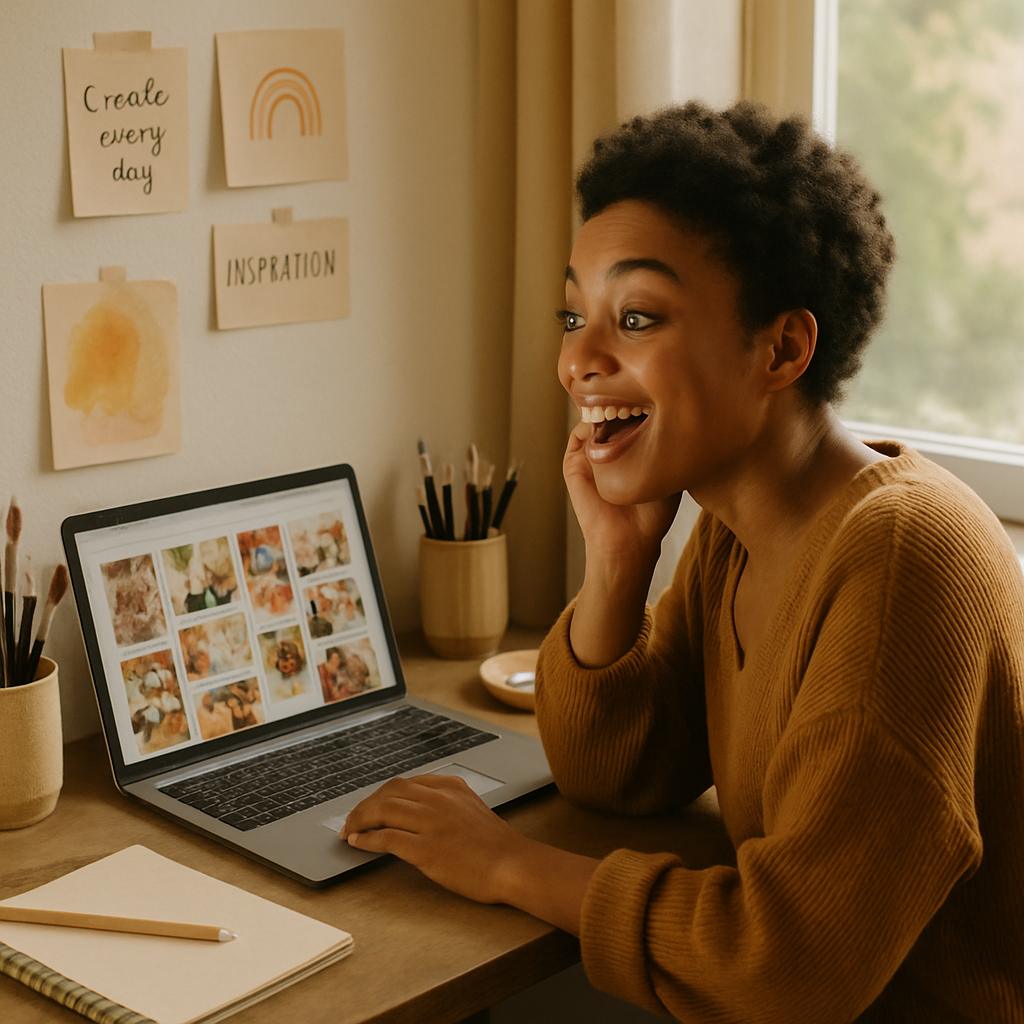
Quick answer: You can create polished, mood-appropriate spa and salon images by describing what you want in plain English — "a softly lit treatment room with eucalyptus and warm stone tones" — and receiving a finished image in seconds. No photographer, no models, no monthly fee. Pay only for the images you generate.
What Makes a Great Spa or Salon AI Image
The best spa and salon visuals share three qualities: calm light, tactile texture, and intentional color. Fortunately, these are exactly the kinds of details you can specify in a plain-English prompt. Soft diffused light reads as relaxing. Textures — fluffy towels, smooth stones, polished wood — suggest quality. Cool greens and whites signal cleanliness; warm ambers and neutrals signal comfort.
When you understand these levers, your prompts stop being guesswork and start producing consistent, on-brand results.
How to Write Prompts That Actually Work for Wellness Visuals
Your prompt is your art direction — think like a photographer briefing a shoot, not like someone typing a Google search.
A weak prompt: "spa room"
A strong prompt describes:
- The subject (what's in the image)
- The mood or lighting (soft, golden, airy, candlelit)
- The color palette (warm neutrals, white and sage, blush and cream)
- The style or finish (editorial, minimalist, cozy, high-end)
Here are copy-ready examples organized by use case:
Treatment Room & Atmosphere
"A serene massage room with soft candlelight, white linen towels folded on a dark wood table, fresh eucalyptus branches, warm amber tones, spa photography style"
"A modern facial treatment room with pale sage green walls, minimal décor, a white reclining chair, and soft natural light from a frosted window"
Product & Retail Display
"A flat lay of skincare products — glass serum bottles, a jade roller, and dried lavender — arranged on a white marble surface, soft overhead lighting, clean and editorial"
"A salon shelf displaying professional hair care products, warm wood shelving, blurred bokeh background, natural light, lifestyle product photography"
Seasonal & Promotional
"A cozy winter spa scene with a steaming bath, flickering candles, snow visible through a window, deep charcoal and cream color palette, luxury wellness photography"
"A spring nail salon promotion graphic — pastel pink and mint nails, fresh flowers, bright and airy mood, social media square format"
Social Media Filler Content
"Overhead shot of a cup of herbal tea, a folded white towel, a small succulent, and a lit candle on a pale marble surface — spa day flat lay"
A Step-by-Step Workflow for Consistent Salon Content
You can build a month of social media images in under an hour using a repeatable prompt workflow. Here's the process:
- Define your brand palette. Pick 2–3 colors that describe your space (e.g., "warm ivory, sage green, brushed gold"). Add these to every prompt.
- List your content categories. Most salons need: atmosphere shots, service highlights, product features, and seasonal promos. That's roughly four image types.
- Write one base prompt per category. Keep the style and palette consistent across all four, varying only the subject.
- Generate 3–4 variations of each. Run the same prompt with small tweaks (different angles, slightly different props) to give yourself options.
- Pick your best. You're spending a few cents per image, so generating extras to find the right one costs almost nothing.
- Resize as needed. Pair your images with a free tool like Canva to add text overlays, logos, or promotional copy.
At a few cents per image, generating 20 images to select 8 great ones costs less than a dollar. Compare that to a half-day shoot.
When AI Images Work Best — and When They Don't
AI-generated images are ideal for any content that needs to be fresh, frequent, and on-brand without showing specific people or real rooms. They shine for:
- Weekly Instagram and Facebook posts
- Email newsletter headers
- Website section backgrounds and banners
- Gift card and promotional graphic backgrounds
- Seasonal campaign visuals
They're less suited for:
- Showcasing your actual stylists or estheticians by name
- "Before and after" content featuring real client results
- Testimonial visuals that need authentic faces
For those use cases, a phone camera or a one-time professional shoot still makes sense. For everything else — which is most of your content calendar — AI images are faster, cheaper, and available whenever you need them.
Generate spa and salon images now →
The Real Cost Comparison
Most salon owners who try AI image tools start with subscription platforms and end up paying for months they barely use.
| Scenario | Monthly Subscription Tool | ATXP Pics (pay-per-image) | |---|---|---| | 5 images/month | $10–$30 → $2–$6 per image | ~$0.10–0.30 total | | 20 images/month | $10–$30 → $0.50–$1.50 per image | ~$0.40–$1.20 total | | 0 images (slow month) | $10–$30 charged anyway | $0 |
The math is clearest in slow months. If you're not shooting content in January because it's quiet, you pay nothing. Your balance sits untouched and never expires.
Common Mistakes to Avoid
The most common mistake is prompts that are too vague. "Relaxing spa" gives you a generic result. "A softly lit stone basin with floating rose petals, cream towels, and warm amber candlelight, luxury spa editorial photography" gives you something usable.
A few other things to watch:
- Don't skip the lighting descriptor. Lighting defines the entire mood. "Soft natural light," "warm candlelight," and "cool bright clinical lighting" produce completely different feelings.
- Don't mix too many styles. Asking for "minimalist, rustic, maximalist, editorial" in one prompt will produce a confused image.
- Don't forget aspect ratio context. Mention "social media square," "wide banner," or "vertical story format" in your prompt to get better-composed results for your intended use.
- Don't discard near-misses. If the vibe is right but one detail is off, adjust that single element in a new prompt rather than starting over.
Spas and salons live and die by first impressions, and your visuals are the first impression for anyone who finds you online. AI images for spas and salons let you maintain a consistent, beautiful presence without coordinating shoots, hiring photographers, or locking into a subscription you'll resent during slow seasons.
Describe your space, your mood, your palette — and have the image in seconds.