You have a booth number, a 10×10 ft space, and a print deadline in three days. Getting custom artwork designed and approved in that window is a real problem — and it's exactly the situation where AI-generated images for trade show booths save the day.
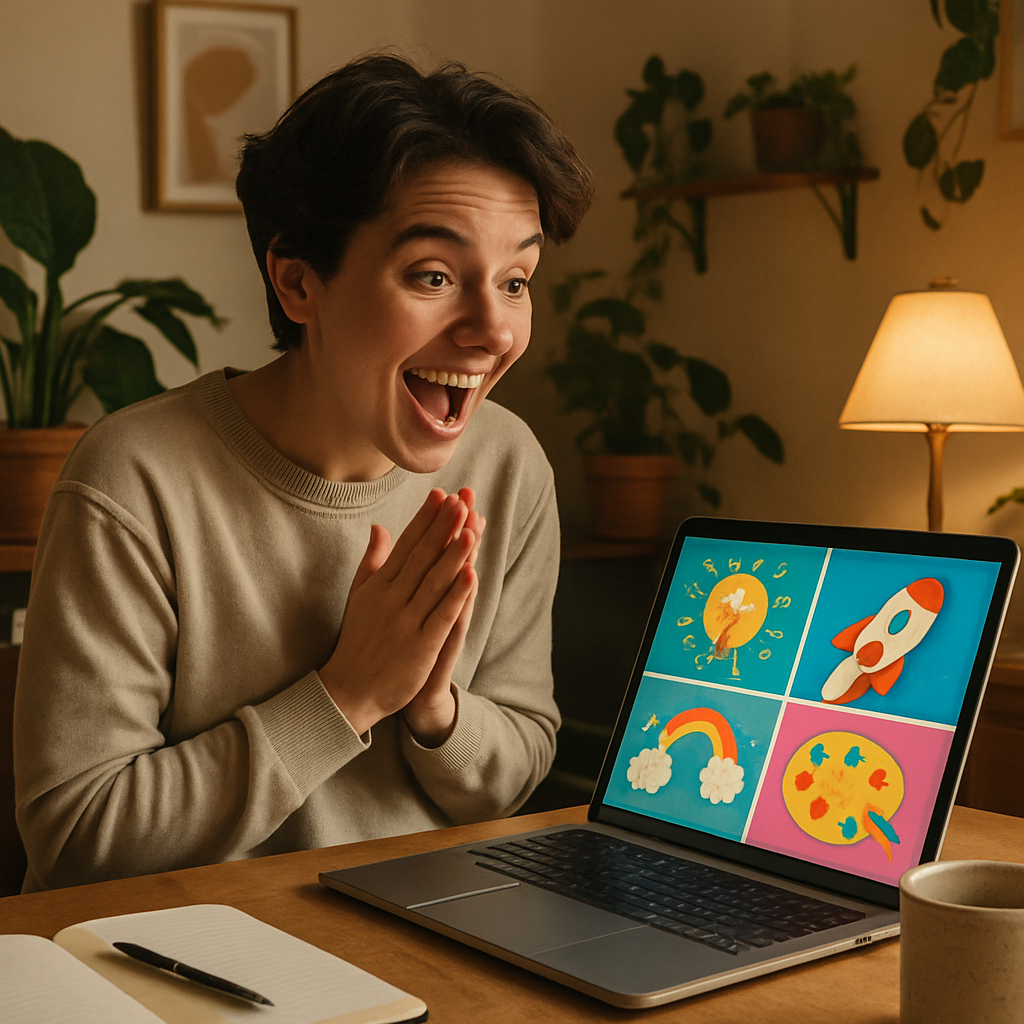
This guide walks you through the entire process: what to describe, how to prompt for print-ready results, and what to hand off to your vendor.
Quick answer: Describe your booth's visual concept in plain English — product, setting, colors, mood — and an AI image generator creates a high-quality image in seconds. You download the file, send it to your print vendor, and skip the design queue entirely. No subscription required on ATXP Pics; you pay a few cents per image.
What Makes a Good Trade Show Booth Image
A strong booth image does one thing: stop foot traffic. Attendees are moving fast and scanning at a distance of 20–30 feet. That means your backdrop or banner needs a single clear focal point, high contrast, and minimal text — the image carries the first impression before anyone reads a word.
The most effective trade show visuals fall into three categories:
- Hero product shot — your product or service rendered in a clean, dramatic setting
- Lifestyle or aspirational scene — shows the outcome or context your customer wants
- Abstract brand visual — bold color, texture, or pattern that signals your brand identity
AI image generation handles all three. The key is knowing which one fits your booth goal before you start prompting.
How to Write a Prompt That Works for Print
The more specific your description, the closer the first image will be to what you need. Vague prompts produce generic results. Trade show booth images need to feel intentional and on-brand.
Follow this structure for every prompt:
- Subject — What is the focal element? (a product, a person, a landscape, a logo concept)
- Setting — Where does it exist? (clean studio, outdoor environment, abstract background)
- Lighting — What mood does the light create? (bright and airy, dramatic studio lighting, golden hour)
- Color palette — Name your brand colors or a general palette direction
- Style — Photorealistic, illustrated, minimalist, bold graphic
- Aspect ratio note — Mention the orientation so the composition fits your format
Prompt Example: Backdrop Panel
"Wide-format backdrop image for a trade show booth. Central product: a stainless steel water bottle with a matte black lid. Setting: clean white studio with soft gradient background in navy blue fading to white. Dramatic product lighting from the upper left. Brand color accent: deep navy and slate gray. Photorealistic style. Horizontal wide composition with empty space on the left third for text overlay."
That level of detail takes 30 seconds to write and produces a usable result in the first or second generation.
Prompt Example: Lifestyle Scene
"Trade show booth banner image. Scene: a professional woman in her 30s working confidently at a modern desk, warm natural light from a large window, minimalist office setting. Color palette: warm whites, soft terracotta, and charcoal. Aspirational and calm mood. Vertical portrait orientation. No text."
How to Match Output to Your Print Vendor's Specs
Your print vendor gives you a pixel dimension and DPI requirement — build your prompt around that orientation, then confirm the output file meets their spec. Most large-format vendors want 150–300 DPI at the final print size, which translates to very large pixel counts for backdrops.
Here's a practical workflow:
- Call or email your vendor first. Get the exact pixel dimensions and file format they need (typically TIFF or high-res JPEG).
- Generate at the highest available resolution. Download the largest file option.
- Check if upscaling is needed. Many print vendors can upscale files on their end, or use a free tool like Upscayl before sending.
- Send a proof request. Ask for a digital proof before they print to confirm the composition crops correctly.
The file you download from ATXP Pics is yours — no watermarks, no licensing restrictions for commercial print use.
Generate Variations Without Paying for a Designer's Time
One of the biggest advantages of AI image generation for booth graphics is the ability to test multiple concepts for almost nothing. A single round of revisions with a freelance designer can cost $50–$150. Generating 15 variations to find the right look costs less than a dollar.
Generate booth images for your next event →
Use that low cost deliberately:
- Generate 3–5 versions of your main backdrop with different color palettes
- Test horizontal vs. vertical compositions for different banner formats
- Create matching assets — banner, table throw graphic, handout header — from a consistent visual direction
- Share the top two or three options internally and pick the strongest before going to print
This is how small teams and solo exhibitors move at the speed of large marketing departments.
What to Hand Off to Your Vendor
Give your print vendor one clean, high-resolution file per printed piece, with a clear label for size and placement. Ambiguity here causes expensive reprints.
A clean handoff includes:
- File name that includes the piece (e.g.,
booth-backdrop-8x10-final.jpg) - Confirmation of bleed area if required (typically 0.5–1 inch on each side)
- Note on where text or logos will be placed so the vendor can confirm no key art is in the bleed zone
- Your brand colors in hex or Pantone if color accuracy is critical
If your vendor offers a soft-proof PDF, always approve it before the print run starts.
Common Mistakes to Avoid
The most common mistake is generating a beautiful image that has the wrong aspect ratio for the print piece. A square image centered on a 33×81 inch pull-up banner will either crop badly or stretch. Always specify orientation and proportions in your prompt, and confirm the output dimensions before downloading.
Two other mistakes worth avoiding:
- Putting text in the AI-generated image. AI text rendering is unreliable. Generate the image clean, then add headlines and logos in Canva, Google Slides, or any basic design tool before sending to your vendor.
- Generating at the last minute with no time for a proof. Build in at least 24 hours between file submission and your pickup deadline.
Generate Your Booth Images Today
A trade show booth that looks polished and intentional starts with strong visuals — and you no longer need a design budget or a week of lead time to get them. Describe what you want, generate a handful of options, and send the best one to print.
No subscription. No monthly fee. Pay only for the images you actually use.