You have a print on demand shop, a niche in mind, and a blank canvas. The missing piece is a fast, affordable way to turn ideas into upload-ready artwork. This guide walks through exactly how to use an AI image generator for print on demand — from writing prompts that produce sellable designs to preparing files that meet platform requirements.
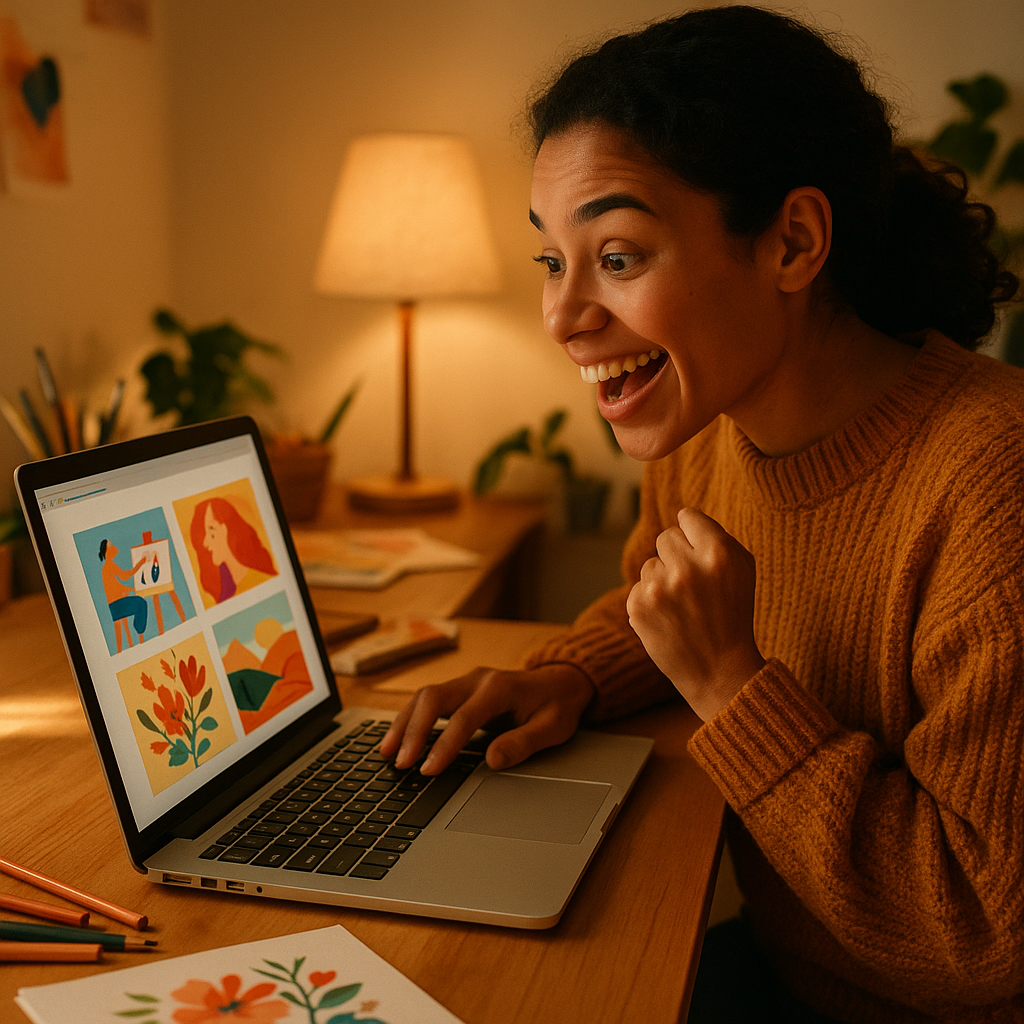
Quick answer: Generate designs with an AI image generator, describe your niche and style in plain English, then export the highest-resolution file available. Platforms like Redbubble and Merch by Amazon accept AI-generated artwork — you just need clean files, original prompts, and designs that don't infringe on existing IP. No design software required.
Why AI Image Generators Work for Print on Demand
AI image generators remove the biggest bottleneck in print on demand: creating enough designs to test what actually sells. Traditional design tools require skill and time. Hiring a designer costs $50–$200 per piece. An AI generator lets you produce 20 design concepts in an afternoon for a few dollars — and upload them all to see which ones gain traction.
The economics matter here:
- Generating a concept costs cents, not dollars — you can iterate freely
- No design skills needed — you describe what you want in plain English
- Speed — go from idea to upload-ready file in under 10 minutes
- Volume — POD is a numbers game; more listings mean more chances to rank
The shops that succeed on Redbubble and Merch by Amazon usually have hundreds of listings. AI makes that scale achievable without a team.
How to Write Prompts That Produce Sellable POD Designs
The quality of your prompt determines whether you get a generic result or a design someone actually wants to wear. Vague prompts produce vague images. Specific prompts produce specific designs.
Structure your prompt like this
- Subject — what the design is about ("golden retriever holding a coffee cup")
- Style — how it should look ("vintage badge style", "minimalist line art", "bold retro illustration")
- Color palette — what colors to use ("two-color black and white", "earthy tones — rust, tan, forest green")
- Background — almost always "transparent background" or "white background" for POD
- Format note — "t-shirt graphic", "sticker design", "centered composition"
Prompt examples you can copy and adapt
"Golden retriever holding a steaming coffee cup, vintage badge illustration style, earthy rust and tan colors, white background, t-shirt graphic, centered composition"
"Minimalist mountain range with sun rays, single-color line art, black on white, clean negative space, suitable for t-shirt printing"
"Funny cactus wearing sunglasses, bold retro cartoon style, bright desert colors — orange, yellow, teal, transparent background, sticker design"
What to avoid in POD prompts
- Named brands, characters, or celebrities — these get flagged and removed
- Photorealistic faces — hard to print cleanly and often flagged
- Overly complex scenes — detail gets lost at t-shirt scale; simpler almost always prints better
- Gradients and heavy shadows — many POD products print flat; test before uploading at scale
Matching Design Styles to Products and Platforms
The right style depends on the product — a hoodie design needs different specs than a phone case or sticker sheet.
| Product | Best style | Key requirement | |---|---|---| | T-shirt / hoodie | Bold illustration, vintage badge | High contrast, minimal detail | | Sticker | Bright colors, clean outlines | Transparent background | | Phone case | Pattern, abstract, landscape | Full-bleed composition | | Tote bag | Simple graphic + text | High contrast, limited colors | | Poster | Detailed illustration, art print | Maximum resolution |
On Merch by Amazon, designs tend to skew toward text-plus-graphic combos in specific niches — think "proud nurse" or "weekend hiker" with a relevant icon. On Redbubble, more artistic and illustrated styles perform well across stickers and art prints.
Preparing AI-Generated Files for Upload
Most print on demand platforms require 300 DPI at the intended print size — that means large files, not small web images. Here's how to get upload-ready files from an AI generator.
- Generate at the highest available resolution. Always use the largest output option.
- Check the pixel dimensions. For a t-shirt design (roughly 15" wide at 300 DPI), you need approximately 4,500 pixels across.
- Remove the background if needed. Tools like Remove.bg or Canva's background remover take under a minute. Many prompts with "white background" or "transparent background" produce clean edges that are easy to process.
- Export as PNG. PNG preserves transparency and quality. Never upload a compressed JPEG for a design with hard edges.
- Test on a mockup before listing. Both Redbubble and Merch by Amazon have built-in mockup previews. Check that text is legible and detail isn't lost.
Building a Niche Strategy With AI-Generated Designs
The fastest path to POD sales is picking a specific niche and generating 20–50 designs for it before moving on. Broad designs ("I love coffee") face thousands of competitors. Narrow designs ("veterinary technician coffee lover") face dozens.
A repeatable workflow:
- Pick a niche — profession, hobby, pet breed, regional pride, lifestyle
- Identify 5–10 design angles — humor, pride, identity, seasonal, gift-focused
- Write one prompt per angle and generate 2–3 variations each
- Upload everything — don't pre-filter too aggressively; let the market tell you what works
- Double down on winners — when a design sells, generate 10 variations of that concept
Generate your first POD design →
At a few cents per image with no subscription, generating 50 design concepts costs roughly $2–$5. Compare that to hiring a designer at $50–$200 per piece, and the math for testing new niches is clear.
Common Mistakes That Get POD Listings Rejected
The most common reason AI-generated designs get rejected is unintentional IP infringement — not image quality. Avoiding this is straightforward:
- Don't reference any trademarked phrase, even indirectly ("the most magical place on earth" is trademarked)
- Don't recreate recognizable logos or mascots — even described in plain English, AI tools can produce close approximations
- Avoid celebrity likenesses — photorealistic portraits of recognizable people will be removed
- Check your niche for existing trademarks before uploading at scale — a quick USPTO search takes five minutes
Quality issues to watch for:
- Text rendered inside the image (AI-generated text is often illegible — add text in a separate design tool)
- Blurry edges at print scale — zoom to 100% and check before uploading
- Backgrounds that didn't go fully transparent — check on a colored canvas before listing
Start Generating Designs Today
Using an AI image generator for print on demand changes the economics of running a POD shop. Instead of spending hours in design software or hundreds on freelancers, you describe what you want and iterate in seconds.
ATXP Pics is pay-per-image — no subscription, no monthly fee, and your balance never expires. Generate a batch of designs this week, test them, and come back when you're ready to expand a winning niche.