You have a clear picture in your head — a logo concept, a blog header, a gift idea — but no designer on speed dial and no time to wait. An AI image generator turns that mental picture into an actual image in the time it takes to make a cup of coffee. This tutorial walks you through your first image, start to finish, in five minutes.
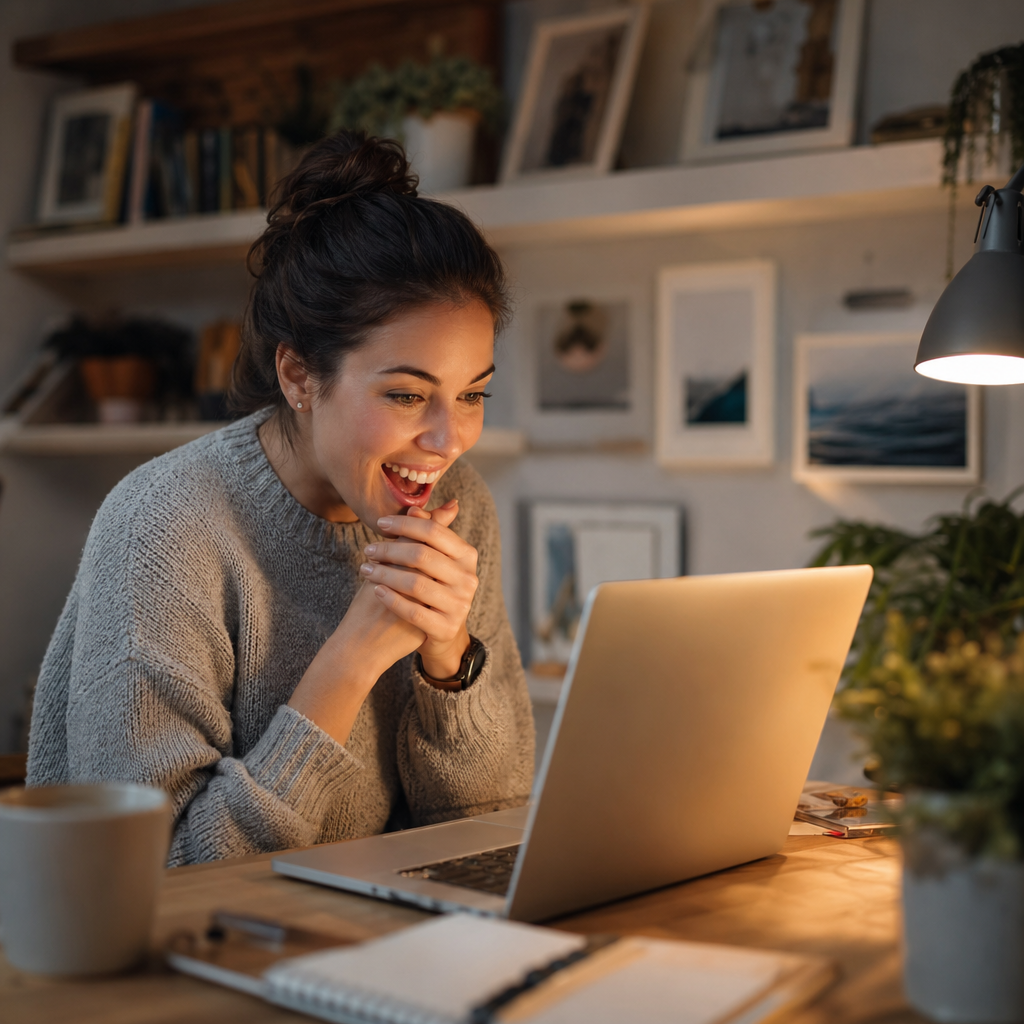
Quick answer: Type a description of what you want, hit generate, and you'll have a downloadable image in under 30 seconds. No software to install, no design skills required. The only thing that matters is how clearly you describe your idea.
What an AI Image Generator Actually Does
An AI image generator reads your description and builds a matching image from scratch — no stock photo libraries, no templates. You type something like "a golden retriever sitting in a sunlit field of lavender" and within seconds you're looking at exactly that scene, rendered as a unique image that didn't exist anywhere before.
The key word is description. The tool doesn't read your mind, but it's very good at reading your words. The more specific your description, the better your result. That's the entire skill set this tutorial will help you build.
What You Need Before You Start
All you need is a device with a browser and a clear idea of what you want to create. No software downloads, no design apps, no prior experience. Head to ATXP Pics and add a small balance — images cost a few cents each, and there's no subscription required. Your balance never expires, so you're not racing against a billing cycle.
Compare that to most alternatives:
| Tool | Cost Structure | 5 images/month costs you | |---|---|---| | Midjourney Basic | $10/month subscription | $2.00 per image | | ATXP Pics | Pay per image | A few cents per image |
If you're not generating hundreds of images a month, pay-per-image math is hard to argue with.
How to Write Your First Prompt
Your prompt is just a sentence — or a few — describing what you want to see. Start with four building blocks: a subject, a setting, a mood or lighting style, and a visual format.
- Subject: What is the main thing in the image? (a woman, a coffee mug, a cityscape)
- Setting: Where is it? (on a rooftop, in a forest, in a minimalist studio)
- Mood/lighting: How should it feel? (golden hour, moody overcast, bright and clean)
- Format: What kind of image? (close-up portrait, wide landscape, flat-lay product shot)
Combine those four elements and you have a solid first prompt. Here's a real example you can copy and adapt:
A close-up portrait of a woman in her 30s smiling warmly, standing in front of a blurred coffee shop interior, soft natural window light, candid and relaxed mood.
That one sentence gives the generator enough to work with. It specifies the subject (woman, 30s, smiling), the setting (coffee shop), the lighting (soft natural window light), and the feel (candid, relaxed). Try it as-is or swap in your own details.
Step-by-Step: Generating Your First Image
The process takes less than two minutes once you're on the site. Here's the exact sequence:
- Open ATXP Pics in your browser.
- Add a small balance. A few dollars covers dozens of images.
- Type your prompt in the description box. Use the four-part structure above.
- Hit generate. Your image renders in roughly 15–30 seconds.
- Download the result. If you want to adjust anything, tweak one element of your prompt and generate again.
That's it. Your first image takes about 5 minutes total — most of that time is writing your prompt, not waiting for results.
How to Improve a Result You're Not Happy With
If your first image isn't quite right, change one thing in your prompt — not everything. Changing too much at once makes it hard to know what actually improved the result. Treat it like a dial you're turning, not a slot machine you're resetting.
Common fixes and what to adjust:
- Image feels too dark or flat → Add a lighting note: "bright studio lighting" or "golden hour sunlight"
- Subject looks off → Be more specific about age, expression, or pose: "hands in pockets, looking slightly left"
- Background is too busy → Add "simple background" or "blurred background"
- Style isn't what you wanted → Add a style word: "photorealistic," "illustration," "watercolor," "cinematic"
Each attempt costs a few cents, so experimenting is cheap. Most people land on a result they're happy with within 2–3 tries.
What to Create Next
Once you've made your first image, the range of things you can generate is surprisingly wide. Here are a few directions worth exploring, each with a ready-to-use prompt:
A flat-lay product photo of a skincare bottle on a white marble surface, with green eucalyptus leaves and soft natural light from the left.
A wide-angle illustration of a futuristic city at dusk, warm amber lights reflecting on wet streets, cinematic mood.
A professional headshot of a man in his 40s in a navy blazer, neutral grey studio background, confident and approachable expression.
Each of those follows the same four-part structure. Subject, setting, lighting, format. You can also visit the no-subscription AI image generator page if you want to dig into how the pricing works, or check out the headshot generator if profile photos are your main goal.
Your First Image Is Waiting
This ai image generator tutorial covers everything you need to go from blank page to finished image in under 5 minutes: write a clear prompt with four elements, generate, and refine with small adjustments. No subscription, no software, no design background required.
Ready to try it? Create your first image at ATXP Pics — add a small balance, type what you're picturing, and see what comes back in seconds.