Your Amazon main image is doing more work than any other asset in your listing — it's the thumbnail that determines whether someone clicks or scrolls past. This guide walks through exactly how to use AI images for Amazon FBA listings the right way: what Amazon actually requires, how to write prompts that produce compliant results, and where AI images fit versus where they don't.
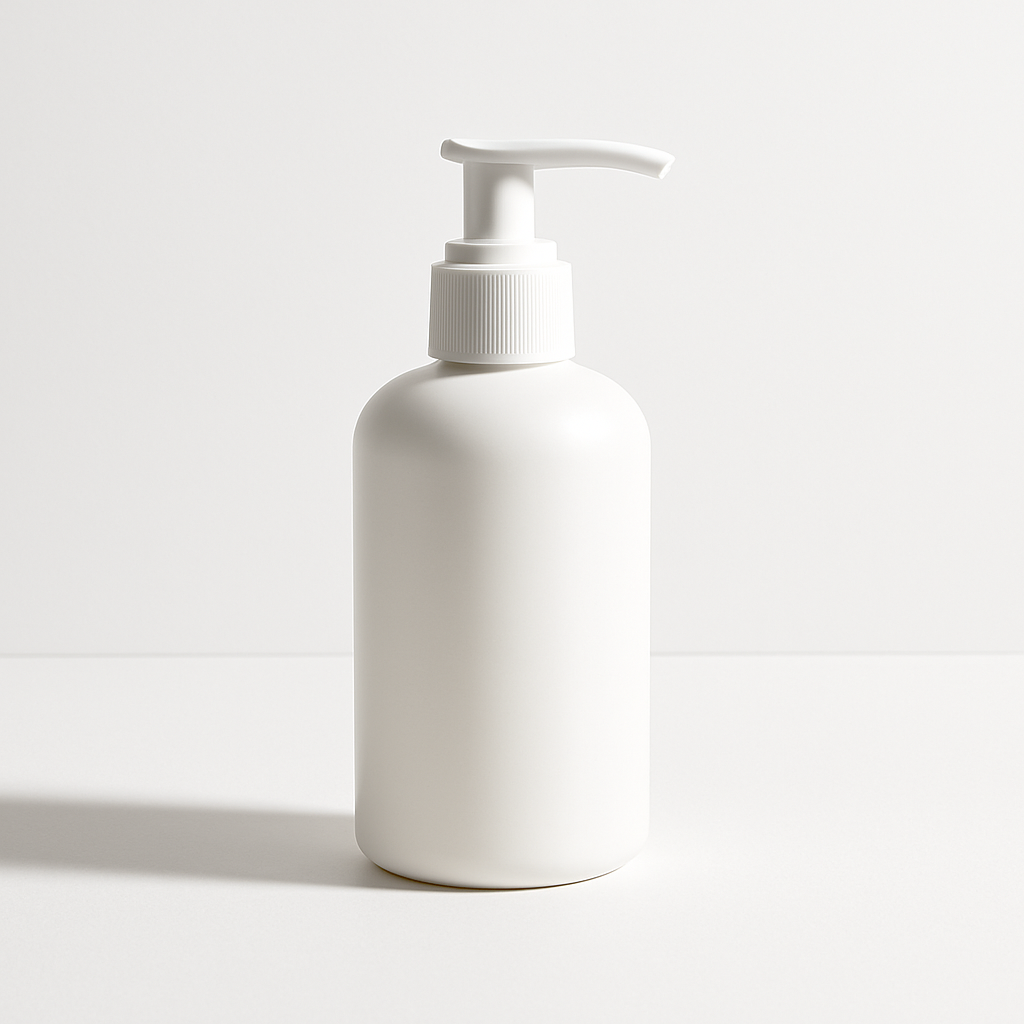
Quick answer: AI-generated images are allowed on Amazon FBA listings. To pass compliance, your main image needs a pure white background (RGB 255/255/255), the product filling at least 85% of the frame, no text overlays, no props, and a minimum resolution of 1,000 pixels on the longest side. Write your prompt to spec those requirements directly and the output will be listing-ready.
What Amazon Actually Requires for Main Images
Amazon's main image rules are strict, but they're not complicated. Every requirement exists to create a consistent, clean shopping experience — and every one of them can be addressed directly in an AI image prompt.
The non-negotiable checklist:
- Pure white background — RGB 255, 255, 255. Not off-white, not light gray, not "almost white." Pure white.
- Product fills ≥ 85% of the frame — the product should be large and centered, not floating in a sea of white space.
- No text, logos, or graphics — no "new," no brand badges, no promotional copy on the main image.
- No props or lifestyle elements — hands, surfaces, and accessories belong in secondary images, not the main.
- Minimum 1,000 pixels on the longest side — 2,000+ recommended to fully enable zoom.
- JPEG, TIFF, or PNG format — JPEG is standard.
AI-generated images don't get special treatment from Amazon's systems. A compliant image is a compliant image, regardless of how it was made.
How to Write Prompts That Produce Compliant Main Images
The single biggest mistake sellers make is writing vague prompts — "a photo of my product" produces a generic result that may or may not be usable. Specific prompts produce specific, usable images.
The Compliant Main Image Prompt Formula
Break your prompt into four parts:
- Product description — material, color, shape, size, key features
- Background specification — always "pure white background, RGB 255 255 255"
- Lighting and quality — "soft studio lighting," "sharp focus," "photorealistic," "no shadows"
- Angle and framing — "front-facing," "slight 3/4 angle," "centered," "filling the frame"
Copy-ready prompt example:
Front-facing product photo of a matte black stainless steel insulated water bottle with a screw-top lid, 40oz, pure white background, soft diffused studio lighting, sharp focus throughout, no shadows, no props, no text, photorealistic, product centered and filling the frame
Run this prompt on ATXP Pics' AI product mockup generator, review the result against the compliance checklist above, and iterate on the specific details that need adjusting.
Common Prompt Mistakes to Fix
| Vague prompt element | What to write instead | |---|---| | "white background" | "pure white background, RGB 255 255 255" | | "good lighting" | "soft diffused studio lighting, no harsh shadows" | | "clear photo" | "sharp focus, photorealistic, high detail" | | "show the product" | "product centered, filling at least 85% of the frame" | | "no clutter" | "no props, no text, no overlays, isolated product only" |
Step-by-Step: Creating Your Amazon Main Image
- Write your product description in detail. Color, material, dimensions, any distinguishing features (texture, finish, shape). The more specific you are, the less you'll need to iterate.
- Build your prompt using the four-part formula above. Include every compliance requirement as a direct instruction — don't assume the AI will infer them.
- Generate 3–5 variations. Slight angle and lighting differences can meaningfully change how the product reads at thumbnail size.
- Check compliance against the checklist. Open the image, zoom to 100%, and verify background purity, product fill percentage, and resolution.
- Test at thumbnail size. Download the image and view it at roughly 200×200 pixels — the size it appears in search results. If the product reads clearly, it will convert.
- Upload and monitor. Amazon will flag non-compliant images quickly. If a suppression notice appears, check which rule was triggered and adjust the prompt accordingly.
Where AI Images Work Best (and Where They Don't)
AI images for Amazon FBA listings are most effective for new SKU launches, product variations, and budget-constrained testing. They're not always the right answer for every image slot in your listing.
When AI images are the right call
- Launching a new SKU before you know whether it will sell — spending $150 on a photography session for an untested product is a real risk
- Creating color variations of an existing product without re-shooting
- Secondary lifestyle images where flexibility matters more than photographic perfection
- Rapid A/B testing of different angles, backgrounds, or compositions
When professional photography is worth the investment
- Hero products with complex textures (leather goods, food products, fabric) where physical photography still captures detail more reliably
- Products where authenticity is central to the brand — high-end lifestyle brands where the photography style is part of the positioning
- Any time you need images with real human interaction — AI-generated people in product photos are inconsistent and can undermine trust
Generate product images for your Amazon listing →
The Cost Comparison: AI Images vs. Product Photography
The math is straightforward for FBA sellers who are managing multiple SKUs or testing frequently.
| Scenario | Traditional photography | ATXP Pics (pay-per-image) | |---|---|---| | Single SKU launch | $50–$150 per session | A few cents per image | | 5 color variations | $200–$400 | A few cents each | | A/B test 3 main image angles | Requires reshooting | Generate and test same day | | Unused month | $0 (no cost) | $0 (balance never expires) |
No subscription means you pay only when you're creating. If you launch two products this month and nothing next month, you're not charged a seat fee for the quiet period. That's a meaningful difference from monthly creative tools that bill whether you use them or not.
What to Do If Amazon Flags Your AI Image
Suppression notices are about compliance, not image origin. If Amazon flags your main image, the notice will specify the rule that was violated — use that as your prompt revision instruction.
Common flags and how to fix them in your next prompt:
- "Background is not pure white" → Add "background RGB 255 255 255, no gradients, no shadows on background"
- "Product too small in frame" → Add "product filling at least 85% of the image, tightly cropped"
- "Text or graphics detected" → Add "no text, no logos, no overlays, no watermarks anywhere in the image"
Generate a revised version, verify it against the checklist, and re-upload. Most compliance issues resolve in one or two prompt iterations.
AI images for Amazon FBA listings work — when you write the prompt to spec. Treat Amazon's image requirements as your creative brief, build each requirement directly into your prompt, and generate variations until you have something that reads clearly at thumbnail size and passes the compliance checklist.