You publish a post and then spend 20 minutes hunting for a featured image that isn't overused, overpriced, or totally off-brand. AI images for bloggers solve that exact problem — describe what you want, get a polished image in seconds, and move on. This guide walks through exactly how to do it, including real prompt templates you can copy.
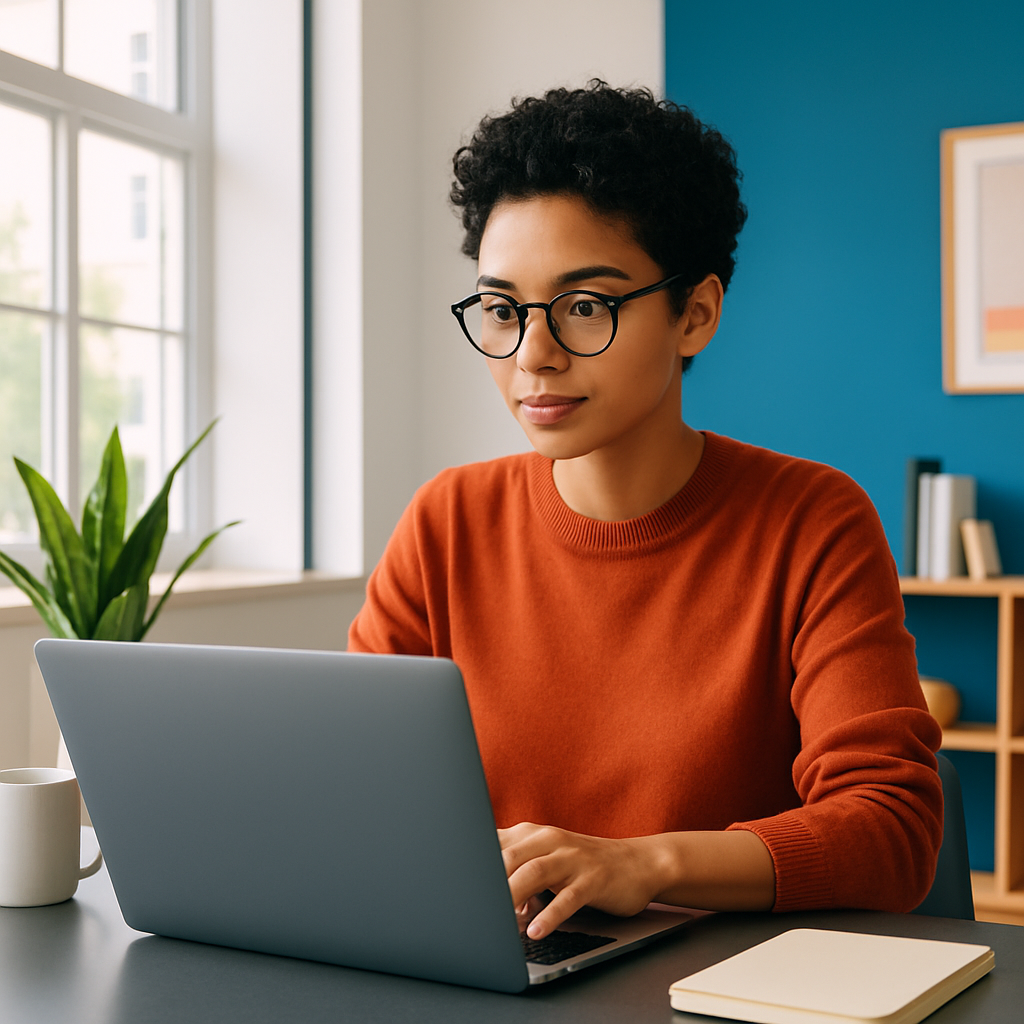
Quick answer: Bloggers can generate custom featured images using an AI image tool by typing a plain-English description of the scene, style, and mood they want. The whole process takes under a minute per image, costs a few cents, and produces original visuals that match your content — no stock site subscription, no designer required.
Why Stock Photos Keep Failing Bloggers
Stock photos fail bloggers because the best ones are expensive and the affordable ones show up on 50,000 other websites. Your featured image is the first visual impression of your post — on your site, in RSS readers, and when someone shares your link on social media. Generic stock undercuts that impression every time.
The common alternatives each have their own friction:
- Hiring a designer — $50–$150 per image, requires a brief, and involves turnaround time
- Canva — still needs a stock photo underneath; the template is just a frame
- Free stock sites — saturated, often irrelevant, and visually dated
- Midjourney — $10/month minimum whether you publish 2 posts or 20
AI image generation sidesteps all of this. You describe the image, you get the image. The visual is original, on-brand, and ready in seconds.
What to Include in a Blogger Prompt (And What to Skip)
A good prompt for a blog featured image has four components: subject, setting or mood, visual style, and format.
Here's how each one works:
Subject
What is literally in the image? Be specific. "A person reading" is weak. "A woman reading a paperback at a café table, morning light, steaming coffee nearby" gives the generator something to work with.
Mood and Color
Tell it how the image should feel. "Warm and cozy," "clean and minimal," "moody and cinematic" all produce meaningfully different results. If your blog has a color palette, mention it: "muted earth tones" or "bright, airy whites and greens."
Visual Style
Choose one: photorealistic, editorial photography, flat illustration, watercolor, digital art. Mixing too many styles dilutes the result.
Format
Always mention horizontal composition or landscape orientation — blog featured images are wide, not square. Add "negative space on the left" if you plan to overlay a title.
Prompt template: "Photorealistic editorial photo of a woman writing in a journal at a rustic wooden desk, warm morning light through a window, coffee cup nearby, muted earth tones, horizontal composition, clean negative space on the right side"
That one prompt produces a featured image tailored to a lifestyle or productivity blog post — original, on-brand, and usable immediately.
Step-by-Step: Creating a Featured Image for a Blog Post
Generating AI images for bloggers takes four steps from idea to published post.
-
Identify the core visual concept of your post. What is the post actually about? A tutorial on sourdough bread? A review of running shoes? A guide to remote work? The image should reflect that topic — not just look pretty.
-
Write your prompt using the four-component structure above. Subject + mood + style + format. Keep it to 2–3 sentences. Longer prompts don't always produce better results.
-
Generate and review. At ATXP Pics, you type your prompt into the chat interface and receive an image in seconds. If the first result isn't right, tweak one element — adjust the lighting, change the style, or narrow the subject — and generate again.
-
Download and drop it in. No editing required. Resize to your CMS's recommended featured image dimensions if needed (most blogs use 1200×628px), and publish.
The whole process — prompt writing through final image — takes 2–5 minutes per post.
Real Prompt Examples by Blog Niche
Different niches need different image styles. Here are copy-paste prompts for five common blog categories:
| Niche | Example Prompt | |---|---| | Food & Recipe | "Overhead flat lay of a rustic sourdough loaf on a linen cloth with scattered flour, warm natural light, earthy tones, horizontal crop" | | Personal Finance | "Minimal editorial illustration of a glass jar with coins and a small green plant growing from it, clean white background, horizontal composition" | | Travel | "Golden hour aerial view of a coastal village with colorful boats, Mediterranean style, cinematic tone, wide horizontal landscape" | | Productivity | "Clean desk setup with a notebook, laptop, and plant, soft natural light, neutral tones, wide shot with negative space on the left" | | Health & Wellness | "Photorealistic image of a woman doing yoga on a wooden deck surrounded by trees, morning mist, soft greens and whites, horizontal" |
Each of these produces a unique, original image — not something another blogger pulled from the same Unsplash search.
The Cost Comparison Bloggers Never Do
Most bloggers don't realize how much they're overpaying per image — because the monthly subscription cost feels normal.
| Scenario | Tool | Monthly Cost | Images/Month | Cost Per Image | |---|---|---|---|---| | Occasional blogger | Midjourney Basic | $10 | 5 | $2.00 | | Regular blogger | Midjourney Basic | $10 | 20 | $0.50 | | Any blogger | ATXP Pics | $0 | Any | ~$0.03–$0.10 |
Midjourney's $10/month billing continues whether you publish or not. Take a month off, travel for two weeks, or hit a writing block — the charge still runs. With ATXP Pics, your balance never expires and you're only charged for images you actually create.
Generate your next featured image for cents →
Common Mistakes Bloggers Make With AI Image Prompts
The most common mistake is being too vague — prompts like "blog header image about money" produce generic results because the generator has nothing specific to render.
- Don't describe feelings without visuals. "Inspiring" isn't a visual. "A mountain summit at sunrise with a person standing at the peak, arms out" is.
- Don't forget orientation. Square images look awkward as blog headers. Always specify horizontal or landscape.
- Don't over-specify style. Stacking five style references ("watercolor, photorealistic, cinematic, anime, vintage") confuses the output. Pick one.
- Don't skip iteration. Your second or third prompt attempt is almost always better than the first. Adjust one element at a time to zero in on the result you want.
Start Creating Featured Images That Match Your Content
AI images for bloggers aren't a workaround — they're a better workflow. You get original visuals that actually match your post topic, produced in seconds, for a few cents each. No subscription draining your account on months you don't publish. No hunting through stock libraries for something that looks less generic than the last option.
Describe what you want, get the image, publish the post.