Your newsletter's writing is sharp. But if every issue looks the same — stock photo, bland header, maybe no image at all — readers are training themselves to skim past the visuals entirely. AI images for newsletter creators let you generate a fresh, on-brand image for every issue in seconds, without a Canva subscription, a stock photo library, or a designer on call.
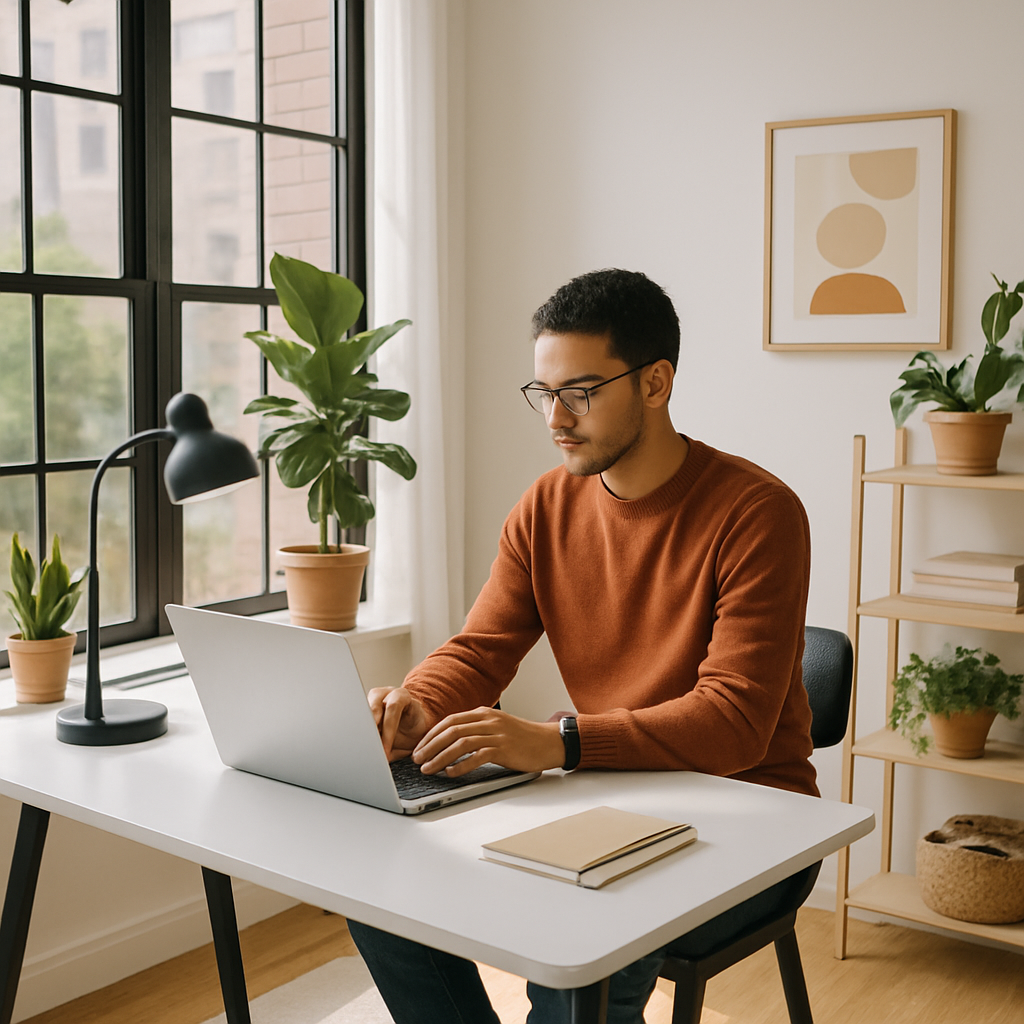
Quick answer: You can generate custom AI images for your newsletter by describing exactly what you want in plain English. Each image costs a few cents, there's no subscription required, and the result drops straight into Beehiiv, Substack, ConvertKit, or any other platform. No design skills needed.
Why Stock Photos Are Failing Newsletter Creators
Stock photos look like stock photos — and your readers know it. The stiff handshakes, the suspiciously happy office workers, the generic lightbulb-over-a-head: these images don't reflect your voice, your niche, or your brand. They also get reused across thousands of other newsletters, so your "original" header image may already be sitting in a competitor's last issue.
The alternative — custom photography or commissioned illustration — runs $200–$1,000+ per image. That math doesn't work for a solo creator publishing weekly.
AI image generation closes that gap. You describe the visual you need, and you get something made specifically for your newsletter, your topic, and your aesthetic. A few cents per image. No recurring cost.
What Types of Images to Generate for Each Newsletter Section
Different parts of your email need different types of visuals. Here's what works at each position:
Hero Banner (Top of Email)
This is the first image your reader sees. It should set the tone for the entire issue — warm and editorial for a lifestyle newsletter, clean and minimal for a business or finance publication, vibrant and energetic for a creator or marketing newsletter.
- Aspect ratio: 2:1 or 16:9 (landscape)
- Style cues: "editorial photography," "flat lay," "cinematic," "illustration"
- Avoid: busy compositions with lots of text or faces — these often render poorly at small sizes
Mid-Email Section Break
A square or portrait image that punctuates a long section and gives the eye somewhere to rest. These work especially well in long-form newsletters where you're covering multiple topics.
- Aspect ratio: 1:1 or 4:5
- Style cues: "simple icon illustration," "minimal flat design," "watercolor sketch"
Article Thumbnail (Roundup Newsletters)
If your newsletter curates links or summarizes multiple stories, a small thumbnail beside each item adds visual structure. These should be simple and distinct from each other.
- Aspect ratio: 1:1 or 3:2
- Style cues: "icon on white background," "simple editorial illustration"
How to Write Prompts That Actually Work
The quality of your image depends almost entirely on the specificity of your prompt. Vague prompts produce generic images. Specific prompts produce images that feel made for you.
Use this structure: Subject + Setting + Mood/Lighting + Style
Prompt example — Finance newsletter hero banner: "Wide landscape banner, a minimalist desk with a single open notebook, a pen, and a small succulent plant, soft natural window light, muted beige and sage green tones, editorial flat lay photography"
Prompt example — Creator economy newsletter section break: "Square illustration, a laptop open on a wooden table with a steaming coffee cup beside it, warm amber and cream color palette, simple line art style with subtle watercolor fill"
Prompt example — Health and wellness roundup thumbnail: "Small square image, abstract illustration of a person stretching at sunrise, pastel gradient background in peach and lavender, minimal flat design, no text"
Copy any of these as a starting point and adjust the details to match your topic and brand palette.
Step-by-Step: Generate and Use Images in Your Newsletter Workflow
- Open your draft. Identify every spot where an image would add clarity or visual interest — typically the hero, 1–2 section breaks, and any article thumbnails.
- Write a prompt for each image using the Subject + Setting + Mood/Lighting + Style structure above.
- Generate each image at ATXP Pics. Describe what you want, click generate, and download. Takes about 10–15 seconds per image.
- Resize if needed. Most email platforms accept images at 1200px wide. If your platform requires specific dimensions, a free tool like Squoosh or Canva's resize feature handles this in seconds.
- Upload directly to your email platform. Beehiiv, Substack, Kit (formerly ConvertKit), and Mailchimp all accept standard JPG or PNG uploads. Paste in, position, and publish.
Total time for three images: Under five minutes once you know your prompts.
The Cost Math for Weekly Newsletter Creators
At a few cents per image, the numbers are straightforward. If you generate three images per issue and publish weekly, you're looking at roughly 12 issues per month — about 36 images. At $0.05 per image, that's under $2.00 a month.
Compare that to a stock photo subscription ($29–$49/month for a mid-tier library) or a design tool subscription ($13–$55/month). And unlike those subscriptions, your ATXP Pics balance never expires — so a slow month costs you nothing.
| Option | Monthly Cost | Images | Cost per Image | |---|---|---|---| | Stock photo subscription | $29–$49/mo | Unlimited (but generic) | ~$0.00 per use, but high base cost | | Midjourney Basic | $10/mo | ~150 images | $0.07/image (charged every month) | | ATXP Pics | Pay per image | As many as you need | ~$0.03–$0.05/image, no monthly fee |
No subscription means no guilt about months you publish less. No commitment means you're not paying for images you didn't need.
Generate your next newsletter image →
Common Mistakes to Avoid
Don't generate images that have nothing to do with your content. A random aesthetic image at the top of your email trains readers to ignore visuals. Every image should give a hint about what the section covers.
- Avoid images with text in them. AI-generated text is often garbled. Put your headlines in your email platform, not baked into the image.
- Don't use the same style for every image in the same issue. Vary between photography-style, illustration, and flat design to give the email visual rhythm.
- Don't skip alt text. Many email clients block images by default. Write a clear alt text description for every image — it's also good for accessibility.
- Don't over-generate. Three well-chosen images per issue is plenty. More than that competes with your writing.
Make Every Issue Worth Opening
Your writing earns the click. Your visuals earn the scroll. AI images for newsletter creators aren't about making your newsletter look fancy — they're about making it feel intentional, consistent, and worth reading all the way through.
The workflow is simple: write your prompt, generate in seconds, drop it into your email. No subscription, no designer, no stock photo library. Just the image you actually needed for this issue.