You're organizing a school fundraiser and you need a flyer for Friday, a social post for Tuesday, and a banner for the gym by next week — but the budget is $0 and the design volunteer just cancelled. This guide shows you exactly how to create every image you need using AI, step by step, for a few cents each.
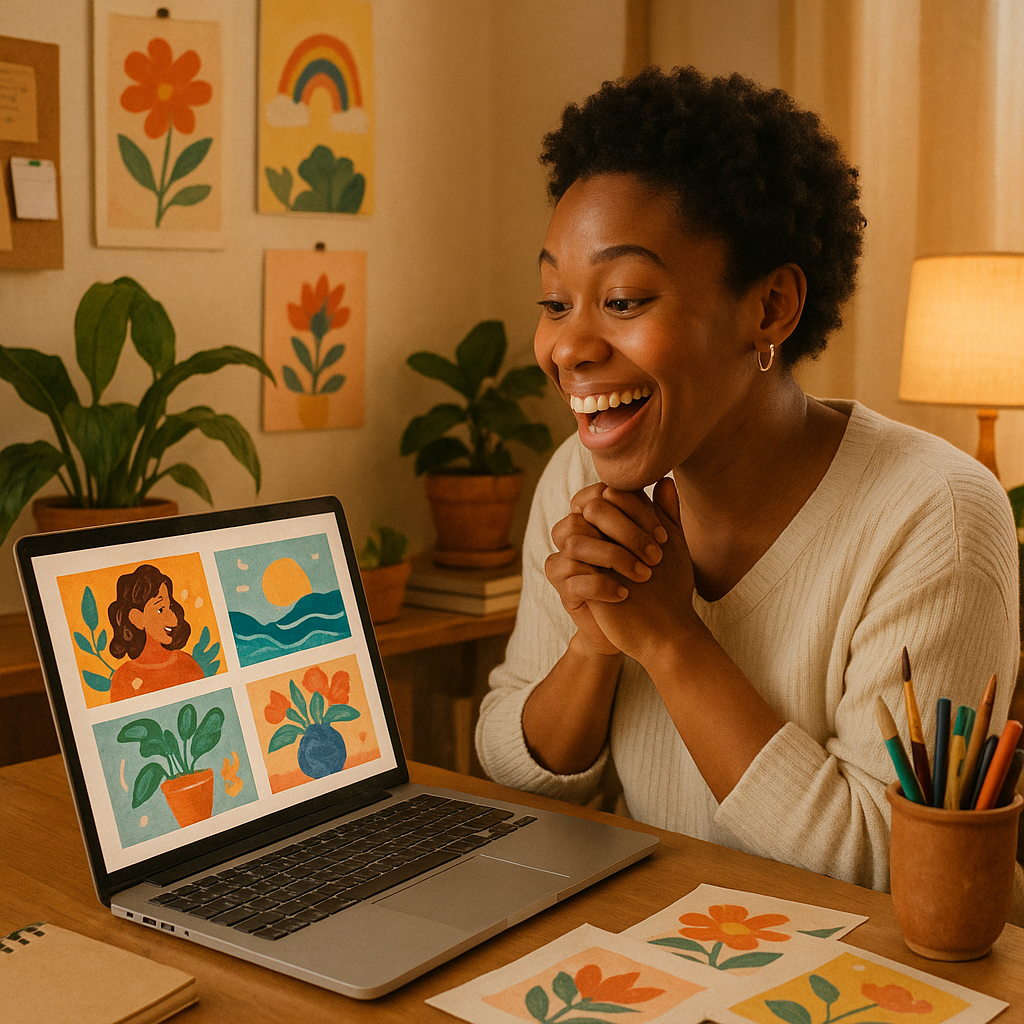
Quick answer: You can generate professional-looking fundraiser flyers, social media graphics, and event banners using an AI image generator. Describe what you want in plain English, receive a finished image in seconds, and pay only for what you create — no subscription, no design skills needed. A complete set of materials for a single fundraiser event typically costs less than one dollar.
What AI Images Work Best for School Fundraisers
AI image generators handle every visual asset a school fundraiser needs, from the first save-the-date post to the thank-you graphic after the event. Here's what's practical to generate:
- Event flyers — vertical format, school colors, event name, date, and a compelling visual
- Social media graphics — square or 9:16 format for Instagram, Facebook, and the school's parent group
- Donation appeal banners — horizontal images for email headers or website hero sections
- Bake sale and spirit day posters — fun, colorful, crowd-appropriate
- Sponsor recognition cards — clean, professional graphics to thank local businesses
- Auction item previews — styled product-style images for silent auction listings
You don't need a different tool for each format. One generator, one balance, one place to work.
How to Write a Prompt That Gets It Right the First Time
The quality of your image depends almost entirely on how specifically you describe it. A vague prompt produces a generic result. A specific prompt produces something usable on the first try.
The five things every fundraiser prompt needs
- Event type — school carnival, book fair, 5K run, bake sale, gala auction
- Mood and colors — bright and playful, elegant and formal, warm community feel, school colors (name them)
- Text to include — event name, date, school name, tagline
- Audience — families, parents, students, community members, local donors
- Format — vertical flyer (portrait), square social graphic, horizontal email banner
Prompt examples you can copy
"A bright, cheerful vertical event flyer for a school spring carnival. Bold text reads 'Spring Carnival — May 3rd — Lincoln Elementary'. Illustrated style with balloons, confetti, and a sunny outdoor feel. Blue and yellow color scheme. Family-friendly and fun."
"A clean, elegant horizontal banner for a school auction gala. Text reads 'Annual Gala Auction — Benefiting Riverside Middle School'. Deep navy and gold color palette. Sophisticated but warm. Suitable for an email header."
"A square social media graphic announcing a school bake sale. Illustrated cookies, cupcakes, and brownies. Friendly handwritten-style font. Text: 'Bake Sale This Friday! All proceeds support the 5th grade DC trip.' Bright, appetizing, parent-friendly."
Run a prompt, review the result, and adjust one or two elements if needed. Most fundraiser images take two or three attempts at most.
Step-by-Step: Building a Complete Fundraiser Image Set
A full visual package for one fundraiser event takes about 20 minutes and four to six image generations.
- List every touchpoint — flyer, Instagram post, Facebook cover, email header, printed banner. Write them down before you start.
- Decide on a consistent look — pick two colors and a mood word ("playful", "community-focused", "formal"). Use these in every prompt so your materials feel cohesive.
- Start with the flyer — it's the most complex asset and sets the visual tone for everything else.
- Adapt the prompt for each format — change "vertical flyer" to "square social graphic" and adjust text accordingly. Keep colors and mood language identical.
- Download and drop in — save each image and place it directly into your email platform, Canva layout, or print upload. No additional editing required for most uses.
- Generate a thank-you graphic last — after the event, one more image for a donor/sponsor thank-you post costs the same few cents and closes the campaign professionally.
Generate your fundraiser images →
What This Costs Compared to Your Alternatives
Paying per image is almost always the right choice for a school fundraiser, where you need a handful of assets once or twice a year — not a steady stream every month.
| Option | Cost | What you get | |---|---|---| | Hire a freelance designer | $75–$300 | 1 flyer, 2–3 revisions, days of lead time | | Canva Pro subscription | $15/month | Templates only — you still design everything | | Midjourney Basic subscription | $10/month | ~150 images/month, charged every month | | ATXP Pics (pay-per-image) | ~$0.05–$0.10/image | AI-generated images, no subscription |
For a fundraiser that needs 6 images, ATXP Pics costs roughly $0.30–$0.60 total. A Midjourney subscription costs $10 whether you create 6 images or 150. For occasional use — which describes every school fundraiser organizer — pay-per-image wins every time.
Common Mistakes to Avoid
The most common issue is prompts that are too short. "A school fundraiser flyer" will produce something generic. "A bright vertical flyer for a school carnival with blue and gold colors, illustrated balloons, and text reading 'Spring Carnival — May 3'" gives the generator enough to work with.
A few other things worth watching:
- Don't forget the format — "vertical", "square", and "horizontal" produce completely different compositions. Always specify.
- Don't overcrowd the text — ask for one headline and one line of supporting information. Long text blocks in AI images often render imperfectly.
- Don't skip the mood word — "elegant", "playful", "community-focused" dramatically changes the result and takes two seconds to add.
- Don't assume one image fits all uses — a flyer designed for print at 8.5×11 looks awkward cropped to a square social post. Generate each format separately.
Get Your Fundraiser Materials Done Today
School fundraiser organizers have one thing in common: not enough time. AI images for a school fundraiser solve the visual asset problem in an afternoon, without a designer, without a subscription, and without eating into the funds you're trying to raise.
Describe what you want. Get an image. Pay a few cents. Move on to the actual fundraising.