Your WooCommerce product photos are either closing sales or killing them — there's no neutral. If you're working with blurry phone shots, plain white backgrounds that look rushed, or placeholders you've been meaning to replace for months, AI images for WooCommerce product listings are the fastest fix available today.
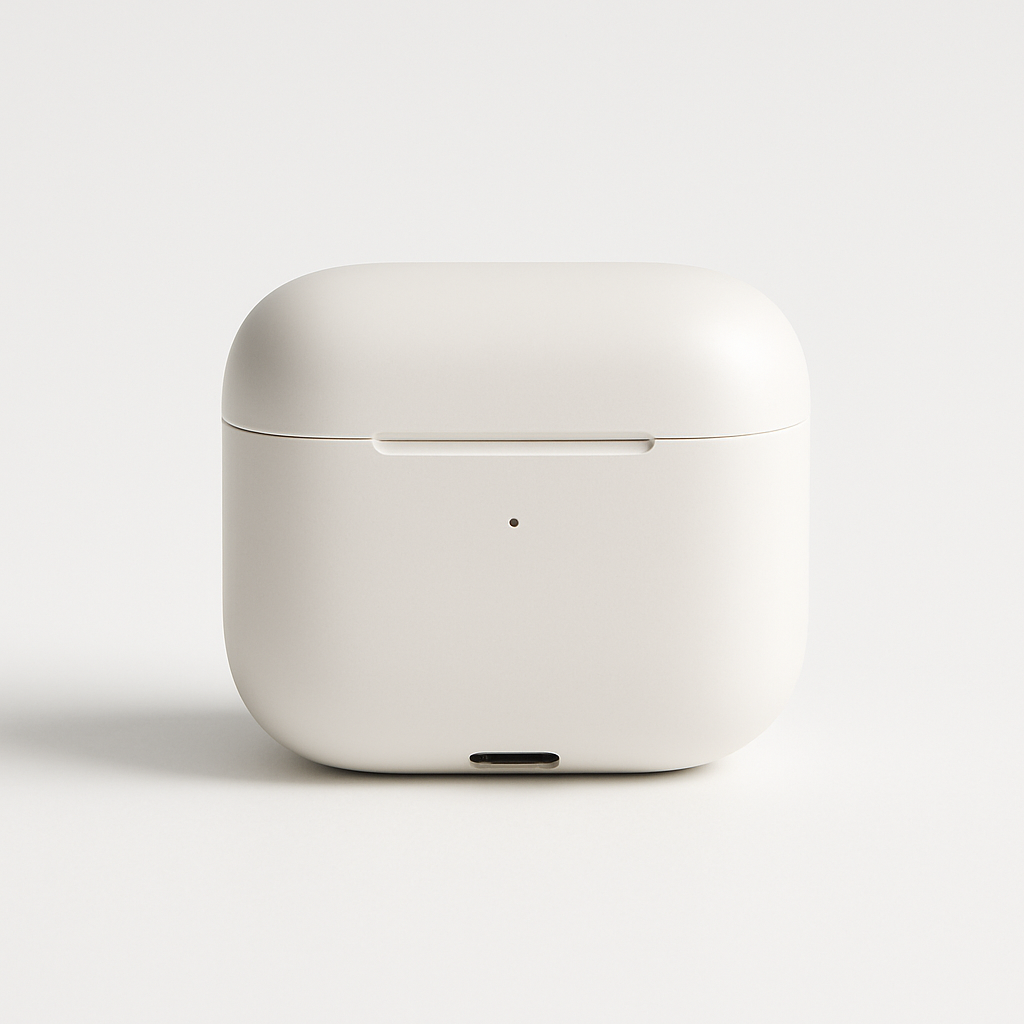
Quick answer: You can generate professional product images for WooCommerce in seconds by describing what you want in plain English — product type, background, lighting, mood. No photography equipment, no design software, no subscription required. Upload the result directly to your WooCommerce product gallery.
What Makes a WooCommerce Product Image Actually Convert
The images shoppers see in the first three seconds determine whether they scroll down or bounce. WooCommerce gives you up to 10 gallery images per product — most store owners use one or two low-effort photos and leave money on the table.
High-converting product images share a few traits:
- Consistent lighting across all products so the store feels professional
- Context shots that show the product being used, not just sitting on a table
- Multiple angles so shoppers feel confident in what they're buying
- Clean backgrounds that keep attention on the product, not the clutter behind it
Most small WooCommerce stores can't afford to reshoot every product with a professional photographer every time a detail changes. AI images solve that problem directly — describe the shot you need, generate it in seconds, upload it.
How to Create AI Product Images for WooCommerce (Step by Step)
The entire process from prompt to uploaded image takes under five minutes per product.
Step 1: Identify the gaps in your current gallery
Open your WooCommerce product page and ask: what shot is missing that would make a hesitant buyer feel confident? Common gaps include a lifestyle shot showing the product in use, a scale reference image, or a close-up of key details or materials.
Step 2: Write a specific prompt
Vague prompts produce generic images. Specific prompts produce usable ones. Include:
- What the product is
- The setting or background
- The lighting style
- The mood or customer scenario
Example prompt: "A matte black insulated travel mug sitting on a wooden desk next to an open laptop, morning light from the left, clean and minimal background, professional product photography style"
Step 3: Generate and review
Paste your prompt into ATXP Pics' AI product mockup generator, generate the image, and check it against these criteria: does the lighting match your other product photos? Does it show the product in a way that answers a customer question? If not, adjust the prompt and regenerate — it costs cents per image.
Step 4: Optimize before uploading to WooCommerce
Before uploading, rename the file with a descriptive filename (black-insulated-travel-mug-desk-lifestyle.jpg not image-003.jpg). Add alt text in WooCommerce that describes the image content with your product name included. Both steps help your product images appear in Google Image Search.
Step 5: Fill all gallery slots
WooCommerce supports a primary image plus a gallery. A strong product page has:
- Clean studio shot (primary image) — white or neutral background, product centered
- Lifestyle shot — product in use by the target customer
- Detail shot — close-up of the material, texture, or key feature
- Scale or context shot — product next to a familiar object or in its natural environment
Generate all four with AI. You now have a complete gallery that most small stores never build.
Prompt Templates for Common WooCommerce Product Types
Copy any of these, swap in your product details, and generate.
Apparel: "A [color] [product name] laid flat on a white marble surface, soft studio lighting, professional fashion product photo, no wrinkles"
Home goods: "A [product name] styled on a [material] shelf with minimal Scandinavian-inspired decor, natural daylight from the right, lifestyle photography"
Food or supplements: "A [product name] standing upright on a clean white background, dramatic side lighting, sharp focus on the label, professional product photo"
Tech accessories: "A [product name] on a dark matte desk surface, soft blue ambient lighting, close-up angle showing the [key feature], minimal and modern"
Adjust the setting and mood to match your brand. If your store has a warm, earthy aesthetic, say so in the prompt. Consistency across all your product images is what makes a WooCommerce store look like a real brand rather than a side project.
The Cost Comparison: AI Images vs. Alternatives
AI product images cost a fraction of the alternatives — and you only pay for what you actually use.
| Option | Typical Cost | Turnaround | Flexibility | |---|---|---|---| | Professional photographer | $100–$400/session | Days to weeks | Low — reshoot for changes | | Freelance photo editor | $25–$75/image | 24–48 hours | Medium | | Stock photo subscription | $30–$50/month | Immediate | Low — generic, not your product | | ATXP Pics (pay-per-image) | A few cents/image | Seconds | High — regenerate anytime |
If you have 20 products and need 4 images each, that's 80 images. A photographer might charge $800–$1,200 for that session. With AI at a few cents per image, you're spending a few dollars — and if you update your product line next quarter, you generate new images the same day.
Create your first AI product image →
What to Avoid When Using AI Images in WooCommerce
The most common mistake is prompting for something generic and wondering why it doesn't match your brand.
- Don't skip the background specification. "Professional product photo" alone will give inconsistent results. Always describe the background explicitly.
- Don't mix wildly different lighting styles across product images. Pick one aesthetic for your store and use it in every prompt.
- Don't use AI images that show hands, faces, or people without reviewing them carefully — AI-generated people can look off and undermine shopper trust.
- Don't forget to add alt text. WooCommerce doesn't auto-populate alt text. Fill it in manually for every image you upload.
One more: don't wait until you have the "perfect" prompt. Generate, review, refine. At cents per image, iteration is the strategy.
Better Product Images Are One Prompt Away
Your WooCommerce conversion rate is a direct reflection of how much confidence your product pages build. AI images for WooCommerce product listings let any store owner — regardless of budget or photography skills — build a gallery that looks like it cost thousands. You describe it in plain English, pay for what you use, and own every image you generate.
No monthly subscription. No design skills required. No waiting days for edited photos to come back.
Start generating product images for your WooCommerce store →