Your kid wants a dinosaur party. You've found the venue, ordered the cake, and now you're staring at generic clip-art invitation templates that look nothing like the T-Rex scene in your head. A kids birthday invitation AI tool solves that in about 30 seconds — describe exactly what you want and get a one-of-a-kind illustration made for this party, not recycled from a template library.
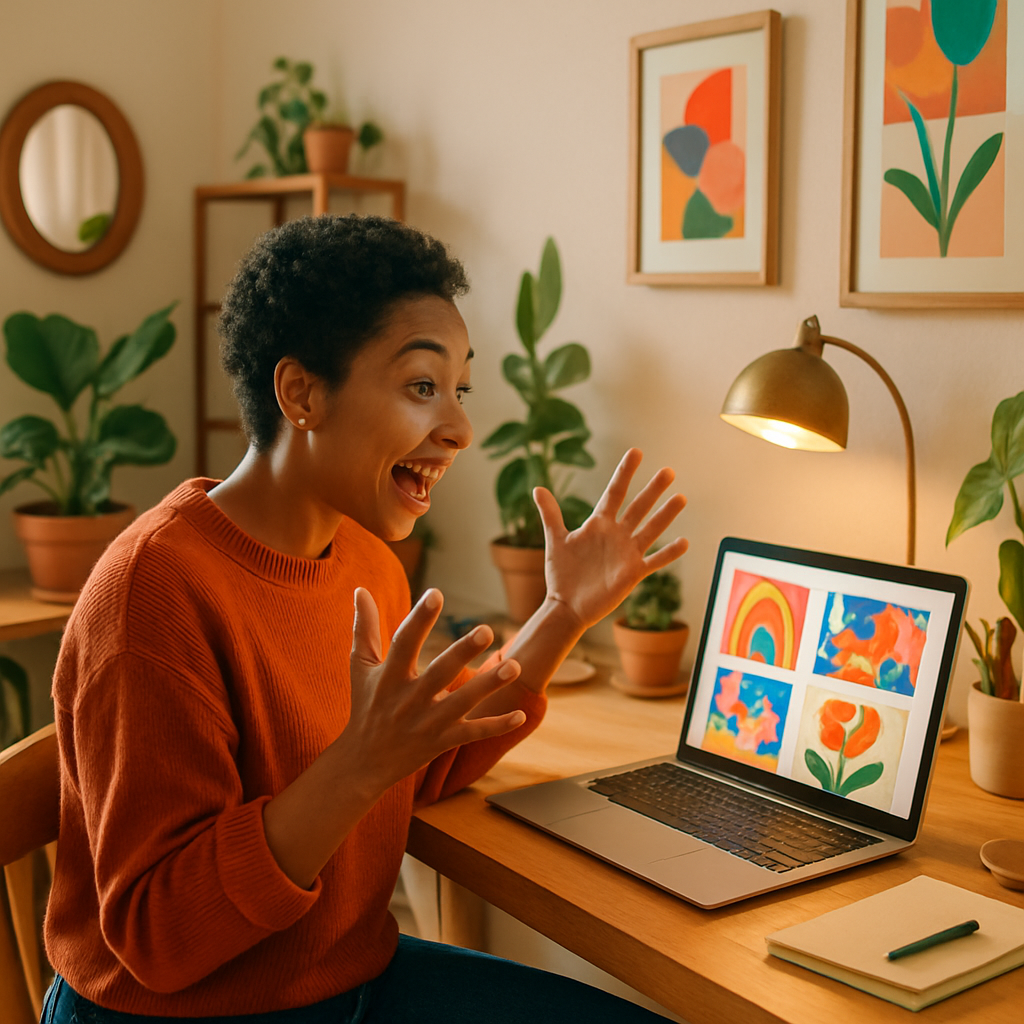
Quick answer: Type a description of the birthday theme into an AI image generator, download the result, then add party details in any basic design tool. No subscription needed — you pay a few cents per image and keep what you make.
What Makes AI Birthday Invitations Different from Templates
AI-generated invitation art is built from your description, not chosen from a fixed catalog. Template sites give you maybe a dozen dinosaur options. An AI image generator gives you the exact dinosaur — green, wearing a birthday hat, holding balloons — standing in whatever setting you imagine. The image is created once for you and doesn't show up on anyone else's invitation.
That specificity matters more than most parents expect. When the invitation matches the party decorations, the cake topper, and the birthday kid's favorite color, everything feels intentional. Guests notice. Kids notice.
How to Write a Prompt That Actually Works
The best kids birthday invitation prompts are specific about three things: the main character, the mood, and the color palette. Vague prompts produce vague results. Specific prompts produce images you'll actually use.
Here's a simple formula: [character or theme] + [action or scene] + [style] + [colors]
Copy-ready prompt example: "A cute cartoon T-Rex wearing a purple birthday hat, standing in front of a pile of colorful wrapped presents, bright and cheerful illustration style, teal and purple color palette, white background"
Try a few variations. Swap "cartoon" for "watercolor" or "storybook" if you want a softer look. Change the character entirely — same structure, different party theme. Each generation takes seconds and costs a few cents, so experimenting is cheap.
Five Birthday Themes That Work Especially Well with AI
Some themes are hard to find in template libraries but generate beautifully with AI. Here are five that parents request most often, along with a starting prompt direction for each:
- Personalized animal characters — "A fluffy golden retriever puppy wearing a birthday crown, confetti falling, soft watercolor style"
- Space explorer — "A child astronaut floating past colorful planets, retro rocket ship in the background, bold graphic illustration"
- Enchanted garden — "Fairy-tale mushrooms and glowing fireflies, pastel flowers, magical forest birthday scene, whimsical storybook art"
- Under the sea — "Friendly octopus with birthday balloons, colorful coral reef, bright blue water, cheerful cartoon style"
- Construction zone — "Yellow dump truck with a birthday cake in the back, construction cones, bold and bright, flat illustration style"
Each of these takes one prompt and roughly 10–20 seconds to generate. If the first image isn't quite right, adjust one detail and run it again.
The Real Cost Comparison: AI vs. Template Sites
Most template sites charge a monthly subscription whether you're making one invitation or fifty. Here's how that math works out for a parent who only needs invitations once or twice a year:
| Option | Cost | What You Get | |---|---|---| | Canva Pro | $15/month | Template library, limited unique art | | Etsy digital download | $3–$8 per template | Fixed design, text edits only | | Midjourney Basic | $10/month (~150 images) | Custom AI art, subscription required | | ATXP Pics | A few cents per image | Custom AI art, no subscription, balance never expires |
No subscription means you pay only when you actually have a party to plan. Load a small balance, generate 5–10 variations to find the one you love, and spend maybe $0.30–$0.50 total. Your balance stays in your account until the next birthday season rolls around.
Generate your invitation image now →
Turning Your AI Image into a Finished Invitation
Once you have the image, adding party details takes about five minutes in any basic tool. Here's the fastest workflow:
- Download your image from ATXP Pics at full resolution
- Open Canva (free tier works fine), Google Slides, or Word
- Set the image as the background or a large block element
- Add a text layer with the child's name, date, time, location, and RSVP info
- Export as PDF for printing or as a JPEG to text or email to guests
For printed invitations, most home printers handle 4×6 or 5×7 just fine. For something sharper, upload the PDF to a drugstore print portal — CVS, Walgreens, and Walmart all accept same-day pickup orders. A pack of 20 printed cards typically runs $8–$15 depending on size.
If you want a fully digital invitation, the JPEG drops directly into any messaging app or email. No printing required.
Getting the Best Results on the First Try
A few small adjustments in your prompt consistently produce better images. Keep these in mind before you generate:
- Specify "white background" if you plan to layer text over the image — it keeps things readable
- Add "children's book illustration" for a softer, age-appropriate look that feels less like adult AI art
- Mention the color scheme from your party decorations so the invitation matches the tablecloths and balloons
- Ask for "no text" in the prompt — AI-generated text in images is often garbled, and you'll add the real text yourself
One round of edits is usually all it takes. Generate, check, adjust one thing, generate again. Most parents land on a final image within three or four tries.
Kids Birthday Invitation AI: The Bottom Line
A kids birthday invitation AI tool turns a 20-minute frustrating search through template catalogs into a 3-minute creative exercise. Describe the party theme your child actually wants, generate a custom illustration, drop in the party details, and print. No subscription, no leftover monthly charges, no invitations that look like everyone else's.
Your balance at ATXP Pics never expires, which means the credits you use for this birthday are still there waiting when the next one comes around.