Your potential client lands on your website before they ever call you. In about three seconds they decide whether your firm looks credible — and your logo is doing most of the heavy lifting. If you're starting a practice, rebranding, or just exploring options, a law firm logo AI tool can give you a dozen strong concepts before lunch.
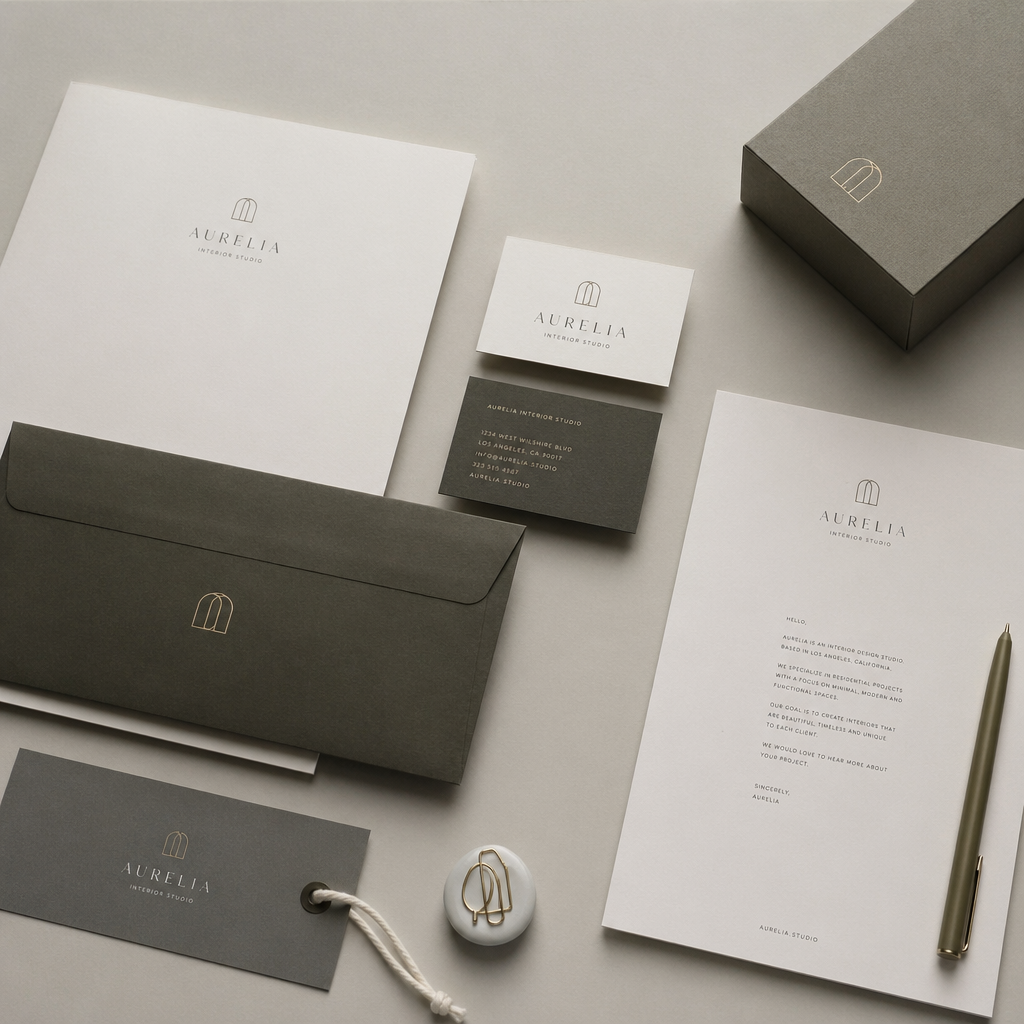
Quick answer: Describe your firm name, preferred colors, and any symbols in plain English. A good AI image generator returns professional logo concepts in seconds — no subscription required. Expect to spend a few cents per concept rather than hundreds of dollars on early-stage design rounds.
What Makes a Law Firm Logo Different From Other Logos
Law firm logos carry a specific visual vocabulary that signals trust, permanence, and authority — and straying too far from it can actually hurt you with potential clients. Where a startup might want something playful, a law firm almost always benefits from restraint: clean lines, a limited palette, and a mark that looks equally good in navy on cream letterhead as it does in white on a dark website header.
Common elements that read as "legal" to most viewers:
- Scales of justice — classic, immediately recognizable
- Columns or pillars — convey stability
- Monograms or stacked initials — work well for multi-partner firms
- Serif typefaces — feel established and authoritative
- Color palettes of navy, charcoal, gold, or deep burgundy
Knowing this before you prompt saves you from sifting through results that don't fit the category.
How to Write a Prompt That Gets Usable Results
A specific prompt returns specific results — vague prompts return generic ones. The more detail you include about style, color, symbols, and intended use, the closer your first batch will be to something you can actually use.
Start with the firm name or initials, then layer in:
- Practice area (personal injury, corporate, estate planning)
- Style direction (traditional, minimalist, modern)
- Color palette (two or three colors maximum)
- Any specific symbols
- End use ("clean white background, suitable for letterhead")
Copy this prompt: "Professional law firm logo for 'Hargrove & Associates,' estate planning practice. Minimalist design. Navy blue and gold color palette. Incorporate a small, simple scales of justice icon above the firm name. Serif typography. Clean white background. High contrast, suitable for printing on business cards."
Run that on ATXP Pics' AI logo concept generator and you'll have four to eight distinct directions in under a minute.
Comparing AI Logo Generation to Hiring a Designer
Hiring a designer for a law firm logo typically costs between $500 and $5,000 depending on experience and how many revision rounds are included. AI doesn't replace that process for a final production-ready file — but it dramatically compresses the early ideation stage.
| Approach | Typical Cost | Time to First Concept | Revisions | |---|---|---|---| | Senior branding designer | $1,500 – $5,000 | 3 – 7 days | Included (limited rounds) | | Freelance designer | $300 – $800 | 1 – 3 days | 2 – 3 rounds | | Logo template service | $50 – $150/mo subscription | Minutes | Limited customization | | ATXP Pics (pay-per-image) | Cents per image, no subscription | Seconds | Unlimited — just re-prompt |
The pay-per-image model matters here. If you generate 20 concepts and find two you love, you've spent under a dollar. There's no monthly fee ticking in the background while you decide.
Iterating on Your Law Firm Logo AI Concepts
The fastest way to improve a result is to describe exactly what you liked and what you want changed — treat it like a conversation with a junior designer who executes quickly but needs clear direction.
If your first result has the right symbol but the wrong feel:
- Add "more minimal" or "more traditional" to the next prompt
- Swap the color — "replace gold with dark burgundy"
- Try "monogram only, no icon" to shift the entire approach
- Add "luxury feel, premium law firm" to push toward a higher-end aesthetic
Most firms land on a strong direction within five to ten images. At a few cents each, that's still cheaper than a single hour of designer time. When you have a direction you're excited about, bring it to the AI logo concept generator for another round of refinements before you hand anything off to production.
Using AI Concepts to Brief a Designer
AI-generated concepts are exceptional briefing tools even if you plan to hire a designer for the final vector artwork. Walk into that conversation with three printed concepts and a clear "I want something between concept one and concept three" and you'll cut the back-and-forth discovery phase from days to minutes.
Designers charge for their time. Arriving with a clear visual direction instead of "something professional but modern but also trustworthy" is worth real money. Some firms use AI concepts to:
- Confirm internal stakeholder alignment before engaging a designer
- Test color palettes on actual marketing materials
- Build a mood board for a full rebrand that includes the logo, website colors, and print collateral
That first brief becomes far easier when everyone in the room is looking at the same image rather than describing adjectives.
What to Do With Your Final Concept
Once you have a concept you're confident in, you have a few paths forward. For digital-only use — website header, email signature, social profiles — a high-resolution PNG from your final generation may be sufficient. For print, signage, or embroidery, you'll want a designer to create a clean vector version (SVG or EPS) traced from your approved concept.
Keep the original prompt. You'll want it when you need additional brand assets — a simplified icon version, a horizontal lockup, or a dark-mode variant. Consistent prompting produces consistent results.
A strong law firm logo doesn't require a large budget or a long wait. Describe what you're after, generate a handful of concepts, iterate until one feels right, and move on to the work that actually runs your practice.