Opening a restaurant means making a hundred decisions at once, and the logo often gets pushed to the bottom of the list until the last possible moment. This guide shows you how to use an AI logo concept for restaurant branding to lock in your visual direction early — before you've finalized the menu, chosen a font, or briefed a single designer.
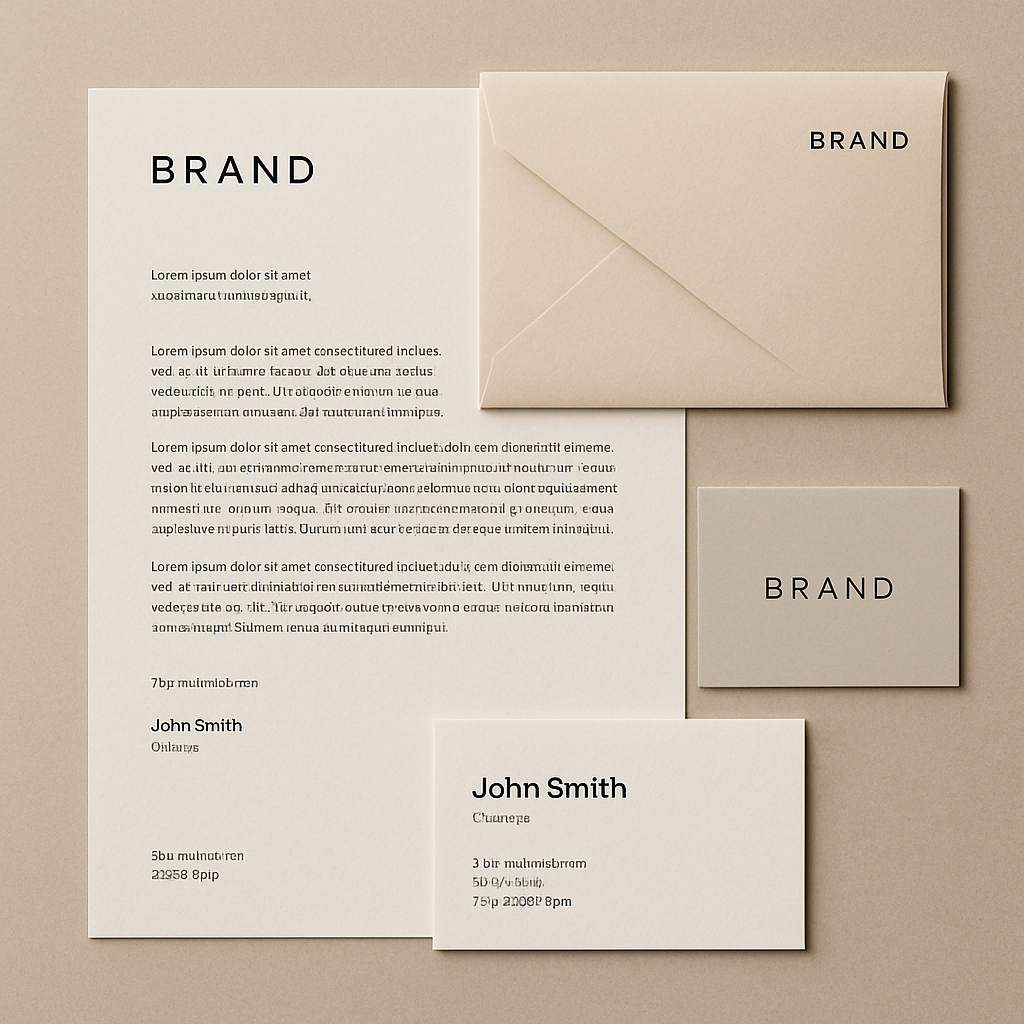
Quick answer: Type a description of your restaurant — name, cuisine, vibe, colors — into ATXP Pics and get a logo concept image in seconds. No subscription, no design skills needed. Each image costs a few cents, your balance never expires, and you can generate dozens of variations until one feels exactly right.
Why Lock In a Visual Direction Before You Call a Designer
Starting a designer conversation without a visual reference wastes money. Designers charge for discovery rounds — the back-and-forth where they try to figure out what you actually mean by "warm but modern" or "rustic but not cheesy." An AI logo concept cuts that ambiguity in half. You walk in with an image that says this tone, this palette, roughly this mark style, and the designer can move straight to execution.
Beyond cost, there's a clarity benefit for you as the owner. Seeing a concept forces a decision. You either feel something or you don't. That gut reaction — before any emotional investment in a designer's work — is the cleanest feedback you'll ever have.
How to Write a Prompt That Actually Works
The prompt is just a sentence or two describing your restaurant as if you're explaining it to someone who's never seen it. You don't need design vocabulary. You need specifics.
Here's what to include in every prompt:
- Restaurant name — even a placeholder helps anchor the typography direction
- Cuisine type — Italian trattoria, Korean BBQ, farm-to-table brunch, taqueria
- Tone — upscale, casual, neighborhood, fast-casual, family-friendly
- Color preference — even a rough direction ("warm earthy tones", "navy and cream", "bold red and black")
- Mark style — wordmark only, badge/crest, simple icon, illustrated character
Prompt example: "Restaurant logo concept for 'Lago', an upscale Italian trattoria. Elegant wordmark with a subtle olive branch or lake motif. Warm ivory and deep forest green palette. Clean serif typography. No clipart style."
Run that. See what comes back. Then adjust one element and run it again.
A Step-by-Step Process for Finding Your Direction
Step 1: Generate 5–8 Broad Variations First
Start wide before you narrow. Run your first prompt, then make small changes to tone, color, or mark style across the next several images. You're not looking for a finished logo — you're looking for the one image that makes you stop scrolling.
Step 2: Identify What You Like in Each
Print or screenshot your favorites and mark them up. Circle what's working: the weight of the type, the color temperature, how much empty space there is. This annotation becomes your designer brief.
Step 3: Narrow to a Single Direction
Pick one concept — not two. Trying to merge two logo directions is where restaurant branding goes sideways. The point of this process is to make the hard call early, when it costs cents instead of revision fees.
Step 4: Test It in Context
Generate a follow-up image showing your concept applied — on a menu header, a to-go bag, a storefront sign. Describe it as a mock-up:
"Show the Lago logo concept applied to the top of a folded restaurant menu, cream linen texture, soft natural lighting, upscale Italian setting."
Seeing the concept in context tells you things a standalone logo image can't.
Step 5: Hand It Off
Export your favorite image and bring it to a designer with one clear instruction: make this production-ready as a vector file. The concept work is done. The designer's job is now execution, not exploration — and that's a significantly shorter (and cheaper) engagement.
Generate your restaurant logo concept →
Common Mistakes to Avoid
Vague prompts produce vague concepts. "Make a nice restaurant logo" gives the generator nothing to work with. "Rustic pizza logo for a wood-fired spot called 'Ember', dark charcoal and amber tones, hand-lettered feel, no photography" produces something you can actually react to.
A few other traps:
- Asking for too many elements at once — a logo with a chef, a fork, a flame, and handwriting gets chaotic. Pick one hero element.
- Chasing perfection in the first image — the first result is a starting point, not the answer. Budget for 10–15 images across your session.
- Skipping the context test — a concept that looks good as a standalone square can disappear on a dark menu cover or look wrong on a sign. Always test placement.
What AI Concepts Do Well (and What They Don't)
AI logo concepts are excellent at communicating mood, palette, and general style. They're not production files. You won't be sending an AI-generated image directly to a sign printer or embroidery shop — the resolution and file format aren't built for that.
What you get is a visual brief that's worth more than a paragraph of written description. Designers understand images immediately. "Something like this but with slightly heavier type" is a faster, cleaner conversation than three rounds of written feedback.
For restaurants at the concept or pre-launch stage — especially those still making branding decisions alongside menu development — this is exactly the right tool for exactly this moment in the process.
The Cost Comparison vs. Starting With a Designer
| Approach | Typical cost | What you get | |---|---|---| | Designer: full logo project | $500–$3,000+ | Production-ready files, multiple rounds | | Designer: concept-only round | $150–$500 | 2–3 directions, limited revisions | | AI concepts on ATXP Pics | A few cents per image | Unlimited variations, instant results | | AI concepts → designer execution | Cents + reduced designer fee | Best of both |
The math isn't about replacing designers. It's about compressing the most expensive part of a design engagement — the discovery and direction-setting — into a session that costs less than a cup of coffee.
No subscription means you generate what you need today and come back when the seasonal menu refresh needs a new look. Your balance never expires. There's no pressure to use images you don't need just to justify a monthly fee.
Every restaurant has a visual identity whether it's been designed intentionally or not. Getting an AI logo concept for your restaurant before the menus are printed, the signage is ordered, or the designer has billed their first hour is the simplest way to make sure that identity is yours — not a default.