Most logo briefs start with the same problem: you know what your brand feels like, but you can't describe it clearly enough for a designer to run with. An AI logo concept generator solves that gap — not by producing a finished logo, but by turning vague instincts into concrete visual references in minutes. This guide walks you through exactly how to use AI image generation to find your direction before you spend a dollar on design.
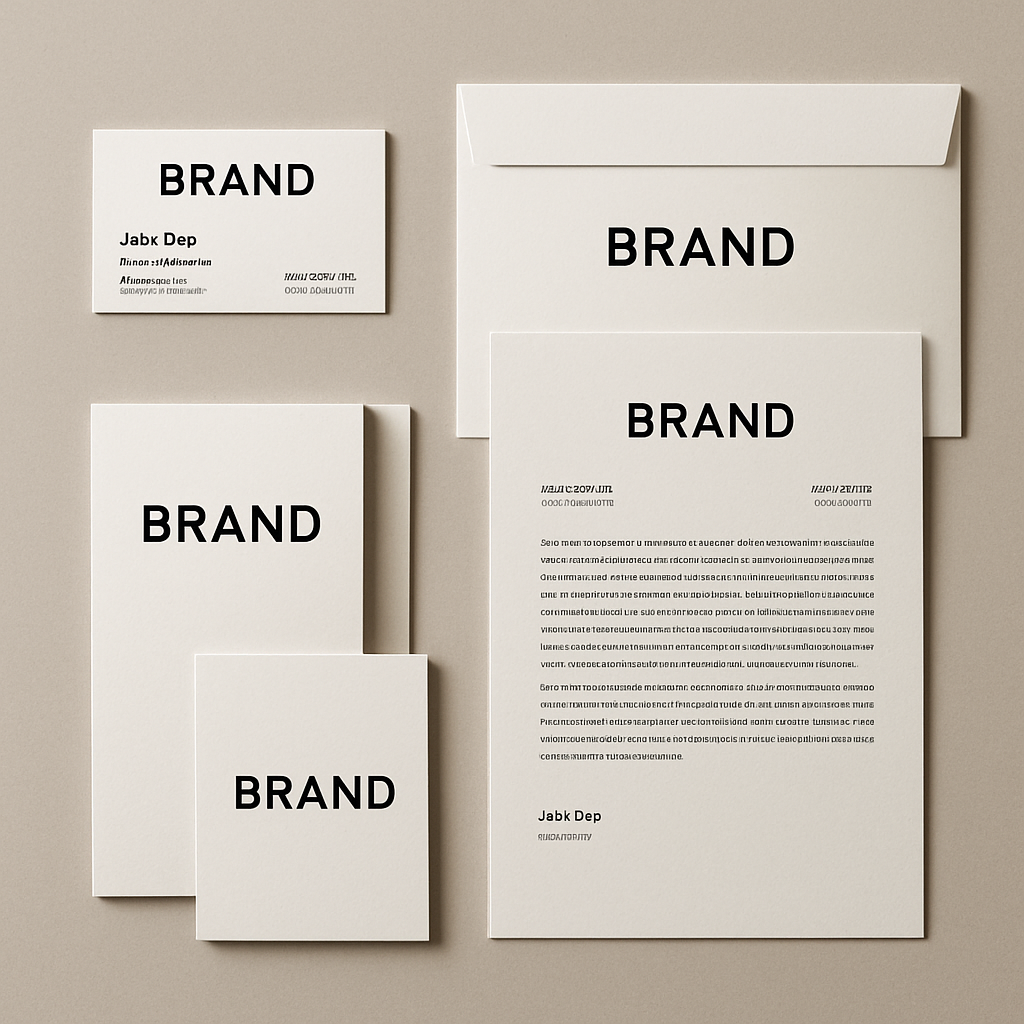
Quick answer: An AI logo concept generator lets you type a plain-English description of your brand and receive visual concepts in seconds. You're not getting a production file — you're getting direction. Use the output to identify which styles, colors, and shapes resonate, then hand that clarity to a designer as a brief.
Why Designers Charge More When Your Brief Is Vague
Vague briefs cost you money in revision rounds. When a designer asks "what style are you going for?" and you say "something modern but also classic," they have to guess. Every guess costs time, and time costs money. Most logo projects run over budget not because the designer is slow, but because the brief was unclear at the start.
An AI logo concept generator short-circuits this problem. Instead of trying to describe the idea of your logo in words, you generate 10–20 rough visual directions in an afternoon and walk into the designer conversation saying: "I like this shape language, this color palette, and this level of simplicity — and I definitely don't want this."
That's a brief a designer can work from on day one.
How to Use an AI Logo Concept Generator: Step by Step
Start with your brand's single most important feeling, not its features.
- Write down three words that describe your brand's personality. Not what you sell — how you want people to feel. Examples: trustworthy, bold, playful or minimal, premium, quiet.
- Identify your industry and audience. A logo for a pediatric dentist reads differently than one for a fintech startup, even if both want to feel "friendly."
- Pick a style direction to test first. Common starting points: wordmark, lettermark, icon-only, badge/emblem, or abstract symbol.
- Write your first prompt using the structure below and generate 4–6 images.
- Note what works and what doesn't. You're not picking a winner — you're narrowing the field.
- Adjust one variable at a time. Change the color direction, then the style, then the imagery. Changing everything at once makes it impossible to know what caused the shift.
- Collect 3–4 images that point in different directions. These become your mood board.
The Prompt Structure That Gets Useful Results
Skip the vague and go straight to the specific. Use this format:
Logo concept for [business name/type], [style: minimalist / bold / illustrated / geometric], [color palette: e.g., navy and gold / black and white / earth tones], [imagery or symbol: e.g., mountain, leaf, abstract letterform], [mood: e.g., premium, approachable, technical], white background, vector-style illustration
Here's a real example you can copy and adapt:
Logo concept for an independent coffee roastery, minimalist style, warm terracotta and cream color palette, small mountain icon above a simple wordmark, approachable and artisan feel, white background, clean vector illustration
Generate that, then swap "mountain icon" for "coffee bean" or "abstract wave." Within 20 minutes you have a genuine comparison.
Common Mistakes to Avoid
- Asking for "a logo" without any style direction. You'll get generic output that tells you nothing.
- Changing too many variables at once. Isolate changes so you know what's driving the result.
- Treating the first image as the answer. The value is in volume and comparison, not the first hit.
- Skipping the "what I don't want" step. Images you reject are just as useful for your designer brief as images you like.
What to Do With the Concepts You Generate
The output is a brief, not a deliverable. Once you have 10–20 generated concepts, sort them into three piles: yes, maybe, and no. Then ask yourself what the "yes" pile has in common. Is it the color? The simplicity? A specific shape?
Write those observations down in plain language. That document — a few sentences plus 3–4 reference images — is now your designer brief. You've replaced "something modern but classic" with "clean geometric icon, two colors max, feels premium but not corporate."
Designers routinely say that clients who arrive with reference images cut their project timelines in half. You don't need those references to be polished — you need them to be specific.
What This Approach Costs Compared to Going Straight to a Designer
Exploring 20 concepts on ATXP Pics costs a few dollars. Exploring 20 concepts through designer revision rounds can cost hundreds.
| Approach | Typical Cost | Revision Risk | |---|---|---| | Brief a designer cold | $300–$2,000+ | High — vague brief = multiple revision rounds | | Buy a logo template pack | $20–$100 | Medium — you're locked into what exists | | Generate AI concepts first, then brief | A few dollars + design fee | Low — designer has clear direction from day one |
There's no subscription on ATXP Pics. You pay per image, a few cents each, and your balance never expires. If you generate 15 concepts today and don't need more for two months, you won't be charged again in the meantime.
When AI Logo Concepts Work Best (And When They Don't)
AI logo concept generation works best when you're at the "I don't know what I want yet" stage.
Use it when:
- You're starting a new brand and haven't locked in a visual identity
- You're rebranding and want to explore directions before committing
- You need to show stakeholders options before hiring a designer
- You want to walk into a designer conversation with references, not just words
Skip it (or use it differently) when:
- You need a production-ready vector file immediately — AI generates reference images, not scalable design files
- Your brand identity is already locked and you just need execution
- You're in a heavily regulated industry where logo compliance requirements are strict
The honest summary: AI logo concept generation is a research tool, not a production tool. Use it to find your direction, save it for your brief, and let a human designer take it the rest of the way.
Ready to find your visual direction? Try the AI logo concept generator → — describe your brand in plain English, generate a handful of concepts, and walk into your next designer conversation knowing exactly what you want.