You're launching a clothing brand and you need a logo — something that looks like it belongs on a hang tag, not a PowerPoint slide. This guide walks you through exactly how to create a sharp, usable AI logo for a clothing brand using plain-language prompts, no design experience required.
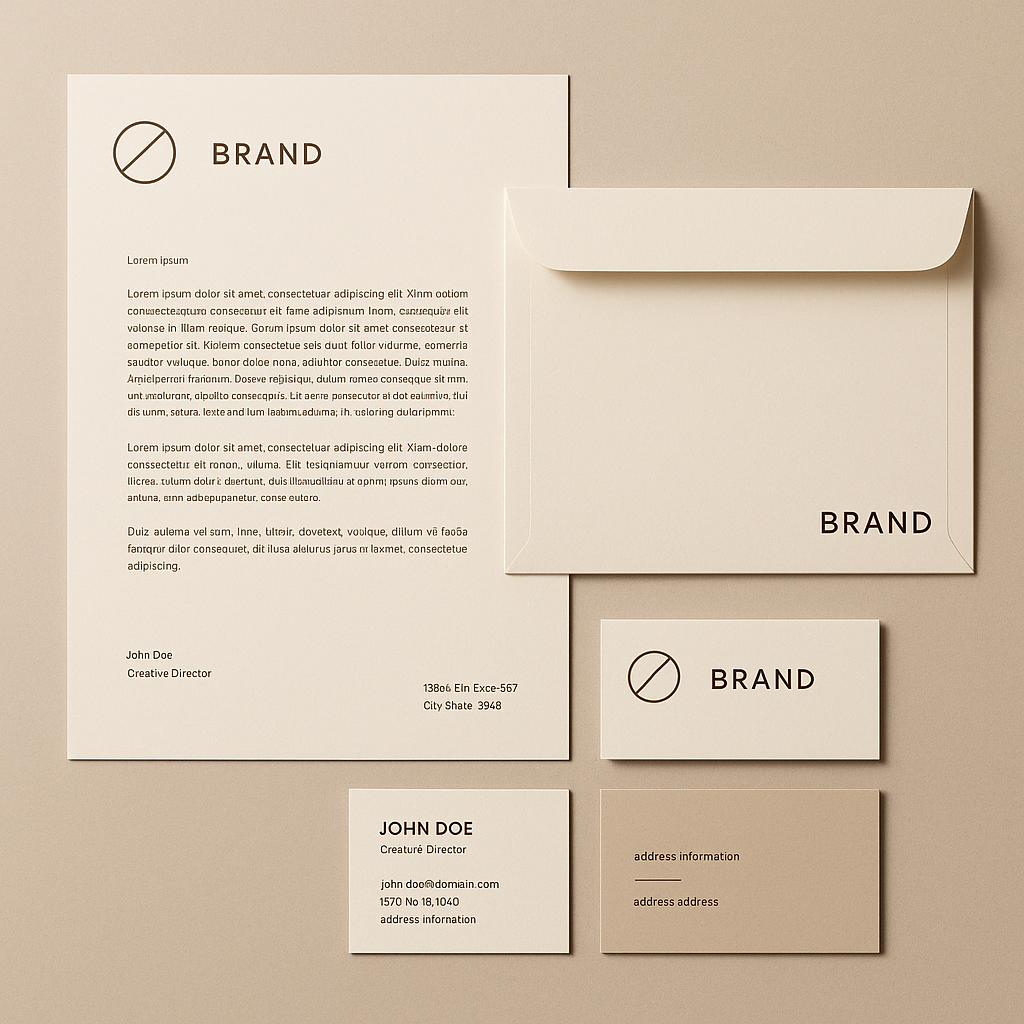
Quick answer: Type a description of your brand's visual identity — the style, mood, color palette, and any label format you want — into ATXP Pics. You'll have a polished logo concept in seconds, for a few cents per image, with no subscription required. Most clothing brands land on a direction within 5–10 generations.
What Makes a Clothing Brand Logo Different
A clothing logo has to work at thumbnail size on a tag and at full size on a storefront banner — that dual requirement rules out complexity. The best apparel logos are either a clean wordmark, a bold icon mark, or a combination of both. Before you write a single prompt, decide which of these three directions fits your brand:
- Wordmark — the brand name itself, styled with a distinctive typeface (think Supreme's box logo or Thrasher's flame script)
- Icon mark — a standalone graphic symbol that works without text (a crest, animal, geometric shape)
- Combination mark — icon plus wordmark together, often used on chest prints and hang tags
Knowing your direction makes every prompt you write faster and more accurate.
How to Write a Prompt That Gets Clothing Brand Results
The single biggest mistake people make is prompting too vaguely — "logo for my clothing brand" produces generic results. Specific prompts produce usable results. Build your prompt from four components:
- Format — what kind of logo asset are you generating? (woven label, embroidered patch, flat vector badge, vintage crest)
- Style — what's the visual mood? (minimalist, streetwear, luxury, workwear, Y2K, cottagecore)
- Color — name specific colors or a palette direction (black and gold, washed denim blue, earth tones)
- Content — what text or imagery should appear? (brand name, initials, a symbol like a mountain or serpent)
Prompt Formula
[format], [style] clothing brand logo, [color palette], featuring [text or symbol], [any finishing detail]
Real Prompt Examples
Embroidered patch logo, vintage Americana workwear style, navy and cream, featuring the word "RANCHO" in bold block letters with a bison illustration above it, worn distressed texture
Minimal flat vector wordmark, luxury streetwear aesthetic, all black, brand name "VELT" in sharp condensed serif type, no background
Woven label design, Japanese outdoor brand style, forest green and off-white, mountain peak icon above the text "TAKANE", clean and functional
Copy any of these, swap in your brand details, and run it. The format-first approach tells the generator what kind of object it's rendering, which dramatically sharpens the output.
Step-by-Step: From Blank Page to Logo Concept
Follow these five steps and you'll have a usable logo direction within 20 minutes.
- Write your brand brief in one sentence. Who is the customer, what's the mood, what's the price point? This is for you, not the prompt — it keeps your prompts consistent across iterations.
- Pick your logo format (wordmark, icon, combination) and your primary style reference (one adjective: minimal, bold, vintage, luxury, etc.).
- Write your first prompt using the formula above. Keep it under 30 words — longer isn't always better.
- Generate 3–5 variations by changing one variable at a time (swap the color, change the format from patch to wordmark, try a different style descriptor).
- Pick the strongest direction and refine. Once one image lands close, make micro-adjustments: "same as above but with tighter letter spacing and no background texture."
What to Avoid
- Don't name other brands in your prompt. It produces derivative results and you want something ownable.
- Don't ask for too many elements at once. One icon, one typeface, one color palette. Complexity in the prompt creates visual noise in the output.
- Don't skip the format descriptor. "Logo" alone is too broad — "woven label" or "flat vector badge" tells the generator exactly what surface it's designing for.
Matching Style to Brand Category
Different clothing categories have established visual languages — working within them (or deliberately against them) signals exactly who you are to customers.
| Brand Category | Prompt Style Keywords | |---|---| | Streetwear | Gothic type, graffiti, distressed, high contrast, black and white | | Luxury / Premium | Minimal, serif wordmark, gold, monogram, clean negative space | | Outdoor / Technical | Badge crest, topographic, earth tones, functional sans-serif | | Vintage / Americana | Varsity lettering, worn texture, red/white/navy, illustrative | | Athleisure | Bold geometric, gradient, dynamic angles, modern sans-serif | | Cottagecore / Soft | Hand-drawn feel, botanical illustration, muted pastels, script |
Pick the row that matches your brand, pull those keywords into your prompt, and your output will immediately read as credible within that category.
Why Pay-Per-Image Works for Logo Development
Logo exploration is inherently iterative — you rarely know exactly what you want until you see what you don't want. That makes a subscription model an awkward fit. If you're developing one brand identity, you don't need 150 images a month indefinitely. You need 15–30 images over a few days, then you're done.
Here's what that looks like in cost terms:
| Platform | Model | Cost for 20 logo concepts | |---|---|---| | Midjourney Basic | $10/month subscription | $10.00 (whether you use 20 or 150) | | ATXP Pics | Pay-per-image | ~$1.00–$2.00 |
No subscription. No monthly commitment. Your balance never expires — so if you revisit your brand identity six months from now, whatever's left in your account is still there.
Generate your clothing brand logo →
From Concept to Real Label
An AI-generated logo concept is a starting point, not always a finished file — here's how to take it the last mile:
- For hang tags and printed materials: Take your strongest output to a designer or use a vector tracing tool (like Adobe Illustrator's image trace) to convert it to a clean SVG.
- For digital use (website, social, mockups): The generated image works as-is in most cases. Drop it into a mockup tool to see it on a t-shirt before committing.
- For embroidery or screen printing: Your manufacturer will need a vector file. Use the AI output as a reference to hand the vectorization brief to a freelancer — this is much faster (and cheaper) than briefing from scratch.
The AI logo gets you past the hardest part: deciding what you actually want.
Your Label Identity, Done Fast
Creating an AI logo for a clothing brand doesn't require a design agency, a mood board deck, or a $500 logo package. It requires a clear prompt, a few iterations, and a willingness to trust your eye. Most people find their direction inside ten images.
Write your first prompt, generate a few variations, and see what direction your brand wants to go.