Most people spend weeks stuck on their personal brand because they can't visualize what they want — so they either delay hiring a designer or waste money briefing one too early. This guide shows you how to use an AI logo generator to explore your visual identity in an afternoon, for cents, before you commit to anything.
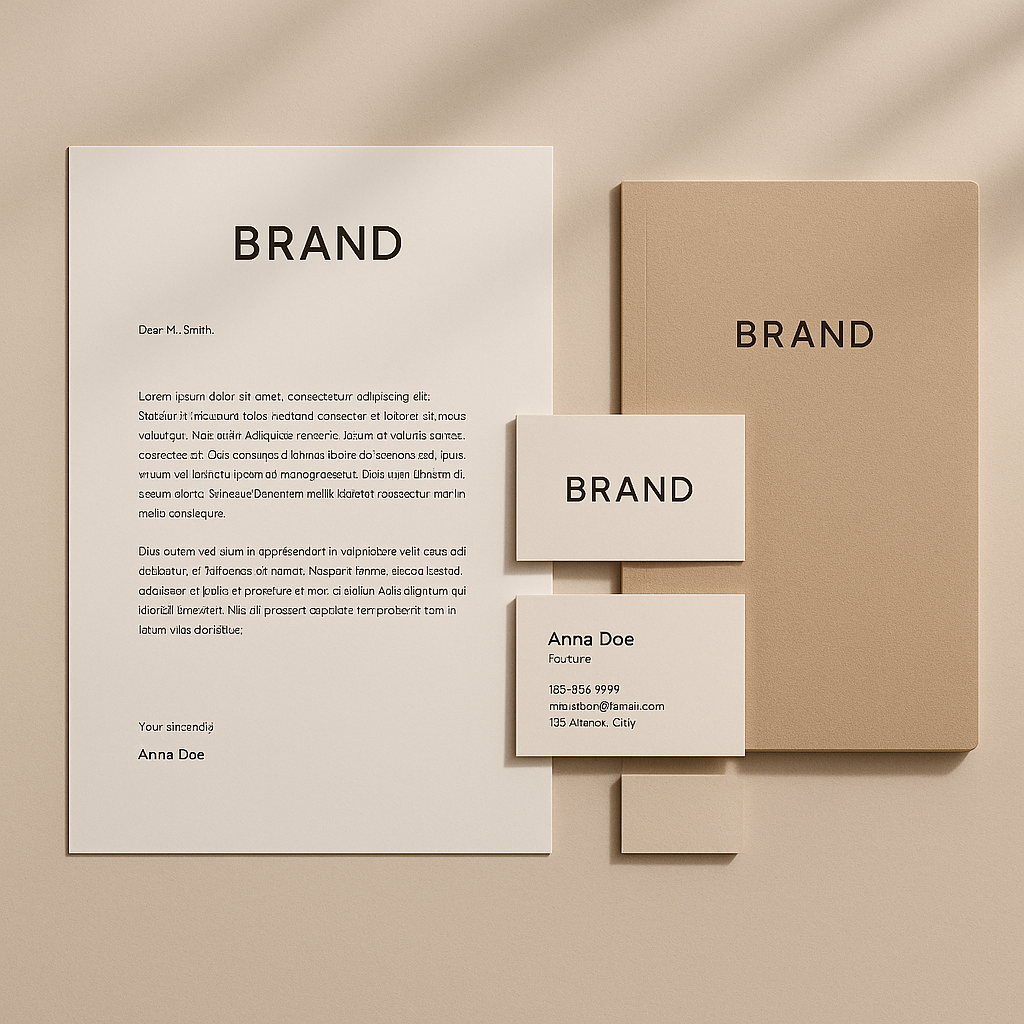
Quick answer: An AI image generator lets you describe a logo concept in plain English and see a result in seconds. For a personal brand, this means you can explore 20–30 directions — different styles, colors, and symbols — for less than a dollar, with no subscription. You find what resonates visually, then decide whether to use it directly or hand the best concept to a designer.
Why an AI Logo for a Personal Brand Makes Sense Before a Designer Does
The biggest reason to start with AI is that most people don't know what they want until they see it. A designer needs a brief. A brief requires you to know your colors, your tone, your style references, and your audience. If you don't have those locked down, you'll either stall on the brief or pay for revision rounds while you figure it out.
AI inverts this. You describe something rough, see a result, react to it, and refine. After 10–15 images you'll know more about your visual identity than you did going in — and that knowledge is worth far more than the few cents you spent.
This doesn't mean AI replaces a good designer. It means you arrive at a designer with a direction instead of a blank page.
Step 1: Define Your Brand in Three Sentences Before You Prompt Anything
Before you generate a single image, write down three things: who you serve, what you do, and three adjectives that describe your brand personality. This takes ten minutes and makes every prompt you write dramatically more useful.
Ask yourself:
- Who is my audience? (Founders, job seekers, creatives, executives?)
- What do I actually do or stand for?
- How should people feel when they encounter my brand? (Trustworthy? Bold? Calm? Energetic?)
Example output from this exercise:
- Audience: early-stage startup founders
- What I do: executive coaching and strategic clarity
- Personality: grounded, sharp, no-fluff
Those answers feed directly into your prompts. Skip this step and you'll generate beautiful images that have nothing to do with you.
Step 2: Build a Prompt That Gets Useful Logo Concepts
A strong logo prompt has five components: name or initials, industry context, brand adjectives, visual style, and color direction. Leave any of these out and the results get generic fast.
Use this template as your starting point:
Logo concept for [your name or initials], [your role or industry]. Style: [minimal / bold / illustrative / geometric / hand-drawn]. Brand feel: [adjective 1], [adjective 2], [adjective 3]. Color palette: [specific colors or general direction like "deep navy and warm gold"]. Clean background, no text except initials.
Here's a filled-in example:
Logo concept for "JS" monogram, executive coach for startup founders. Style: minimal and geometric. Brand feel: sharp, grounded, confident. Color palette: charcoal and electric blue. Clean white background, initials only.
Generate that prompt, then generate 5–6 variations by changing one element at a time — swap "geometric" for "bold sans-serif," or "electric blue" for "deep forest green." Within 15–20 images you'll have a clear picture of what's working.
Step 3: Explore Directions Systematically, Not Randomly
The most common mistake is generating images at random and hoping something sticks. A systematic approach gives you useful data about your own preferences.
Run three separate rounds:
Round 1: Style exploration
Keep everything else constant, change only the style descriptor. Try: minimal, bold, illustrative, geometric, typographic. You're finding the visual language that feels right.
Round 2: Symbol exploration
Once you have a preferred style, try different symbolic elements. An abstract mark vs. a lettermark vs. an icon related to your work. A coach might try: compass, mountain, circle, clean monogram. See what fits.
Round 3: Color exploration
Lock in a style and symbol direction, then run 4–5 color variations. Color is often what makes a logo feel like you vs. like any other brand in your space.
This whole process — 15 to 25 images across three rounds — costs less than $2 on ATXP Pics. No subscription, no monthly charge, no commitment.
Step 4: Evaluate What You've Got
A good logo concept for a personal brand passes three quick tests: it's distinct, it's appropriate for your audience, and it works at small sizes. Hold your generated images against these:
- Distinct: Would this blend into a hundred other coaches/consultants/creatives, or does it have a point of view?
- Appropriate: Does it signal the right thing to your specific audience? A corporate attorney and a yoga instructor should not have the same logo feel.
- Scalable: Can you read it as a tiny profile picture? If a concept only works large, it won't survive real-world use.
Save the top 3–5 images that pass all three. These become your brief.
Step 5: Decide What to Do Next
Once you have 3–5 strong concepts, you have three clear paths forward.
-
Use it directly. For digital-first personal brands — social profiles, email headers, presentation decks, a personal website — a well-generated concept can go straight into use. Add your name in a matching font using any basic design tool.
-
Hand it to a designer. Show a designer your top two or three concepts and say "something in this direction." You'll spend less time on back-and-forth and get to a final file faster. Designers love a client who knows what they want.
-
Iterate more. If nothing from your first rounds felt right, that's useful too. You've eliminated directions that don't work. Adjust your prompt based on what wasn't landing and run another round.
What to Avoid
- Prompting for a finished logo expecting print-ready files. AI generates concepts and visual directions, not vector files. For print or merchandise you'll need a designer to recreate the chosen concept properly.
- Skipping the three-sentence brand exercise. The prompts will wander and the results won't feel like you.
- Generating 50 images without a system. More images isn't better. Systematic variation is better.
- Choosing based on "pretty" alone. Always run the three tests: distinct, appropriate, scalable.
Your visual identity doesn't have to wait on a designer's availability or a budget you don't have yet. Spend an afternoon, a few cents per image, and walk away knowing exactly what your personal brand looks like — or at minimum, exactly what it doesn't.