You need a logo that looks professional, but you're not ready to spend $500 on a designer before you even know if the product-market fit is there. An AI logo generator gives you real visual direction in minutes—here's exactly how to use one well.
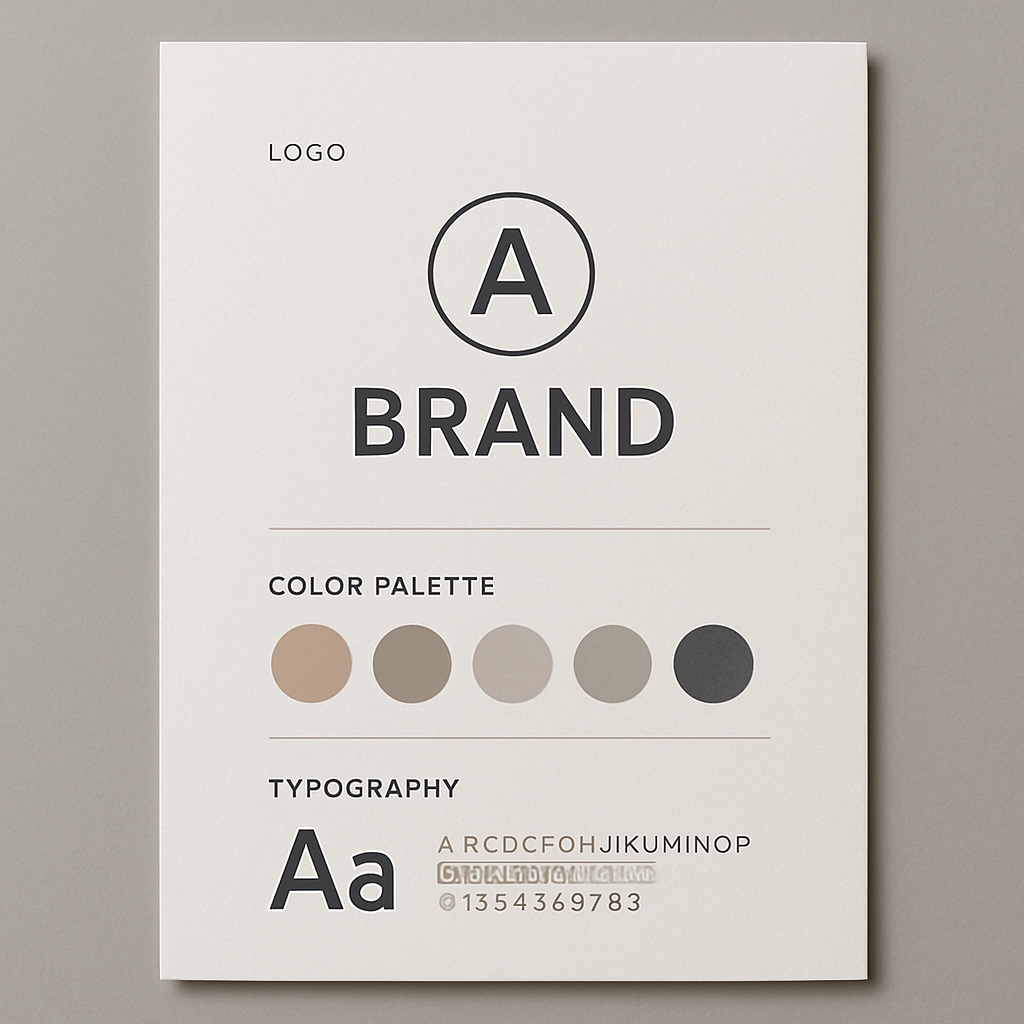
Quick answer: Describe your business type, preferred style, and target feeling in a single sentence. An AI image generator returns a logo concept in seconds. Iterate 3–5 times to narrow the direction, then either use the result directly or hand it to a designer as a brief. No subscription or design skills required.
What Makes a Good AI Logo Prompt for a Small Business
A strong prompt does three things: names the style, names the mood, and names the industry. Most people type "make me a logo for my coffee shop" and wonder why the result looks generic. The generator isn't guessing wrong—it's working with too little information.
Think about how you'd describe your brand to a stranger in one sentence. That sentence is your prompt skeleton. Then add:
- Style — minimalist, geometric, hand-drawn, vintage badge, flat icon, monogram
- Mood — warm and approachable, bold and energetic, clean and trustworthy, playful
- Colors — even a rough direction ("earthy tones," "black and gold," "bright primary colors") narrows the output dramatically
- What to include or exclude — "no text," "initials only," "include a leaf icon"
The difference between a vague prompt and a specific one is the difference between a generic clip-art result and something that actually looks like a brand.
Step-by-Step: Generating Your First AI Logo Concept
Follow these steps to go from blank page to usable concept in under 10 minutes.
Step 1: Write out your brand in one sentence
Before you open any tool, answer this: What do I do, who is it for, and what should people feel when they see my brand?
Example: "I run a mobile dog grooming service for busy urban pet owners. I want to feel friendly, clean, and reliable."
Step 2: Build your prompt from that sentence
Take the core elements and restructure them into a prompt format.
Example prompt: "Minimalist logo concept for a mobile dog grooming business. Clean line art of a dog silhouette with a subtle scissor or paw element. Teal and white color palette. Friendly and professional mood. No text."
Step 3: Generate 3–5 variations
Don't stop at the first image. Change one variable at a time—swap the style from minimalist to bold, try a different color, ask for a badge format instead of an icon. Each generation costs a few cents, so running 10 concepts costs less than a dollar.
Step 4: Identify the direction, not just the image
You're not necessarily looking for a finished logo—you're looking for the direction that feels right. Maybe the first result has the right color but the wrong shape. Note what's working and refine the prompt to push further in that direction.
Step 5: Use the concept as a brief or as-is
Once you have a concept you like, you have two practical paths:
- Use it directly for digital contexts—social media profiles, website headers, presentation decks, email signatures
- Hand it to a designer as a concrete brief. "Make something like this, but in vector format with these adjustments" is a far faster (and cheaper) conversation than starting from scratch
Common Mistakes That Produce Generic Results
The most common mistake is prompting for a logo instead of prompting for a visual. The word "logo" alone doesn't tell the generator much. Treat it as a visual description task, not a software command.
Other mistakes worth avoiding:
- Asking for text in the logo — AI image generators handle typography poorly. Generate the icon or mark separately, then add your business name in a design tool like Canva or Figma.
- Being vague about style — "modern" means different things to everyone. Say "flat geometric icon" or "vintage letterpress badge" instead.
- Expecting one perfect result — Plan to generate 10–15 concepts across different prompts. The iteration is the process.
- Ignoring what isn't working — If the first three results feel off, change the style entirely rather than adjusting small details. A fresh direction beats incremental tweaks.
When AI Logo Generation Makes Financial Sense
The math strongly favors AI for any small business in the early stages. A freelance logo starts at $50 on the low end—and that's for a basic execution with limited revisions. A branding agency engagement starts at $1,000 and goes well beyond. Neither is worth the spend until you know your brand direction.
With ATXP Pics' AI logo concept generator, generating 20 concept variations costs less than a dollar. You get real visual exploration at the cost of a coffee.
| Approach | Typical Cost | Revisions | Turnaround | |---|---|---|---| | Branding agency | $1,000–$5,000+ | Limited (by contract) | 2–6 weeks | | Freelance designer | $50–$500 | 1–3 rounds | 3–10 days | | DIY design tool | Free–$15/mo | Unlimited | Your time | | ATXP Pics (AI concepts) | Cents per image | Instant | Seconds |
The right sequence for most small businesses: generate concepts with AI → identify direction → invest in a designer only for final polish if needed. Many businesses never need that last step.
Turning an AI Logo Concept Into a Finished Brand Asset
An AI image is a raster file—not a vector—which means it works perfectly for screens but needs a conversion step for print. For most small businesses launching digitally, this isn't an immediate problem.
Here's what you can do with a strong AI logo concept today, without any additional tools:
- Profile photos on Instagram, Facebook, LinkedIn, Google Business
- Website favicon and header image
- Pitch deck and proposal cover pages
- Email signature image
- Digital business card services
When you're ready to scale into print—business cards, signage, packaging—take your best AI concept to a designer for a vector redraw. You'll spend far less because the creative direction is already solved. The designer is executing, not exploring.
If you're a small business owner who needs a logo that looks intentional without spending agency money, start with a specific prompt and a few minutes. Generate your first AI logo concept →
The worst outcome is spending 10 minutes and a few cents to discover what your brand doesn't look like. That's still useful information—and it's cheaper than finding out after you've paid a designer.