Your Shopify listing images are doing more selling than your product description — yet most new store owners spend hours wrestling with blank backgrounds and expensive photographers. This guide shows you exactly how to create AI product mockups for Shopify that look professional, load fast, and give shoppers the visual confidence to click "Add to Cart."
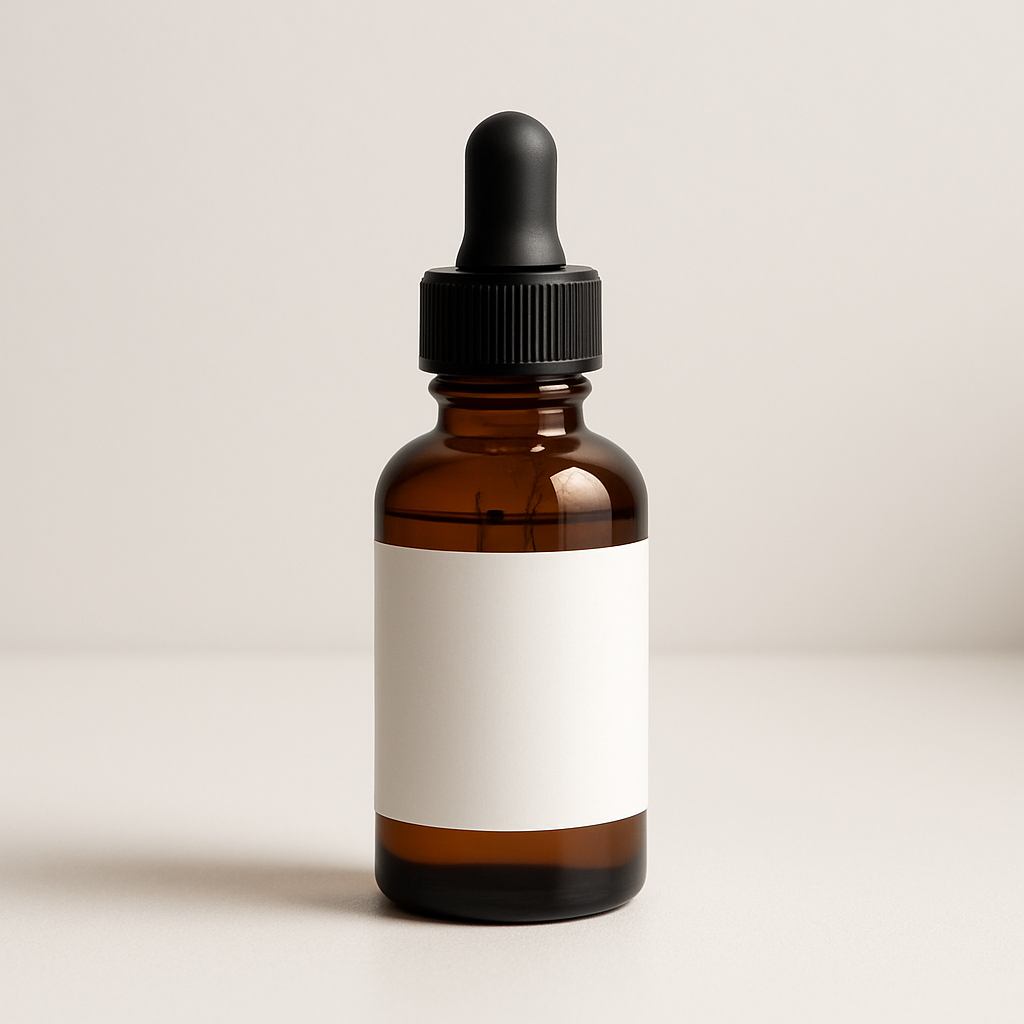
Quick answer: Describe your product and the scene you want around it in plain English at ATXP Pics. You'll have a ready-to-upload Shopify listing image in under a minute — no subscription required, no design skills needed, a few cents per image.
Why Listing Images Determine Whether Shoppers Buy
Shoppers decide in under two seconds whether a listing looks trustworthy — and that judgment is almost entirely visual. A product floating on a white background tells buyers the item exists. A product shown in context — on a desk, worn by someone, sitting on a shelf in a bright kitchen — tells buyers how their life looks after they buy it. That context is what converts browsers into customers, and it's exactly what AI mockups can generate on demand.
The practical upside: you can test five different lifestyle backgrounds for the same product this afternoon and see which one drives more clicks. With traditional photography, that test would cost hundreds of dollars and take days.
What Products Work Best for AI Mockups on Shopify
Print-on-demand and physical goods with simple shapes produce the strongest AI mockup results. Products that sit still and have a recognizable silhouette — t-shirts, hoodies, mugs, tote bags, phone cases, candles, notebooks, wall art prints — render cleanly and realistically. More complex items with lots of moving parts or transparent materials (like glassware or faceted jewelry) can work but may need a few more prompt iterations to get right.
Strong categories for AI mockups:
- Apparel — flat lays, styled on a hanger, folded on a wooden surface
- Home goods — candles on a marble countertop, mugs on a morning café table
- Print products — framed art on a gallery wall, notebooks in a styled workspace
- Accessories — tote bags on a cobblestone street, phone cases on a desk
- Digital product covers — eBook or course mockups shown on a tablet or screen
If your product falls outside these categories, a simple styled background image (rather than a product-in-scene composite) still dramatically outperforms a plain white background for engagement.
How to Create an AI Mockup for Your Shopify Listing: Step by Step
The entire process takes under five minutes from first prompt to uploaded image.
Step 1: Know your scene before you type
Decide two things before you open the generator: (1) what the product is doing in the image, and (2) what feeling the background should create. "Cozy" means warm wood, soft light, maybe steam rising from a mug. "Professional" means clean marble, neutral tones, minimal props. Matching the scene to your brand makes the image feel intentional, not random.
Step 2: Write a specific prompt — not a vague one
Vague prompts produce generic images. Specific prompts produce images you can actually use.
Prompt example: "Product mockup of a white ceramic mug with a minimalist black logo on the front, sitting on a light oak wooden table next to a small potted succulent, soft natural window light from the left, warm and cozy kitchen background, shallow depth of field, commercial photography style"
Notice the structure: product description → surface/location → props → lighting → background feel → photography style. That formula works for almost any product category.
Step 3: Generate, review, iterate
Generate your first image at ATXP Pics →
Look at the result and ask three things: Is the product shape recognizable? Does the scene match my brand? Is the lighting flattering? If any answer is no, adjust just that part of the prompt. Change "warm kitchen" to "bright minimalist studio." Add "overhead flat lay angle" if you want a top-down view. Each iteration costs a few cents and takes seconds — you're not committing to a photographer's half-day rate.
Step 4: Crop and export for Shopify specs
Shopify recommends 2048 × 2048 pixels for product images, with a 1:1 square ratio for the main listing image. Most AI generators output at a fixed resolution — crop and resize in any basic image editor (even Preview on Mac or Photos on Windows) before uploading. Keep the product centered and give it breathing room from the edges.
Step 5: Upload and A/B test
Shopify doesn't natively A/B test product images, but you can use a simple manual test: upload one mockup variant this week, note your add-to-cart rate in Analytics, swap the main image next week, and compare. Even informal testing tells you which scene resonates with your specific audience.
Common Mistakes That Waste Images (and Money)
The most common mistake is prompting the product without describing how it should look. Saying "a mug on a table" gives the generator maximum creative latitude — which usually means a generic, forgettable image. Lock down the details you care about upfront.
Other mistakes to avoid:
- Ignoring lighting — "soft natural window light" or "studio lighting" makes a significant difference in realism
- Cluttered backgrounds — more than two or three props competes with the product for attention
- Wrong color temperature — warm tones for cozy/lifestyle, cool tones for tech/professional; mismatching undermines the brand feeling
- Skipping the photography style cue — adding "commercial photography style" or "product photography" anchors the output toward realistic rather than illustrated
What This Costs Compared to Traditional Product Photography
A single product photography session with a professional typically runs $200–$800 and produces 10–20 final images. At that rate you're spending $10–$40 per image — and you can't easily iterate if the brand direction changes.
| Method | Cost per image | Turnaround | Iterations | |---|---|---|---| | Professional photographer | $10–$40 | Days to weeks | Expensive | | Stock mockup templates | $0–$5 (limited scenes) | Minutes | Fixed templates | | ATXP Pics AI mockup | A few cents | Seconds | Unlimited |
For a store launching with 10 products and 3 images each, AI mockups at a few cents per image means your entire initial image set costs under $5. That's not a rounding error — it's a fundamentally different cost structure that lets you test and iterate instead of committing to one shot.
Prompt Template You Can Copy Today
Paste this template into ATXP Pics and fill in the brackets:
"Product mockup of [your product + color/material], placed on [surface or location], with [1–2 props], [lighting description] light, [background description], [angle: overhead / eye level / 45-degree], commercial product photography style, sharp focus on product"
That single template, adapted for each of your products, will produce a consistent visual style across your entire store — which is exactly what makes a Shopify storefront look like a real brand rather than a collection of mismatched photos.
Shoppers make buying decisions based on what they can picture in their own lives. A well-made AI mockup for Shopify gives them that picture in seconds — and now so can you, at a cost that makes iteration practical instead of painful.