You have a notebook design idea in your head — a botanical pattern, a moody mountain scene, a clean geometric cover — and you need a print-ready image without hiring a designer or learning Illustrator. That gap is exactly where notebook cover design AI earns its keep.
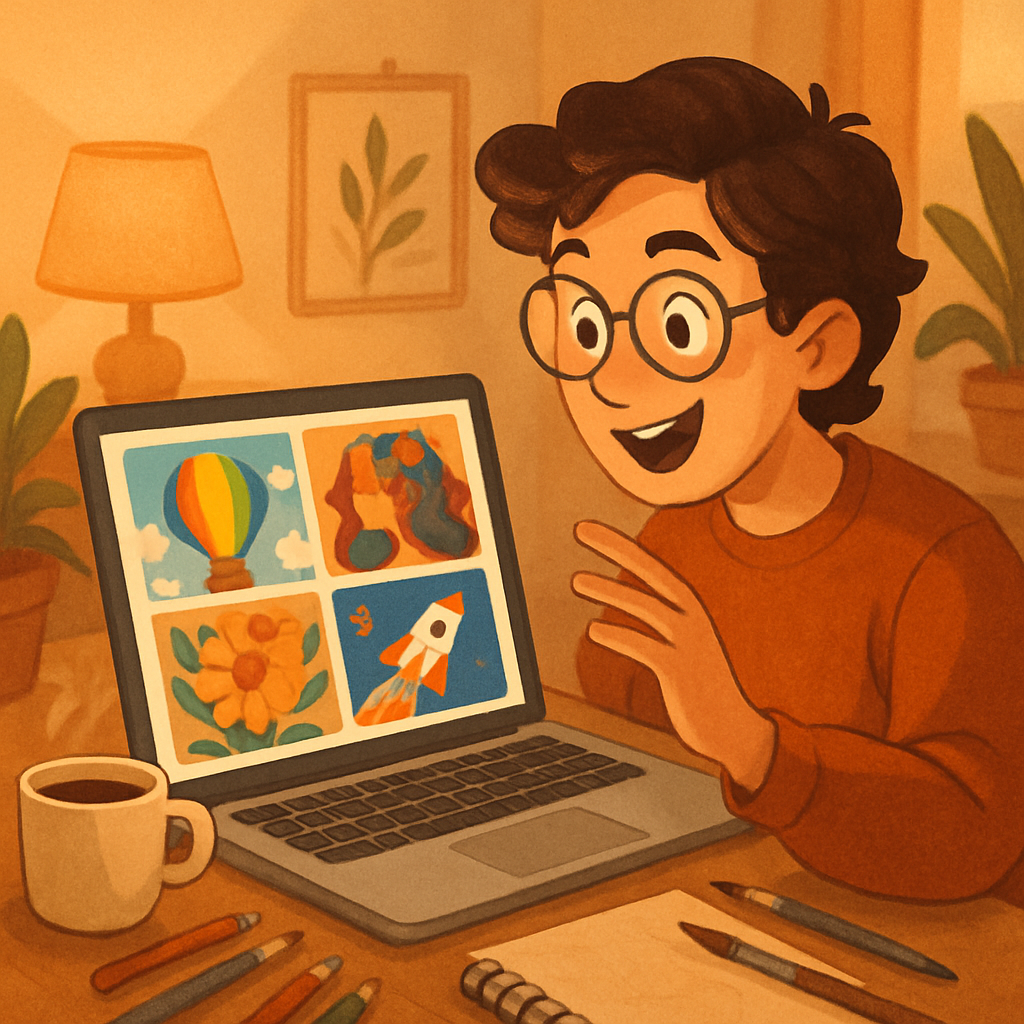
Quick answer: Describe your cover concept in plain English, generate the image in seconds, and download it for print-on-demand. No subscription, no monthly fee — ATXP Pics charges a few cents per image, so you only pay when you actually create something.
What Makes a Good AI Notebook Cover Prompt
The best prompts combine subject, style, color palette, and mood in a single sentence. Vague prompts produce generic results. Specific prompts produce covers you can actually sell.
Think about four things before you type:
- Subject — What is the main visual? Florals, landscapes, abstract shapes, typography?
- Style — Watercolor, linocut, risograph, flat illustration, painterly?
- Colors — Earthy neutrals, bold primaries, muted pastels, monochrome?
- Mood — Cozy and soft, bold and graphic, minimal and clean?
Combine those four elements and you have a prompt that gets results on the first or second try instead of the fifth.
How to Write Notebook Cover Prompts That Work
Strong prompts are specific enough to eliminate guesswork for the AI. Here are two examples — one weak, one strong — so you can see the difference.
Weak prompt: "a pretty flower design for a notebook"
Strong prompt:
A watercolor botanical illustration featuring soft peony blooms and eucalyptus sprigs on a warm cream background, muted dusty rose and sage green palette, vertical portrait orientation, no text, print-ready
The strong version tells the AI the medium (watercolor), the subject (peonies and eucalyptus), the color palette (dusty rose and sage), the background (warm cream), the orientation (portrait), and what to leave out (no text). Every added detail removes one possible wrong interpretation.
Start there, generate a few variations, then adjust colors or subject until the cover looks like the product you want to sell.
Notebook Cover Styles That Sell Well
Certain visual styles consistently perform on marketplaces like Etsy, Amazon KDP, and Redbubble — and they all translate well to AI generation.
| Style | Best For | Sample Palette | |---|---|---| | Botanical watercolor | Gift notebooks, journals | Sage, blush, cream | | Geometric line art | Minimalist / office | Black, white, gold | | Celestial / moon phases | Spiritual / witchy niche | Deep navy, silver | | Retro risograph | Trendy / zine aesthetic | Coral, teal, off-white | | Abstract color wash | Art journals | Any bold combo | | Illustrated landscape | Outdoor / hiking niche | Forest green, rust, tan |
Pick a style that matches your target buyer and stay consistent across a collection. A cohesive set of 6–10 covers in the same visual language looks like a real product line, not a random assortment.
Turning an AI Image Into a Print-Ready Notebook Cover
Download your generated image and prep it for print in three steps. The AI handles the hard creative work — you handle a quick technical check before uploading.
- Check resolution. Most print-on-demand platforms want 300 DPI at the finished cover size. A 6×9 inch notebook cover needs at least 1800×2700 pixels. Generate at the highest available resolution.
- Add safe zones. Open the image in Canva, Photoshop, or even Google Slides. Add a 0.125-inch bleed on all sides if your platform requires it. Keep important visuals away from the edges.
- Export as PNG or PDF. PNG preserves quality for digital mockups. PDF is typically required for physical print uploads. Check your platform's spec sheet — Printify, Printful, and KDP each publish exact requirements.
The whole process from generated image to uploaded product takes under 20 minutes once you have a cover you like.
The Cost of AI Notebook Cover Design vs. Other Options
Paying per image is dramatically cheaper than a monthly subscription if you're creating covers in small batches. Here's how the math works:
| Option | Cost | Images | Cost Per Image | |---|---|---|---| | Freelance designer | $50–$150 | 1 cover | $50–$150 | | Midjourney Basic | $10/month | ~150 | ~$0.07 | | Midjourney (5 images used) | $10/month | 5 | $2.00 | | ATXP Pics | Pay per image | Any amount | A few cents |
If you're building a notebook cover collection in bursts — 10 covers this month, nothing next month — a subscription charges you whether you create or not. ATXP Pics charges only when you generate. Your balance never expires, so there's no pressure to create on someone else's schedule.
Building a Notebook Cover Collection Efficiently
A collection of 6–10 coordinated covers is more profitable than a single one-off design. Buyers on Etsy and Redbubble browse by aesthetic — if they like one cover, they'll look at your other listings. Give them a reason to buy two.
Here's a fast workflow for a 6-cover botanical collection:
- Write one master prompt with your core style and palette.
- Swap the subject in each variation: peonies, lavender, fern, citrus, wildflowers, mushrooms.
- Generate 2–3 versions of each subject. Pick the best one.
- Upload all 6 to your print-on-demand store as a coordinated collection.
A soft watercolor illustration of dried lavender stems tied with twine, muted purple and warm cream palette, vertical portrait orientation, delicate botanical style, no text, seamless white background
That single prompt swap — lavender instead of peonies — gives you a new product in seconds. Run through your subject list and you have a full collection for a few dollars in generation costs.
Start Your Notebook Cover Collection Today
Notebook cover design AI removes the biggest barrier to selling merch: the design itself. You bring the concept and the niche; the AI produces the image; print-on-demand handles manufacturing and shipping. Your job is writing good prompts and picking the winners.
No subscription required. No design software required. Just describe what you want, generate a handful of variations, and pick the cover that looks like a product worth buying.