You have a product ready to go, a manufacturer waiting, and zero budget to spend three rounds with a packaging designer before you've even validated the concept. An AI packaging design generator solves that exact problem. This guide walks you through how to write prompts that produce realistic packaging visuals, what to include for better results, and where this approach fits — and doesn't fit — in your production workflow.
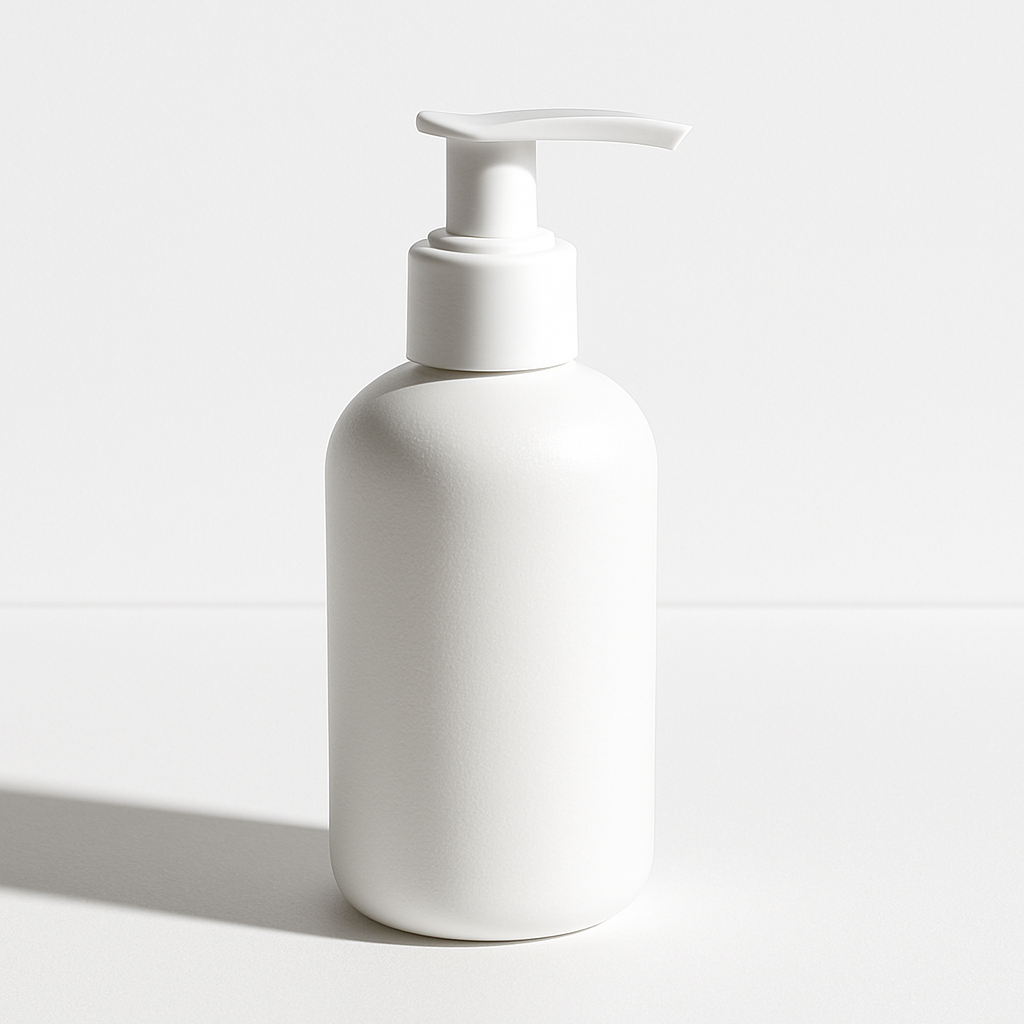
Quick answer: An AI packaging design generator lets you describe your product packaging in plain English and receive a photorealistic concept image in seconds. Use it to explore label styles, box shapes, color palettes, and material finishes before hiring a designer or ordering samples. It costs a few cents per image with no subscription required.
What an AI Packaging Design Generator Actually Does
An AI packaging generator translates your written description into a visual mockup — not a dieline, not a print file, but a realistic image of what your packaging could look like on a shelf or in someone's hands. Think of it as a visual thinking tool. You're not replacing your packaging designer; you're arriving at their desk with a clear direction instead of a vague brief.
This matters because early-stage packaging decisions — shape, color, material feel, label style — are often made through slow, expensive back-and-forth. Generating your own concept images collapses that loop dramatically.
What to Include in Your Packaging Prompt
The more specific your prompt, the more useful the output. Vague prompts produce generic results. Specific prompts produce images you can actually react to and refine.
Include these elements in every packaging prompt:
- Product type — What's inside? (candle, supplement bottle, coffee bag, skincare serum)
- Container shape — Box, pouch, jar, tube, can, bottle, sachet
- Material and finish — Kraft paper, frosted glass, matte black plastic, glossy white cardboard
- Color palette — Specific colors or a general direction ("earthy neutrals", "bright primary colors", "all black with gold foil")
- Label style — Minimalist, illustrated, typographic, premium, playful
- Any visible text — Brand name, product name, or tagline you want shown in the image
- Context — On a white surface, on a retail shelf, held in hand, flat lay on marble
Prompt template
"Product packaging for a [product type] in a [container shape]. [Material/finish] with a [color palette] color scheme. [Label style] label design showing the brand name '[Brand Name]'. Photographed [context]. High-resolution product photography."
Example prompt
"Product packaging for a lavender essential oil in a dark amber glass bottle with a dropper top. Matte black label with minimalist serif typography showing the brand name 'Flora.' Photographed on a white marble surface with soft natural lighting. High-resolution product photography."
That level of detail gives you something concrete to look at, share, and revise — instead of spending the first design meeting explaining what you meant.
Step-by-Step: From Concept to Packaging Visual
- Write down what you know. Before opening any tool, list your product type, target audience feel (luxury? playful? clinical?), and any hard requirements like color or material.
- Draft your first prompt using the template above. Don't overthink it — you can iterate in seconds.
- Generate 3–5 variations. Adjust one variable at a time: change the finish from matte to glossy, shift the color palette, try a different container shape. Each generation costs a few cents.
- Screenshot and compare. Lay the options side by side. Which direction feels right for the brand?
- Add your reactions as notes. "Love the dark bottle, not the label font. Try something bolder." These notes become your designer brief.
- Share the strongest concept with your team, client, or manufacturer as a visual reference point — not final artwork, but clear intent.
Generate your first packaging concept →
Common Mistakes That Produce Weak Results
Skipping material and finish details is the single biggest prompt mistake. "A box for my candle" produces a generic result. "A rigid matte black cardboard box with a gold foil label for a luxury soy candle" produces something you can actually use.
Other mistakes to avoid:
- Asking for too many things at once. One container, one style direction per prompt. You can combine ideas after you've seen each one separately.
- Forgetting the shooting context. Packaging on a plain white background reads very differently than packaging styled on a wooden table or retail shelf. State the context.
- Treating the first output as final. These are starting points. Expect to generate 5–10 variations before you land on a direction worth developing.
- Using vague style words. "Professional" and "modern" mean nothing to a generator. "Minimalist sans-serif typography on a frosted white glass jar" means something specific.
Where AI-Generated Packaging Visuals Fit in Your Workflow
AI packaging mockups belong at the front of your process — concept and alignment — not the back. Here's how they fit alongside your actual production steps:
| Stage | AI Mockup Useful? | What It Replaces | |---|---|---| | Initial concept exploration | ✅ Yes | Mood boards, rough sketches | | Client / stakeholder alignment | ✅ Yes | Early designer rounds | | Brand direction decisions | ✅ Yes | Abstract conversations | | Final production artwork | ❌ No | Print-ready dieline files | | Regulatory label review | ❌ No | Compliance sign-off process | | Physical sample review | ❌ No | Manufacturer samples |
The honest tradeoff: you get speed and low cost at the concept stage. You still need a packaging designer for production-ready files. The win is that by the time you brief that designer, you've already eliminated the options that don't work — saving real time and real money in those billable design hours.
Why Pay-Per-Image Makes Sense for Packaging Exploration
Packaging concepting is inherently iterative. You might generate 20 variations across three sessions this week, nothing for two weeks, then another burst when the client wants to revisit the direction. A subscription charges you whether or not you're creating.
At ATXP Pics, you pay a few cents per image with no monthly fee. If you generate 25 packaging concepts this week and nothing next month, you only pay for the 25 images. Your balance never expires.
Compare that to tools with mandatory subscriptions: at 20 images per month on a $10/month plan, each image costs $0.50. If you only use the tool during active project phases, the effective cost per image climbs fast. Pay-per-image is simply the better math for project-based work.