You know someone whose dog has a birthday party, whose cat has an Instagram, whose pet is unarguably the most important relationship in their life. Finding a gift that actually matches that level of devotion is hard — until now. This guide shows you exactly how to create an AI pet portrait as a gift in under ten minutes, with real prompt examples you can copy.
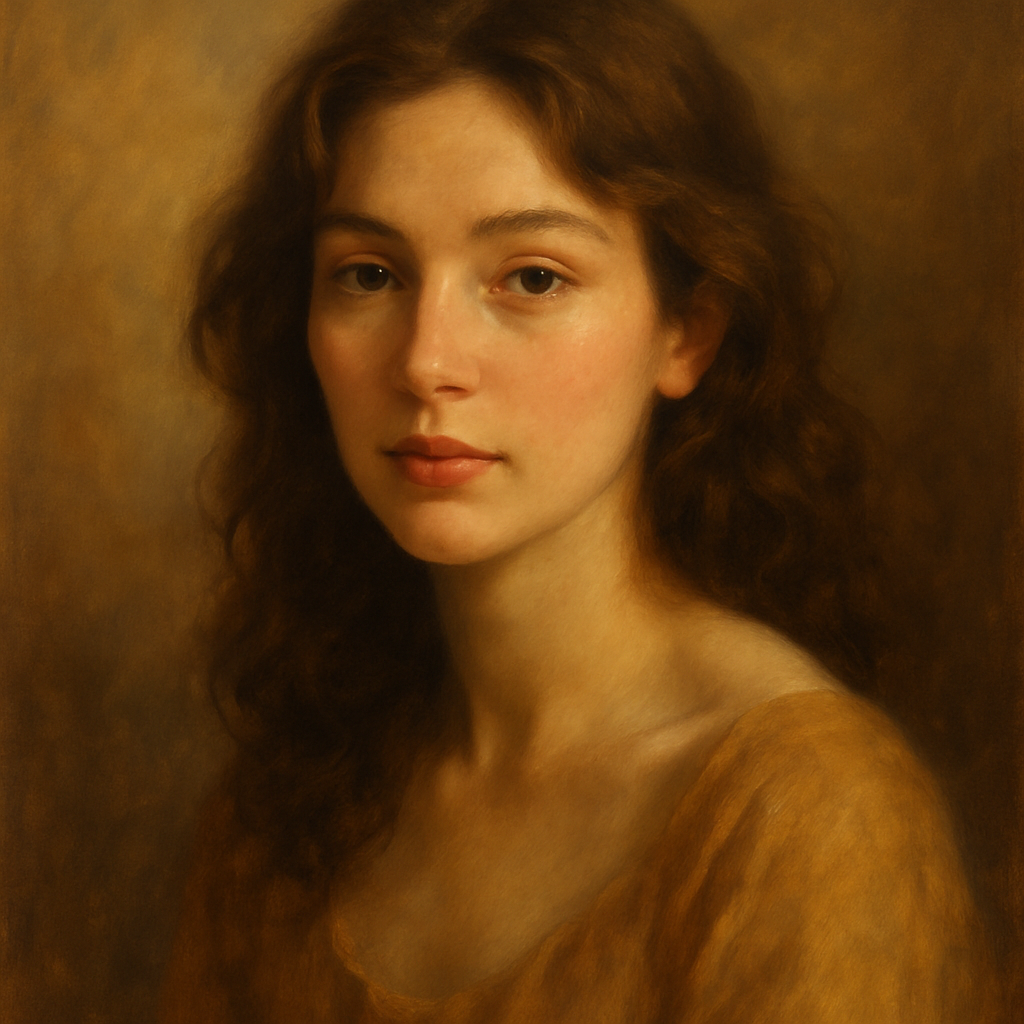
Quick answer: Describe the pet — breed, coloring, personality, desired art style — at ATXP Pics' AI portrait generator, and you'll have a frameable portrait in seconds. No subscription, no design skills, no wait. Pay only for the images you generate.
Why an AI Pet Portrait Works as a Gift
An AI pet portrait lands because it's personal, visual, and genuinely surprising. Most people expect socks or a gift card. A framed oil-painting-style portrait of someone's golden retriever dressed as a Victorian gentleman is something they'll put on the wall and talk about for years.
Commissioned pet portraits from human artists run $150–$500 and take weeks. An AI-generated portrait costs cents and takes minutes — without sacrificing the "wow" moment when the recipient unwraps it.
This makes it ideal for:
- Birthdays for the friend who celebrates their pet's birthday
- Pet loss sympathy gifts — a lasting tribute when someone's animal has passed
- New pet celebrations — welcoming a rescue or puppy into someone's life
- Holidays when you want something genuinely different from the usual
What to Know Before You Write Your Prompt
The quality of your portrait depends almost entirely on how well you describe the pet. You don't need a photo — you need specifics. Think about:
Breed and physical details
Generic prompts produce generic results. "A dog" is much weaker than "a brindle French Bulldog with a white chest patch and bat ears." Include coat texture, eye color, any distinctive markings, and size if it matters to the composition.
Art style
This is where the gift goes from nice to extraordinary. Common styles that work beautifully for pet portraits:
- Oil painting — classic, rich, frameable
- Watercolor — soft, romantic, great for cats
- Royal portrait — pet in regal costume, seated on a throne or against velvet drapes
- Renaissance portrait — pet as a 15th-century noble
- Minimalist line art — clean, modern, works great as a print
Setting and mood
A portrait of a corgi sitting on a golden throne in a baroque palace hits differently than a corgi on a plain background. Add a setting that matches the pet's personality or the recipient's sense of humor.
Step-by-Step: Creating the Portrait
Creating an AI pet portrait takes about five minutes from first prompt to downloadable image.
- Gather your details. Jot down breed, coat color and markings, eye color, and any personality traits you want the portrait to capture (regal, goofy, sleepy, fierce).
- Choose your style. Pick one art style and one setting. Combining too many ideas muddles the image — keep it focused.
- Write your prompt. Be specific. The template below gives you a starting point.
- Generate and refine. Run the prompt, review the result, and tweak any details that aren't quite right. Each generation costs only a few cents, so iteration is painless.
- Download and print. Once you're happy with the image, download the high-res file and order a print. Canvas prints from most online services run $20–$40 and arrive in a few days.
Prompt template:
"An oil painting portrait of a [breed] with [coat color/markings] and [eye color] eyes. The dog/cat is posed [sitting regally / looking over one shoulder / gazing into the distance] wearing [a velvet doublet / a flower crown / a royal collar]. Background: [a baroque palace interior with gold curtains / a misty English garden / a starry night sky]. Style: classical oil painting, dramatic lighting, rich colors, museum quality."
Real Prompt Examples You Can Copy
Here are three ready-to-use prompts for common scenarios:
The Royal Treatment: "An oil painting portrait of a tabby cat with orange and white markings and green eyes, seated on a velvet throne, wearing a small golden crown. Background: a grand palace hall with red curtains and candlelight. Style: classical oil painting, dramatic chiaroscuro lighting, museum quality."
The Watercolor Tribute (for a pet who has passed): "A soft watercolor portrait of a black Labrador Retriever with a graying muzzle, lying peacefully in a field of wildflowers. Warm golden light, gentle brushstrokes, muted pastel palette. Style: loose watercolor illustration, emotional, tender."
The Renaissance Noble: "A Renaissance-era portrait painting of a pug with a wrinkled face and curled tail, dressed as a 16th-century Flemish nobleman in a ruffled collar and dark velvet coat. Dark background, subtle window light. Style: Flemish Renaissance portrait, highly detailed, realistic oil paint texture."
How to Turn the Image Into a Gift
Once you have the image, presentation is what makes it feel like a real gift rather than a printout.
Generate your pet portrait now →
A few options that work well:
- Canvas print — Order through Canvaspop, Snapfish, or a local print shop. A 12×16 canvas costs around $30–$40.
- Framed print — Download, print at a pharmacy or office supply store, and frame it yourself for under $20 total.
- Greeting card — Print the portrait as a card through Canva or a photo book service. Works beautifully for a sympathy note.
- Phone case or tote — Services like Casetify and Printful print on demand directly from an uploaded image.
If you're giving this as a birthday or holiday gift, consider pairing the printed portrait with a small handwritten note about what makes the pet so special to their owner. The combination of personalization plus effort is what makes this gift memorable.
Common Mistakes to Avoid
The most common mistake is being too vague. "A cute dog portrait" will generate something generic. The more detail you give — breed, markings, personality, style, setting — the more the result will feel like their pet.
A few other things to watch for:
- Don't mix too many styles. "Oil painting watercolor sketch" confuses the output. Pick one.
- Don't skip the setting. A plain background wastes the opportunity for drama or personality.
- Don't forget the lighting. Adding "dramatic lighting," "golden hour," or "candlelight" transforms the mood of the portrait significantly.
- Do iterate. If the first result is 80% right, adjust one or two details and generate again. At a few cents per image, refining is practical.
An AI pet portrait as a gift is the rare combination of genuinely personal, visually impressive, and surprisingly affordable. It takes ten minutes, costs a fraction of a commissioned painting, and produces something the recipient will actually display.