Your dog has a personality that no phone snapshot quite captures. A pet portrait AI generator turns a simple text description into a custom piece of art — oil painting, watercolor, Renaissance portrait — in about 10 seconds flat.
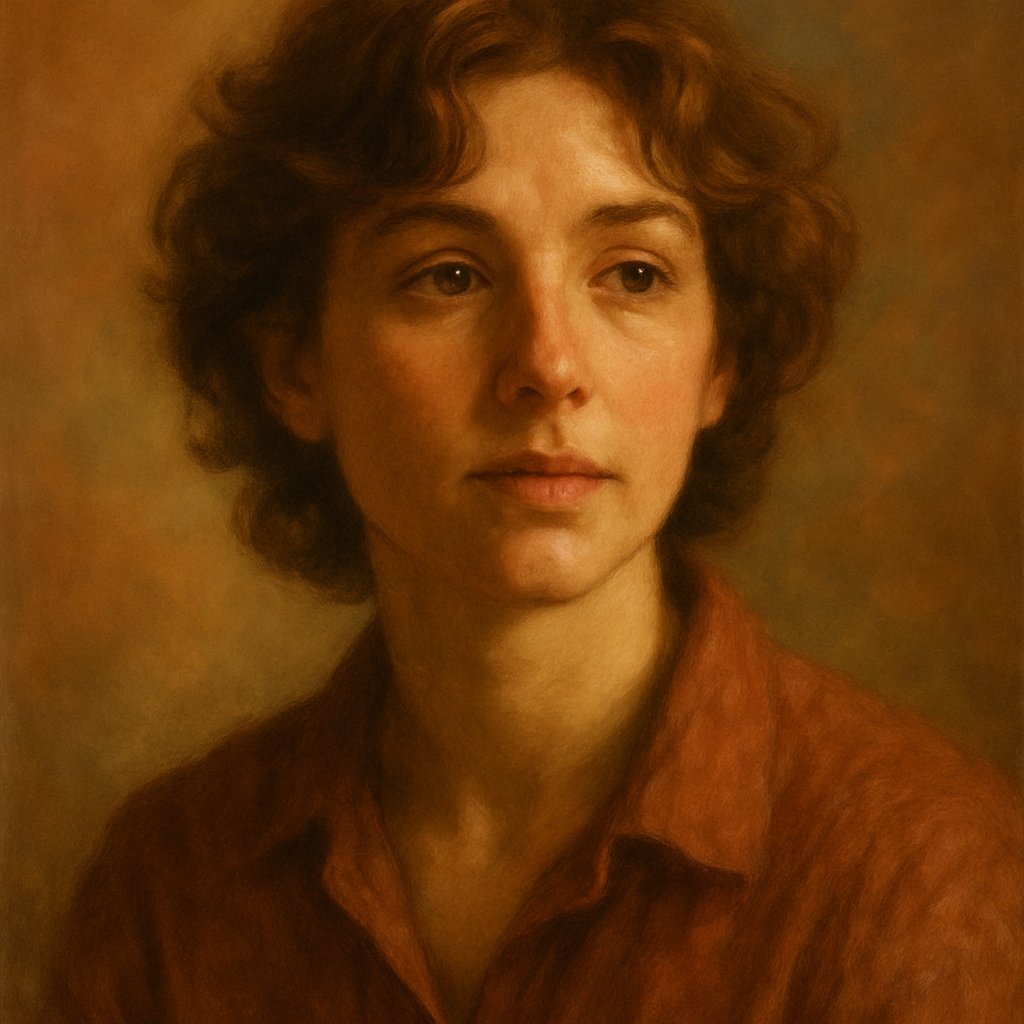
Quick answer: Describe your pet's breed, color, markings, and your preferred art style in plain English. A pet portrait AI generator produces a custom image in seconds. No subscription, no monthly fee — you pay only for what you generate, a few cents per image.
What a Pet Portrait AI Generator Actually Does
A pet portrait AI generator takes a plain-English description and produces a finished image — no photo upload, no design skills, no waiting days for a commission. You type something like "golden retriever wearing a navy bow tie, oil painting, warm studio lighting" and within seconds you have a piece of art ready to download, print, or share.
The output isn't a filter slapped over a photo. It's a fully generated image built from your words, which means you control the style, mood, and details from the start.
How to Write a Prompt That Actually Looks Like Your Pet
The single biggest factor in a great pet portrait is specificity in your prompt. Vague descriptions produce generic results. Specific ones produce something that feels like your animal.
Build your prompt in four layers:
- Species and breed — "black and white tuxedo cat" beats "cat" every time
- Distinctive markings — a heart-shaped patch, mismatched eyes, a torn ear
- Art style — oil painting, watercolor, pencil sketch, charcoal, vintage illustration
- Mood and lighting — golden hour, dramatic side lighting, soft studio light, dark background
Try this prompt: "Corgi with a fluffy cream chest and orange markings, sitting upright, wearing a small golden crown, Renaissance oil portrait style, rich jewel-tone background, dramatic candlelight"
Generate 3–4 variations of any prompt. Tweak one element at a time — swap the lighting, change the background color, try watercolor instead of oil — until the result feels right.
The Best Art Styles for Pet Portraits
Choosing the right style makes the difference between a portrait you frame and one you forget. Here are the styles that consistently produce the best results for pet art:
| Style | Best For | Vibe | |---|---|---| | Oil painting | Dogs, cats, any breed | Classic, gallery-worthy | | Watercolor | Soft-coated breeds, rabbits | Gentle, gift-ready | | Pencil sketch | Fine detail — fur texture, eyes | Elegant, timeless | | Renaissance portrait | Any pet, regal treatment | Dramatic, conversation piece | | Vintage illustration | Quirky or cartoon-like feel | Playful, unique |
Oil painting and Renaissance portrait styles tend to print the best at large sizes. If you're creating something for a phone screen or digital card, watercolor and sketch styles look sharp at smaller dimensions.
Why No Subscription Changes the Math
Most people don't need 200 pet portraits a month — and that's exactly where pay-per-image saves you money. Midjourney's Basic plan runs $10/month for roughly 150 images. If you're only making 5 images, that works out to $2.00 per image.
At ATXP Pics, you pay a few cents per image. Your balance never expires. There's no commitment, no renewal date to remember, and no wasted spend on a subscription you outgrow in an afternoon.
| Scenario | Midjourney Basic ($10/mo) | ATXP Pics (pay-per-image) | |---|---|---| | 5 images | $2.00/image | A few cents each | | 20 images | $0.50/image | A few cents each | | 150 images | $0.07/image | A few cents each |
For a one-time project — a birthday gift, a memorial portrait, a holiday card — pay-per-image is the obvious choice. Generate what you need, pay for what you use, move on.
Prompt Ideas for Every Occasion
The right prompt depends on what you plan to do with the image. Here are ready-to-use starting points for the most common reasons people create pet portraits:
Birthday or holiday gift:
"Fluffy Maine Coon cat with amber eyes, sitting beside a wrapped present, soft watercolor style, warm pastel background, illustrated greeting card feel"
Memorial portrait:
"Senior beagle with graying muzzle, lying peacefully in a sunny meadow, impressionist oil painting, soft golden light, loose brushwork"
Funny or whimsical:
"Pug in a tiny astronaut helmet floating in space, stars and planets in the background, vintage NASA poster illustration style, bold colors"
Framed wall art:
"Siberian Husky with blue eyes, close portrait, Renaissance painting style, dramatic dark background, fur detail emphasized, museum quality"
Copy any of these, swap in your pet's details, and you've got a solid starting point. Small changes — a different background color, a style swap — are worth testing with a second or third generation.
Getting Print-Ready Results
Describe the final format in your prompt and the output will be better suited to it from the start. If you're printing a 12×16 canvas, adding "high detail, sharp focus, rich colors, gallery canvas print" signals the kind of output you need. For a phone wallpaper, "vertical composition, centered subject, clean background" keeps things practical.
A few other details worth adding to any pet portrait prompt:
- "Eyes in sharp focus" — pet portraits live or die on eye detail
- "Detailed fur texture" — especially important for long-haired breeds
- "Soft bokeh background" — keeps the focus on the animal, not the setting
- "No text, no watermark" — keeps the image clean for printing
Once you have a version you love, download it and order a print locally or through any online print service. The files are yours.
Ready to turn your pet's description into a portrait worth framing? Create your pet portrait at ATXP Pics — no subscription, no expiring credits, just the images you want at a few cents each.
You might also find these useful: AI portrait generator tips, no-subscription image generation, and how pay-per-image pricing works.