You want a portrait — a headshot, a character, a profile image — and you don't want to pay $10 a month for a tool you'll use twice. This post breaks down the real AI portrait generator options in 2026, what each costs per image, and who each one actually makes sense for.
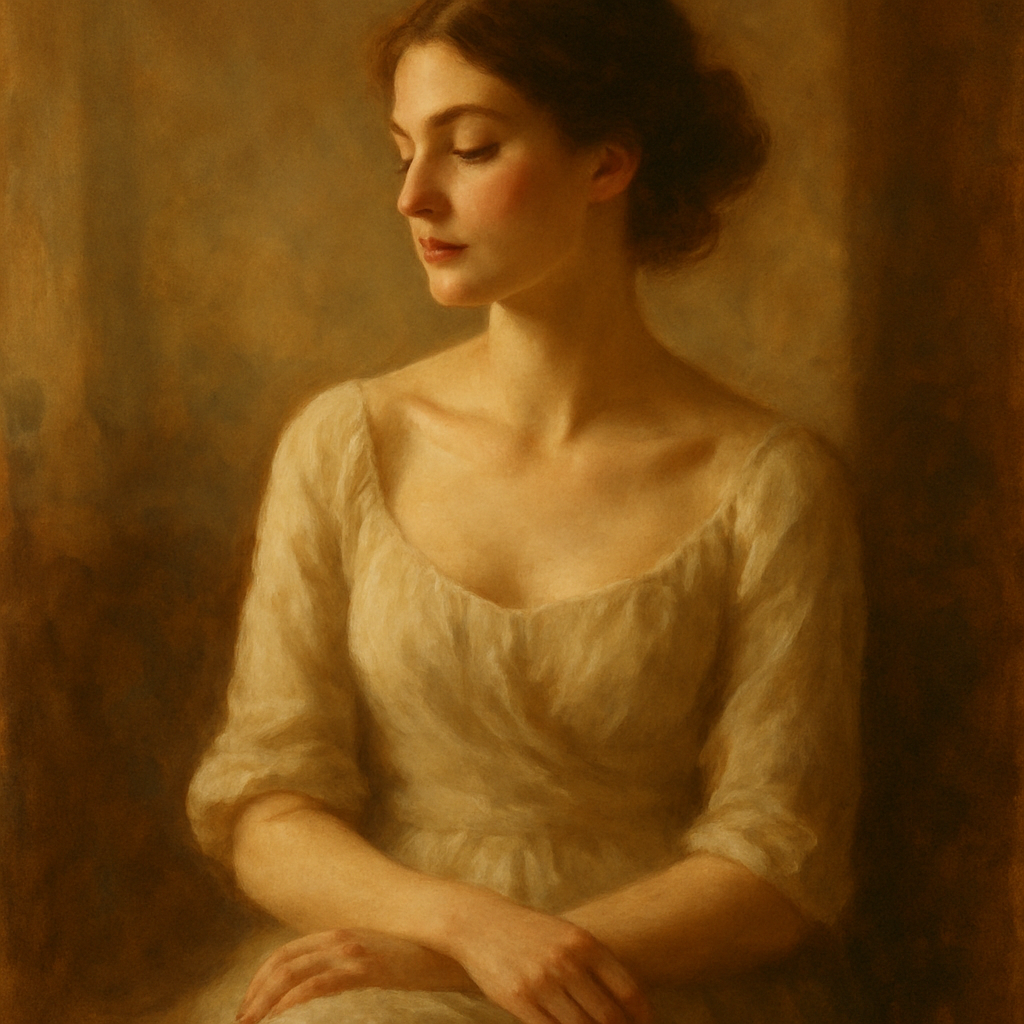
Quick answer: The most common "free alternative" search leads people to tools with free tiers that cap out fast or subscriptions that charge you every month whether you create or not. The genuinely different option is pay-per-image: a few cents per portrait, no subscription, balance never expires. That's what ATXP Pics offers.
Who Each AI Portrait Tool Is Actually Built For
Each tool has a real sweet spot — and honest tradeoffs. Here's how the main options stack up for portrait generation specifically.
| Tool | Pricing Model | Best For | Watch Out For | |---|---|---|---| | ATXP Pics | Pay-per-image (~cents each) | Occasional creators, professionals who need one-offs | Not ideal if you're generating hundreds of images daily | | Midjourney | $10–$60/mo subscription | Heavy daily users, artistic exploration | Expensive per-image if you create infrequently | | Adobe Firefly | Bundled with Creative Cloud | Existing Adobe subscribers | $55+/mo if you're not already paying for CC | | Canva AI | Freemium + Pro subscription | Social media creators already using Canva | Limited portrait realism on free tier | | Playground AI | Free tier + $15/mo Pro | Hobbyists, budget-conscious users | Free tier has watermarks and daily limits |
The comparison that matters most isn't features — it's cost per portrait given how often you actually create.
The Real Cost of a "Free" or Subscription AI Portrait Generator
Most portrait generators that feel free stop being free the moment you need quality results. Here's the math that subscription tools don't advertise:
- Midjourney Basic at $10/month = roughly 150 images = $0.07/image — if you max out every month
- At 20 images/month: $0.50/image
- At 5 images/month: $2.00/image
- At 0 images (vacation, busy month): $10.00 for nothing
That last line is the one that stings. Subscriptions charge you for time, not output. If you need portraits occasionally — a new headshot for LinkedIn, a character for a project, a few profile image options — the math flips hard in favor of pay-per-image.
With ATXP Pics, you pay for what you generate. Your balance doesn't expire. There's no clock running in the background.
What Makes a Good AI Portrait — and How to Describe It
The quality of an AI portrait comes down almost entirely to how specifically you describe it. You don't need design skills. You need good description habits.
The basics every portrait prompt needs
- Subject: age range, gender presentation, notable features if relevant
- Lighting: soft natural light, dramatic studio lighting, golden hour, harsh flash
- Angle and framing: close-up headshot, three-quarter angle, chest-up, full body
- Background: plain white, blurred outdoor setting, dark gradient, specific location
- Mood or expression: confident, candid, contemplative, warm
A prompt that actually works
"Professional headshot of a woman in her late 30s, soft studio lighting, slight smile, dark teal background, sharp focus, photorealistic"
Try variations — change the background color, the expression, the lighting — for a few cents each until you have exactly what you need.
When to go artistic instead of photorealistic
If you're generating a portrait for a book cover, game character, or creative project rather than a professional headshot, open up the style description:
"Oil painting portrait of an older man, weathered face, dramatic Rembrandt lighting, dark background, classical Dutch master style, high detail"
The same plain-English approach works. No different tool, no different interface.
Midjourney vs. ATXP Pics for Portraits: The Honest Take
Midjourney produces excellent portrait results — but it's designed for users who generate constantly. If you're an artist, a designer, or someone running a creative studio at volume, the subscription model makes sense.
If you're a freelancer who needs a few portrait options for a client deck, a professional updating their headshot, or someone building a presentation with custom visuals, Midjourney charges you for 30 days of access whether you need it or not.
ATXP Pics is built for the second group. Generate portraits when you need them, pay for what you create, and don't think about it the other months.
Neither is universally better. The question is which model fits how you actually work.
When a Subscription Tool Makes Sense (And When It Doesn't)
A subscription AI portrait tool earns its cost when you generate images every day. At 150+ images a month, Midjourney's per-image cost becomes genuinely competitive. If portrait generation is a core part of your workflow — not an occasional task — subscription pricing starts to make sense.
A subscription doesn't make sense when:
- You need portraits a few times a month or less
- Your use is project-based (one burst of creation, then nothing for weeks)
- You're testing whether AI portraits fit your workflow before committing
- You got charged last month and created zero images
The "free alternative" framing that drives a lot of searches is a bit of a misdirect. The real alternative to an overpriced subscription isn't a capped free tier that forces upgrades — it's a model where you pay only when you create.
How to Generate Your First AI Portrait on ATXP Pics
- Go to atxp.pics/ai-portrait-generator — no payment required to sign up
- Describe your portrait in the chat interface using plain English (use the prompt examples above as a starting point)
- Review and iterate — adjust lighting, expression, or style with a follow-up description
- Add credit when you find the result you want — you're charged per image, not per session
The whole process takes minutes. No tutorials, no layers, no export settings.
The best AI portrait generator in 2026 isn't the one with the most features — it's the one that fits how often you actually create. If that's occasionally, a subscription is the expensive option regardless of what the monthly price looks like. Generate your first portrait on ATXP Pics →