Every dropshipping store using the same supplier pulls the same five product photos — the same white background, the same angle, the same nothing. An AI product image for dropshipping lets you build listings that look custom without hiring a photographer or ordering samples. This guide walks through exactly how to do it, prompt by prompt.
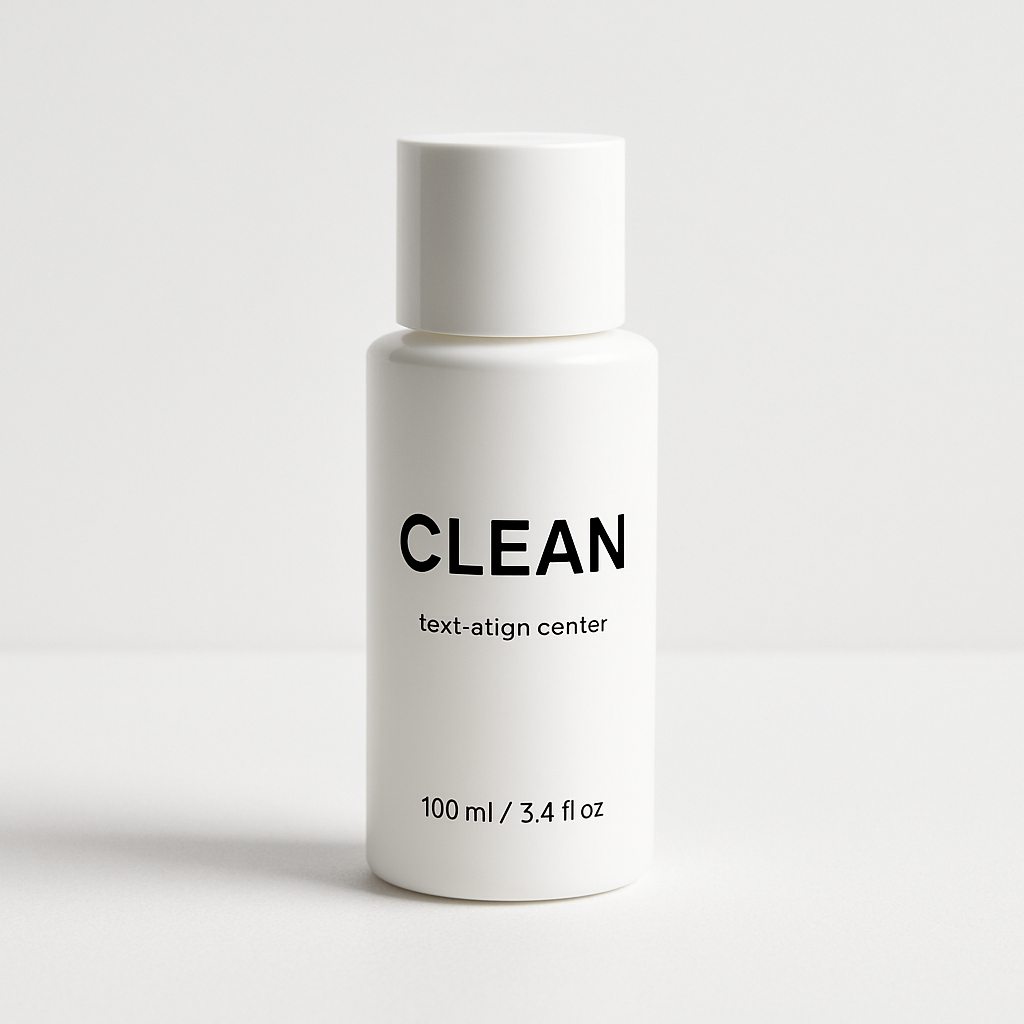
Quick answer: Describe your product and a realistic lifestyle setting in plain English, generate a mockup-style image in seconds, and use it in your store listing. No design skills needed, no samples required. With pay-per-image pricing, you can create a full set of listing images for a new product for well under a dollar.
Why Supplier Photos Cost You Sales
Generic supplier photos signal "everyone else sells this too" — and shoppers know it. When a buyer sees the same stock image across three different stores, price becomes the only differentiator. That's a race you don't want to run.
Better product images do two things simultaneously:
- They build perceived brand value — your store looks curated, not copy-pasted
- They show the product in context — a candle on a marble bathroom shelf converts better than a candle on a white square
Professional product photography fixes this, but it's expensive and impossible when you haven't ordered samples yet. AI product images close that gap.
What to Know Before You Write Your First Prompt
The quality of your output is almost entirely determined by the specificity of your prompt. Vague prompts produce generic images. Specific prompts produce usable ones.
Before you open the generator, have these four things ready:
- Product description — material, color, shape, key features (e.g., "matte black ceramic mug with a minimal logo embossed on the side")
- Setting or context — where does someone use this product? (kitchen counter, gym bag, office desk, beach)
- Lighting style — natural morning light, warm studio light, bright daylight, moody low-key
- Shot type — close-up detail, lifestyle scene with the product prominently featured, flat lay, or hero shot
With those four inputs, you can write a prompt that consistently produces commercial-quality results.
Step-by-Step: Creating AI Product Images for Your Listings
Step 1 — Write a specific product prompt
Start with the product itself. Name the material, color, and one or two defining visual features. Don't just say "water bottle" — say "a frosted sage green glass water bottle with a bamboo lid."
Step 2 — Add the lifestyle context
Place the product somewhere real. Think about your customer and where they'd actually use it. A yoga mat goes in a sunlit studio. A desk organizer goes on a clean oak desk with a laptop nearby.
Step 3 — Specify lighting and mood
Lighting is the difference between a photo that looks professional and one that looks generated. "Soft natural light from a window on the left" reads differently than "harsh overhead lighting." Choose the mood that matches your brand.
Step 4 — Set the shot style
Tell the generator how the image should be framed. "Commercial product photography style, close-up, shallow depth of field" gives you a result that looks like it came from a studio shoot.
Step 5 — Generate, review, iterate
Generate your first image, evaluate it honestly, then adjust one element of the prompt and run it again. Most usable images come within two or three iterations. At a few cents per image, iteration is cheap.
Copy-ready prompt example:
"A frosted sage green glass water bottle with a bamboo lid, sitting on a light wood surface next to a small succulent plant, soft natural window light from the left, close-up, commercial product photography style, shallow depth of field, no text"
Building a Full Listing Image Set
A strong dropshipping listing needs more than one image — most platforms recommend 4–8 images, and buyers expect to see the product from multiple angles and contexts.
Here's a practical image set to generate for any new product:
| Image Type | What to Prompt For | |---|---| | Hero shot | Product centered, clean background, dramatic lighting | | Lifestyle scene | Product in use, realistic setting, natural light | | Detail close-up | Key feature or texture highlighted, macro feel | | Flat lay | Product with 2–3 complementary items, overhead angle | | Scale reference | Product next to a recognizable object (coffee cup, hand) |
You can build this entire set in under 20 minutes. Generate your product mockups →
Prompt Mistakes That Waste Iterations
The most common mistake is describing what you want the image to "be" rather than what it should look like. "A professional product photo" is not a prompt — it's a wish. The generator needs visual specifics.
Avoid these patterns:
- Too vague: "a nice photo of a phone case" → produces something generic every time
- Conflicting instructions: asking for "dark moody lighting" and "bright airy feel" in the same prompt
- Missing the subject: spending all your prompt on the setting and barely describing the product itself
- No style reference: without "product photography style" or a specific aesthetic, results vary wildly
A simple fix: write your prompt, then check it against the four elements (product, setting, lighting, shot type). If any are missing, add them before you generate.
What This Costs vs. Traditional Options
Supplier photos are free but identical to your competitors'. Professional photography runs $200–$600 per product session — viable at scale, impractical for testing new products. AI product images sit in the middle: fast, affordable, and differentiated.
| Option | Cost per product | Speed | Unique to your store? | |---|---|---|---| | Supplier photos | $0 | Instant | No | | Professional photography | $200–$600 | Days to weeks | Yes | | AI product mockups (ATXP Pics) | Under $1 | Minutes | Yes |
For dropshippers testing new products or running lean, the math is straightforward. No subscription means you only pay when you're actively creating — not on months when you're just running existing inventory.
When AI Product Images Work Best (and When to Supplement)
AI product images are the right call when you're validating a new product before committing to inventory, building out a store quickly, or need lifestyle images that supplier photos simply don't include.
They work best for:
- Products with clear visual features (apparel, home goods, accessories, kitchenware)
- Lifestyle categories where "the vibe" matters as much as the product detail
- Testing multiple creative directions cheaply before investing in a shoot
For products where tactile detail is the selling point — precise fabric texture, fine jewelry at scale, food — supplement AI images with real photos once you've validated demand.
Supplier photos are a floor, not a strategy. A few specific prompts and a few cents per image is all it takes to build a listing that looks like you actually care about what you're selling — because you do.