You have a product idea but nothing to show for it yet — no prototype, no photography budget, no design team on call. An AI product mockup generator closes that gap in minutes, giving you a shareable visual before you spend a dollar on production.
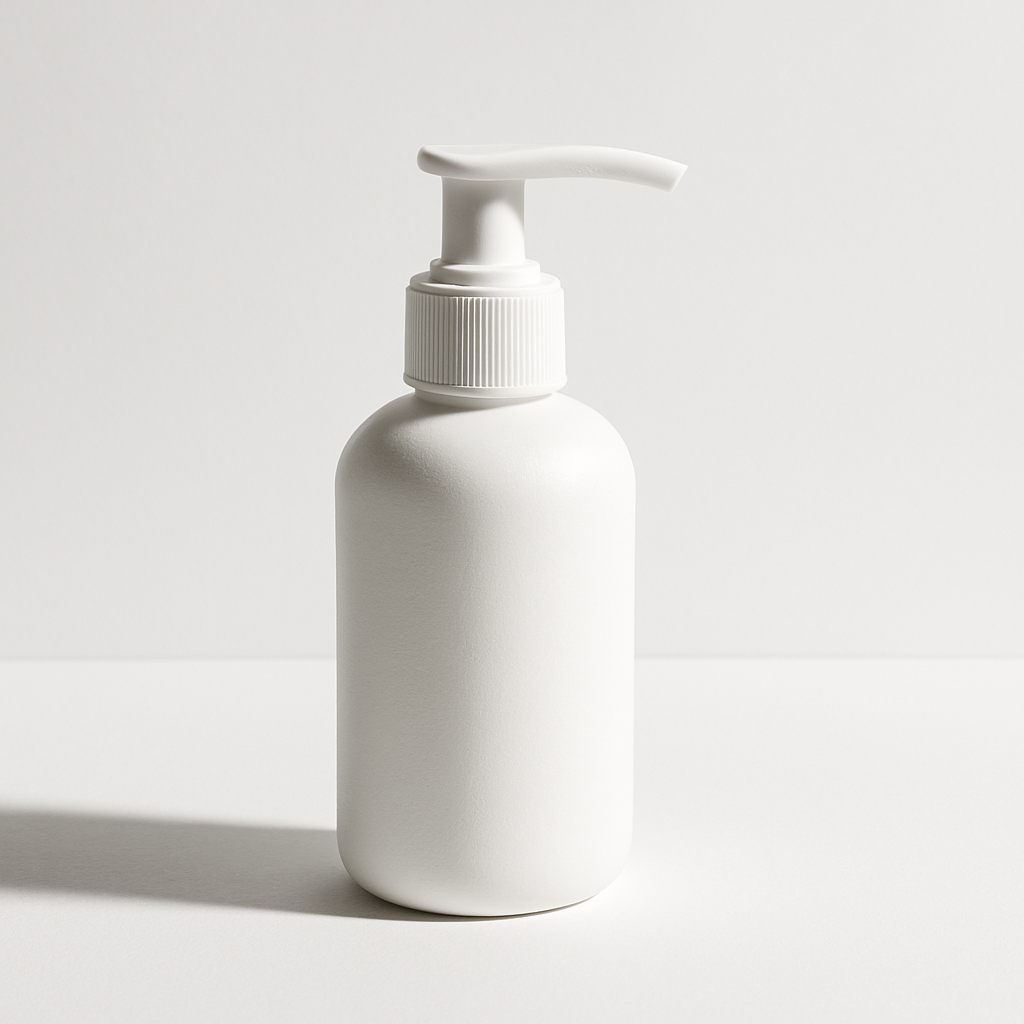
Quick answer: An AI product mockup generator takes a plain-text description of your product and produces a realistic, styled image of it — packaging, label, product-in-scene — in seconds. No subscription, no design skills, and no waiting. You describe it; you get the image.
What an AI Product Mockup Generator Actually Does
An AI product mockup generator turns a written description into a finished product visual — the kind you'd normally need a designer, stock template, or expensive photo shoot to produce. You type a prompt describing your product, its colors, materials, and setting, and receive a high-quality image you can use in a pitch deck, on social media, or to validate a concept with customers before investing in inventory.
This is not about slapping a logo onto a generic bottle template. A good AI-generated mockup can show:
- Realistic packaging with color, texture, and label detail
- Products styled in context (on a shelf, held in a hand, next to lifestyle props)
- Multiple colorways or label variants side by side
- Concept shots that communicate brand feel before a single unit is manufactured
Who This Approach Is For
This workflow is built for founders, small brand teams, and solo creators who need visuals before they have a product in hand. Specifically, it fits if you are:
- Launching a Kickstarter or crowdfunding campaign and need product imagery before manufacturing
- Pitching a new SKU to a retail buyer or investor
- Testing product concepts with potential customers before committing to a design
- Running social ads to gauge demand before production runs
- A freelance brand designer creating concept options for a client
If you have a $5,000 product photography budget and a finished physical sample, traditional photography is still excellent. For everyone else — especially at the idea stage — AI mockups are faster, cheaper, and more flexible.
How to Write a Prompt That Gets a Great Mockup
The quality of your mockup depends almost entirely on how specifically you describe it. Vague prompts produce generic results. Specific prompts produce images that look like your actual product vision.
Use this structure as your starting point:
[Product type] with [label/design description], [material/finish], [color palette], [environment or background], [lighting style], [camera angle]
Prompt examples you can copy and adapt
Skincare: "A minimalist white glass serum bottle with a gold dropper cap and a clean sans-serif label reading 'LUMÉ', sitting on a marble surface with soft morning light from the left, close-up product shot"
Supplement: "A matte black cylindrical supplement canister with a bold red and white label, stainless steel lid, placed on a dark gym locker shelf, dramatic side lighting, slightly low angle"
Candle: "A small amber glass jar candle with a kraft paper label tied with twine, sitting on a wooden tray with dried botanicals, warm candlelight glow, lifestyle flat lay"
What to include in every product prompt
- Material and finish — matte, glossy, glass, kraft, foil
- Color palette — be specific ("warm cream and terracotta" beats "earthy tones")
- Setting — shelf, tabletop, hand-held, lifestyle scene, white studio background
- Lighting — soft natural light, dramatic studio, golden hour, clinical white
- Camera angle — straight on, slight three-quarter, overhead, close-up detail
Step-by-Step: From Concept to Mockup in Under 10 Minutes
- Write your product description. One sentence covering product type, material, colors, and label style.
- Add context and setting. Where would this product live? A bathroom shelf, a gym bag, a café counter? Add it to your prompt.
- Specify the mood. Luxury, approachable, clinical, playful — translate that into lighting and background choices.
- Generate your first image. Paste your prompt into ATXP Pics and run it.
- Iterate on one variable at a time. If the color is off, adjust the color description. If the lighting is flat, add "dramatic side lighting" or "soft window light." Small changes produce meaningfully different results.
- Generate variants. Once you have a base you like, swap the setting, angle, or colorway to create a set of images.
Tip: Generate 3–5 variants of the same concept before deciding which direction to develop. The first image is rarely the best one.
Common Mistakes That Produce Weak Mockups
The most common mistake is treating the prompt like a search query instead of a visual brief. Short, vague prompts ("a skincare bottle") return generic images that look nothing like your brand. Here is what to avoid:
- Too generic: "a coffee bag" → you'll get a stock-photo-looking bag with no character
- No environment: dropping the setting produces floating-object images that look unfinished
- Conflicting signals: "minimalist luxury maximalist bold" — pick a direction and commit to it
- Forgetting the angle: without specifying a camera angle, results are inconsistent across generations
The fix is always more specificity, not less. Add one detail at a time until the output matches your vision.
The Cost Comparison: AI Mockups vs. Traditional Options
Getting a single polished product image traditionally involves either a designer ($50–$300+ per concept), a photo shoot (hundreds to thousands for a finished sample you may not have yet), or template-based tools that lock you into a subscription and a library of rigid layouts.
| Method | Cost per image | Turnaround | Requires finished product? | |---|---|---|---| | Product photographer | $50–$200+ | Days to weeks | Yes | | Freelance designer (mockup) | $30–$150 | Hours to days | No | | Template-based mockup tool | $15–$30/mo subscription | Minutes | Partial | | ATXP Pics (AI) | A few cents | Seconds | No |
No subscription. You pay for the images you generate, nothing more. If you create 8 mockups this month and nothing next month, you are charged only for those 8 images. Your balance never expires.
Generate your first product mockup →
What AI Mockups Are Not (And When to Use Something Else)
AI-generated mockups are concept and communication tools — they are not production-ready artwork. Before you go to print or manufacturing, you will still need a designer to build the actual dieline, prepare print-ready files, and ensure color accuracy for your specific substrate.
Use AI mockups for:
- Early concept validation with customers or investors
- Pitch decks and funding materials
- Social content to test demand before production
- Internal alignment on direction before hiring a designer
Use traditional design for:
- Final label or packaging files going to a printer
- Trademark or legal filings that require actual artwork
- Physical samples or pre-production prototypes
The two approaches complement each other. AI mockups get you to a visual decision faster and cheaper. Traditional design takes that decision into production.
Your product idea deserves to be seen before it exists. Whether you are validating demand, pitching to buyers, or just trying to communicate a concept to a collaborator, a well-crafted AI mockup gets you there in minutes — not days, and not dollars.