You put weeks into making something by hand, then spend twenty minutes photographing it on a kitchen table and wonder why it doesn't sell the way it deserves to. An AI product photo for handmade goods solves that gap — giving your work the styled, professional presentation that converts browsers into buyers, without a studio booking or a monthly software subscription.
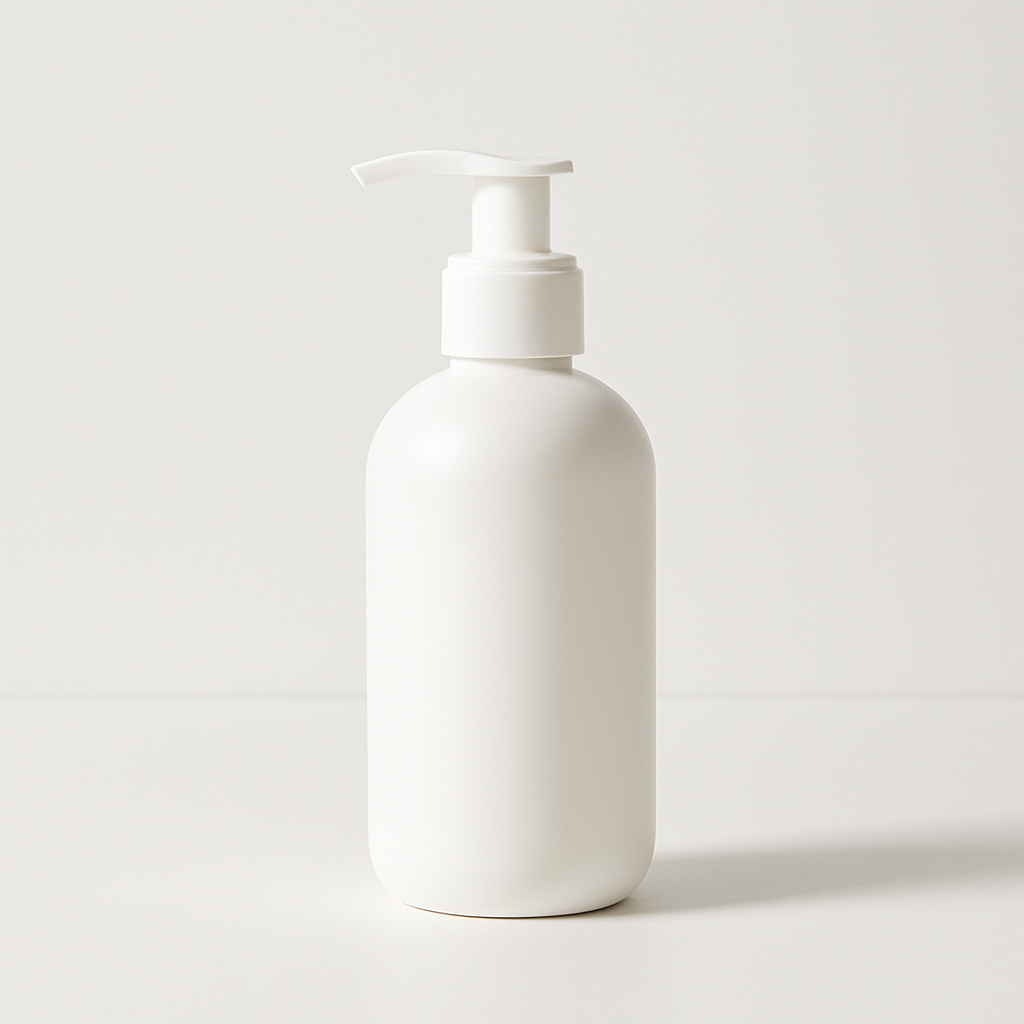
Quick answer: You describe your handmade item in plain English — material, color, setting, lighting — and an AI image generator produces a styled product photo in seconds. No camera required. No design skills needed. Pay a few cents per image, only when you actually need one.
What Makes a Good AI Product Photo Prompt
The quality of your image comes directly from the specificity of your description. Vague prompts produce generic results; detailed prompts produce images that look like they belong in a shop you'd actually buy from.
Think of your prompt in four layers:
- The item itself — what it is, what it's made of, its color and finish
- The setting — surface it sits on, background, props nearby
- The light — natural window light, golden hour, soft studio light, candlelight
- The mood — cozy, minimal, rustic, editorial, farmhouse, Scandinavian
You don't need to use all four every time, but the more you include, the less guessing the generator has to do.
Prompt Template for Handmade Goods
Handmade [item], [material and color/finish], placed on [surface], [background description], [lighting style], [mood or aesthetic], product photography, close-up
Real Examples You Can Copy
Handmade soy candle in a speckled terracotta jar, dried lavender bundle resting against it, white linen surface, soft natural window light, calm minimal aesthetic, product photography
Hand-knitted cream wool beanie, folded neatly on a raw wood shelf, winter morning light from the left, cozy Nordic mood, close-up product shot
Handmade ceramic soap dish, matte sage green glaze, small bar of soap resting on it, marble countertop background, bright airy bathroom setting, editorial product photography
Step-by-Step: From Craft to Polished Image
Follow these five steps and you'll have a usable product photo in under ten minutes.
-
Write down your item in one sentence. Don't open the generator yet. Just describe your product out loud as if you're explaining it to a friend — material, color, what it does.
-
Choose a setting that fits your brand. Scroll your best-performing competitors or your own Instagram for visual reference. Are you earthy and rustic? Clean and minimal? Moody and editorial? Pick one and stick with it for the session.
-
Add light and mood to your prompt. "Soft natural window light" is the single most reliable phrase for flattering handmade goods. "Warm golden hour light" works well for food, candles, and textiles.
-
Generate 3–4 variations. Small prompt tweaks — swapping "marble countertop" for "raw oak table," or "bright airy" for "moody dark" — produce completely different feels. Run a few and compare before committing to one.
-
Pick the strongest image and use it. For Etsy, it becomes your cover listing photo. For Instagram, it's your next post or story. For ads, it's your creative asset — without a $300 studio session.
What to Avoid in Your Prompts
The most common mistake is describing what the item does instead of what it looks like. "A candle that smells like vanilla" tells the AI nothing visual. "A cream-colored pillar candle with a cotton wick, sitting on a ceramic tray" gives it everything it needs.
Three other things to skip:
- Brand names — say "raw denim tote bag" not "a tote bag that looks like [competitor brand]"
- Overcrowding — four props in one shot usually looks cluttered; pick one or two
- Inconsistent aesthetics — don't mix "rustic farmhouse" with "sleek minimalist" in the same prompt; pick a lane
How Much Does This Actually Cost
At a few cents per image with no subscription, AI product photography costs a fraction of even the cheapest studio alternative. Here's what the math looks like compared to the most common alternatives:
| Option | Cost | Commitment | |---|---|---| | DIY phone photo | $0 but time-consuming | None | | Local product photographer | $150–$400/session | Per session | | Midjourney Basic plan | $10/month (~$0.07/image if you use 150) | Monthly — charged even idle months | | ATXP Pics | A few cents/image | None — pay only when you generate |
If you shoot product photos twice a year for a seasonal refresh, a monthly subscription charges you for ten months you weren't creating. Pay-per-image means you pay for what you use, nothing else.
Generate your first product mockup →
When AI Photos Work Best (and When to Supplement)
AI product photos are strongest for styled shots, mood images, and marketing creative — the images that set atmosphere and attract attention. They're not a replacement for showing the actual texture and scale of your piece in a way that builds buyer trust for high-consideration purchases.
Use AI product photos for:
- Etsy listing cover images and secondary styled shots
- Instagram feed posts and Stories
- Pinterest pins and seasonal promotions
- Ad creative and email headers
Supplement with real photos for:
- Close-up texture shots where buyers need to see actual craftsmanship
- Size-reference shots (item next to a hand or ruler)
- Packaging photos where exact print matters
For most handmade sellers, the winning formula is one or two real close-up detail shots plus AI-generated styled images for everything else.
Your Craft Deserves Better Than a Kitchen Table Photo
You already do the hardest part — making something worth buying. An AI product photo for handmade goods handles the presentation, giving your work the backdrop and lighting that matches the care you put into creating it.
No studio. No subscription. No months of charges for images you didn't make.