Supplement brands live or die on imagery. A shopper scrolling Amazon or Instagram decides in under two seconds whether your protein powder or vitamin bottle looks trustworthy — and most emerging brands can't afford a $500 photo shoot every time they launch a new SKU. This guide shows you exactly how to create AI product photos for supplements that look polished, feel on-brand, and move buyers toward the cart.
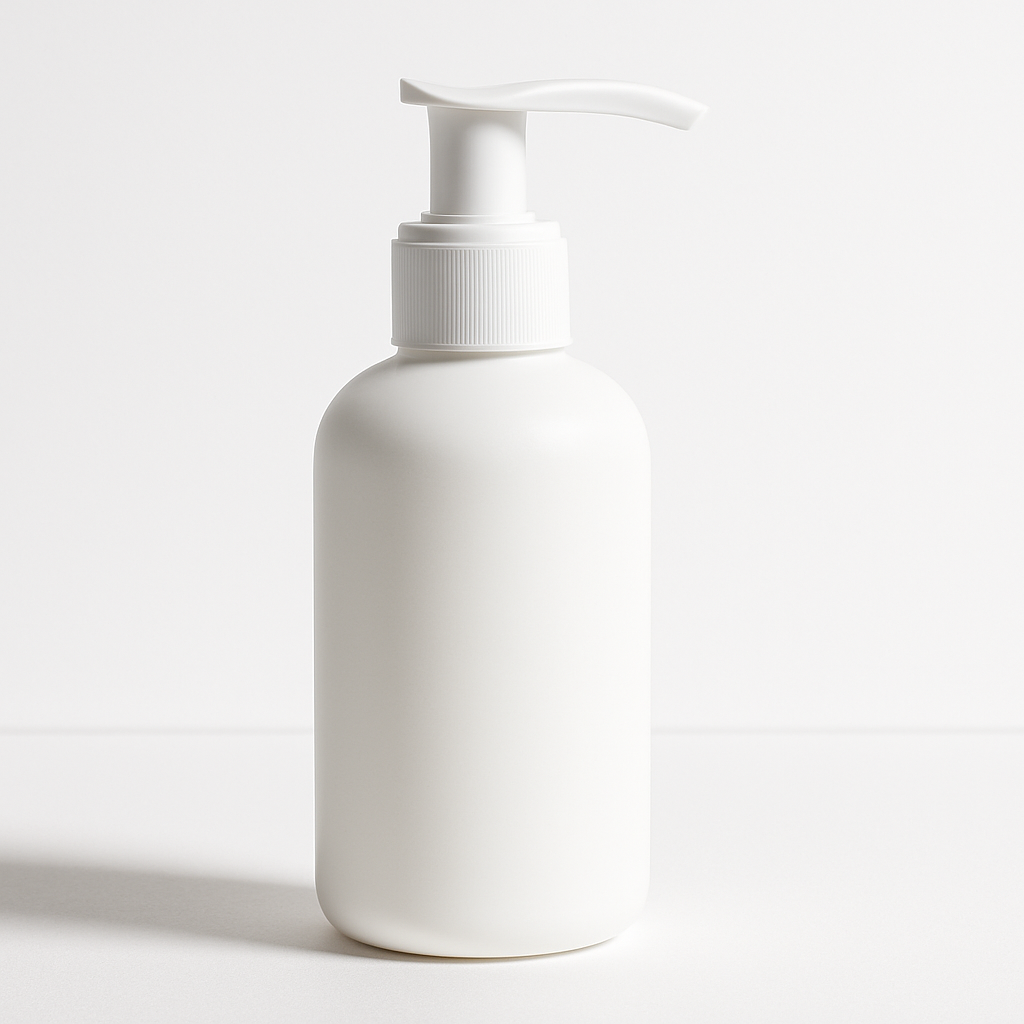
Quick answer: Describe your supplement product and the scene you want — bottle, setting, lighting, mood — and an AI image generator produces a studio-quality product photo in seconds. No photography equipment, no subscription, and no design skills required. ATXP Pics charges per image, so you only pay when you actually create.
What Makes a Supplement Product Photo Convert
A high-converting supplement image does two things simultaneously: it makes the product look credible and makes the shopper imagine using it. White-background shots establish credibility. Lifestyle shots create desire. You need both.
The visual signals that move supplement buyers:
- Clean, minimal backgrounds — white, marble, light wood, or soft-focus natural settings
- Ingredient cues — raw ingredients (berries, greens, citrus) placed near the bottle
- Health-context props — a yoga mat, running shoes, a glass of water, morning light through a window
- Color alignment — greens and whites signal purity; golds signal premium; blues signal calm and recovery
- Readable labels — even in a lifestyle shot, the label should be visible and sharp
Every prompt you write for an AI image generator should hit at least three of these. When you're deliberate about the scene, the output looks intentional — not generated.
How to Write a Supplement Product Photo Prompt That Works
The gap between a generic AI image and a conversion-ready one is almost entirely in the prompt. Vague prompts produce vague results. Specific prompts produce specific, usable images.
The Prompt Formula
Build every supplement product prompt with these five elements:
- Product description — shape, size, label color, material (glass or plastic, matte or gloss)
- Setting — where the product lives in the scene
- Props — what surrounds it
- Lighting — natural, studio, golden hour, soft diffused
- Mood / style — clinical and clean, warm and lifestyle, editorial, minimalist
Example Prompts You Can Copy
"A tall amber glass supplement bottle with a white label, sitting on a white marble countertop next to a halved lemon and a small pile of magnesium flakes. Soft natural window light from the left. Clean, minimal, editorial product photography style."
"A matte black protein powder tub on a gym locker room bench, slightly damp towel folded beside it, water bottle in the background out of focus. Dramatic side lighting. Athletic, premium feel."
"A clear capsule bottle filled with green supplements, laid on its side on a bed of fresh spinach leaves. Bright overhead natural light. Health and wellness lifestyle photography."
Run three or four variations per scene — change the props, shift the lighting description, try a different background. At a few cents per image, testing costs almost nothing.
Step-by-Step: Creating Your Supplement Product Photos
The full process from idea to finished image takes less than ten minutes. Here's exactly how to run it.
Step 1: Define Your Shot List First
Before generating a single image, write down the shots you actually need:
- Main hero image (product forward, clean background)
- Ingredient lifestyle shot
- Use-occasion shot (morning routine, post-workout, etc.)
- Detail or close-up shot (label, texture, capsules)
A typical supplement SKU needs 4–6 images for a complete listing. Plan the list, then prompt for each one.
Step 2: Describe Your Actual Packaging
Pull up your real label and note: the dominant label color, font style (modern, natural, clinical), bottle material and shape, and any icons or callouts on the label. Feed those details into the prompt. The more the generated image matches your real packaging, the more useful it is.
Step 3: Generate Multiple Versions Per Shot
Run the same core prompt 3–5 times. AI generation has natural variation — you're looking for the one where the composition, lighting, and label readability all land together. With pay-per-image pricing, generating five versions of one shot costs less than a dollar.
Step 4: Build the Scene Progressively
If your first result isn't quite right, don't start over — adjust one variable at a time. Change the lighting description. Swap the prop. Shift from "white marble" to "light oak wood." Small prompt changes produce meaningfully different outputs.
Generate your first supplement product image →
Step 5: Use the Best Images Across Every Channel
A single strong AI product photo can go to work immediately:
- Amazon secondary images and A+ content
- Shopify product gallery
- Instagram and TikTok ads
- Email header images
- Influencer brief mood boards
One image, zero reshoots.
Common Supplement Photography Mistakes to Avoid
The most common mistake is treating AI like a search engine — typing short, generic queries and expecting polished results. Here's what to watch for:
- Skipping the lighting description. Lighting is 50% of what makes a product photo look real. Always specify it.
- Forgetting scale cues. A bottle next to recognizable objects (a hand, a coffee mug, a lemon) reads as a real product. A floating bottle on a plain background reads as a render.
- Ignoring label legibility. If the label text is warped or illegible in the output, adjust the prompt to include "clearly readable label" or try a slightly different angle description.
- Using only one style of shot. Supplement listings that convert use a mix — at least one clean hero and one lifestyle image. Never rely on a single image type.
- Over-styling the scene. Health and wellness imagery converts best when it feels attainable and real, not like a high-fashion editorial. Keep props relevant and minimal.
The Cost Case for AI Product Photos
A single product photography session for one supplement SKU typically costs $200–$800, not counting the time to coordinate, shoot, and edit. That price point makes sense if you're a brand with ten products and a marketing budget. It makes no sense for a new SKU launch, a seasonal campaign image, or an A/B test on a lifestyle scene.
| Scenario | Traditional Photo | ATXP Pics AI | |---|---|---| | 5 lifestyle shots, 1 SKU | $300–$500 | ~$0.25–$0.50 | | A/B test 2 hero backgrounds | $200+ re-shoot fee | ~$0.10–$0.20 | | New flavor launch, 4 images | $200–$400 | ~$0.20–$0.40 | | Full listing (6 images) | $400–$800 | ~$0.30–$0.60 |
No monthly subscription. Your balance never expires. You pay for images when you need them — not for months you're not shooting.
What AI Supplement Photos Can't Replace
Honest tradeoff: Amazon's primary listing image must show the real product on a pure white background. That one image still needs a physical photo. AI is the right tool for every secondary image, lifestyle shot, ingredient visual, and ad creative — which is the majority of your content.
For everything beyond that required white-background hero shot, AI product photography removes every barrier: no scheduling, no studio, no minimum order, no waiting on edits.
Supplement brands that move fast on imagery win the listing. You don't need a photographer on retainer — you need a clear prompt and a few cents per image.