Product photography costs money, time, and equipment most small brands and solo sellers simply don't have. An AI product photo generator lets you skip the studio entirely and get polished, commercially usable images from a plain-English description in under a minute. This guide walks you through exactly how to do it — from writing your first prompt to getting results you can publish.
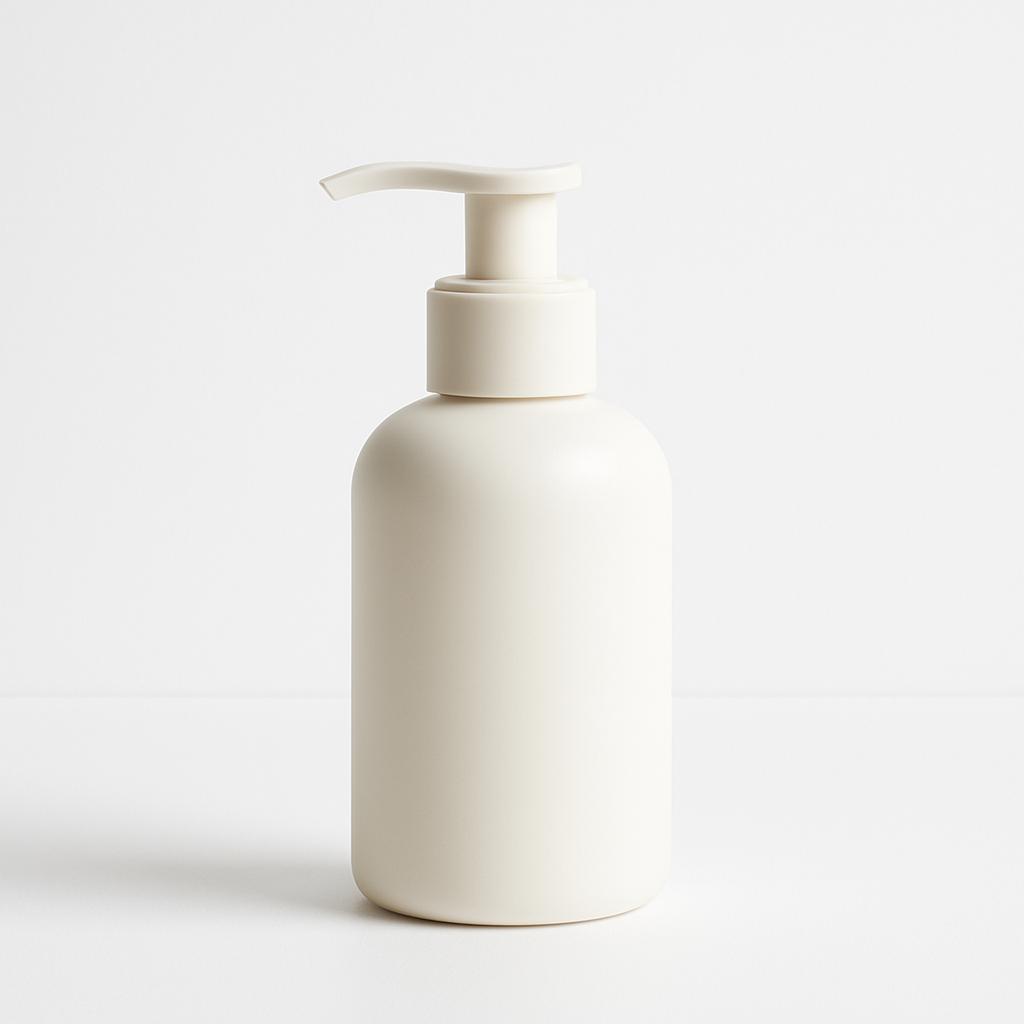
Quick answer: An AI product photo generator creates realistic product images from a text description. Describe the product, the setting, and the lighting style, and you receive a studio-quality image in seconds — for a few cents, with no subscription required. ATXP Pics charges per image, so you only pay when you actually create something.
What an AI Product Photo Generator Actually Does
An AI product photo generator takes your text description and returns a photorealistic image — no camera, no backdrop, no lighting rig. You describe what the product looks like, where it's sitting, what's around it, and what kind of light is hitting it. The generator handles everything else.
This is different from editing an existing photo. You're creating the image from scratch, which means you're not limited by what you already shot. You can place your product on a marble countertop, a rustic wooden table, a minimalist white surface, or in an outdoor lifestyle setting — all from the same session, all without reshoots.
The practical upside: you can produce a week's worth of product imagery in an afternoon, iterating on backgrounds, lighting moods, and compositions until you find what works.
How to Write a Product Photo Prompt That Actually Works
The quality of your output is almost entirely determined by the specificity of your prompt. Vague descriptions produce generic results. Specific descriptions produce images that look like they came from a professional shoot.
Follow this structure for every product photo prompt:
- Name the product clearly — include material, color, and shape if relevant ("matte black ceramic candle jar with a wooden lid")
- Set the surface — what is the product resting on? ("placed on a white marble surface")
- Define the background — keep it simple or make it atmospheric ("soft blurred white background" or "cozy kitchen shelf in the background")
- Specify the lighting — this is the single biggest lever for realism ("soft natural window light from the left" or "warm golden-hour side lighting")
- Add the mood or style — this frames the whole shot ("minimal lifestyle product photography, editorial style")
Example prompt: "Matte black ceramic candle jar with a wooden lid, placed on a white marble surface, soft blurred neutral background, natural window light from the left, minimal lifestyle product photography, clean and modern"
Run that on ATXP Pics' AI product mockup generator and you'll get a result that would cost $150–$300 to reproduce with a photographer.
The Four Product Photo Styles Worth Knowing
Different products need different visual contexts, and knowing which style to reach for saves time.
Clean White Background
The e-commerce workhorse. A product centered on a pure white or light neutral surface, no distractions. Ideal for Amazon listings, Shopify product pages, and anywhere the product needs to speak for itself.
"Glass skincare serum bottle, white background, centered composition, soft even studio lighting, product photography"
Lifestyle Shot
The product in a realistic environment — a coffee mug on a kitchen table, a candle on a bathroom shelf. These perform well on Instagram and in ads because they help buyers picture the product in their own lives.
"Ceramic coffee mug with a minimalist logo, sitting on a light wood kitchen table, morning light, warm tones, lifestyle product photography"
Flat Lay
Product arranged from directly above, often with complementary props. Common for fashion accessories, beauty products, and food items.
"Skincare set arranged as a flat lay on a sage green linen fabric, top-down view, even soft lighting, clean editorial style"
Hero Shot
A single dramatic image — often used in website headers and paid ads. Strong lighting, intentional shadow, premium feel.
"Premium leather wallet, dramatic side lighting, dark moody background, shallow depth of field, luxury product photography"
Common Mistakes That Produce Weak Results
The most common mistake is treating the prompt like a search query — one or two words instead of a real scene description.
- Too vague: "skincare product photo" → flat, generic result
- Too cluttered: piling on 15 descriptors without a clear hierarchy → the generator can't resolve which details matter most
- Missing the lighting: skipping lighting direction is the fastest way to get a flat, unconvincing image
- No surface or context: a product floating in an undefined space rarely looks polished
The fix is always to slow down on the prompt. Spend 60 seconds writing a full scene before generating. The difference between a weak result and a strong one is usually two or three added specifics.
What This Costs Compared to a Traditional Shoot
Professional product photography runs $50–$300 per final image when you factor in the photographer's time, studio rental, and editing. A subscription AI tool charges $10–$30 per month whether you use it or not.
| Method | Cost per image | Monthly commitment | |---|---|---| | Professional photographer | $50–$300 | None (project-based) | | Midjourney Basic ($10/mo, ~150 images) | ~$0.07 at full usage | Yes — billed even idle months | | Midjourney at 5 images/month | ~$2.00 | Yes | | ATXP Pics | A few cents | None — pay per image |
For a seller generating 10–20 product images per month, pay-per-image costs a fraction of a subscription — and you're never paying for a month where you didn't need anything.
Generate your first product photo →
How to Build a Consistent Visual Look Across Products
Consistency is what makes a product line look like a brand, and it's easy to achieve once you have a prompt structure that works.
Lock in three elements across every image:
- Surface (e.g., always white marble or always light oak wood)
- Lighting style (e.g., always soft natural window light from the left)
- Mood descriptor (e.g., always "clean minimal lifestyle photography")
Save that core as a template and swap only the product description. You'll get a cohesive set of images that looks intentional — the same result a brand photographer would charge thousands to produce.
Product photos don't require a studio, a photographer, or an expensive subscription. With a well-written prompt and a pay-per-image tool, you can produce an entire catalog of polished, commercial-quality imagery for a few dollars.