Graduation season costs add up fast — cap and gown rental, venue tickets, and then the studio portrait session that somehow runs $300 before you've ordered a single print. A growing number of seniors and parents are turning to senior portrait AI tools to get polished, graduation-ready images for a fraction of that price.
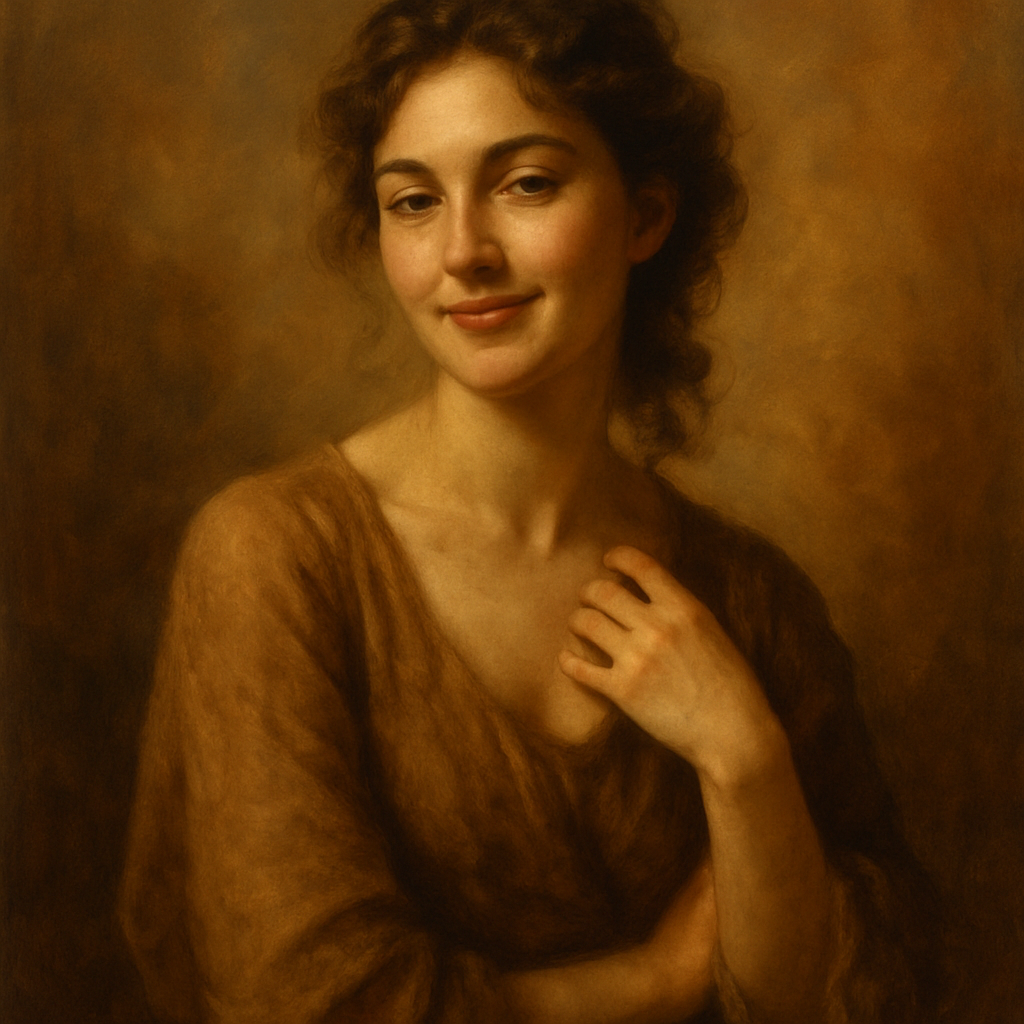
Quick answer: An AI senior portrait generator lets you describe your look, background, and lighting in plain English and receive a high-quality portrait in seconds. ATXP Pics charges a few cents per image with no subscription — so you can generate a dozen variations and only pay for the ones you love.
What Is a Senior Portrait AI Generator?
A senior portrait AI generator is a tool that turns a written description into a photorealistic portrait image — no camera, no studio, no appointment needed. You type what you want: the color of your cap and gown, the background setting, the lighting feel. The generator returns a finished image in seconds. It works the same way you'd text a friend a description of a photo you want — except the result comes back as a polished image ready to share or print.
This isn't a filter on top of your existing photo. It's a fully generated image built from your description, which means you can create looks that would require expensive locations, lighting rigs, or outfits you don't own.
How Much Can You Actually Save?
The studio portrait math rarely works in your favor, especially if you only need a handful of images for announcements and social media.
Here's a realistic cost comparison:
| Option | Typical Cost | What You Get | |---|---|---| | Professional studio session | $150–$400+ | 1–2 hour session, limited edited images | | Print packages | $50–$200 extra | Physical prints, often required separately | | ATXP Pics (pay-per-image) | A few cents each | Instant images, no session minimum | | Midjourney subscription | $10/mo (~150 images) | ~$0.07/image, but billed monthly regardless |
If you only need 10–15 images for graduation announcements, a pay-per-image model means you spend dollars, not hundreds of dollars. No subscription means your balance never expires — you're not racing a billing cycle to use images you don't need.
What to Include in Your Senior Portrait Prompt
The detail you put into your prompt directly determines how close the result is to what you pictured. Vague prompts produce generic results. Specific prompts produce portraits that feel personal.
Here's what to include:
- Outfit: Cap and gown color, or a formal dress/suit if you want a non-traditional look
- Background: Outdoor campus steps, urban rooftop, golden-hour field, neutral studio backdrop
- Lighting: Soft natural light, dramatic studio lighting, warm golden hour, overcast diffused
- Mood: Confident, candid laughing, serious and composed, joyful
- Camera angle: Eye-level close-up, three-quarter profile, full-length
The more of these you combine, the more distinctive your portrait becomes.
A Real Prompt You Can Copy and Adapt
Here's a ready-to-use prompt for a classic graduation portrait with a modern feel:
Senior portrait of a young woman in a royal blue cap and gown, standing on stone university steps, soft golden-hour sunlight, three-quarter angle, confident expression, shallow depth of field, photorealistic, editorial quality
Swap in your cap color, change the setting to a city rooftop or outdoor garden, and adjust the expression to match the mood you want. Generate 5–10 variations in a few minutes and pick the one that feels right.
Try it now at ATXP Pics AI Portrait Generator — no subscription required, just describe and generate.
Creative Senior Portrait Ideas Worth Trying
AI lets you explore portrait concepts that a single studio session would never include in the base price.
A few directions worth generating:
- Multiple backgrounds in one session: Campus steps, a sunlit field, and a moody urban alley — all from the same afternoon
- Seasonal variations: Your portrait in autumn foliage, winter light, or spring blooms
- Non-traditional outfits: A formal gown instead of a cap and gown, or a casual look that actually reflects your personality
- Black and white editorial: A classic, timeless version alongside your color portraits
Because you're paying per image rather than per session, there's no penalty for experimenting. Generate a version you don't love, and you've spent cents rather than hours of your afternoon.
If you're also exploring options for professional headshots alongside your graduation portraits, the AI headshot generator is worth a look for seniors entering the job market right after graduation.
What AI Senior Portraits Work Best For
AI-generated senior portraits shine brightest for personal use, digital sharing, and printed keepsakes — and they're ready in seconds rather than weeks.
Best uses:
- Graduation announcements: Digital and printed cards for family and friends
- Social media posts: Instagram, Facebook, and family group chats
- Personal keepsakes: Printed and framed at home through any photo printing service
- Creative concepts: Yearbook inspiration, thank-you cards, or college dorm decor
One honest note: school yearbook submission policies vary. Some schools accept only photographer-taken portraits for official yearbook photos. AI portraits are perfect for everything around that — and for schools that don't restrict it, they work there too.
For more ways to use AI-generated images beyond portraits, the AI image generator page covers broader use cases worth bookmarking.
How to Get Started Today
Getting your first senior portrait AI image takes about two minutes: write your description, generate, and download.
- Go to ATXP Pics AI Portrait Generator
- Add a small balance — a few dollars covers plenty of images
- Write your prompt using the framework above
- Generate, review, and download the images you want
Your balance never expires, so there's no pressure to generate more than you need. Come back before the graduation ceremony, before the family dinner, whenever you want a new variation.
Senior portraits don't need to cost a session fee, a retouching fee, and a print package before you see a single image. Describe what you want, generate it in seconds, and spend the savings on something that actually matters about graduation day.