You're paying for a stock photo subscription every month and still settling for images that look like everyone else's website. AI stock image replacement is a real, practical switch — and this guide walks you through exactly how to do it, what to migrate first, and where AI still has limits.
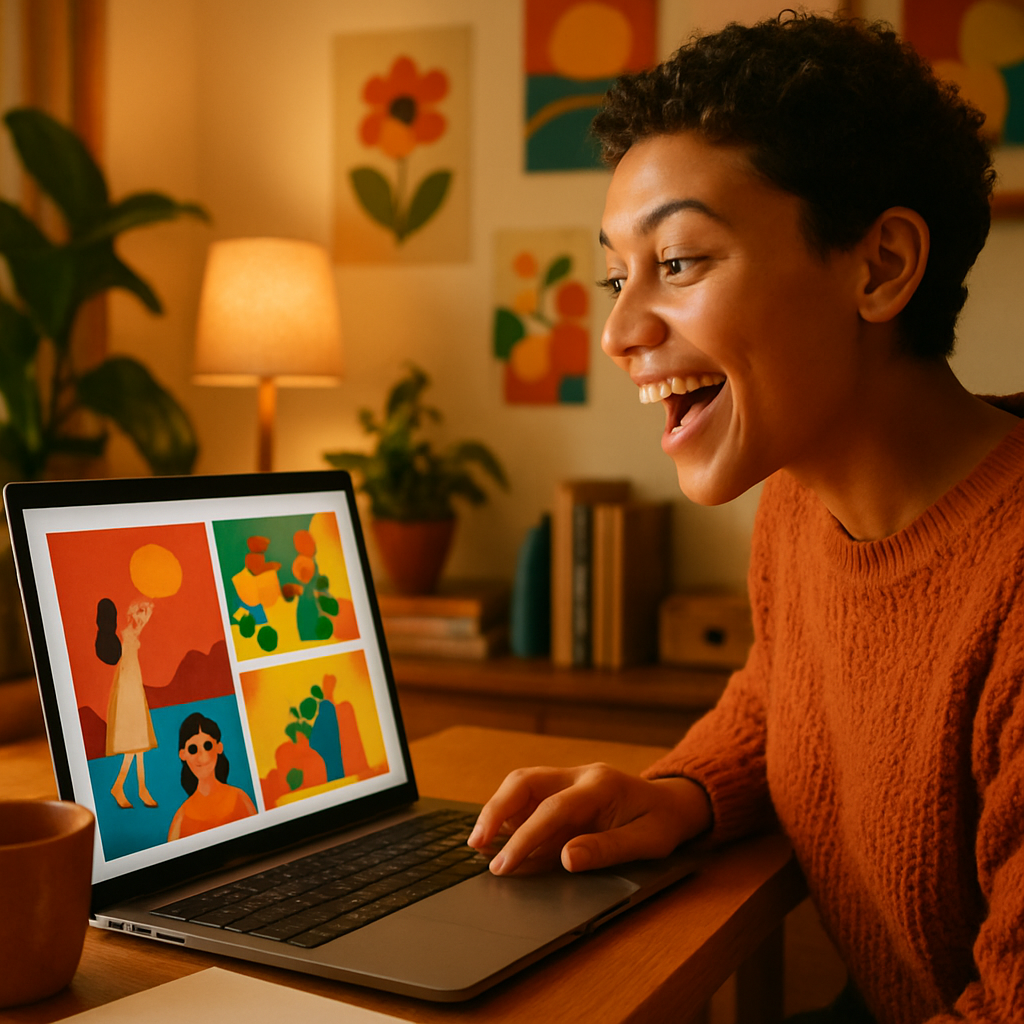
Quick answer: Most stock photo use cases — blog headers, social posts, product mockups, marketing visuals — can be replaced with AI-generated images today. You describe what you want in plain English, pay a few cents per image, and own the result outright. No subscription. No licensing restrictions. No duplicate images appearing on a competitor's site.
What AI Stock Image Replacement Actually Means
AI stock image replacement isn't about eliminating every photo — it's about replacing the ones you were buying, not capturing. Stock libraries exist because most teams can't photograph every concept they need. AI solves the same problem differently: instead of browsing 10,000 near-misses, you describe exactly what you want and get it.
The mental shift is from searching to describing. Once that clicks, the migration is straightforward.
Step 1: Audit Your Current Stock Photo Usage
Start by categorizing the images you actually buy, not the ones you think you need.
Pull the last 30 images your team downloaded or licensed. Sort them into three buckets:
- Concept visuals — abstract ideas, emotions, metaphors (a "growth" chart, a "collaboration" handshake, a "technology" background). These are your easiest wins with AI.
- Product and brand visuals — mockups, lifestyle shots, packaging. AI handles these well with a good prompt.
- Real-world documentation — actual photos of real people, specific locations, news moments. These are the exceptions where stock or original photography still wins.
For most teams, 70–80% of their stock usage falls into the first two buckets. That's your migration target.
Step 2: Build Your Prompt Templates
The fastest way to migrate is to turn your most common image types into reusable prompt templates. You don't start from scratch every time — you build a small library of prompts the same way you built a folder of saved stock searches.
For blog and article headers
"Wide-format editorial photo, [topic] concept, clean background, soft natural lighting, no text, professional and modern, muted color palette"
Example: "Wide-format editorial photo, remote work concept, person at a bright minimal desk by a window, soft natural lighting, no text, professional and modern, muted color palette"
For social media visuals
"Square format, [subject], bold colors, high contrast, modern graphic style, no text overlay"
For product mockups
"[Product type] sitting on a clean white surface, soft shadows, studio lighting, commercial photography style, lifestyle context"
Each template takes about 30 seconds to adapt to a new use case. Generate your first image →
Step 3: Run a Side-by-Side Test Week
Before canceling anything, spend one week generating AI images alongside your normal stock workflow. This isn't about proving AI is better — it's about finding your personal hit rate before you're committed.
- Pick 5 upcoming content pieces that need images
- Generate 2–3 AI options for each before opening your stock library
- Use whichever result is stronger — no forcing it
- At the end of the week, count how many times AI won
Most teams find AI wins on 3 of 5 by day three, and all 5 by the end of the week once their prompts get sharper.
The cost during this test week: a few cents per image, no subscription required, balance never expires if you don't use it all. There's no financial pressure to commit.
Step 4: Do the Math Before You Cancel
The cost comparison almost always favors switching — but running the numbers for your actual usage makes it real.
| Scenario | Stock Subscription | ATXP Pics (pay-per-image) | |---|---|---| | 5 images/month | $30/mo = $6.00/image | ~$0.10–0.20/image = ~$1/mo | | 20 images/month | $30/mo = $1.50/image | ~$0.10–0.20/image = ~$2–4/mo | | 50 images/month | $50/mo = $1.00/image | ~$0.10–0.20/image = ~$5–10/mo | | Months you don't create | Still charged $30 | $0 — balance never expires |
The math shifts most at low and irregular usage. If your team creates in bursts — heavy one month, light the next — a subscription charges you regardless. Pay-per-image means you only spend when you create.
Step 5: Migrate Your Workflow, Not Just Your Budget
Switching tools without updating your workflow means you'll drift back to old habits. These three changes make the switch stick:
Replace your stock bookmark with your prompt library
Keep a shared doc of your best-performing prompts. Add to it every time a prompt produces a strong result. Within a month, you'll have 15–20 templates covering nearly every use case.
Set a "describe first" rule
Before anyone opens a stock site, they write a one-sentence description of the image they need. That sentence becomes the prompt. Takes 10 seconds and reframes the habit.
Keep a small stock credit for exceptions
For the genuine edge cases — a photo of a real event, a specific licensed portrait — maintain a small stock credit rather than a full subscription. You're not replacing every photo ever taken; you're replacing the ones you were generating, not documenting.
Start replacing stock photos today →
What to Watch Out For (Common Mistakes)
The most common mistake is prompting too vaguely and blaming the tool. "A business photo" produces a generic result. "Two colleagues reviewing a document at a standing desk, warm office lighting, candid style" produces something usable.
A few other traps to avoid:
- Don't describe text in images. AI text rendering is still inconsistent. Design text in your own tools.
- Don't ask for specific real people. You'll get approximations, not accurate likenesses — and the legal picture gets complicated.
- Don't expect perfection on the first generation. Run 2–3 variations, pick the strongest, and refine from there. That's still faster and cheaper than stock browsing.
The Honest Bottom Line
AI stock image replacement works for the majority of marketing and content visuals — today, without special skills, and at a fraction of the cost of a subscription. The migration path is simple: audit what you actually use stock for, build 10–15 prompt templates, test for a week, and let the results decide.
The images are original, the rights are yours, and you only pay when you create. That's a meaningfully better deal than a monthly subscription you're billed for whether you use it or not.