You've got 30 seconds to stop a thumb mid-scroll. Whether you're building a talking-head video, a text-overlay reel, or a pure-visual aesthetic post, the background and supporting imagery matter just as much as the words. TikTok content AI tools let you generate those visuals on demand — no photographer, no stock library, no waiting.
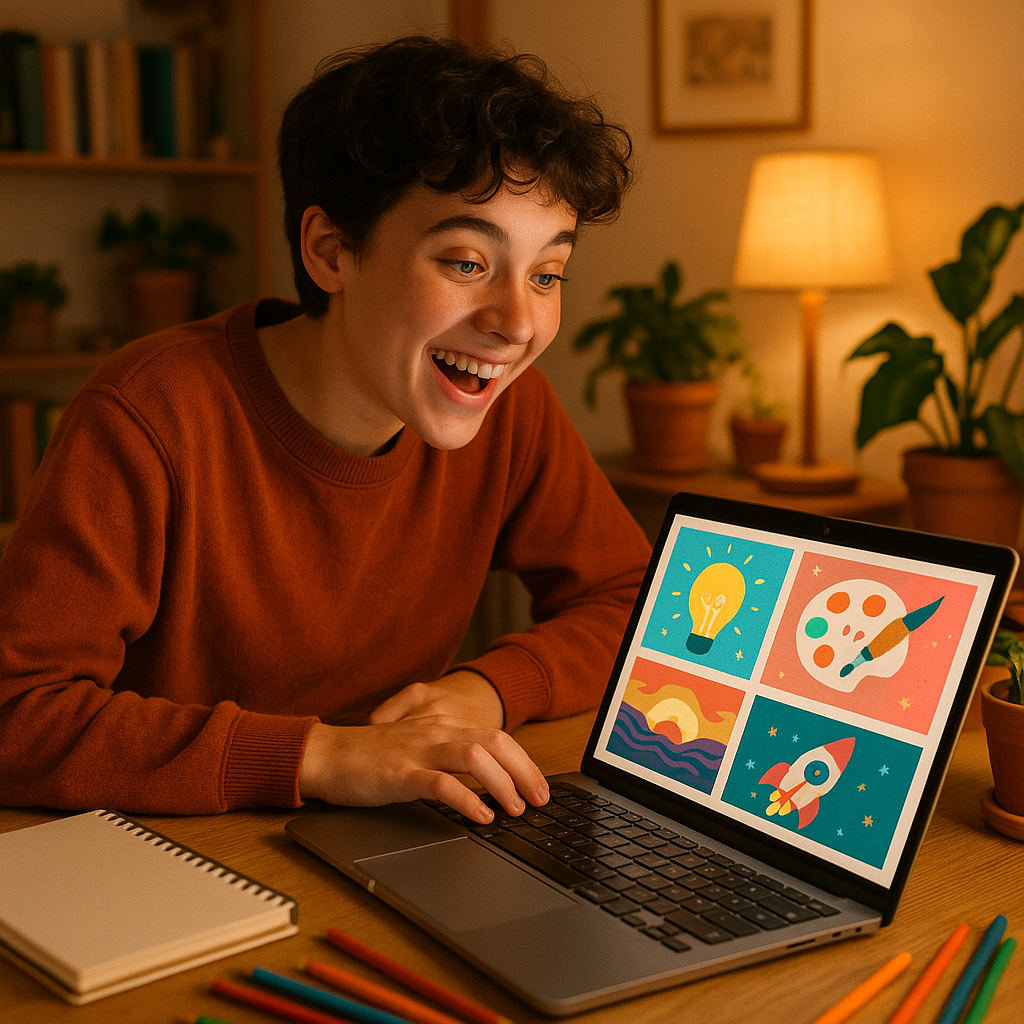
Quick answer: You can use an AI image generator to create vertical visuals, scene backgrounds, product mockups, and thumbnail stills for TikTok in seconds. Describe what you want in plain English, get a high-quality image, then drop it into your video editor. No design experience required.
What TikTok Content AI Actually Helps You Create
AI image generation covers more TikTok use cases than most creators realize. The most common starting point is a custom background — something that matches your brand palette instead of whatever wall is behind you. But the range goes well beyond that:
- Scene stills for text-overlay videos (quotes, tips, listicles)
- Product mockups placed in lifestyle settings you don't own
- Thumbnail frames that stand out in the For You grid
- Mood-board sequences stitched together into aesthetic slide videos
- Transition images that give B-roll something visual to cut to
Each of these can be generated from a single sentence description. The faster you can iterate on visuals, the more content you can test.
How to Write a Prompt That Actually Works for TikTok
A good TikTok prompt is specific about three things: subject, mood, and orientation. TikTok is a 9:16 vertical canvas, so always include that in your description or you'll end up cropping out the interesting parts.
Here's a practical formula: [subject] + [setting or context] + [lighting or color mood] + [style] + vertical format
Copy-paste prompt example: "A young woman in a cozy coffee shop, warm amber lighting, soft bokeh background, candid and relaxed mood, muted earth tones, vertical 9:16 format, photorealistic"
Run that at ATXP Pics' social media image creator and you'll have a usable background in under 10 seconds. Tweak the setting, swap the lighting, or change the color palette to spin up five variations in a minute.
Pro tip: Add a specific color from your brand — "dusty sage green walls" or "deep navy with warm gold accents" — and the output will slide naturally into a cohesive feed without any extra editing.
The Real Cost of Subscription Tools for Casual TikTok Creators
If you post to TikTok three or four times a week, you probably don't need 200 images a month. Most subscription-based AI tools are priced for power users, which means casual creators are paying for volume they'll never use.
| Tool | Monthly cost | Rough images included | Cost per image at casual use (5/mo) | |---|---|---|---| | Midjourney Basic | $10/mo | ~150 images | ~$2.00/image | | ATXP Pics | No subscription | Pay per image | A few cents/image |
If you generate 5 images in a month on a $10 subscription, each one cost you $2.00. That math flips completely with pay-per-image pricing. No subscription means you add a small balance, use it across a few content sessions, and your credits sit there waiting — no renewal date, no "use it or lose it" pressure.
Four TikTok Content Formats That Lean Hardest on Visuals
Knowing which formats need strong imagery helps you prioritize what to generate first.
1. Text-overlay tip videos are the backbone of educational TikTok. A crisp, on-brand background image makes plain text look intentional. Generate a clean abstract or lifestyle scene and layer your copy on top in CapCut.
2. Aesthetic mood-board reels work by stringing together 8–12 still images with music. Each image needs to feel like it belongs in the same visual world. Describe the same color palette across all your prompts and the sequence will feel edited rather than assembled.
3. Product-in-context shots let small businesses place their product in environments they can't access. A candle brand can describe "a single lit candle on a marble bathroom shelf, steam rising, soft morning light" and get a polished lifestyle shot without a studio.
4. Talking-head video backgrounds — if you film yourself and the wall behind you isn't working, a generated background dropped into a green-screen layer or used as a static overlay fixes the problem in minutes.
Getting Consistent Visuals Across Your TikTok Account
Consistency builds recognition — when someone lands on your profile, they should immediately feel the same visual identity across every post. AI makes that achievable even without a brand designer.
Pick two or three anchor elements and repeat them in every prompt:
- A specific lighting condition ("golden hour, soft diffused light")
- A recurring color family ("warm terracotta and cream tones")
- A location type or texture ("raw concrete, exposed brick, lush green plants")
Save those anchor phrases somewhere handy. Before you generate anything new, paste them into your prompt first, then add what's unique about that image. You'll build a library that looks like it came from a single shoot, not a dozen different tools.
Try this prompt for a consistent lifestyle series: "A flat-lay of a minimalist desk setup, soft natural window light from the left, warm cream and sage green tones, clean composition, vertical 9:16 format, photorealistic editorial style"
Head to ATXP Pics' social media image creator and run a few variations with only the desk objects changed. Same light, same palette, same feel — instant series.
What to Do With Your Images Once You Have Them
Getting a great image is step one. Here's a fast workflow to turn it into posted content:
- Download the image — full resolution, ready to use
- Import into CapCut or Canva — both accept images as video layers
- Add text, transitions, or music — the image does the heavy visual lifting
- Export at 1080×1920 — TikTok's preferred resolution
- Post with your caption and hashtags — done
Total time from "I need a visual" to a finished TikTok asset: under 5 minutes if your prompt is ready. That's a realistic pace for daily posting without burning out.
Create Scroll-Stopping TikTok Content Without the Monthly Bill
TikTok content AI doesn't have to mean another subscription you forget to cancel. Generate exactly what you need, when you need it, for a few cents per image — and keep your credits for the next time inspiration hits.
Start creating TikTok visuals at ATXP Pics →
No subscription. No expiring credits. Just describe what you want and get an image worth stopping for.