You have a clear picture of where you want to be — a thriving business, a dream home, a healthier version of yourself — but translating that mental image into something you can actually see every day has always required design skills you don't have or stock photos that never quite fit. An AI vision board image generator solves that with a single text description. This guide walks you through exactly how to use one to build a vision board that genuinely reflects your goals.
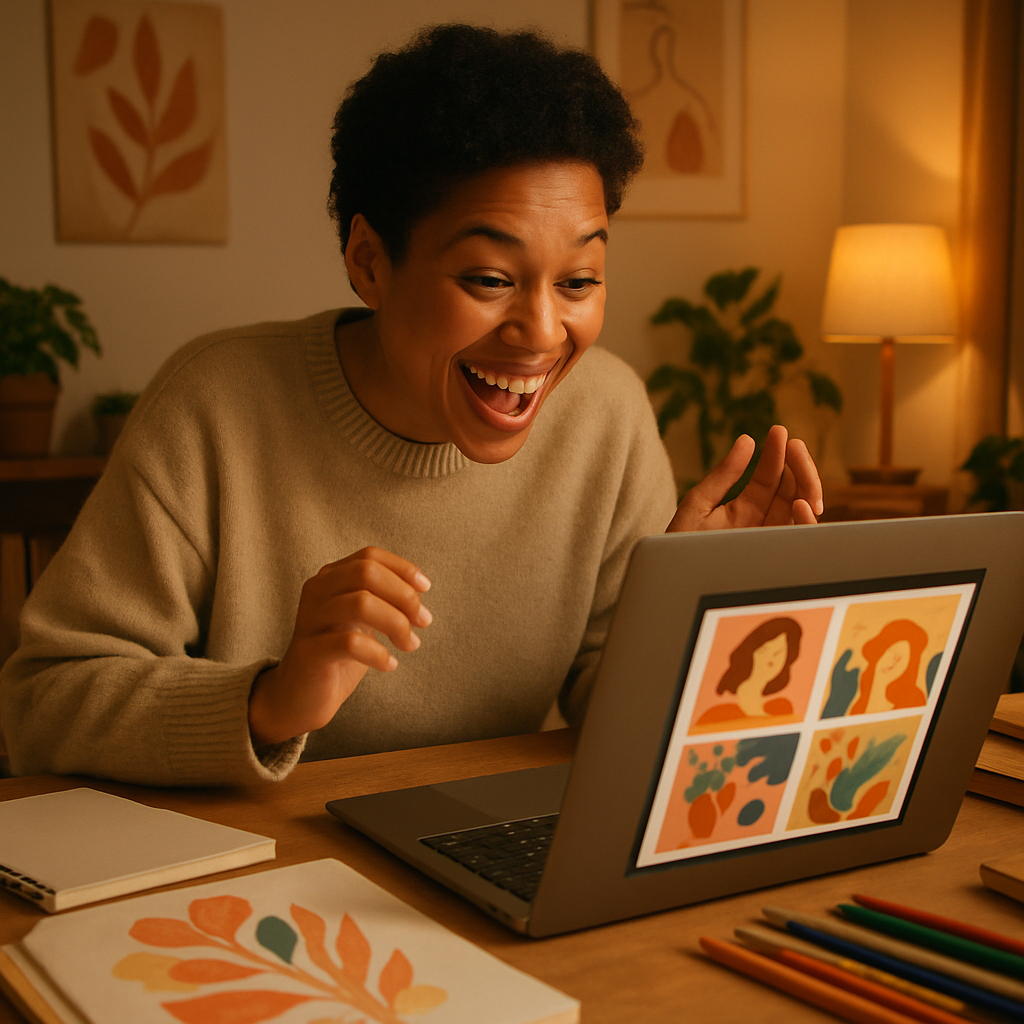
Quick answer: An AI vision board image generator turns a plain-English description of a goal into a custom image in seconds. Type what you want to see, get a result, download it, and build your board. No subscription, no design tools, no hunting for the right stock photo.
What an AI Vision Board Image Generator Actually Does
An AI image generator takes your text description and produces a visual that matches it — not a random stock photo, but an image created specifically from your words. That distinction matters for vision boards because your goals are specific. "A corner office with a city view and a leather chair" is different from a generic "office" photo, and now you can have exactly that.
The practical result: instead of spending an afternoon on Pinterest hoping to stumble across something close enough, you spend five minutes writing descriptions and walk away with 10–15 custom images built around your actual goals.
Why Vision Board Images Work Better When They're Specific
Generic images produce generic motivation — and specific images produce specific motivation. Research on mental imagery consistently shows that the more detail a visualization contains, the more effectively it activates goal-directed behavior. A photo of someone else's dream house has less pull than an image that matches what you actually picture when you close your eyes.
That's the core case for using an AI vision board image generator instead of a stock photo library:
- Stock photos show you someone else's interpretation of an idea
- AI-generated images show you your interpretation, built from your own description
- The emotional resonance is higher because the image matches the specific scene your brain already holds
How to Build Your Vision Board with ATXP Pics: Step by Step
Step 1: List Your Goals Before You Open a Generator
Write down 8–12 specific goals before you start generating anything. Don't open the tool yet. The more clearly you can articulate each goal in one sentence, the better your images will turn out. A goal like "financial freedom" becomes a much better prompt when you ask yourself: what does financial freedom look like on a specific Tuesday morning?
Step 2: Turn Each Goal Into a Scene Description
For each goal, write a description that includes:
- The setting — where is this happening?
- What you see — objects, colors, light, scale
- The mood or emotion — how does it feel?
- Any key details — specifics that make it yours
Example prompt: "A bright home office overlooking a garden, morning sunlight on a clean wooden desk, a laptop open to a dashboard showing strong numbers, a steaming mug of coffee, feeling of calm focus and accomplishment"
That single prompt will produce something far more resonant than searching "successful entrepreneur."
Step 3: Generate, Review, and Refine
Generate an image → for each description, then look at the result honestly. Ask:
- Does this feel like the goal, not just look like a related topic?
- Is anything missing that matters to you?
- Would adding or removing a detail make it more personal?
Refine the prompt and regenerate. At a few cents per image, running three or four variations of an important goal costs less than $0.25. There's no subscription pressure pushing you to rush through it.
Step 4: Curate and Arrange
Download your final images and arrange them in whatever format works for your life:
- Digital vision board — a collage in Canva, a folder you open every morning, or a phone wallpaper rotation
- Printed board — standard photo prints or a printed poster
- Digital planner insert — a dedicated page in Notion, GoodNotes, or any journaling app
- Desktop background slideshow — rotate through your images as your screensaver
Step 5: Review Your Board Monthly
Goals shift. Add new images when they do. Because there's no subscription and your credit balance never expires, you can come back in three months, generate five new images for updated goals, and pay only for those five.
The cost math is simple: A full vision board of 15 custom AI-generated images on ATXP Pics costs a fraction of what you'd spend on a single printed stock photo pack — and every image is specific to your goals, not a generic placeholder.
| Approach | Time | Cost | Specificity | |---|---|---|---| | Magazine cut-outs | 2–4 hours | $10–20 in magazines | Low — whatever happens to be printed | | Stock photo search | 1–2 hours | $0–15/image | Medium — close but rarely exact | | AI vision board generator | 15–30 minutes | Cents per image, no subscription | High — built from your exact description |
Common Prompt Mistakes (and How to Fix Them)
The most common mistake is being too abstract. Abstract language gives the generator too much room to interpret, and you end up with something generic.
- ❌ "Success" → ✅ "Signing a lease on a downtown studio space, shaking hands with a business partner, bright afternoon light through tall windows"
- ❌ "Health and wellness" → ✅ "A woman jogging along a coastal trail at sunrise, relaxed expression, colorful running gear, ocean visible below"
- ❌ "Travel" → ✅ "A terrace café in a Lisbon neighborhood, afternoon shade, a glass of wine, journal open on the table, unhurried feeling"
Emotion words — peaceful, joyful, confident, expansive — help as much as physical details. Use both.
What to Avoid Entirely
- Avoid other people's faces — generate aspirational scenes and environments, not specific people. It keeps the imagery feeling like yours.
- Avoid prompts longer than 60 words — past that point, results get muddled. If a goal needs more description, split it into two images.
- Avoid vague superlatives ("the most beautiful," "perfect") — concrete details outperform vague praise every time.
Building a Vision Board That Actually Motivates You
The boards that work are the ones you look at — which means they need to be placed somewhere you genuinely spend time, and they need to contain images that stop you when you see them. Generic images fade into the background. Images that match your specific mental picture don't.
An AI vision board image generator like ATXP Pics gives you the specificity that was previously only achievable if you were a skilled graphic designer or had budget for custom photography. Now it's a few cents and a good description.
Start with one goal. Write the most specific scene description you can. Generate it, refine it once, and see whether it stops you in your tracks. That reaction — that yes, that's it — is exactly what a vision board is supposed to produce.