You're starting a brand from scratch — or refreshing one — and you need visual direction before you hire a designer or spend hours in Canva. Knowing how to get logo ideas from AI closes that gap: you go from a vague brand feeling to a set of concrete visual concepts you can react to, compare, and build from. This guide gives you the exact prompts and process to make that happen.
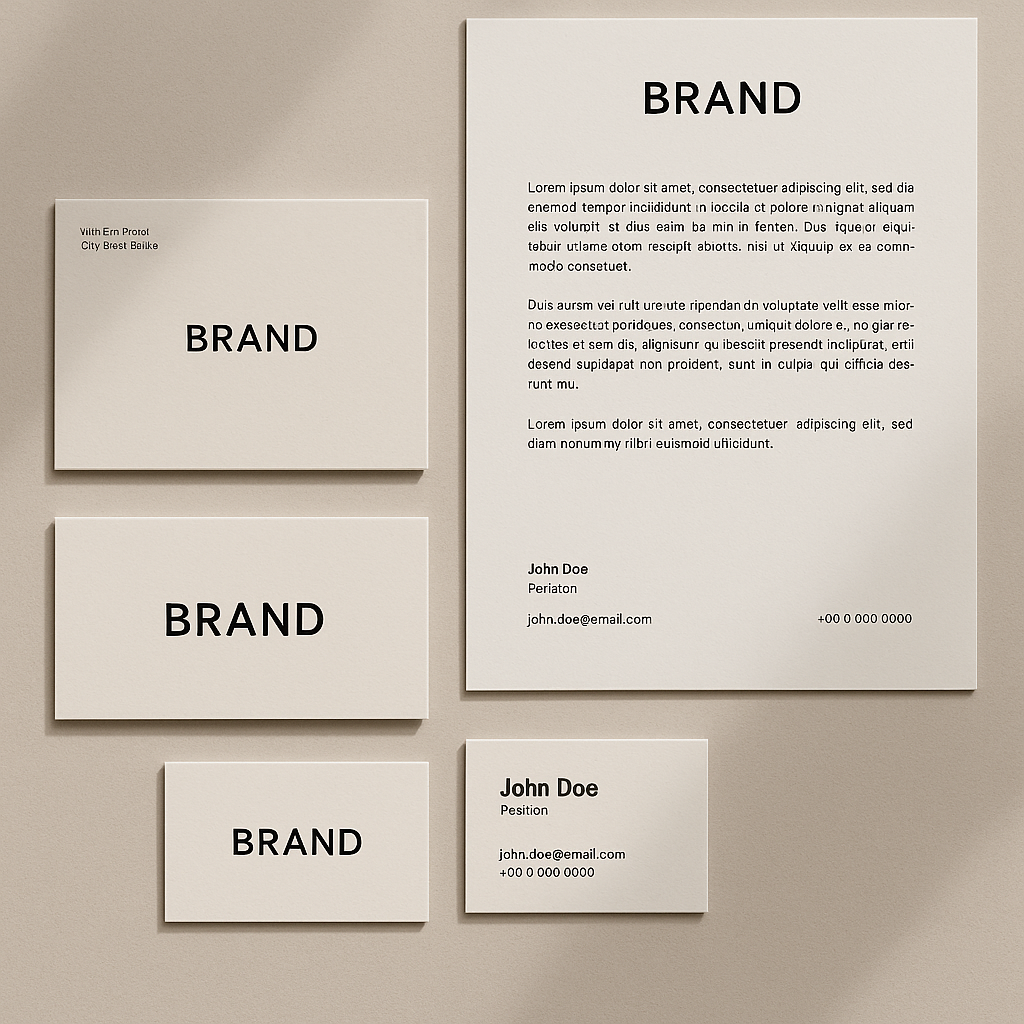
Quick answer: Describe your brand in plain English — industry, mood, color direction, and mark style — and an AI image generator turns that into a logo concept in seconds. Generate 10–15 variations across 3–4 prompt styles before picking a direction. The goal isn't a finished logo; it's a clear visual brief you can act on.
What AI Is Actually Good for in Logo Ideation
AI excels at generating visual options fast — not at making final production-ready logos. That distinction matters, because it sets the right expectations and makes the whole process more useful.
What you get from AI logo prompts:
- Visual mood and style directions to react to
- Color palette combinations you might not have considered
- Mark shapes and compositions (circular badge vs. clean wordmark vs. icon + text)
- Rough concepts to show a designer as a starting brief
- A filter for ruling out directions quickly before investing real time
What you won't get directly from AI: layered vector files, editable type, or brand-ready production assets. AI logo concepts are a starting point, not the finish line.
How to Write a Logo Prompt That Actually Works
The single biggest mistake people make is prompting too vaguely. "A logo for my coffee shop" produces generic results. "A minimal wordmark for a specialty coffee roaster called Thornfield, earthy terracotta and off-white, clean serif type, no icon" produces something you can evaluate.
Build every logo prompt from these five ingredients:
- Brand name — use the real name or a clear placeholder
- Industry and context — what the business does and who it serves
- Mood and personality — two or three adjectives (bold, warm, technical, playful)
- Color direction — specific colors or a palette feel (navy and gold, muted earth tones, black and white only)
- Mark style — wordmark, lettermark, icon, emblem, badge, or combination mark
The more specific you are, the less work the AI has to guess, and the more useful the output.
Step-by-Step: From Brand Brief to AI Logo Concepts
Step 1: Write Your Brand in Three Sentences
Before you touch a prompt, write out your brand in plain language: what it is, who it's for, and the one feeling it should create. This is your prompt source material.
Example: "Thornfield is a specialty coffee roaster targeting home enthusiasts who care about origin and craft. It should feel warm but serious — not trendy or loud. Think: a knowledgeable friend who also happens to have great taste."
Step 2: Build Your First Prompt
Take your three sentences and compress them into a focused prompt using the five-ingredient structure above.
Example prompt: A minimal wordmark logo for a specialty coffee roaster called Thornfield. Earthy terracotta and off-white color palette. Clean, slightly condensed serif typeface. No icon. Warm but refined mood. White background. Flat design.
Step 3: Generate 4–5 Variations on That Prompt
Change one element at a time — swap the mark style, adjust the color, shift the mood adjective — and generate a new image for each. You're building a set of options, not hunting for one perfect result.
Variation prompts to run:
- Same brand, switch to a circular badge emblem instead of a wordmark
- Same brand, switch palette to black, cream, and forest green
- Same brand, add a simple geometric icon (coffee bean, mountain, leaf)
- Same brand, shift mood to modern and minimal instead of warm and refined
Step 4: Identify What's Working
After 10–15 images, you'll have a clear read on which direction feels right. You're not looking for a finished logo — you're looking for a direction you'd want to develop further. Screenshot the ones that resonate, note what specifically you like (the color, the mark shape, the weight of the type), and use that to write a tighter final brief.
Generate logo concepts for your brand →
Step 5: Refine With a Precision Prompt
Take what worked and compress it into one highly specific prompt for your best concept.
Refined prompt: Minimal wordmark logo for "Thornfield Coffee Roasters." Condensed serif font, all caps, slightly tracked out. Terracotta (#C4602A) on off-white background. No icon. Refined, warm, confident tone. High contrast, flat design, clean edges. Professional brand identity style.
Run 5–8 variations on this refined prompt. By now, you'll have a visual brief detailed enough to hand to a designer — or a concept strong enough to develop further on your own.
Common Mistakes to Avoid
Vague prompts waste time and produce generic results. Here are the mistakes that set people back:
- Skipping the color direction — "colorful" means nothing; "navy, gold, and white" gives the AI something to work with
- Forgetting the mark style — without specifying wordmark vs. icon vs. emblem, you get a random mix that's hard to compare
- Stopping too early — the first 3 images are rarely the best; generating volume is part of the process
- Expecting print-ready output — AI logo concepts are visual references, not production files
- Using too many adjectives — pick 2–3 mood words, not 8; conflicting signals produce muddled results
What to Do With Your AI Logo Concepts
Your AI-generated concepts are most valuable as a brief, not a final asset. Here's how people actually use them:
- DIY path: Use the concepts as visual targets in a tool like Canva or Adobe Express, recreating the style with real editable elements
- Designer handoff: Share your 3–5 favorite AI concepts with a logo designer as a visual brief — it cuts hours of back-and-forth and scope creep
- Internal alignment: Show stakeholders two or three directions and use their reactions to lock in the brand vision before any production work starts
The AI concepts give everyone something concrete to react to. That alone is worth the cost of generating them.
Logo ideation used to mean paying for a designer's exploratory phase or spending hours trying to communicate a brand feeling in words alone. Knowing how to get logo ideas from AI changes that — you can generate 15 distinct visual directions in under an hour, identify what resonates, and walk into any next step with a real visual brief in hand.