You want a recipe card that looks like it came from a professional food stylist, but you don't own Adobe Illustrator and you're not spending an afternoon in Canva. Recipe card design AI tools solve this in under a minute — describe the card, get the image, done.
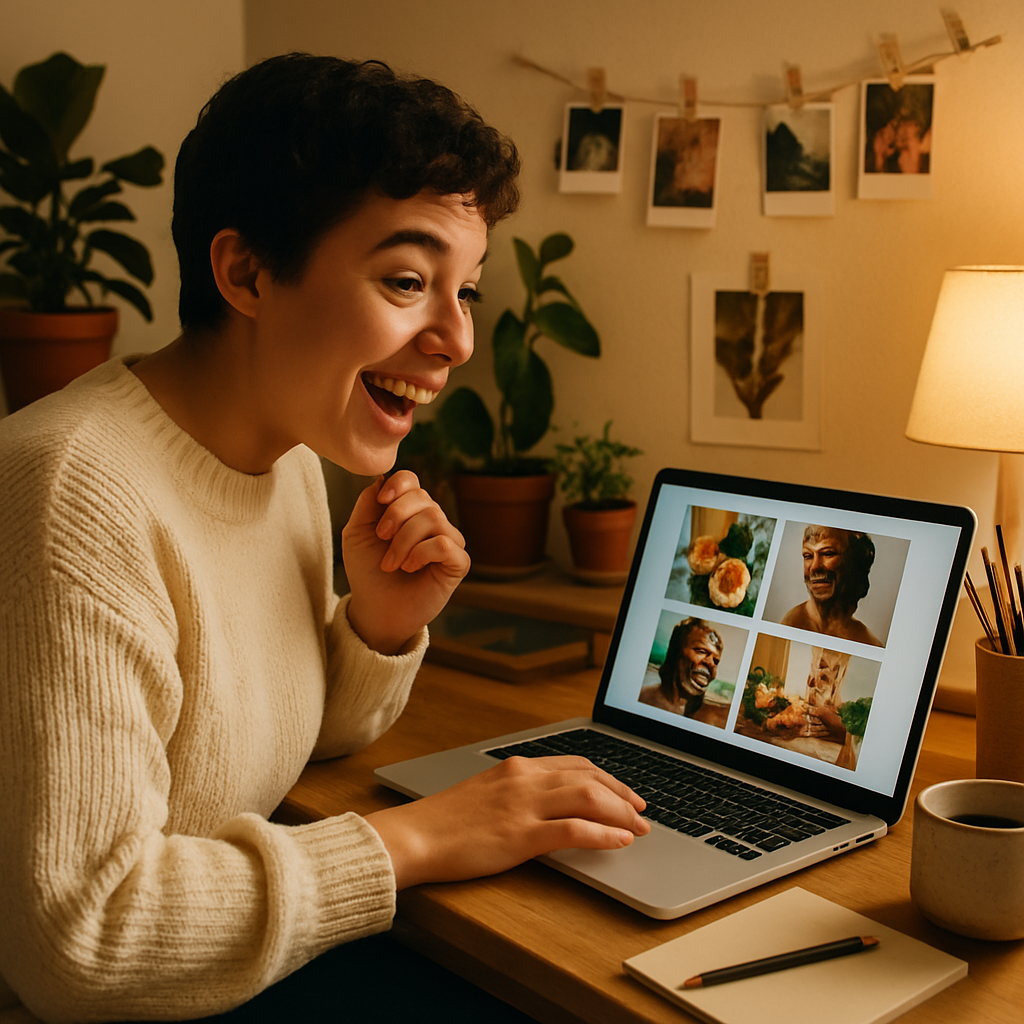
Quick answer: Type a description of your recipe card — dish, style, colors, mood — into an AI image generator and receive a polished design in seconds. No templates, no subscriptions, no design experience required. ATXP Pics charges a few cents per image with no monthly fee.
What Recipe Card Design AI Actually Produces
AI image generators produce a finished visual of your recipe card — background, typography feel, color palette, food photography style, and decorative elements all composed together. You're not filling in a blank template; you're generating a unique image from a plain-English description. Tell it you want a rustic card with a linen texture, hand-lettered title, and a bowl of pasta front-and-center, and that's what comes back. The whole process takes less than 10 seconds per image.
Why Pay-Per-Image Makes Sense for Recipe Cards
Most people design recipe cards in short bursts — a holiday recipe exchange, a food blog post, a friend's bridal shower — not every single day. Paying $10 a month for a subscription you'll use three times in December is a bad deal.
Do the math: Midjourney's Basic plan runs $10/month for roughly 150 images — about $0.07 each. That sounds cheap until you only generate 5 images in a month, which brings your real cost to $2.00 per image. ATXP Pics charges a few cents per image with no subscription and no credits that expire. For occasional recipe card projects, the savings are immediate.
| Tool | Monthly Cost | Images Used | Cost Per Image | |---|---|---|---| | Midjourney Basic | $10/mo | 5 | $2.00 | | Midjourney Basic | $10/mo | 150 | $0.07 | | ATXP Pics | $0/mo | 5 | ~$0.04 | | ATXP Pics | $0/mo | 150 | ~$0.04 |
Generate your first recipe card design on ATXP Pics →
How to Write a Recipe Card Design Prompt That Works
The prompt is everything — a vague description gets a generic result, a specific one gets something you'll actually use. Build your prompt in four parts:
- The dish — name the food prominently so the generator knows what imagery to pull in
- The style — rustic farmhouse, clean modern, vintage 1950s cookbook, watercolor illustration, chalkboard
- The color palette — warm creams and terracotta, bright primary colors, muted pastels
- The card details — space for ingredient list, title treatment, decorative border, handwritten feel
Here's a prompt you can copy and adapt:
A vintage-style recipe card for homemade cinnamon rolls, warm cream and brown tones, illustrated cinnamon sticks and dough in the corners, space for a handwritten title at the top, soft watercolor texture, cozy and inviting
Run that prompt, see what comes back, then adjust one detail at a time. Swap "vintage" for "modern minimalist" or change the color palette to see completely different results in seconds.
Styles That Work Well for AI Recipe Card Design
Some card styles generate more reliably than others, so it helps to know what to ask for. Here are five aesthetics that consistently produce strong results:
- Rustic farmhouse — linen textures, woodgrain, neutral tones, hand-lettered feel. Great for comfort food, baked goods, and holiday recipes.
- Modern minimalist — clean white space, sans-serif titles, simple line illustrations. Works for health-focused or contemporary food content.
- Vintage cookbook — aged paper, retro typography, classic illustrated food borders. Perfect for family heirloom recipes.
- Chalkboard — dark background, chalk-style text, white and light-colored accents. Popular for entertaining and party menus.
- Watercolor botanical — soft washes of color, illustrated herbs and produce. Ideal for garden-fresh and seasonal recipes.
Each of these is just a starting description. Mix them freely: "a modern minimalist card with a subtle watercolor herb illustration" is a totally valid prompt.
Practical Uses for AI-Generated Recipe Cards
Recipe cards aren't just for printing — a well-designed card image has a dozen uses across print and digital. Food bloggers use them as Pinterest graphics, which consistently outperform plain text posts. A visually distinct recipe card can drive 3–5x more saves on Pinterest compared to a standard blog screenshot.
Beyond social media, consider these uses:
- Food blog featured images — a styled recipe card as the post header looks intentional and editorial
- Email newsletters — embed a card image to break up text and make recipes scannable
- Printed gift sets — generate a set of 6–8 cards, print at home or through a print shop, bundle with a kitchen gift
- Restaurant menus and specials — a daily special card designed in seconds, printed, done
- Cooking class materials — hand each student a card that looks as good as the food
For food bloggers looking to level up their visual content, also check out AI food photography and how to generate styled food images without a shoot.
Getting the Best Results in Fewer Attempts
Specific adjectives cut your revision time in half. The single biggest mistake people make is writing a prompt like "recipe card for pasta." That's a starting point, not a description. Instead, think about what you'd tell a graphic designer in a creative brief.
A few prompt refinements that consistently improve results:
- Add a lighting description — "soft natural light," "warm golden hour," "bright studio lighting"
- Name a specific ingredient or prop — "fresh basil sprig," "wooden spoon," "red checkered cloth"
- Describe the card's physical feel — "thick cardstock texture," "aged parchment," "smooth matte surface"
- Specify what text areas look like — "a ruled lines section for ingredients," "a decorative title banner at the top"
You don't need to get it perfect on the first try. Generate, adjust one element, regenerate. At a few cents per image, experimenting costs almost nothing.
Start Designing Recipe Cards Today
Recipe card design AI removes the gap between "I have an idea" and "I have a finished image." Describe the dish, pick a style, add a few details — your card is ready before your oven preheats.
No subscription. No monthly fee. No credits that vanish at the end of the month. Pay a few cents for the images you actually need, when you need them.