You're opening a new taco spot, redesigning a tired diner brand, or launching a ghost kitchen — and you need a logo that looks like you paid a designer $800 for it. With restaurant logo AI tools, you can go from blank page to polished concept in under five minutes, without a monthly subscription eating into your food budget.
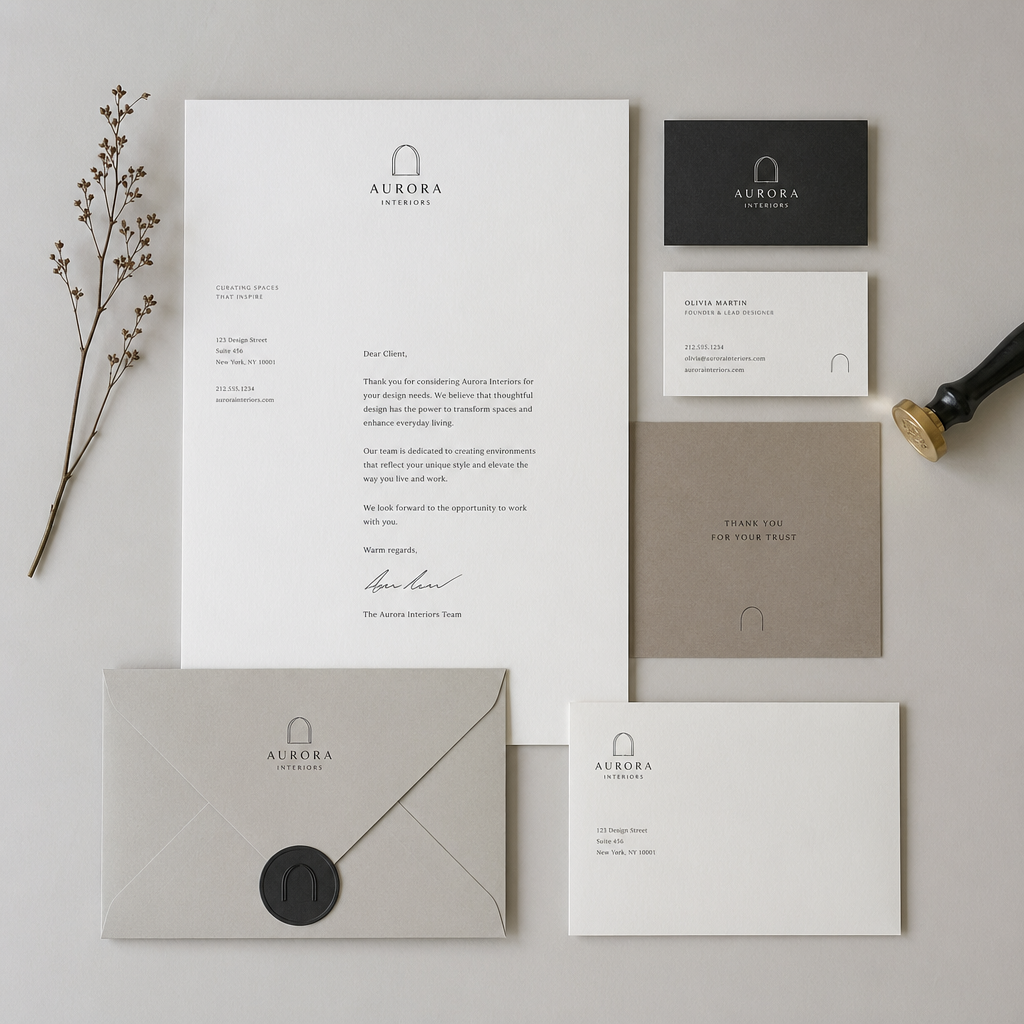
Quick answer: Describe your restaurant's name, cuisine, and mood in one sentence, generate 5–10 variations for a few cents each, and pick the concept that fits. No subscription required at ATXP Pics — you pay only for the images you generate.
What Makes a Good Restaurant Logo Prompt
A strong restaurant logo prompt contains four things: the name, the food style, the visual mood, and a color cue. Leave any of these out and the AI fills the gap with a generic guess — usually a fork, a chef's hat, or a suspiciously round tomato.
Think of your prompt as a brief to a designer who has never eaten at your restaurant and knows nothing about your neighborhood. The more context you give, the less guessing they do.
Here's a structure that works:
- Name — exactly as it will appear on the sign
- Cuisine — "wood-fired pizza," "Vietnamese street food," "Texas BBQ"
- Mood — rustic, modern, playful, upscale, nostalgic
- Color — one or two specific colors, not just "warm tones"
How to Write a Restaurant Logo AI Prompt (With a Real Example)
The single fastest way to improve your results is to write a longer prompt than feels comfortable. Most people stop at five words. Go to twenty.
Here's a before-and-after:
Weak prompt:
A logo for a pizza restaurant.
Strong prompt:
Minimalist logo for "Ember & Ash," a wood-fired Neapolitan pizza restaurant. Charcoal gray and burnt orange color palette. Clean sans-serif lettering with a small flame icon. Modern but warm. No clip art. No gradients.
The strong version tells the AI exactly what to avoid, which is just as important as what to include. Phrases like "no clip art" and "no gradients" push results toward something print-ready and professional.
Try this at ATXP Pics' AI logo concept generator — generate five variations of that prompt and you'll have a usable shortlist in under two minutes.
Adjusting Your Prompt to Match Your Restaurant Type
Different restaurant categories have different visual languages, and your prompt should match the one your customers already expect. A fine-dining steakhouse and a beachside fish shack both serve protein — but their logos live in completely different visual worlds.
Here's a quick reference:
| Restaurant Type | Mood Words That Work | Colors to Try | |---|---|---| | Fine dining | elegant, serif, minimal, gold | black, ivory, deep navy | | Fast casual | bold, geometric, friendly | red, yellow, forest green | | Coffee shop | handcrafted, warm, indie | brown, cream, terracotta | | Sushi / Japanese | clean, asymmetric, zen | white, black, deep red | | BBQ / Southern | rustic, weathered, stamp-style | burnt orange, brown, tan | | Bakery / Patisserie | soft, script, delicate | blush, sage, white |
Drop these mood words directly into your prompt. "Weathered stamp-style logo for 'Smokehouse 77'" will take you somewhere much more specific than "a BBQ logo."
What AI Restaurant Logos Cost Compared to Traditional Design
Hiring a freelance designer for a restaurant logo typically runs $300–$1,500 for a full identity package — AI gets you to a strong concept for under $1. That's not an exaggeration.
Here's how the numbers actually break down:
| Option | Cost | Turnaround | Revisions | |---|---|---|---| | Freelance designer | $300–$1,500 | 3–10 days | Limited by contract | | Logo design platform | $50–$300 + subscription | 1–3 days | Template-limited | | Midjourney | $10/month (~150 images) | Minutes | Unlimited within plan | | ATXP Pics | A few cents per image, no subscription | Seconds | Generate as many as you want |
The Midjourney math looks fine at first — $10/month sounds cheap. But if you're opening one restaurant and need logos twice a year, you're paying $120 annually for a tool you're barely using. At 5 images per month on Midjourney, you're effectively paying $2.00 per image. ATXP Pics charges a few cents, and your balance never expires, so buying $5 of credits today still works six months from now when you need new concepts for a seasonal menu.
How to Turn an AI Concept Into a Finished Logo
An AI-generated image is a concept, not a final file — but turning it into a finished logo takes about one hour of a designer's time, not ten. This is where restaurant owners often get confused. You don't need a designer to create the idea anymore. You need one to clean it up.
Here's the handoff workflow:
- Generate 5–10 variations at ATXP Pics for roughly $0.30–$0.50 total
- Pick your top two and screenshot them side by side
- Brief a designer on Fiverr or Upwork — "vectorize and refine this concept, match these colors exactly" — budget $50–$100
- Receive a scalable vector file (.SVG or .AI) that works on everything from a business card to a 10-foot banner
You've just compressed a $500 logo project into a $100 one, and you walked in with a clear vision instead of hoping a stranger guesses your taste correctly.
Three More Prompts You Can Copy Right Now
Every restaurant type deserves its own example. Here are three ready-to-use prompts:
Upscale Italian: "Elegant wordmark logo for 'Viola,' an upscale Italian trattoria. Deep burgundy and gold. Thin serif font. Small grape leaf accent. No gradients. Print-ready minimal style."
Casual Burger Joint: "Bold, retro logo for 'Stack & Shake,' a 1960s-style American burger diner. Red, white, and black. Thick outlined retro font. Small burger icon. Fun but not childish."
Modern Vegan Café: "Clean, modern logo for 'Root & Bloom,' a plant-based café. Sage green and warm white. Geometric sans-serif lettering. Subtle leaf motif. Feels like a boutique wellness brand, not a health food store."
Paste any of these into ATXP Pics, swap the name and tweak one detail, and you'll have something worth showing a designer — or putting straight onto your Instagram bio — in seconds.
Restaurant logo AI isn't a shortcut that produces cheap results. Used with a specific prompt and a clear visual direction, it's the fastest way to get from "I need a logo" to "here's exactly what I want." Generate your first concept at ATXP Pics' AI logo concept generator — no subscription, no monthly fee, just pay for what you actually use.