You found the perfect venue, set a date, and now everyone's asking when the save the date is going out. Designing one from scratch feels like a side project you didn't budget time for — and hiring a designer for a single card is hard to justify. AI save the date design changes that math completely.
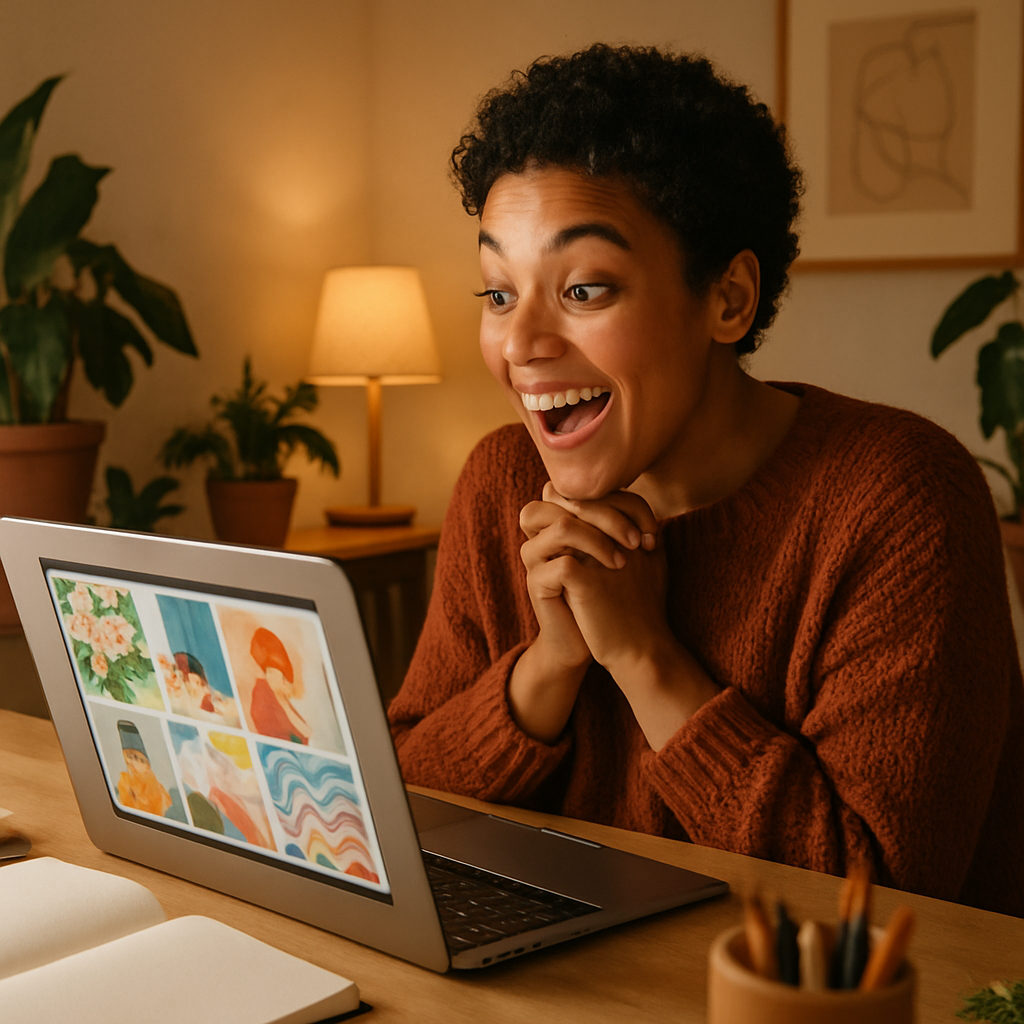
Quick answer: Describe your wedding or event style in a sentence or two, and an AI image generator produces a print-ready decorative design in seconds. No subscription, no design degree, no waiting on a freelancer. Pay a few cents per image, pick your favorite, and add your text in any free editor.
What Makes AI Save the Date Design Different From Templates
AI generates something original for your event instead of recycling the same layout thousands of other couples have already used. Template sites are fast, but the options are finite — and the most popular ones show up everywhere. With AI you describe your exact vision: the palette from your wedding colors, the season, the vibe, the tiny details like dried botanicals or a specific architectural style. The output is built from your description, not a generic starting point.
The practical advantage is iteration speed. Don't love the first result? Tweak one word in your prompt and regenerate in seconds. That back-and-forth with a human designer would cost time and revision fees. Here it costs cents.
How to Write a Prompt That Gets the Design Right the First Time
The single biggest factor in getting a great result is specificity — vague prompts produce generic images. Think through four things before you type: mood, color, setting, and decorative detail.
- Mood: romantic, whimsical, minimalist, rustic, glamorous, garden party
- Color: name exact shades ("dusty rose and sage green") rather than broad terms like "pretty colors"
- Setting or season: autumn vineyard, winter cabin, coastal summer, city rooftop
- Decorative detail: watercolor florals, gold foil border, linen texture, pressed leaves, calligraphy-style script
Put those four together and your prompt does most of the work for you.
Copy-paste prompt example: "Elegant save the date card design, watercolor style, dusty rose peonies and eucalyptus leaves, ivory background, soft gold script lettering area at center, romantic spring wedding mood, horizontal card layout"
Run that on ATXP Pics and you'll have a polished decorative image in seconds. Swap "dusty rose peonies" for "deep burgundy dahlias" and regenerate for an autumn version.
Save the Date Design AI: Style Ideas Worth Generating
Every wedding aesthetic translates into a handful of concrete prompt keywords — knowing them ahead of time saves a lot of guesswork.
| Style | Key prompt words to include | |---|---| | Garden romantic | Watercolor florals, soft pastels, botanical border, linen texture | | Modern minimal | Clean lines, single stem, muted palette, white space, sans-serif layout area | | Rustic / boho | Dried pampas grass, terracotta, kraft paper texture, twine detail | | Coastal | Watercolor ocean, navy and sand, shell accents, airy and light | | Glamour / art deco | Gold geometric border, deep jewel tones, mirrored detail, bold symmetry | | Winter / holiday | Frosted pine branches, ice blue and silver, candlelight warmth |
Generate two or three variations of your top style before deciding. At a few cents each, exploring costs almost nothing.
Adding Your Names and Date: The 20-Minute Finish Line
The AI handles the artwork; you add the text in any free tool you already have. The most common workflow:
- Download your generated image (high resolution).
- Open Canva, Google Slides, or even PowerPoint.
- Drop the image in as a background.
- Add a text box with your names, date, and "Save the Date."
- Choose a font that matches the mood — script for romantic, clean sans-serif for modern.
- Export as a PDF or high-res JPG for printing or digital send.
The whole thing takes under 30 minutes if you know what you want, and longer only if you're indecisive about fonts (relatable). For digital saves the date sent by email or text, the JPG is ready to go as-is.
Why Pay-Per-Image Beats a Subscription for a One-Time Event
A monthly subscription makes sense if you generate images every week — a wedding save the date is a one-time project, and the math doesn't work in a subscription's favor.
Consider the actual numbers:
| Tool | Cost | Images generated | Cost per image | |---|---|---|---| | Midjourney Basic | $10/month | ~150 images | ~$0.07 | | Midjourney (5 images used) | $10/month | 5 images | $2.00/image | | ATXP Pics | Pay per image | As many as you want | A few cents each |
If you generate 15 design variations across two sessions — which is realistic when you're exploring styles — you spend around $1.00 on ATXP Pics. Your balance never expires, so any leftover credit stays available for your next event. No monthly charge hitting your card for a tool you opened twice.
Generate your save the date design now — no subscription required.
What to Do With Your Design After You Generate It
Once you have a design you love, you have more options than most people realize. A few worth considering:
- Digital save the dates — export as JPG and send via email, text, or a wedding website like Zola or The Knot
- Printed cards — upload your finished design to Minted, Artifact Uprising, or your local print shop; most accept standard JPG or PDF files
- Matching suite — use the same prompt (with small adjustments) to generate a matching invitation background, envelope liner design, or wedding website banner, keeping your visual identity consistent across every touchpoint
- Social announcement — the horizontal card format works well as an Instagram post with names and date overlaid
Consistency across your wedding stationery used to require hiring a single designer to maintain the look. With AI, you control the style by controlling the prompt — and regenerating takes seconds if something doesn't match.
Designing a save the date used to mean choosing between expensive custom work and generic templates. Save the date design AI gives you a third option: original artwork from your own description, generated in seconds, at a cost that makes sense for a one-time project. Describe your style, iterate until it's right, add your text, and you're done.
Try ATXP Pics — pay per image, no subscription, balance never expires.