You spent 45 minutes editing a video, then slapped on a default screenshot as the thumbnail and watched the click-through rate flatline. The thumbnail is the first thing a viewer decides on — often before they read the title — and a dull one kills even great content before it gets a chance.
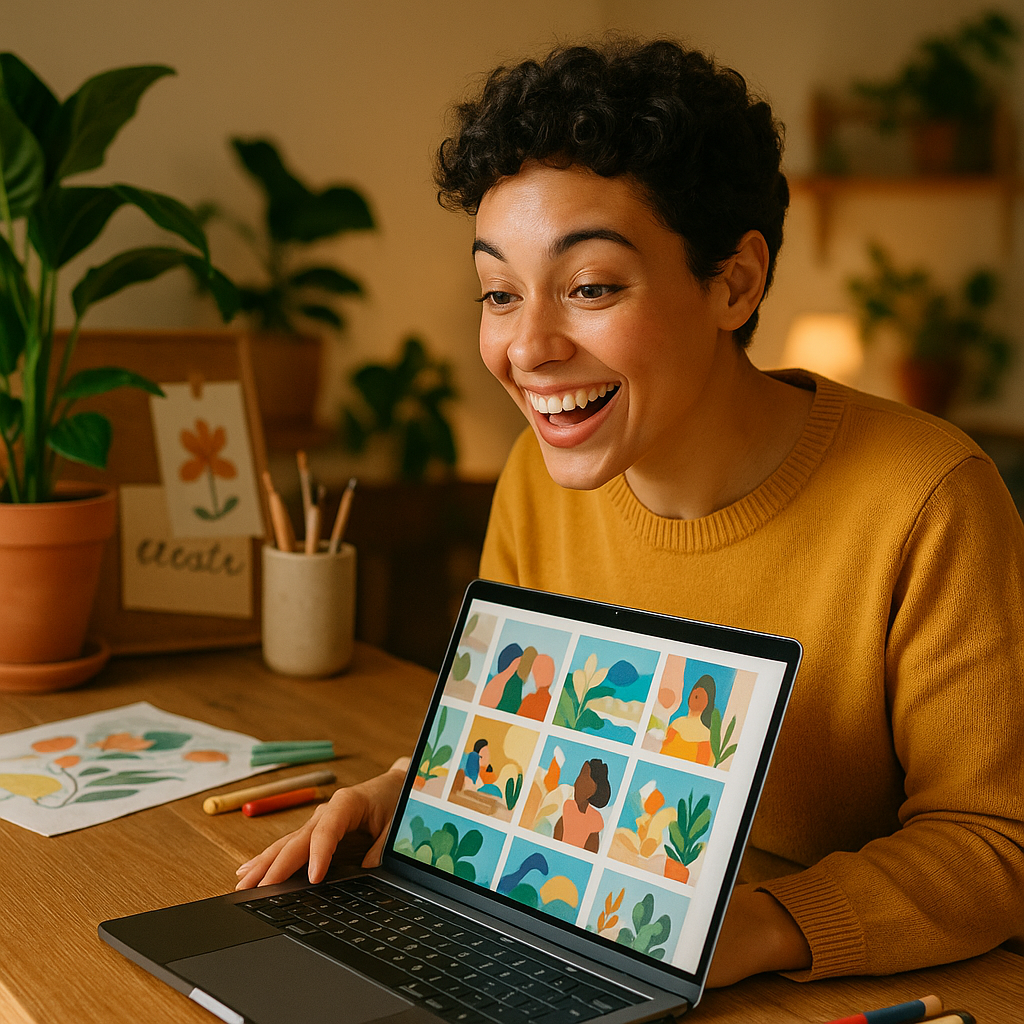
Quick answer: An AI thumbnail maker lets you describe the image you want in plain English and receive a polished, custom thumbnail in seconds. No design software, no stock photo subscriptions, no creative block. ATXP Pics charges per image with no monthly commitment — ideal for creators who want great thumbnails without paying for tools they barely use.
What an AI Thumbnail Maker Actually Does
An AI thumbnail maker turns a text description into a finished image — one built for your video's exact subject, mood, and color story. You type something like "bright orange background, confident person looking at camera, bold shadow, YouTube thumbnail style" and receive a ready-to-use visual in under 10 seconds. No templates, no dragging elements around, no hunting for the right stock photo. The output is original every time, which means your thumbnail won't look like every other creator's in your niche.
Traditional thumbnail workflows involve Canva, Photoshop, or hiring a designer. All of those work, but they add time and cost between finishing your video and hitting publish. An AI generator compresses that gap to almost nothing.
Why Thumbnails Decide Your Video's Fate
Your thumbnail and title together determine whether someone clicks — the video itself doesn't even enter the picture until after that decision is made. YouTube's own data shows that 90% of top-performing videos use custom thumbnails. A custom thumbnail signals effort, professionalism, and relevance before a single second of video plays.
The visual elements that drive clicks are consistent across niches:
- High contrast — the image needs to pop against YouTube's white or dark background
- Clear focal point — one dominant subject, not a busy collage
- Readable at small sizes — thumbnails display as small as 168×94px on mobile
- Emotional hook — curiosity, surprise, or aspiration outperform neutral imagery
An AI thumbnail maker lets you iterate on all of these in minutes. Generate five variations, pick the strongest, move on.
How to Write a Thumbnail Prompt That Works
The quality of your output depends almost entirely on the specificity of your description. Vague prompts produce generic images; specific prompts produce scroll-stopping ones.
Build your prompt in four layers:
- Subject — what or who is in the image
- Style — photorealistic, illustrated, cinematic, flat design
- Color palette — name specific colors or describe the mood (dark and moody, neon-bright, warm and earthy)
- Composition — close-up portrait, wide shot, object in foreground
Here's a real prompt you can copy and adapt:
Close-up of a steaming espresso cup on a dark wood surface, warm amber lighting, shallow depth of field, cinematic style, rich brown and cream tones, high contrast, YouTube thumbnail composition
That prompt will produce something dramatically more usable than "coffee cup photo." Spend 60 seconds on the description and save yourself a round of regenerations.
Generate your first thumbnail on ATXP Pics →
The Cost Reality: Subscriptions vs. Pay-Per-Image
Most thumbnail tools either charge a monthly subscription or lock good features behind a paid tier. Here's how the math looks for a typical creator:
| Tool | Monthly Cost | Images Included | Cost Per Image | Unused Images | |---|---|---|---|---| | Midjourney Basic | $10/mo | ~150 | ~$0.07 | Lost at month end | | Canva Pro | $15/mo | Stock only | N/A | N/A | | ATXP Pics | $0/mo | Pay-per-use | Cents each | Balance never expires |
If you publish 4 videos a month and need 3 thumbnail variations per video, that's 12 images. On Midjourney Basic, you're paying $10 whether you use 12 images or 150. On ATXP Pics, you pay for exactly 12. Your balance rolls over indefinitely, so a $5 top-up stretches across months of thumbnails without pressure to "use it or lose it."
For creators who post consistently, the per-image model means your thumbnail budget scales with your actual output — not with a subscription calendar.
A 5-Minute Thumbnail Workflow for Any Video
The fastest path from finished video to published thumbnail runs like this:
Step 1 — Identify your hook. What's the one thing a viewer needs to feel in order to click? Curiosity? Surprise? Urgency? That emotion shapes your visual.
Step 2 — Write your prompt. Use the four-layer structure above. Add your channel's color palette if you have one ("always includes teal and white") to build brand consistency.
Step 3 — Generate 3–5 variations. Tweak the style or lighting between prompts. You're looking for the one that communicates the hook instantly.
Step 4 — Download and resize. Save the image and scale to 1280×720px if needed. Keep the file under 2MB for YouTube upload.
Step 5 — Upload in YouTube Studio. Under "Thumbnail" in the video details panel, upload your custom image. Done.
Total time: 5 minutes or less once you've written one or two prompts for your niche. The first session takes a bit longer as you dial in your style — after that, it becomes a consistent part of your publish routine. You can also explore the no-subscription AI image generator approach for other content needs beyond thumbnails.
Thumbnail Styles That Work by Niche
Different content categories have proven visual languages. Matching your thumbnail style to viewer expectations in your niche increases click-through rate before you've even optimized anything else.
- Gaming — dark backgrounds, glowing UI elements, dramatic character poses, bold text
- Finance/Business — clean white or dark blue backgrounds, charts or currency imagery, professional portraits
- Food/Cooking — warm lighting, close-up on finished dish, steam and texture, earthy tones
- Fitness — high-contrast lighting, motion blur, strong physique focus, electric color accents
- Travel — wide landscape shots, golden hour light, vibrant local color
Describe the visual language of your niche explicitly in your prompt and the generator will match it. You can also reference a mood or film aesthetic ("cinematic like a travel documentary") to steer the output in the right direction. For portrait-heavy thumbnails — common in talking-head and reaction content — the AI headshot generator page covers portrait-specific prompting techniques.
Start Generating Thumbnails Today
Your thumbnail is working before your video is. It's the ad for the content you spent hours making, and a weak one wastes everything behind it. An AI thumbnail maker removes the design bottleneck — no subscription, no software, no waiting on a designer.
Describe the image you want, generate it in seconds, and publish with confidence.