You searched "YouTube thumbnail without Photoshop" because you need a great thumbnail, not a software lesson. Photoshop costs $20+ a month, has a steep learning curve, and is genuinely overkill for a 1280×720 JPEG you need done before your video goes live. Here's the faster way.
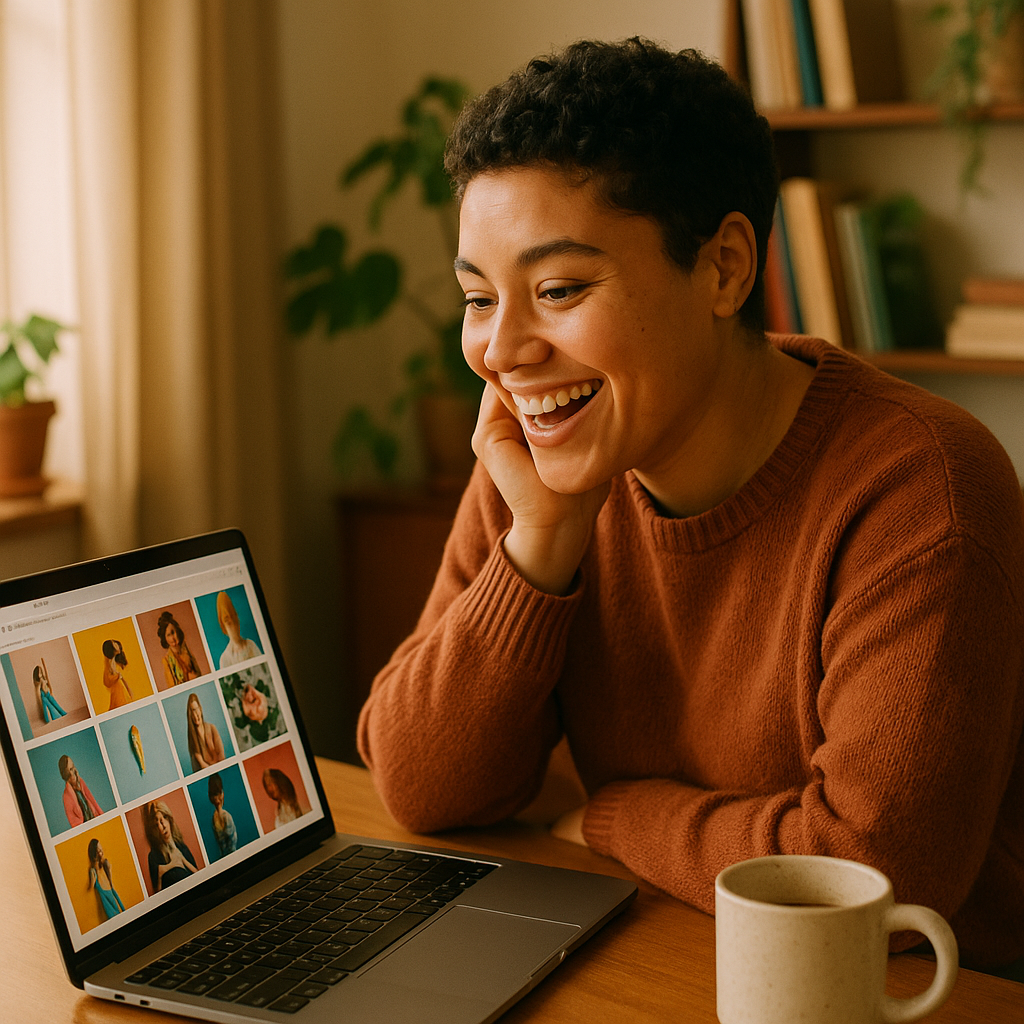
Quick answer: You don't need Photoshop to make a YouTube thumbnail. An AI image generator handles the visual, a free browser tool adds your text overlay, and you're done in under 10 minutes — for a few cents, with no subscription.
Why Photoshop Is the Wrong Tool for Most Creators
Photoshop is built for professional retouchers, not thumbnail makers. Most creators use about 2% of what Photoshop can do — crop, color adjust, maybe add text — and pay $239 a year for that privilege. If you publish one video a week, that's roughly $4.60 per thumbnail before you've added a single word to it. There are faster, cheaper paths that produce equally click-worthy results.
What You Actually Need to Make a YouTube Thumbnail
A great YouTube thumbnail has three components: a strong image, readable text, and the right dimensions (1280×720 pixels, under 2 MB). That's it. Photoshop handles all three, but so do tools that cost a fraction of the price and take a fraction of the time. Split the job into two steps — generate the image, then add text — and you can swap in better tools for each step.
Step 1 — Generate Your Thumbnail Image with AI
The fastest way to get a thumbnail-ready visual is to describe it in plain English and let an AI image generator produce it. No stock photo hunting, no licensing fees, no staged photography setup.
ATXP Pics lets you type exactly what you want and receive a high-quality image in seconds. No subscription required — you pay per image, a few cents each, and your balance never expires. That means you can generate three or four variations of a thumbnail concept, pick the best one, and spend less than a dollar total.
Try a prompt like this for a tech review thumbnail:
Close-up of two smartphones side by side on a sleek dark surface, dramatic studio lighting, shallow depth of field, bold colors, photorealistic
Or for a cooking channel:
Overhead shot of a rustic wooden table with a steaming bowl of pasta, fresh basil scattered around, warm golden-hour light, editorial food photography style
Describe the mood, the lighting, the angle, and the subject. The more specific you are, the closer the result lands on the first try.
Step 2 — Add Text Without Photoshop
Once you have your AI-generated image, adding a text overlay takes about two minutes in any browser-based design tool. Canva's free tier handles this perfectly — upload your image, drop in a text box, choose a bold font, and export at exactly 1280×720.
A few thumbnail text rules that apply no matter what tool you use:
- Keep it under six words. Viewers decide in a fraction of a second.
- Use high-contrast colors — white text with a dark shadow, or black text on a bright background.
- Don't repeat the video title word for word. The thumbnail and title should work together, not say the same thing twice.
How the Costs Compare
Photoshop isn't the only paid option. Here's how the main approaches stack up for a creator publishing four thumbnails a month:
| Tool | Monthly Cost | Per-Thumbnail Cost | Subscription? | |---|---|---|---| | Adobe Photoshop | $20.99/mo | $5.25 | Yes | | Midjourney Basic | $10.00/mo | $2.50 | Yes | | ATXP Pics | $0 (pay per image) | ~$0.05–$0.15 | No | | Canva Free (text only) | $0 | $0 | No |
The ATXP Pics + Canva Free combination costs under $1 a month for most casual creators — and your balance never disappears at the end of a billing cycle.
What Separates a Click-Worthy Thumbnail from a Forgettable One
The image itself does more work than most creators realize. Thumbnails with faces, strong emotion, or visual contrast get clicked more — not because of design tricks, but because human brains are wired to respond to them. When you're writing your AI prompt, think about what would make you stop scrolling.
A few prompts worth testing on your next video:
Shocked man looking directly at camera, bright studio background, expressive face, cinematic lighting, photorealistic portrait
Before-and-after split image of a messy room versus a clean organized room, bright natural light, top-down angle
Person holding a stack of cash in front of a luxury car, golden hour lighting, aspirational lifestyle photography
Generate two or three variations of each. You're spending cents, not hours. Pick the one that creates the strongest gut reaction — that's your thumbnail.
Ready to stop wrestling with software and start making thumbnails that actually work? Generate your first thumbnail image on ATXP Pics — no subscription, no commitment, just pay for what you use.
The Simplest Workflow for YouTube Thumbnails Without Photoshop
Here's the full process, start to finish, in plain terms:
- Write a prompt describing your thumbnail image — include subject, lighting, mood, and style.
- Generate it on ATXP Pics — costs a few cents, takes seconds.
- Upload to Canva (free), add your text overlay, adjust contrast if needed.
- Export at 1280×720 and upload directly to YouTube.
Total time: under 10 minutes. Total cost: under a dollar. No subscriptions, no software installations, no tutorials on layer masks.
Photoshop is a powerful tool for people who need it. For making YouTube thumbnails, it's a $240-a-year detour. Describe what you want, generate it, add your text, and get back to making the video.