Getting the whole family in the same place, dressed nicely, smiling at the same time — professionally photographed — is a genuine logistical feat. An AI family portrait generator skips all of that: you describe the portrait you want in plain English, and you have a finished image in seconds.
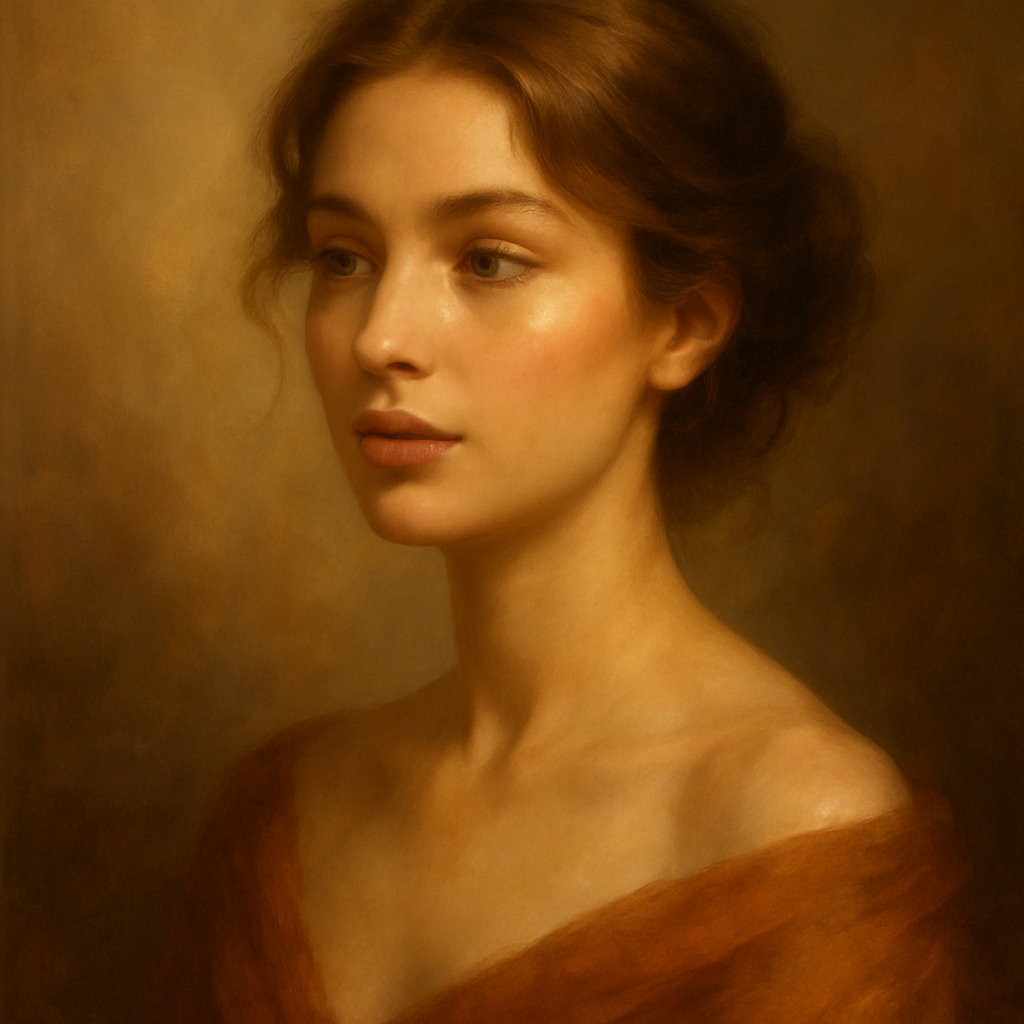
Quick answer: An AI family portrait generator turns a text description into a complete, styled family portrait — no photos, no scheduling, no photographer required. You describe the people, setting, and artistic style, and the image is created from scratch. At ATXP Pics, you pay a few cents per image with no subscription.
What an AI Family Portrait Generator Actually Does
An AI family portrait generator creates an original image from a written description — it doesn't require any existing photos. You type something like "a family of four in a sunlit autumn park, watercolor style" and receive a finished portrait. The result is a fully composed image: correct number of people, the setting you described, the artistic style you specified.
This is different from photo-editing tools that blend or retouch real photographs. The image is generated entirely from your words, which means you control every detail — the style, the mood, the season, the clothing — without being limited by what a camera captured on a particular day.
How to Write a Prompt That Gets the Portrait Right
The more specific your description, the closer the result will be to the image in your head. Most people who are disappointed with their first attempt used a vague prompt. Here's a reliable structure to follow:
- Start with the group. State how many people and their relationships. "A mother, father, teenage daughter, and young son" tells the generator far more than "a family."
- Add physical details. Hair color, approximate age, and one or two clothing details anchor the image. You don't need exhaustive descriptions — a few anchors per person are enough.
- Set the scene. Where are they? What's the time of day? What's in the background? "Sitting on a porch swing at golden hour" gives the generator a complete visual environment.
- Name the style. This is the single most powerful variable. "Oil painting," "watercolor illustration," "black-and-white studio photograph," "vintage holiday card" — these instructions shape the entire feel of the portrait.
- Add a mood or lighting note. "Warm and candid," "formal and dramatic," or "soft natural light" fine-tune the atmosphere.
Prompt template
A mother and father in their forties, teenage son, and young daughter around age six, dressed in coordinating navy and cream outfits, standing in a golden autumn forest. Soft late-afternoon light. Warm, painterly oil portrait style with rich, saturated colors.
What to avoid
- Vague group descriptions. "My family" tells the generator nothing about how many people or what they look like.
- Contradicting style instructions. Asking for "a realistic photograph in an impressionist style" creates a confused output. Pick one visual direction.
- Overloading one person with details. Balance descriptions across all family members rather than describing one person exhaustively and ignoring the others.
Choosing the Right Style for Your Purpose
The artistic style you choose should match what you plan to do with the portrait. Here are the most popular styles and when each works best:
| Style | Best for | |---|---| | Oil painting | Wall art, formal gifts, heirloom feel | | Watercolor illustration | Greeting cards, nursery prints, soft family moments | | Realistic studio photo | Profile images, announcements, professional-looking prints | | Vintage illustrated | Holiday cards, retro-themed gifts | | Sketch / pencil drawing | Casual prints, personalized stationery |
If you're creating a portrait as a gift, watercolor and oil painting styles consistently land well because they feel deliberate and artistic — not like a filtered phone photo.
Iterating Until It's Right
Expect to refine your prompt two or three times — that's normal, not a failure. Each iteration costs only a few cents, so experimenting is genuinely low-stakes. Here's a practical workflow:
- Run your first prompt and assess the overall composition. Is the group size right? Is the setting recognizable?
- If the style feels off, adjust that instruction first — style has the biggest visual impact.
- If the people look wrong, add more specific physical details or adjust age descriptions.
- If the mood is flat, add a lighting or atmosphere note: "golden hour," "moody overcast sky," "bright cheerful afternoon."
A typical session — first prompt through final result — takes under ten minutes.
Create your AI family portrait →
The Cost Compared to a Traditional Family Portrait Session
A professional family photography session typically runs $200–$500 before prints. An AI-generated portrait at ATXP Pics costs a few cents per image. Even if you run fifteen iterations to get the result exactly right, you're spending less than a dollar.
| Option | Typical cost | Scheduling required | |---|---|---| | Professional photographer | $200–$500+ | Yes — coordinate schedules, travel, outfits | | AI family portrait (ATXP Pics) | A few cents per image | No | | Midjourney Basic subscription | $10/month regardless of usage | No |
Unlike subscription-based tools, ATXP Pics charges per image and your balance never expires — so you're not paying $10 in months when you only need one portrait. If you generate 5 images a month on Midjourney's Basic plan, each image costs you $2.00. At ATXP Pics, it's a few cents.
Common Uses for AI Family Portraits
AI-generated family portraits are showing up in more places than most people expect:
- Personalized gifts — framed prints for grandparents, custom holiday ornaments, greeting cards
- Wall art — a painted portrait of the family in a consistent art style that matches home décor
- Social media and announcements — a stylized portrait for a birth announcement, holiday post, or family milestone
- Book illustrations — parents creating illustrated children's books with their family as the characters
- Memorial portraits — bringing together people across generations in a single image, including those who are no longer here
For any of these, the ability to control the artistic style — rather than working with whatever a camera captured — is the real advantage.
An AI family portrait generator gives you a finished, styled image in seconds, at a cost measured in cents, with no scheduling and no photographer coordination. The key is a specific prompt: describe your group, set the scene, and name the style clearly.