You want something that captures a relationship, not just two faces standing next to each other. Whether it's an anniversary gift, a wedding keepsake, or just something meaningful to hang on the wall, a great couple portrait takes intention — and a good prompt.
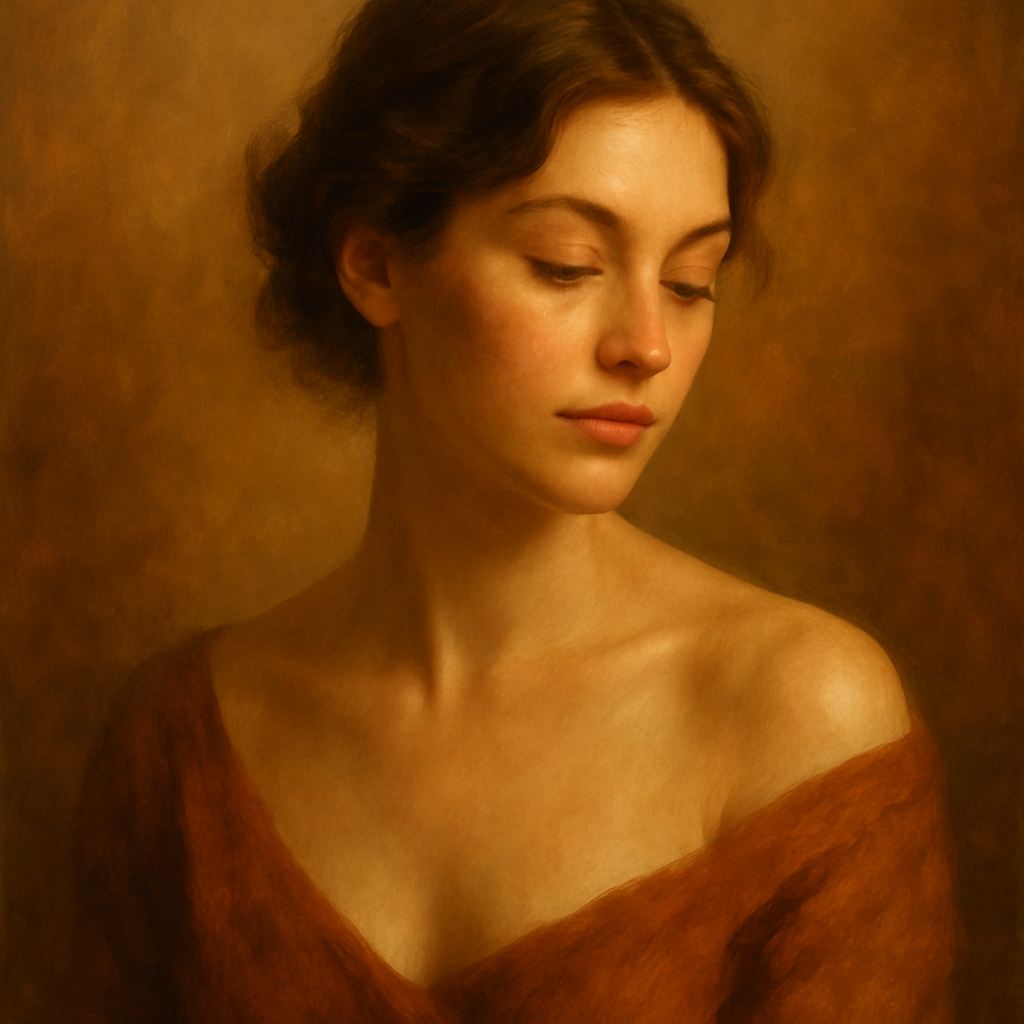
Quick answer: An AI portrait for couples is created by describing the two people, their setting, style, and mood in plain text. The generator returns a high-quality image in seconds. No subscription required at ATXP Pics — you pay a few cents per image and only when you create.
What Makes a Couples Portrait Prompt Actually Work
The difference between a generic result and a portrait that feels personal is specificity. Vague prompts produce vague images. The more clearly you describe the people, the moment, and the atmosphere, the closer the output matches what you're picturing.
Think of your prompt in four layers:
- People — hair color, approximate age, style, ethnicity, build
- Setting — location, time of day, season, indoors or outdoors
- Style — photorealistic, watercolor, oil painting, illustrated, film grain
- Mood — romantic, playful, elegant, candid, cinematic
Every strong couple portrait prompt touches all four.
Step-by-Step: How to Create Your AI Couple Portrait
Step 1: Choose Your Style First
Decide whether you want the portrait to feel like a photograph or a piece of art. This single choice shapes everything else about your prompt.
- Photorealistic: great for anniversary gifts, "us in a dream setting" concepts
- Watercolor or oil painting: beautiful for weddings, anniversaries, gifts that look hand-crafted
- Line art or illustrated: modern, minimal, works well framed or printed on canvas
Step 2: Build Your Setting
Where the couple exists in the image tells as much of the story as the people themselves. Golden hour on a cliffside hits differently than candlelit dinner in Paris. Be specific about time of day — light is everything.
Good setting phrases to include:
- "golden hour, soft warm light"
- "cozy indoor setting, warm lamp glow"
- "rainy city street, reflections on wet pavement"
- "autumn forest, leaves mid-fall"
Step 3: Describe the People
You don't need to upload photos. Describe what each person looks like. Focus on the details that matter to you — hair, approximate age, how they're dressed, and how they're positioned relative to each other.
"One person with short dark curly hair in a navy suit, the other with long auburn hair in a floral dress, standing close together, faces turned slightly toward each other."
Step 4: Set the Emotional Tone
This is where most prompts fall short. Add words that describe the feeling of the image, not just what's visible. Words like "tender," "joyful," "quiet," "intimate," or "electric" give the generator emotional direction.
Step 5: Specify the Composition
Tell the generator how you want the image framed. Portrait orientation or landscape? Close-up or full body? Looking at the camera or at each other?
"Waist-up portrait, couple facing each other slightly, soft bokeh background, shallow depth of field."
Prompt Examples You Can Copy and Customize
Romantic outdoor portrait: "A couple standing together in a golden hour meadow, one with short blond hair in a white linen shirt, the other with long dark hair in a flowing sage dress. They're looking at each other and laughing. Warm soft light, bokeh background. Photorealistic, cinematic."
Illustrated anniversary gift: "A watercolor portrait of a couple slow dancing in a candlelit kitchen. One person is taller with a beard and dark hair, the other is wearing a floral top with her head resting on their shoulder. Soft warm tones, loose brushwork, dreamy and intimate mood."
City romance: "A couple walking hand-in-hand down a rainy Parisian street at dusk. Reflections in the wet cobblestones. She's in a red coat, he's in a grey overcast. Film grain, cinematic wide shot, moody and romantic."
Run two or three variations before settling on one. Changing a single word — "cinematic" to "editorial," "warm" to "cool blue" — produces noticeably different results.
Generate your couple portrait →
Common Mistakes to Avoid
Leaving out lighting is the single most common reason a portrait looks flat. Always name a light source or time of day.
- ❌ "A couple standing outside" — no light direction, no mood
- ✅ "A couple standing outside at golden hour, backlit, warm rim light"
Describing the relationship, not the image. "They've been together for ten years and love hiking" gives the generator nothing to work with. Translate the feeling into visual terms: "weathered hiking boots, mountain summit, windswept hair, joyful expressions."
Over-complicating the prompt. More words don't always mean better results. If your prompt is a paragraph long, cut it in half. One strong setting + clear people description + mood word outperforms a cluttered list of adjectives.
Skipping the style tag. Without a style direction, you'll get a default look that may not match your vision. Always end your prompt with a style anchor: "watercolor," "photorealistic," "oil painting," "vintage film."
What to Do With Your Couple Portrait
Once you have an image you love, it's genuinely useful:
- Print it — most generators export at resolution suitable for canvas or large prints
- Use it as a gift — framed couple portrait for anniversaries, Valentine's Day, or weddings
- Share it — profile photos, save-the-date cards, social posts
- Create a series — run prompts across different settings (beach, city, mountains) to build a visual story of the relationship
You're not locked into one image. Because ATXP Pics charges per image with no subscription, you can generate a handful of variations for the cost of a coffee and keep the one you love most. Your balance never expires, so there's no pressure to use credits before a billing cycle resets.
The Honest Tradeoff
AI couple portraits are built from descriptions, not uploaded photos. If you need a portrait that looks exactly like two specific people, you'll want a photographer or an artist who works from reference images. What AI does brilliantly is create a portrait of a feeling — a moment, a style, a mood — that represents the relationship. Many people find that more meaningful than a literal likeness anyway.
For gifts, keepsakes, creative projects, or simply seeing "us" in a setting that would never happen in real life (dancing in a Venetian ballroom, watching the northern lights, sitting in a 1960s diner), AI portrait generation is the fastest and most affordable option by a wide margin.