You want a cartoon portrait — for a profile picture, a gift, a team page, or just because it looks great. An AI cartoon portrait generator gets you from idea to shareable image in under a minute, and this guide shows you exactly how to do it well.
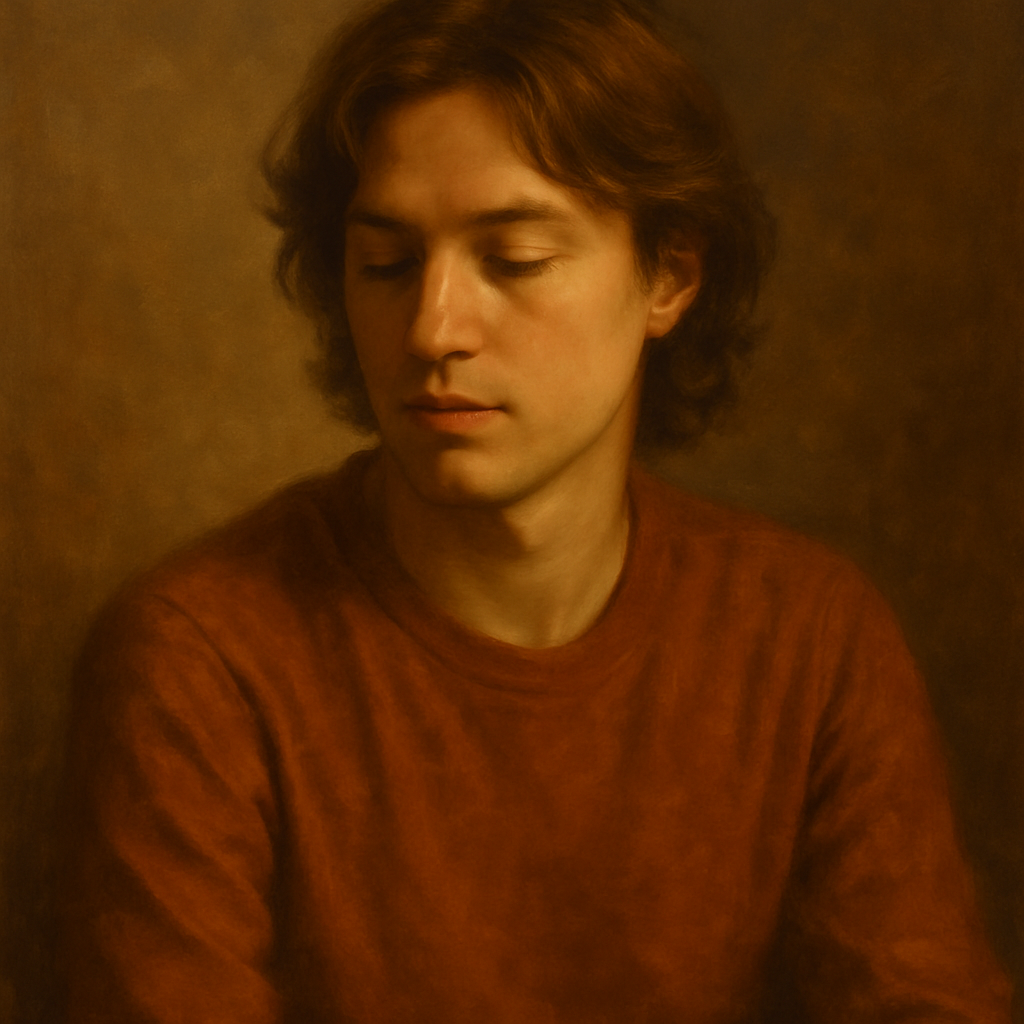
Quick answer: Type a description of the person you want to portray — features, style, expression, and art direction — into an AI image generator and receive a cartoon portrait in seconds. The key to a great result is a specific prompt. No design tools, no subscription, and no drawing ability required.
What Makes a Great AI Cartoon Portrait Prompt
The difference between a generic cartoon face and a portrait that actually looks like someone comes down to the specificity of your prompt. Most people type something like "cartoon portrait of a woman" and wonder why the result feels flat. The fix is layering in four things: physical description, art style, mood, and setting.
Here's how those layers work:
- Physical description — hair color, length, and style; eye color; skin tone; any notable features like glasses or a beard
- Art style — flat vector, anime, Pixar 3D, comic book ink, watercolor, retro 1960s cartoon
- Mood and expression — smiling, serious, laughing, confident, playful
- Setting or background — solid color, cityscape, nature, abstract color wash
Combine all four and the prompt goes from generic to genuinely personal.
Step-by-Step: How to Create a Cartoon Portrait
Follow these steps from first description to finished image.
-
Choose your art style first. Decide before you write a single word. Flat vector and Pixar-style 3D are the most shareable; anime works well for gaming profiles; comic book ink is strong for team pages and bios.
-
Describe the subject's physical features. Work top to bottom: hair, eyes, skin tone, any accessories. You don't need to describe everything — three to five distinct features give the generator enough to work with.
-
Set the expression and mood. "Smiling warmly" and "confident with a slight smirk" produce very different results. Be intentional.
-
Add a background directive. Even "simple pastel background" keeps the portrait from floating in white space. For profile pictures, "solid coral background" or "soft gradient blue" reads cleanly at small sizes.
-
Paste your prompt, generate, and refine. If the first result isn't right, adjust one variable at a time — usually the style or the expression — rather than rewriting everything.
Prompt Templates You Can Copy
Profile picture: "Flat vector cartoon portrait of a Black woman with short natural hair, warm brown eyes, glasses, wearing a yellow blazer, confident smile, solid teal background"
Fun avatar: "Pixar-style 3D cartoon of a red-haired man with a beard, freckles, laughing expression, wearing a flannel shirt, soft warm lighting, blurred outdoor background"
Team bio headshot: "Comic book ink cartoon portrait of a South Asian woman with long straight hair, serious professional expression, white button-up shirt, bold line art style, white background"
Common Mistakes and How to Fix Them
The most common mistake is a prompt that describes a category instead of a person. "Young woman with brown hair" describes millions of people. "Young woman with wavy chestnut hair to her shoulders, hazel eyes, a small nose ring, and a half-smile" describes someone.
Three other mistakes worth avoiding:
- Stacking too many styles. Asking for "anime Pixar comic book watercolor" gives the generator conflicting instructions. Pick one style and lean into it.
- Skipping the background. No background directive often produces a muddy or distracting result. Even "plain white background" is better than nothing.
- Ignoring aspect ratio context. A portrait for a profile picture should be square or portrait-oriented. A banner cartoon needs a wider crop. Mention "square format" or "portrait orientation" if it matters.
Cartoon Portrait Use Cases That Actually Work
An AI cartoon portrait generator earns its keep across more situations than most people expect. Here are the ones that come up most often:
- Social media profile pictures — cartoon avatars are eye-catching and offer privacy without being anonymous
- Team and "about us" pages — matching cartoon portraits give a startup or small team a cohesive, approachable look
- Personalized gifts — a cartoon portrait of someone in their favorite hobby setting is genuinely thoughtful and costs almost nothing to produce
- Kids' content and classrooms — cartoon portraits of children (described, not photographed) work well for school projects and family content
- Gaming and streaming avatars — Twitch, Discord, and YouTube banner art all benefit from a strong character portrait
Create your cartoon portrait on ATXP Pics →
Why Pay-Per-Image Makes More Sense for Portrait Projects
Most people need cartoon portraits in small batches — a few for a team page, a handful of variations to find the right one — not hundreds every month. A subscription forces you to pay $10–$30/month whether you create or not.
| Scenario | Midjourney Basic ($10/mo) | ATXP Pics (pay-per-image) | |---|---|---| | 5 portraits in one month | $2.00/image | ~$0.10–$0.20/image | | 20 portraits, then nothing for 3 months | $40 over 4 months | Pay only for the 20 images | | One portrait as a gift | $10 minimum | A few cents |
The math is straightforward: if you create occasionally, pay-per-image is significantly cheaper. No subscription, and your balance never expires — so the credits you buy this week are still there in three months.
What to Do With Your Cartoon Portrait
Once you have an image you like, the obvious moves are profile picture and team page. But a few less obvious ones are worth knowing:
- Download in full resolution and use it for print-on-demand merchandise (mugs, phone cases, tote bags)
- Generate three to five variations with slightly different expressions and use them as a reaction image set in messaging apps
- Export and drop into a presentation or pitch deck to give your "about the team" slide personality
- Pair with your brand's color palette for consistent social media content
The image is yours — use it anywhere, as many times as you want.
An AI cartoon portrait generator removes every barrier that used to stand between a person and a great custom portrait — no drawing skills, no expensive software, no designer to hire. Describe what you want specifically, pick a style that fits the context, and you'll have something shareable in under a minute.
Start generating your cartoon portrait — no subscription required →